From this section, you can customize your website appearance, including banner settings, colors, typography, header styles, footer layouts, and other theme customization options.
Navigate to Appearance → Customize for the theme’s customizer settings.
Style Settings #
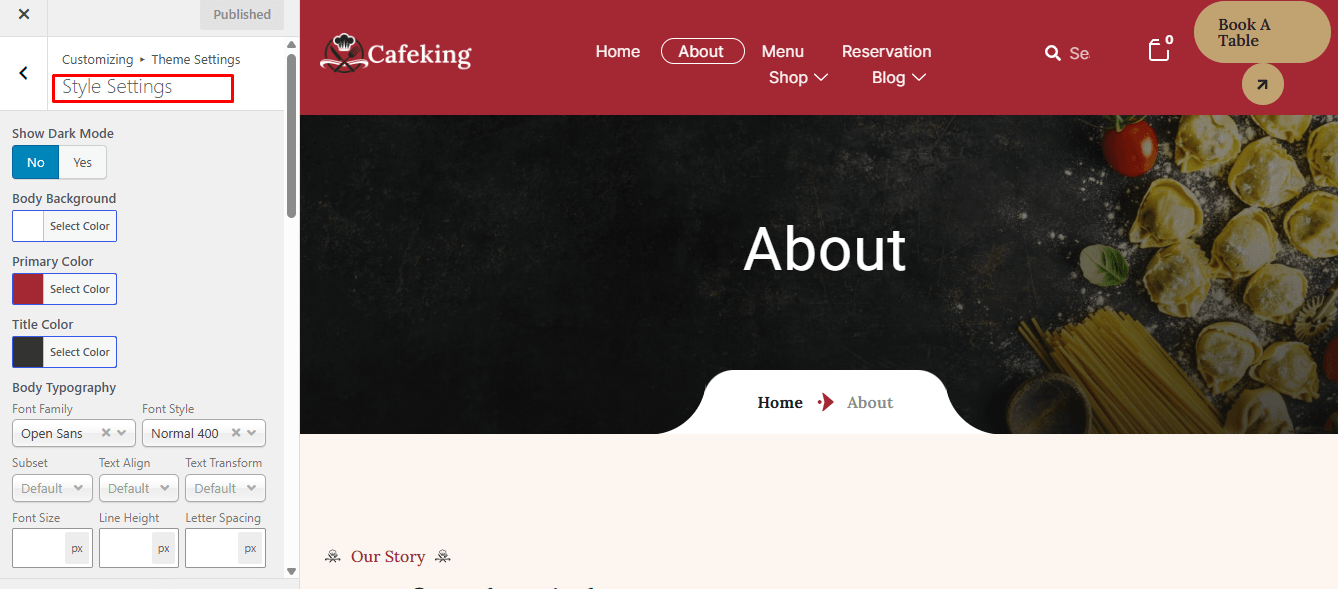
From Appearance → Customize → Theme Settings → Style Settings, you can control the overall visual styling of your website.
Here you can change:
- Body background color
- Body text color
- Font family
- Font size
- Heading fonts (H1–H6)
These settings help you maintain a consistent design style across your entire website.
Banner Settings #
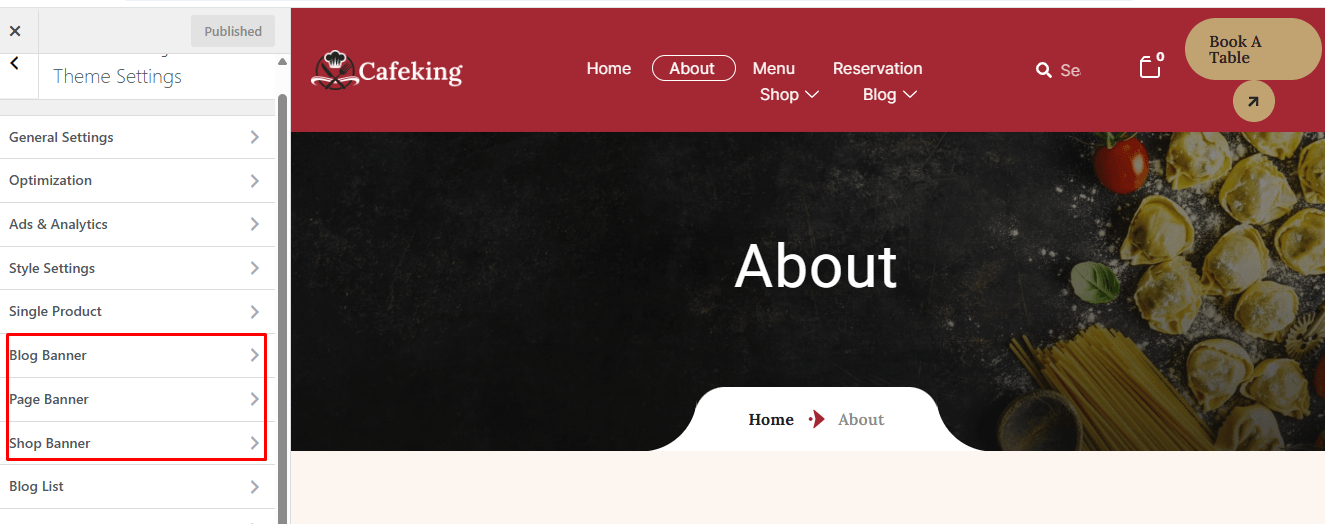
From Appearance → Customize → Theme Settings → Page/blog/shop Banner Settings, you can manage your website banner appearance.
You can:
- Change banner title and background image
- Enable or disable breadcrumbs for:
- Pages
- Blog pages
- Shop pages
This section helps you control how page headers and hero sections appear to visitors.
Blog Settings #
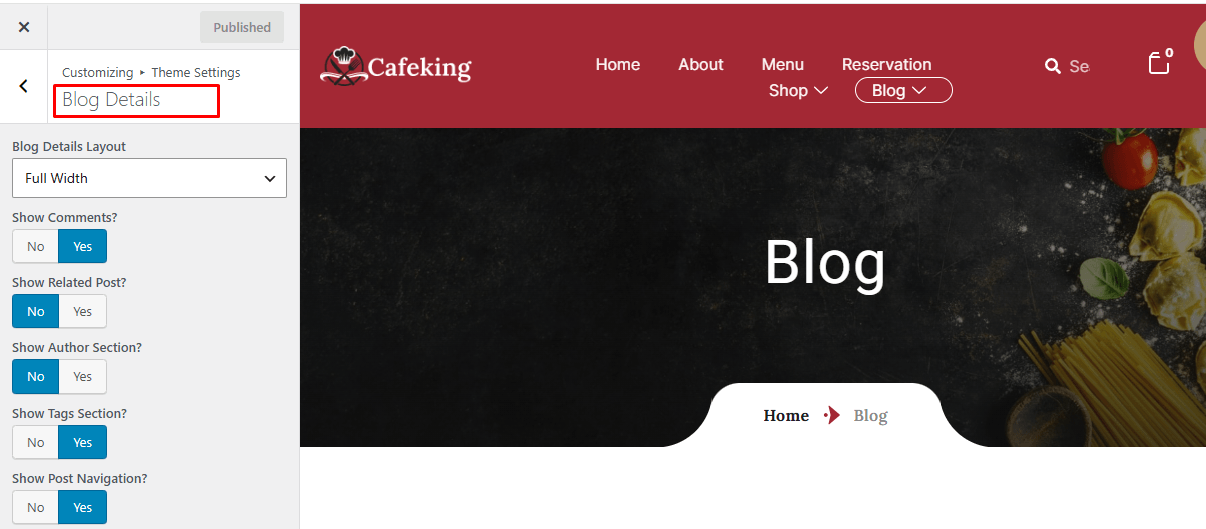
From Appearance → Customize → Theme Settings → Blog Details, you can customize how blog content is displayed on your website.
You can:
- Change blog archive page sidebar position (left, right, or no sidebar)
- Enable or disable author information on single blog posts
- Control blog layout and readability options
These settings allow you to fine-tune your blog presentation for a better user experience and content structure.
Optimization #
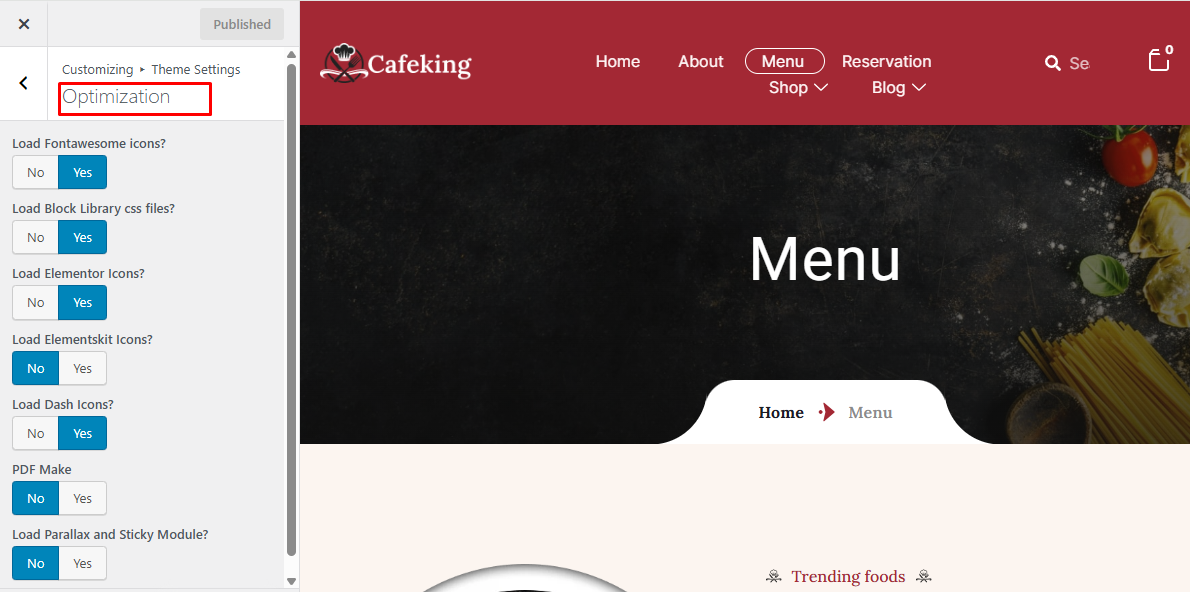
If you do not need to use the Icon Library, you can disable it to improve site performance.
Navigate to Theme Settings → Optimization, then disable the Icon Library option and save the changes.