Cafeking uses the Elementor Header Footer Builder from ElementsKit to create and manage website headers and footers.
To edit the header or footer, navigate to:
- ElementsKit → Header Footer
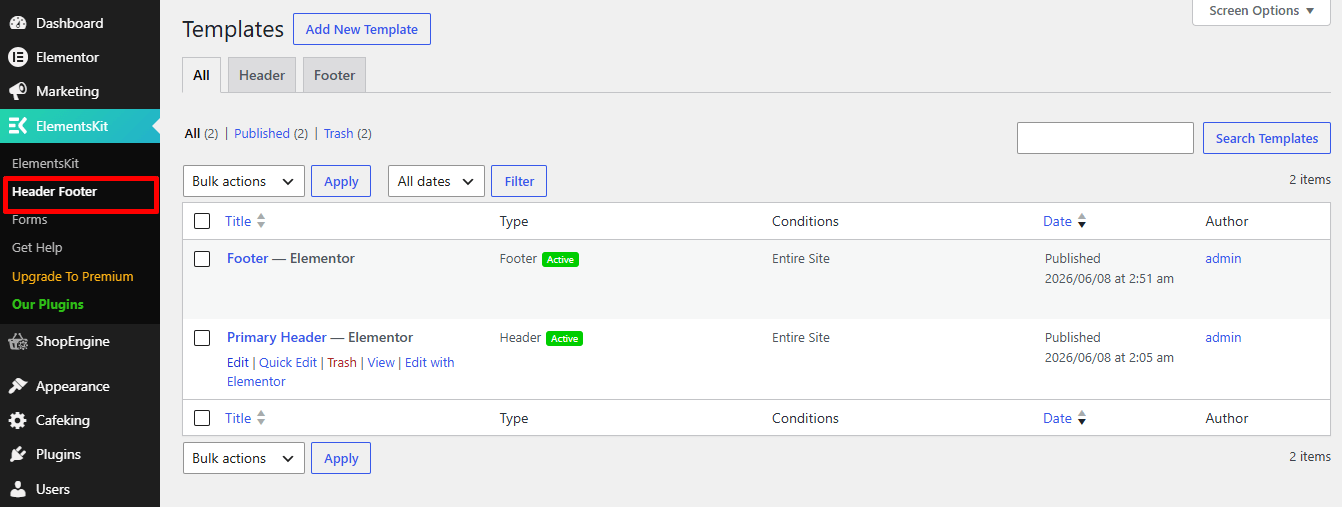
From there, you can edit existing templates or create new ones using Elementor. This allows you to fully customize your website’s header and footer layouts, menus, logos, colors, and other design elements.
Header Settings #
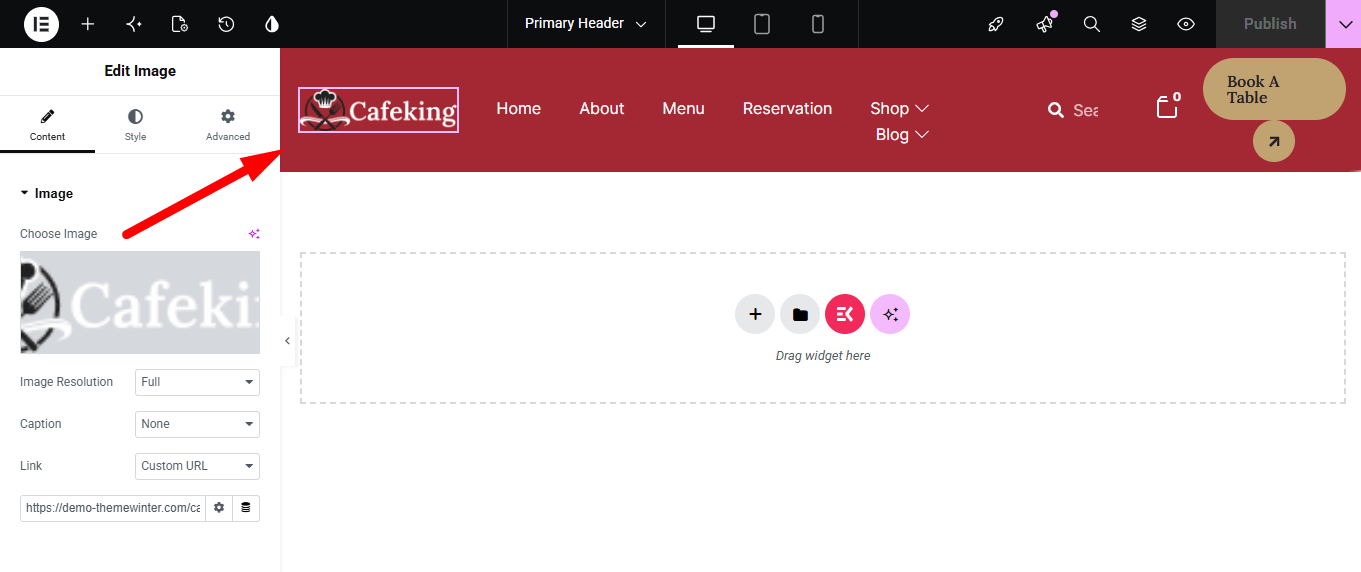
After editing, you can manage all major header elements, including:
- Website logo
- Navigation menu
- Reservation or order buttons
- Sticky header behavior
- Header colors, typography, and spacing
You can edit, remove, or update these items directly inside Elementor.
Footer Settings #
You can also customize the footer section from the same area.
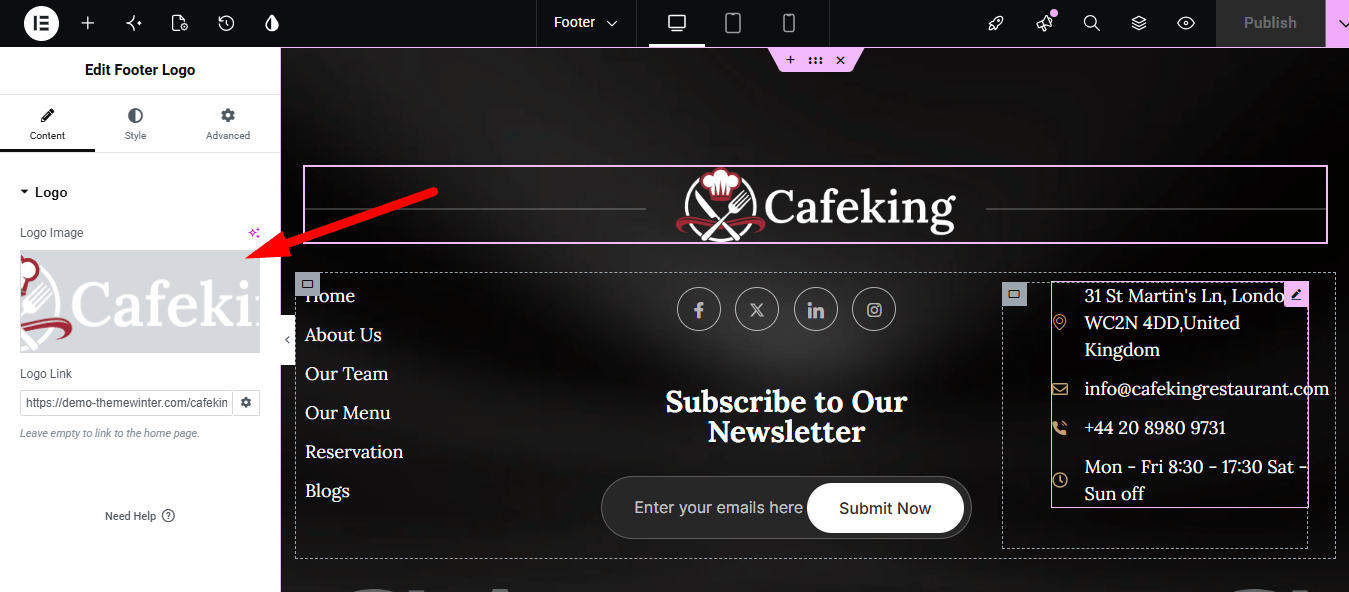
Available footer elements include:
- Footer logo
- Menus and quick links
- Copyright text
- Contact information
- Social media links
- Newsletter or subscription sections
- Footer background and typography styles
These settings help you create a consistent and professional restaurant website design across all pages.
Important Note #
After making changes to the header or footer, click Update in Elementor and clear your website cache (if enabled) to ensure the changes appear correctly on the frontend.


