WPCafe Features that Matter the Most
The best restaurant plugins share a core set of tools. Here is what WPCafe covers and why each part matters.
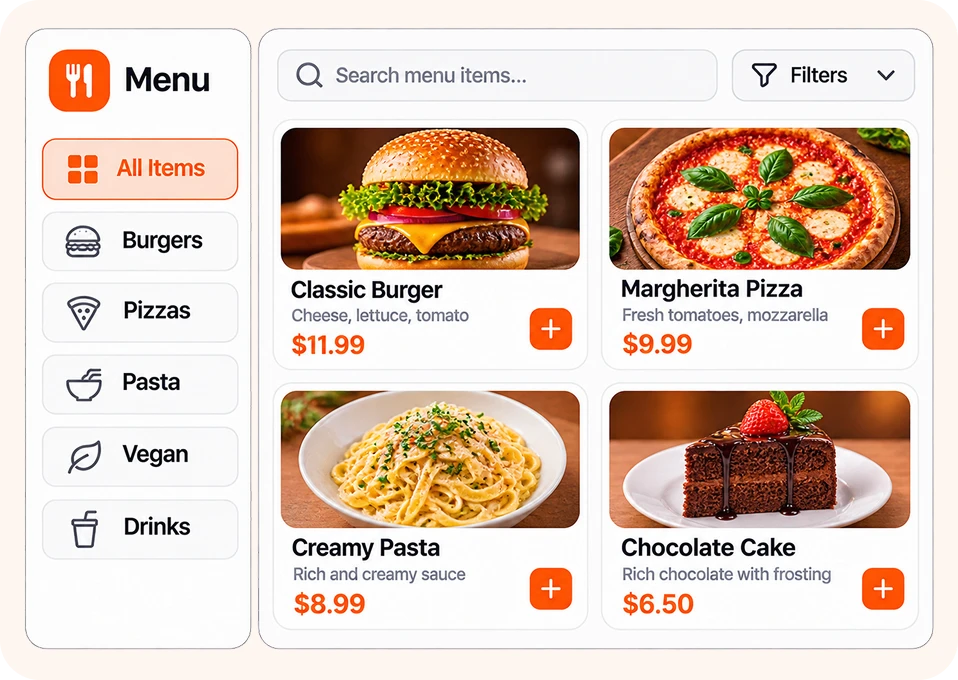
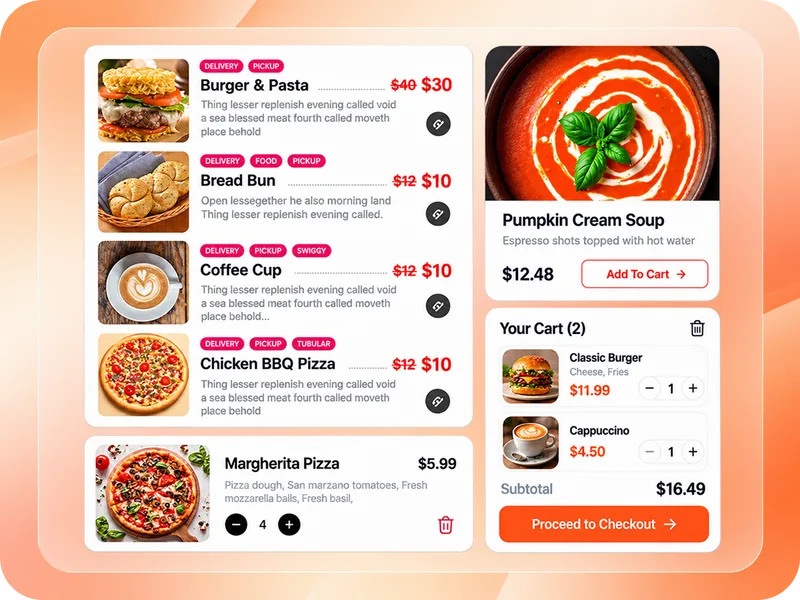
Food menus that help guests decide
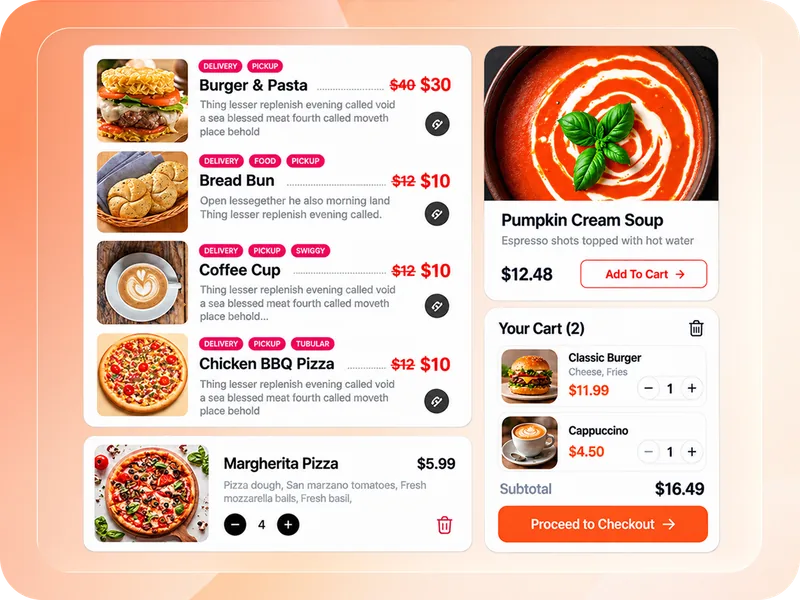
A good menu should help guests choose and order fast. WPCafe lets you add dishes with photos, prices, categories, and tags. You can show product labels like "Spicy" or "Chef's pick", nutritional and allergen info, and brand groups.
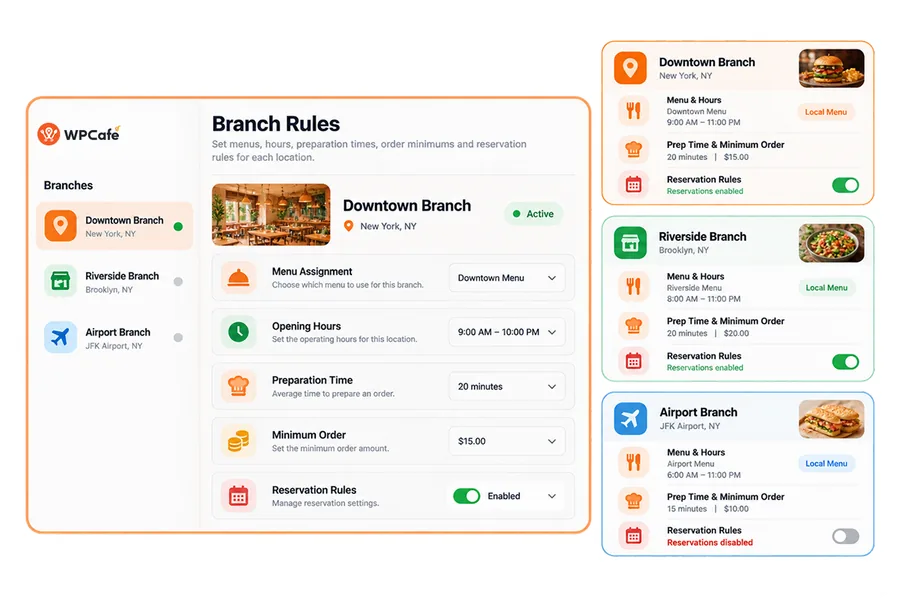
Time-based products let you show breakfast, lunch, and dinner menus at the right hours. You can also show a different food menu for each location. New to this? Learn how to create a food menu for a restaurant on WordPress, or compare the best WordPress restaurant menu plugins.
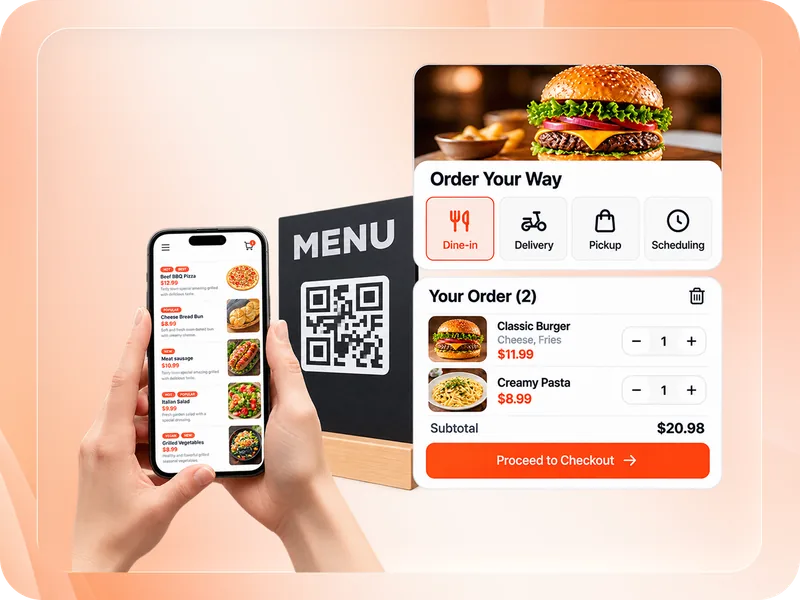
Online food ordering for dine-in, pickup, and delivery
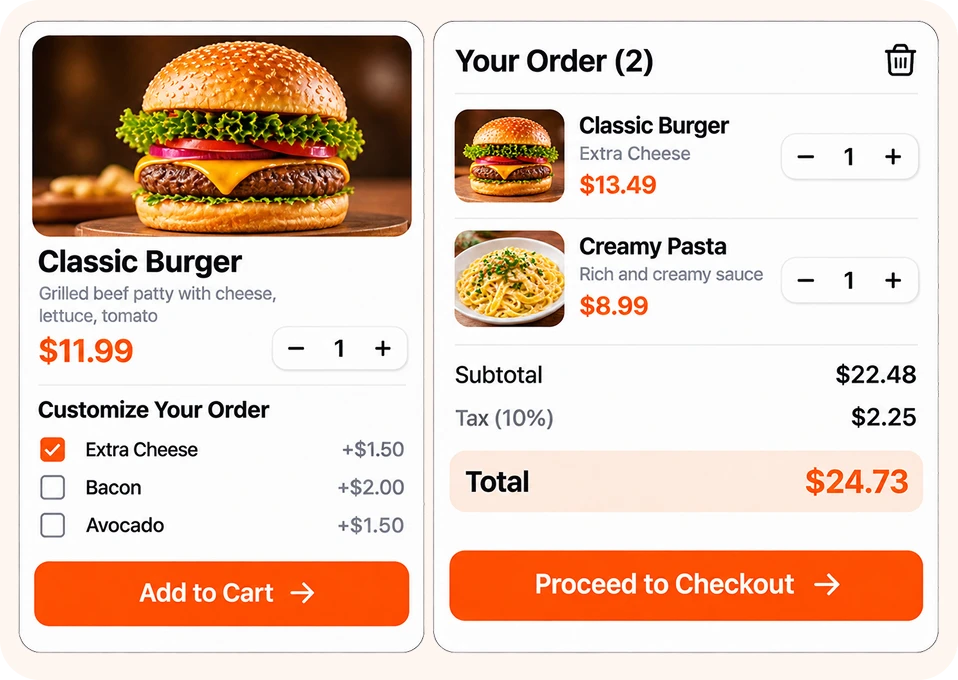
Ordering should feel quick on any phone. WPCafe works as a WordPress online food ordering system with dine-in, pickup, delivery, and ASAP orders. Customers can schedule orders for later, and you can set prep time and order limits your kitchen can handle.
A mini cart and one-page checkout keep orders short. Add tipping and discounts for your restaurant website to raise order value. See how a full online food ordering system works from menu to receipt.
Pickup and delivery management
Pickup and delivery need clear rules. WPCafe lets you set pickup times, delivery times, delivery areas, and minimum order amounts. Customers can search food by pickup or delivery before they order.
Use the food delivery module with Google Maps for location-based delivery, and connect Shipday to dispatch drivers. This makes WPCafe a strong food delivery plugin for WordPress and a reliable takeaway food ordering plugin.
Table reservations and booking
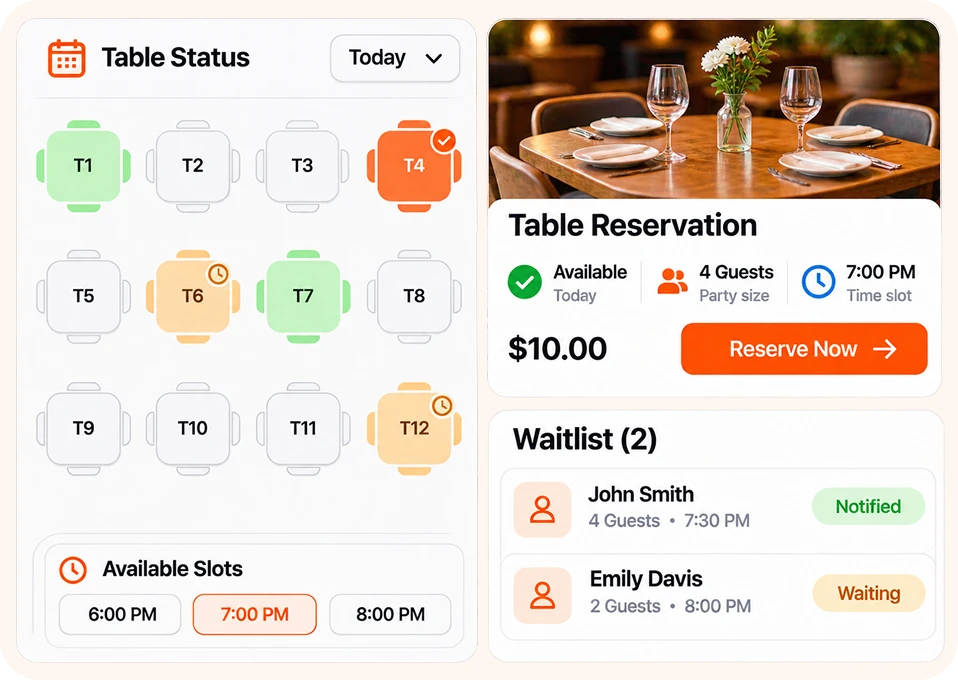
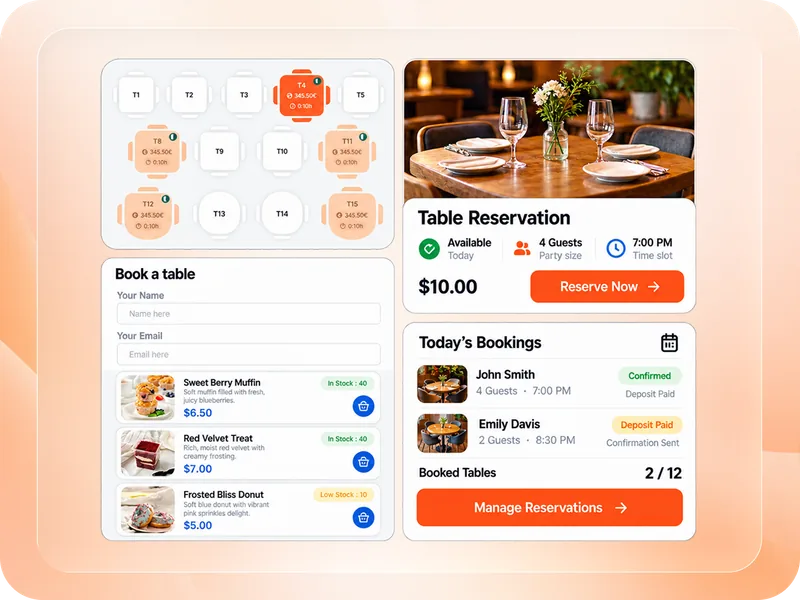
Online booking fills tables while you sleep. WPCafe works as a WordPress restaurant reservation system with a custom reservation form, schedule rules, and a restaurant table management system for seating.
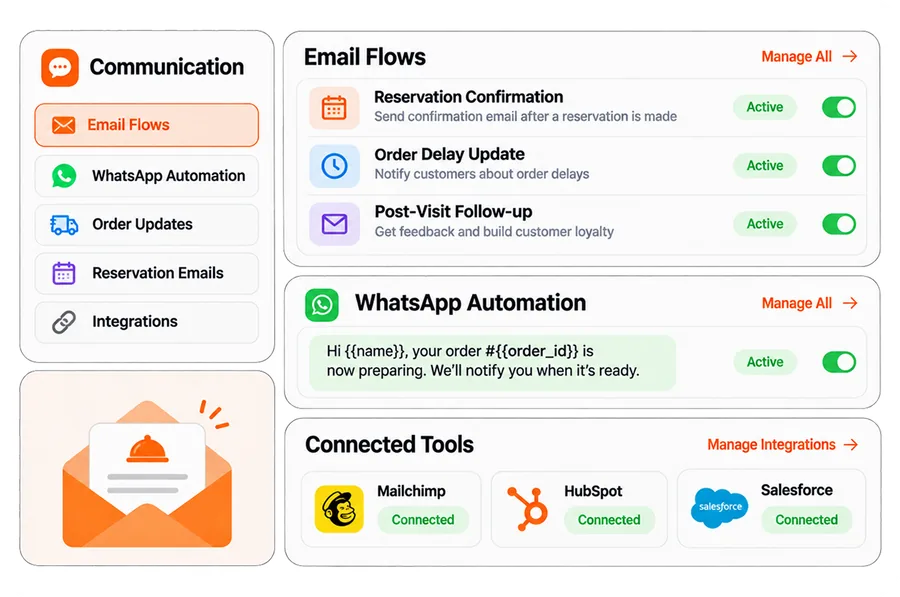
You can customize your table layout, collect deposit payments to cut no-shows, and send automated reservation emails. Guests can even pre-order food with their reservation, so dishes are ready when they sit down.
QR code ordering
QR codes let guests order from the table without waiting for staff. WPCafe generates QR codes for your food menu, so every table becomes an order point. It works well as a QR code ordering WordPress plugin for cafés, bars, and food courts.
Not sure which ordering style fits? Compare table ordering vs online ordering vs QR ordering.
Kitchen and order management
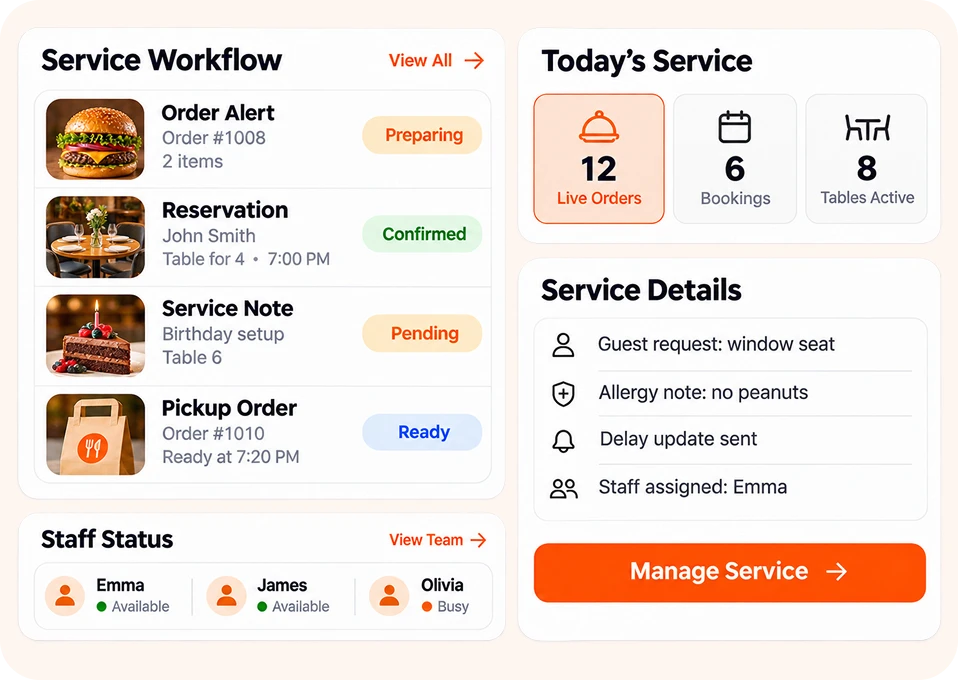
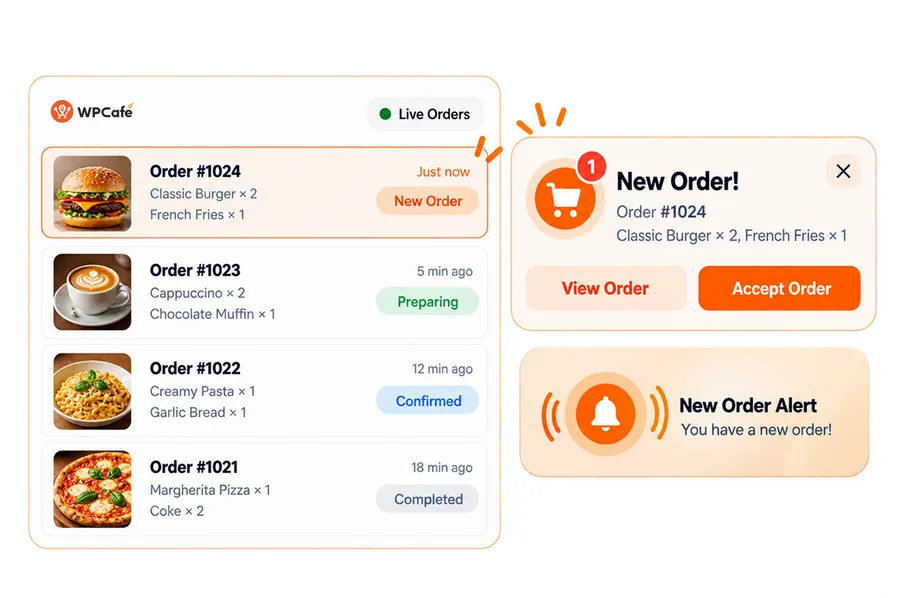
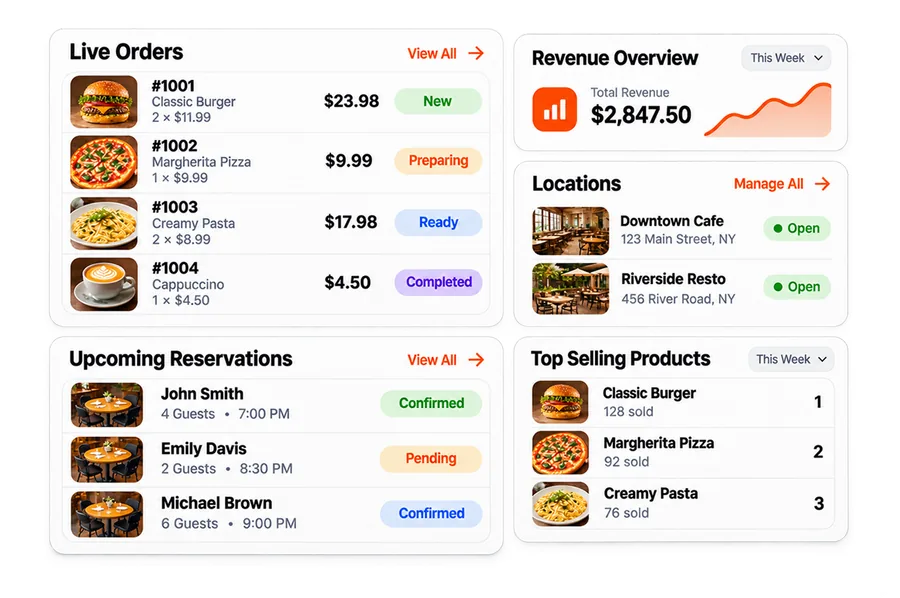
Your team should never miss an order. WPCafe plays a live order notification with sound, shows clear order statuses, and sends order delay notifications when the kitchen runs behind.
Print receipts and kitchen tickets with custom receipt layouts and thermal printer support. Staff can manage the restaurant from the front end, without opening the WordPress admin. Learn more about how to manage restaurant orders.
Food add-ons and extras
Extras like toppings, sides, and sizes raise every order. WPCafe supports product add-ons, and works with Optiontics for advanced options. See how to customize menu items using Optiontics.
AI restaurant management and WPCafe MCP
With WPCafe MCP, you can manage your restaurant through Claude, Codex, or another MCP-compatible AI assistant. Ask in plain language to check reservations, review food orders, or get sales insights.
Read more about AI restaurant management on WordPress, or see how to get a restaurant sales report with AI.
Team roles, translation, and styling
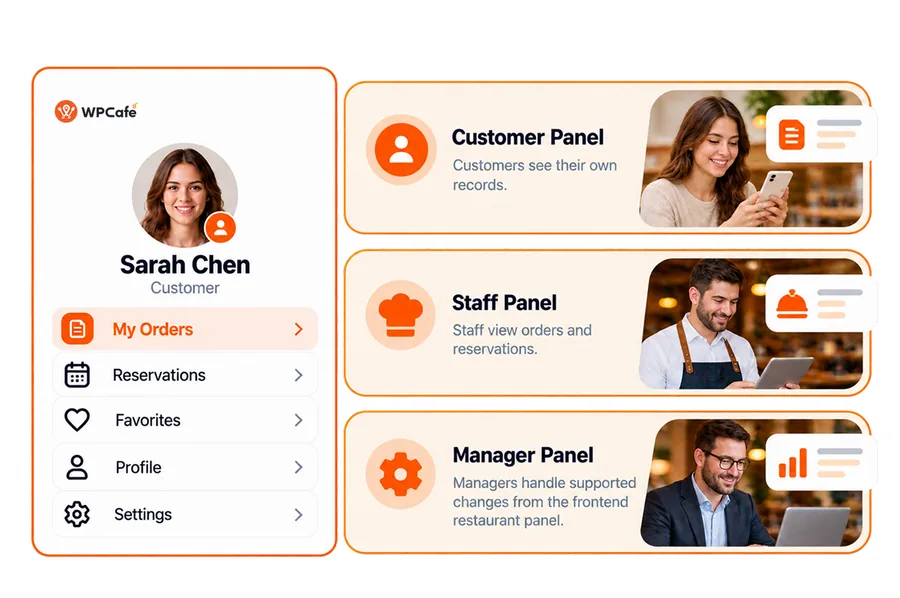
Give each staff member the right access with user roles and permissions. Set global schedules, date and time formats, and style settings to match your brand.
Running a multilingual menu? WPCafe works with WPML and Loco Translate. Every setup step is covered in the WPCafe documentation.


 EN
 FR
 DE
 ES