


The Best WooCommerce Food Ordering Plugin : Zero-Commission, Fully Customizable & Free
Turn your WooCommerce store into a powerful food ordering system. Manage orders, accept payments, customize checkout, and keep 100% of every order - no third-party commissions, ever.
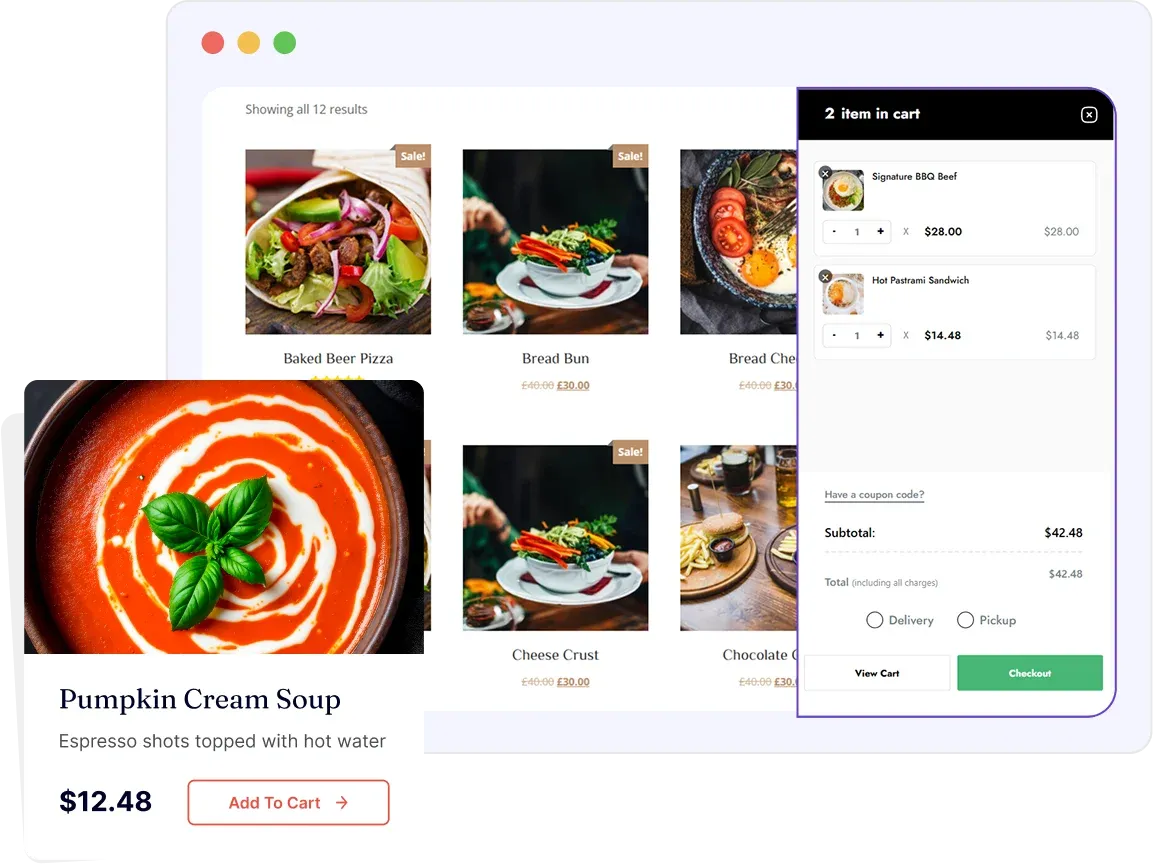


Why WPCafe is the Best
WooCommerce Food Ordering Plugin
WPCafe is built natively on WooCommerce - not bolted on top of it. Every food order placed through WPCafe flows directly into your WooCommerce order management system, giving you the full power of WooCommerce's infrastructure combined with restaurant-specific features that generic WooCommerce setups simply can't offer.




Deep Dive: WPCafe + WooCommerce
Food Ordering Features
WooCommerce Order Management
Every food order placed through WPCafe is captured and managed natively inside your WooCommerce orders dashboard - giving you a single, familiar interface to handle all incoming orders.
- All food orders appear in the WooCommerce → Orders dashboard
- Order management: Pending → Processing → Completed → Refunded
- Order details include: items ordered, add-ons, and delivery/pickup time
- Full order history & export for reporting
- WooCommerce email triggers for every order status change
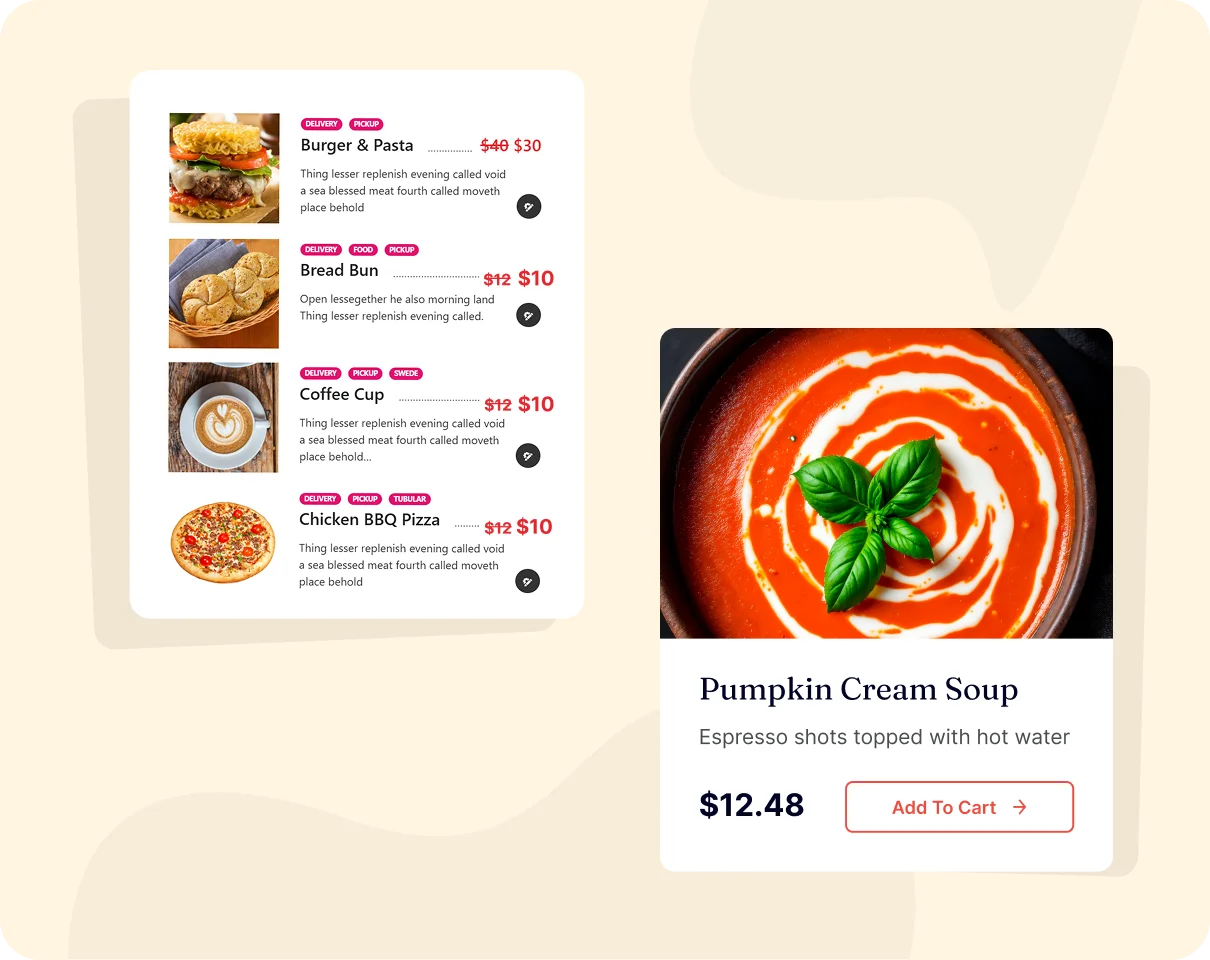
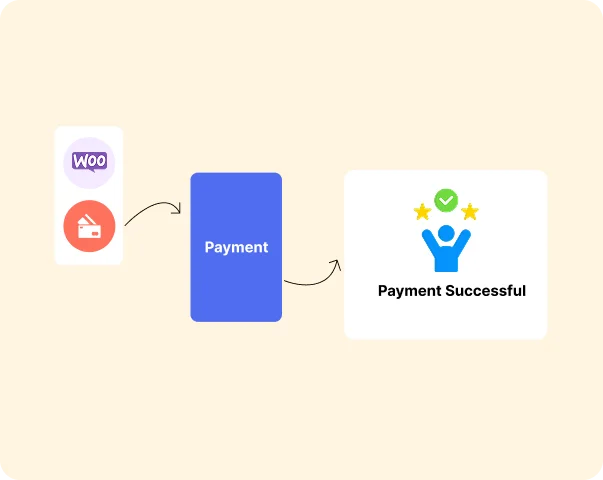
Payment Gateway Integration
Accept payments for food orders through any WooCommerce-compatible payment gateway, giving customers flexible payment options and giving restaurants full control over their payment infrastructure.
- Works with all 100+ WooCommerce payment gateways
- Multiple payment methods active simultaneously
- Secure checkout, PCI compliant via gateway providers
- Payment receipts auto-sent to customers via WooCommerce email
Commission-Free Ordering
Unlike third-party food ordering platforms that charge 15–30% per order, WPCafe gives you a 100% commission-free ordering system – you keep every penny of every order.
The real cost of third-party platforms:
Monthly Orders
100
Avg Order Value
$25
Monthly Revenue
$2,500
25% Commission Lost
$625/month
WPCafe Cost
$0
Monthly Orders
300
Avg Order Value
$30
Monthly Revenue
$9,000
25% Commission Lost
$2,250/month
WPCafe Cost
$0
Monthly Orders
500
Avg Order Value
$35
Monthly Revenue
$17,500
25% Commission Lost
$4,375/month
WPCafe Cost
$0
With WPCafe:
- ✓ Zero commission on every order - forever
- ✓ Zero per-transaction platform fees
- ✓ Zero monthly subscription to a third-party ordering app
- ✓ You own your customer data - build your own loyalty & marketing
- ✓ You control your menu, pricing, and promotions, no platform restrictions
Perfect for: Any restaurant currently using Uber Eats, DoorDash, Grubhub, or local equivalents and paying platform commissions on every order.
Cart & Checkout Customization
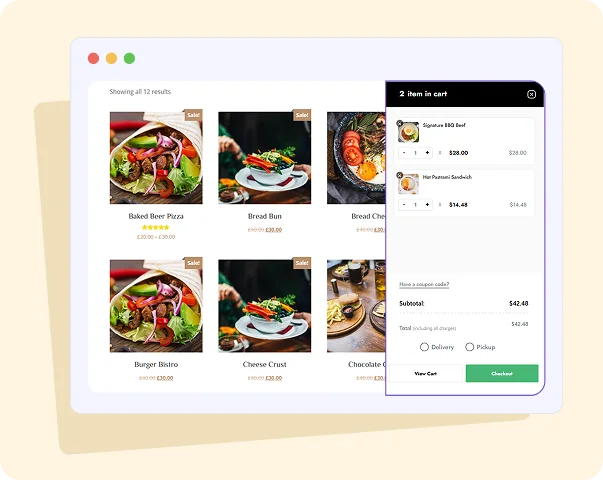
Customize the WooCommerce cart and checkout experience specifically for food ordering, adding restaurant-specific fields, delivery options, time slot selection, and order instructions directly into the checkout flow.
- Delivery and pickup selector at checkout
- Time slot selection integrated into checkout flow
- Delivery fee calculation based on zone or order value
- Tip / gratuity field at checkout
- Custom checkout fields for restaurant-specific data
- Guest checkout, no account required to order
Who WPCafe + WooCommerce is Built For

🍔 Restaurant Owners Switching from Third-Party Apps

🛒 WooCommerce Store Owners Adding Food Ordering
🍔 Restaurant Owners Switching from Third-Party Apps

💻 Developers Building WooCommerce Food Sites

🏢 Agencies Managing WooCommerce Restaurant Clients
WPCafe + WooCommerce: How They Work Together
A simple visual explainer of the integration flow, great for developers and non-technical users alike.
The WPCafe + WooCommerce Stack:
Customer visits your website
Browses WPCafe food menu (34+ layouts)
Adds items to WooCommerce cart (with variations & add-ons)
Selects delivery / pickup + time slot at checkout
Pays via preferred payment gateway (Stripe, PayPal, bKash, etc.)
Order appears in WooCommerce orders dashboard
Restaurant receives real-time notification
Order status updated → Customer receives confirmation email
No third-party platform. No commission. No data leaving your site.
How to Add a Reservation System to Your WordPress
Step 1: Install WooCommerce (Free)
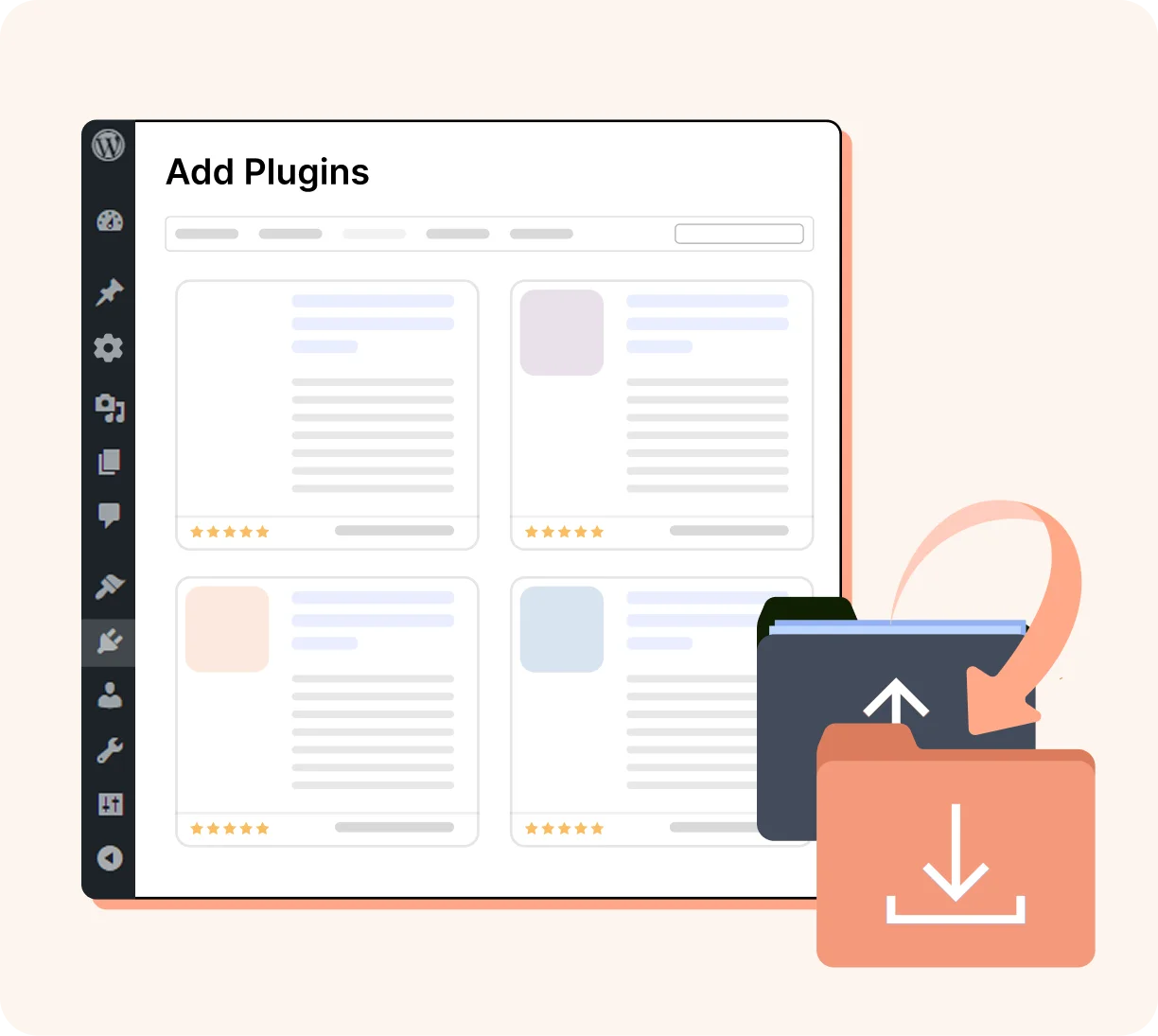
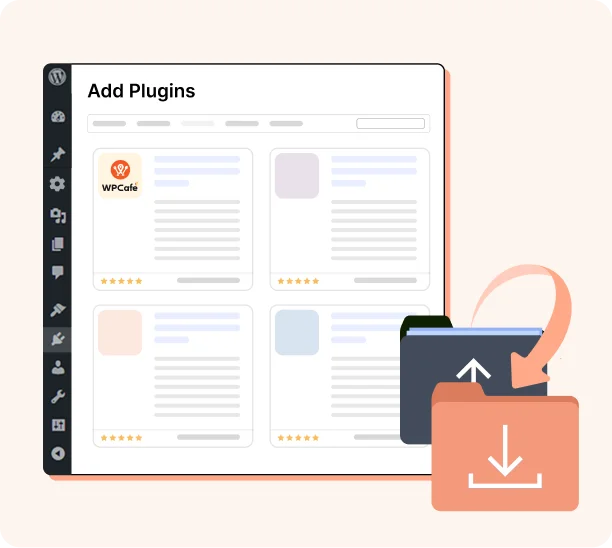
Go to Plugins → Add New, install and activate WooCommerce. Skip this step if you already have it installed.
Step 2: Install WPCafe (Free)
Step 3: Add your food menu
Step 4: Configure ordering settings
Step 5: Go Live

What WPCafe Offers to Your Restaurant Business?
WPCafe is more than just a plugin - it's a complete restaurant management ecosystem built inside WordPress.
Explore the core pillars that power thousands of restaurants worldwide:

🔌 WordPress Restaurant Management
The complete WordPress plugin built exclusively for restaurants. Manage your menu, orders, reservations, and branches, everything your restaurant needs, in one free plugin.

📋 WordPress Restaurant Menu Solution
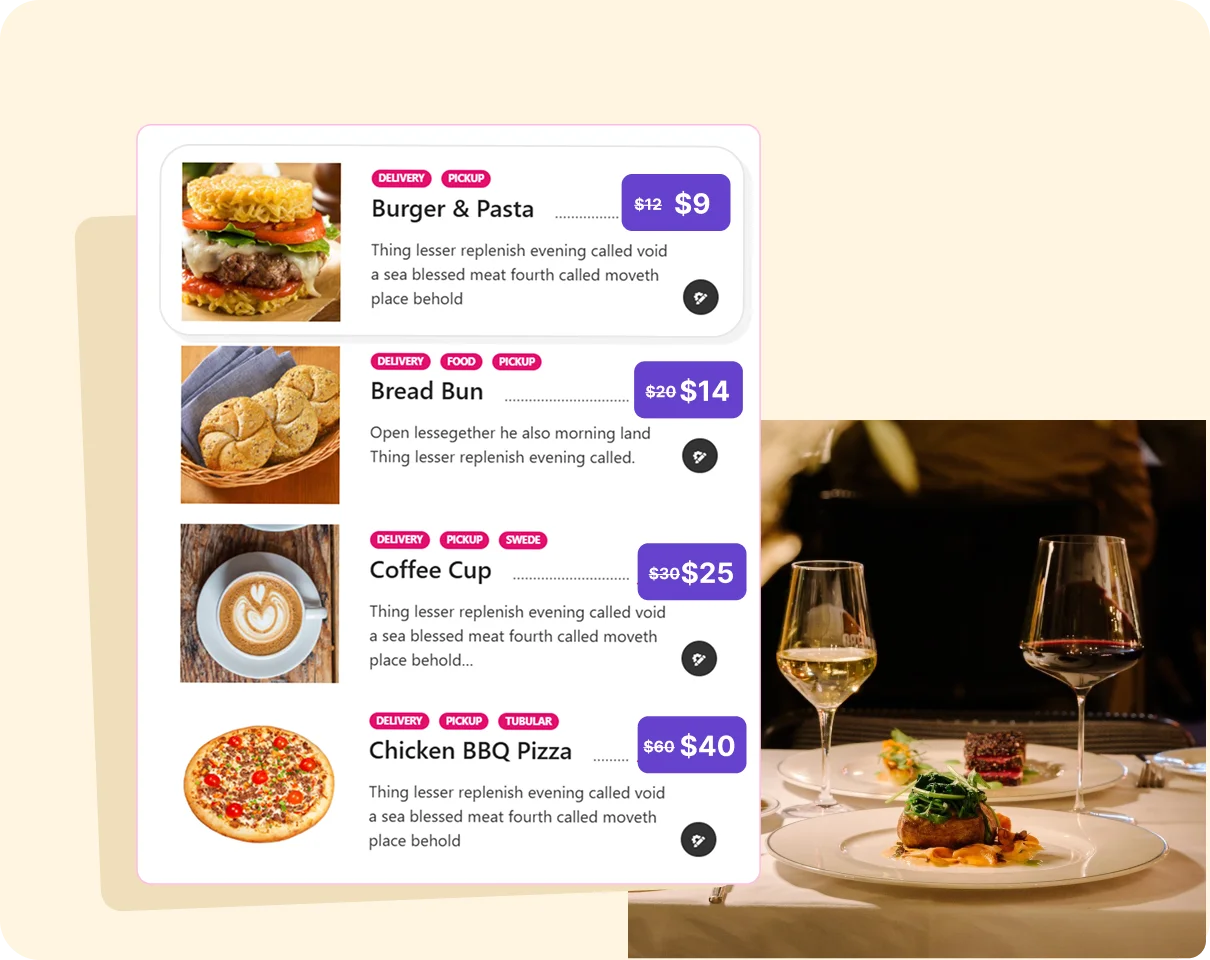
Build a beautiful, organized digital menu with 34+ layouts, food categories, pricing variations, and QR code support - all without a designer or developer.

🛒 WordPress Food Ordering Solution
Accept online food orders directly on your website - zero commissions, full WooCommerce power, and a seamless experience for both dine-in and delivery customers.

📅 WordPress Restaurant Reservation Management
Let customers book a table online in seconds. Manage availability, control capacity, and send automatic confirmation emails - no phone calls needed.
What Our Satisfied Customers Are Saying
Genuine customer stories from real users using WPCafe to power their restaurant online ordering system with WordPress


Build Your Own Commission-Free Food Ordering System Today
WPCafe + WooCommerce gives you everything Uber Eats has without the 25% commission cut. Install free, go live in under an hour, and keep 100% of every order.
Food Ordering FAQ
What is the best WooCommerce food ordering plugin?
WPCafe is the best WooCommerce food ordering plugin, offering native WooCommerce integration with restaurant-specific features including food menu management, delivery & pickup, cart & checkout, real-time order notifications, payments and more.
Does WPCafe require WooCommerce to work?
WooCommerce is required for WPCafe's food ordering and payment features. However, if you only need a restaurant menu display without online ordering, WPCafe can be used without WooCommerce.
Which payment gateways does WPCafe support?
WPCafe supports all WooCommerce-compatible payment gateways, which include 100+ options worldwide. This covers Stripe, PayPal, cash on delivery, and more.
Does WPCafe charge a commission on WooCommerce food orders?
No, WPCafe charges absolutely zero commission on any order, ever. You keep 100% of every food order placed through your website. This is one of the biggest advantages over third-party platforms like Uber Eats or DoorDash, which typically charge 15–30% per order.
Can I customize the WooCommerce checkout for food ordering?
Yes, WPCafe adds restaurant-specific fields and options to the WooCommerce checkout, including delivery vs pickup selection, time slot scheduling, special instructions per order, per-item notes, minimum order enforcement, and delivery fee calculation.
Will WPCafe conflict with my existing WooCommerce store?
WPCafe is designed to integrate cleanly with existing WooCommerce setups. It adds food ordering functionality alongside your existing WooCommerce products without interfering with them. 7,000+ restaurant sites run WPCafe on active WooCommerce installations without conflicts.
Is WPCafe compatible with WooCommerce HPOS (High-Performance Order Storage)?
WPCafe is actively maintained and updated to stay compatible with the latest WooCommerce releases, including HPOS. We recommend always running the latest versions of both WPCafe and WooCommerce to ensure full compatibility and access to the latest features.
Product
Features
Solutions
Best Free Restaurant Management Plugin in WordPress
Join Our Newsletter
Be the first to know about our latest updates, exclusive offers, and more.
© Copyright 2026, All Rights Reserved
