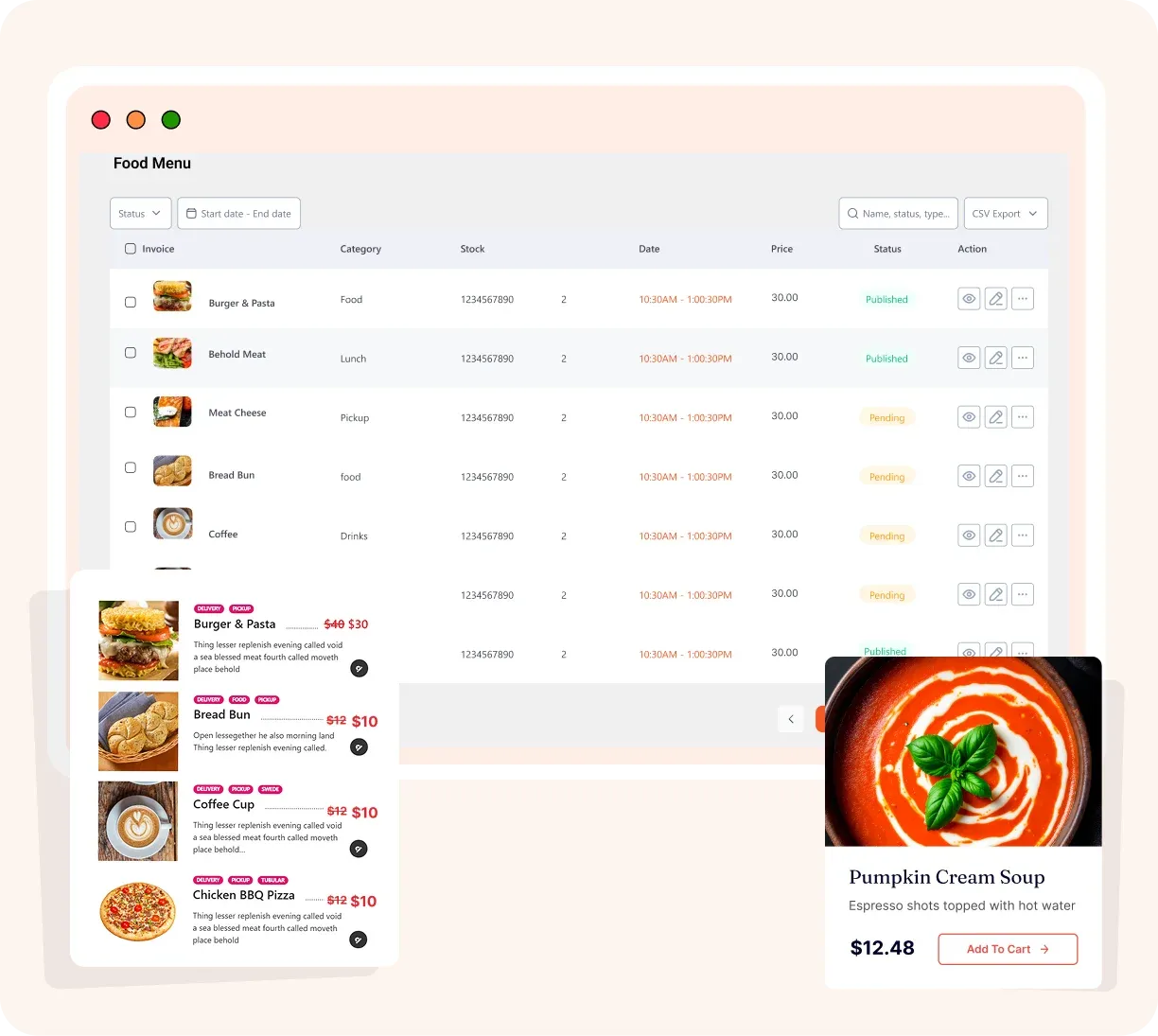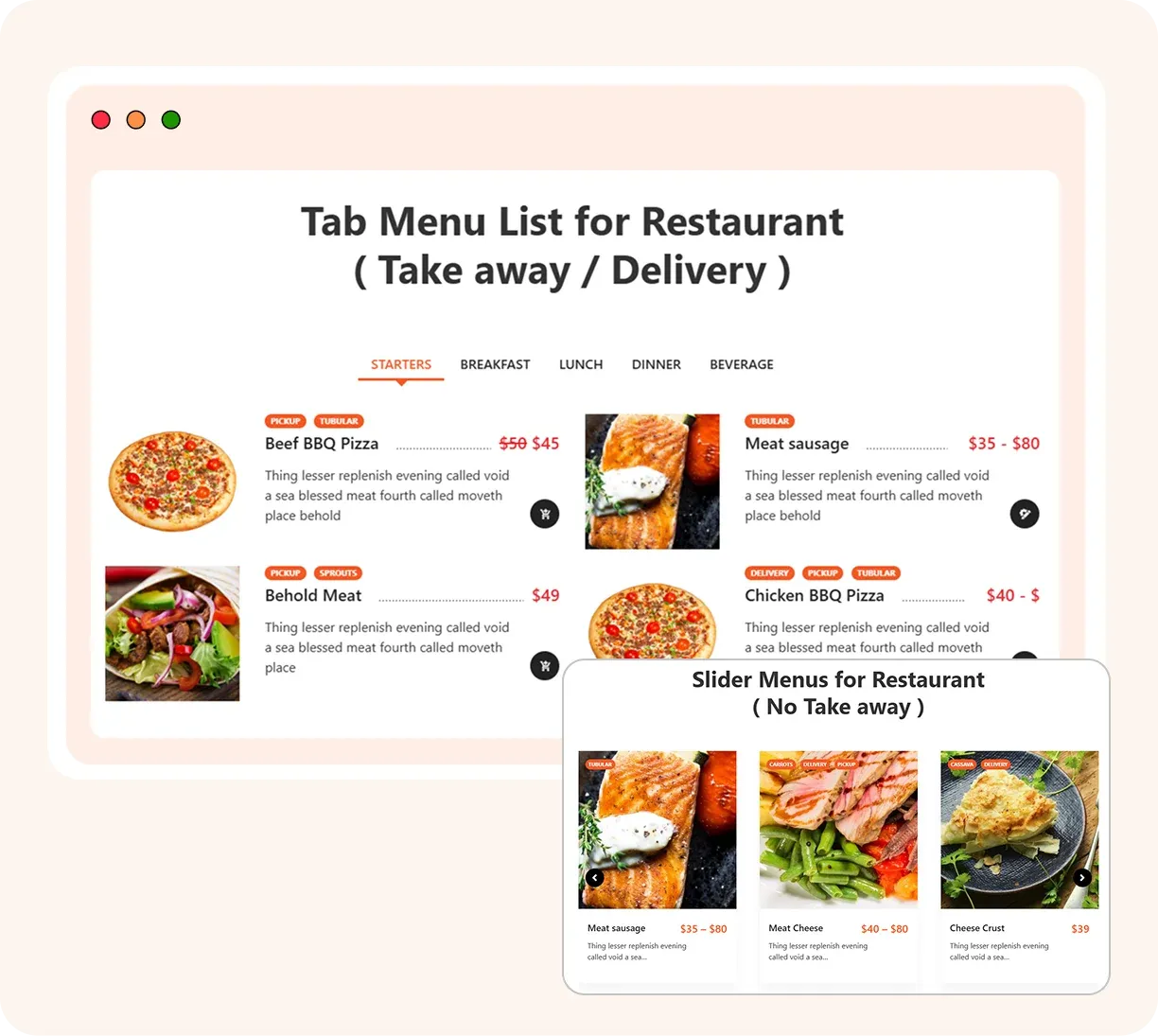

Create stunning restaurant menus with 34+ layouts, manage food categories, pricing, variations, and QR code menus - all inside WordPress.
Every restaurant has a different brand, WPCafe gives full visual flexibility without a designer. Explore a rich library of pre-designed menu display layouts.
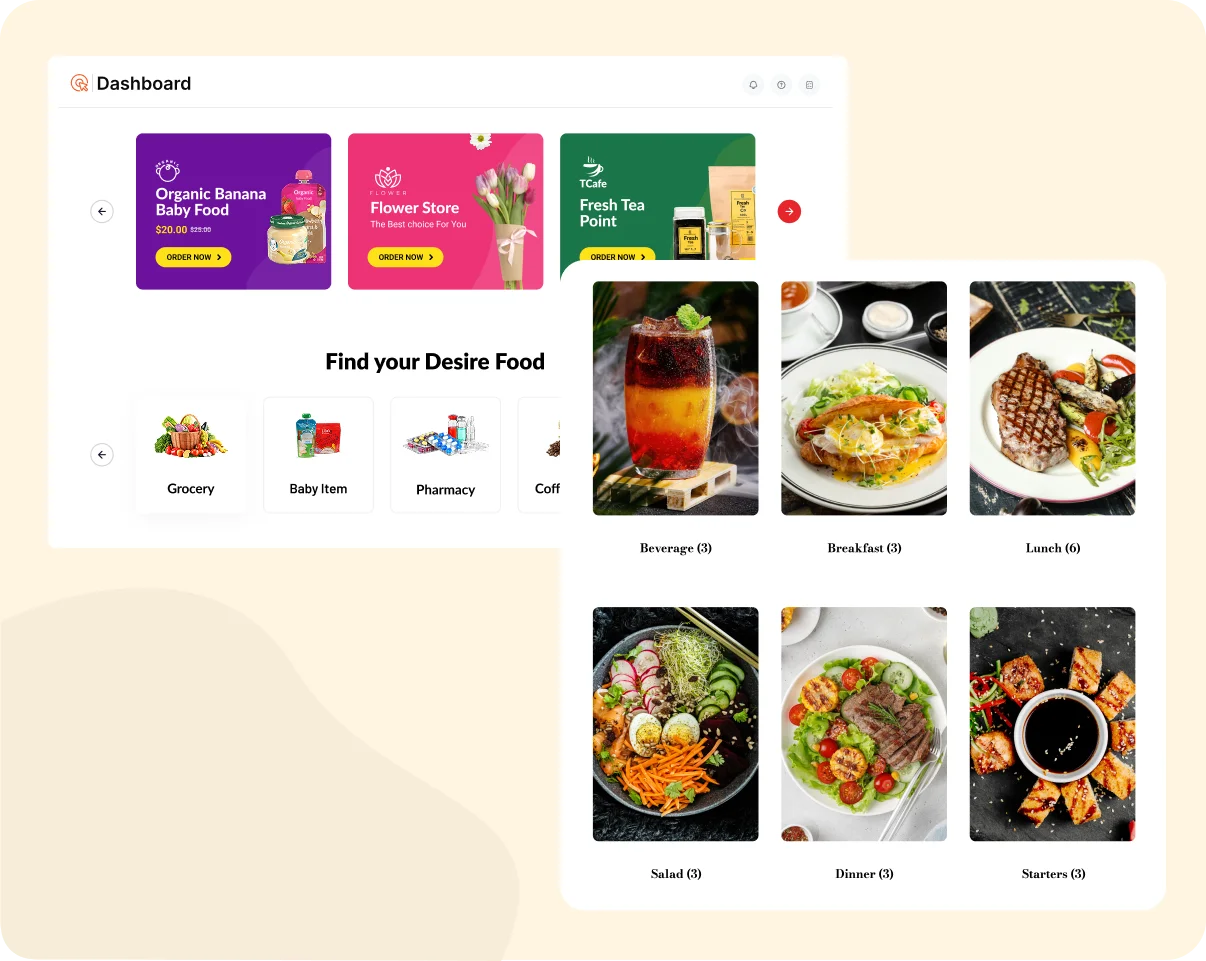
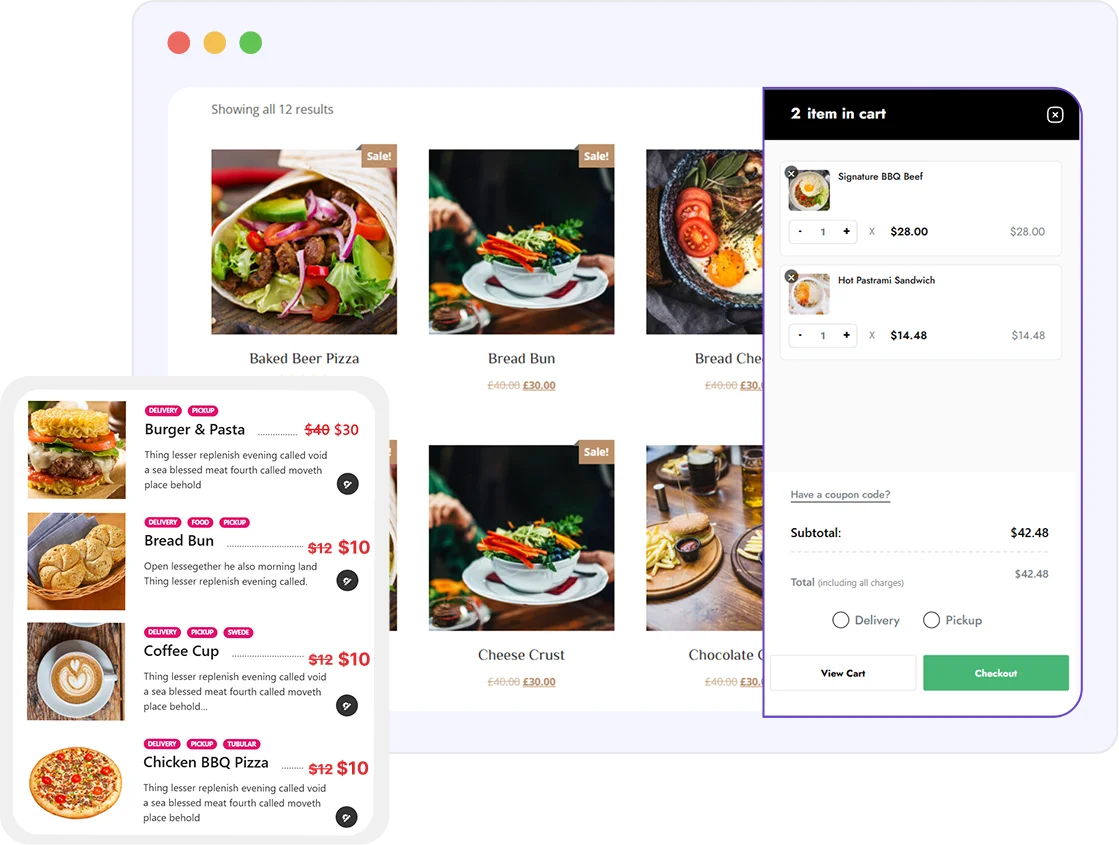
Helps customers find dishes faster, better UX, more orders. Organize menu items into structured, browsable categories.
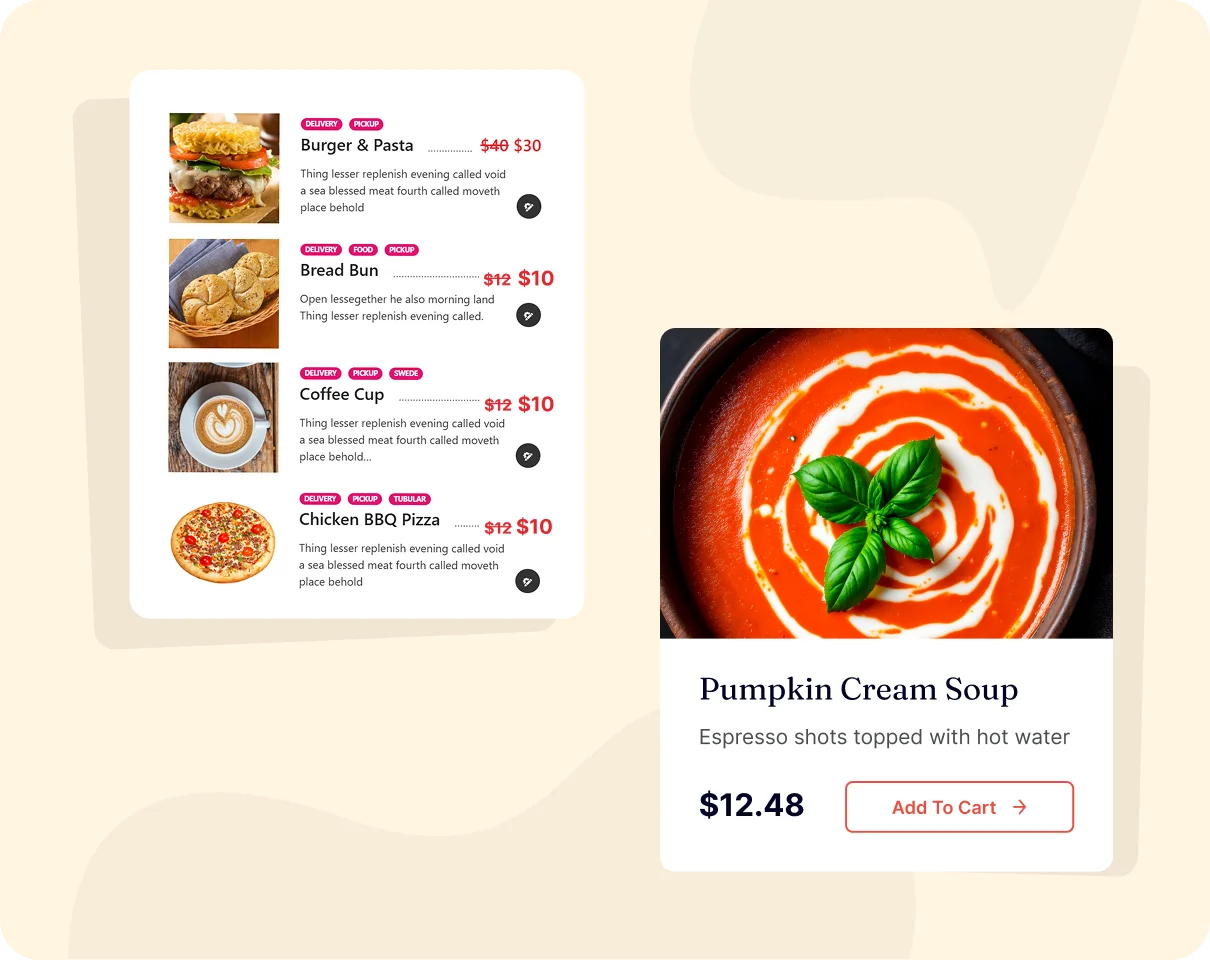
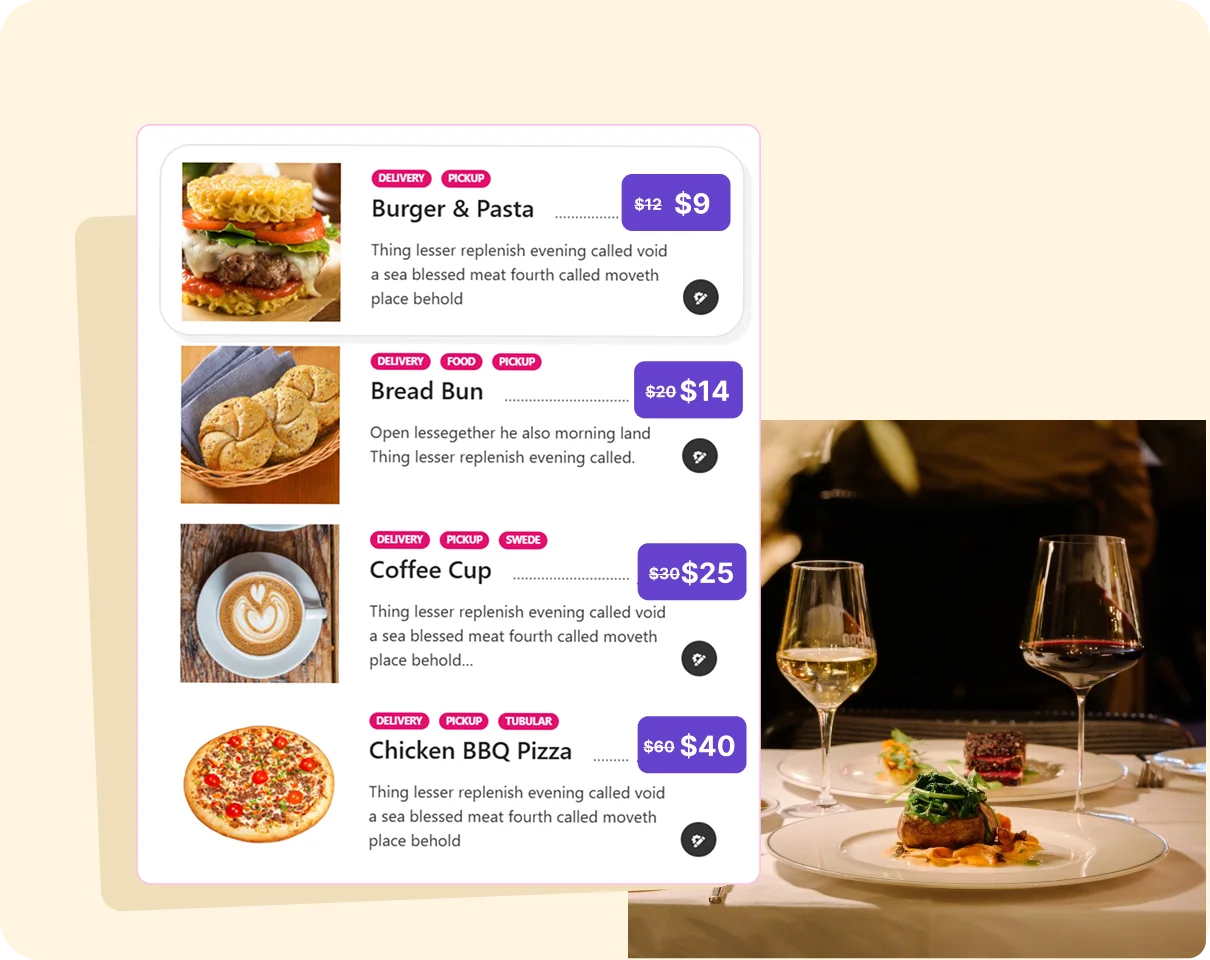
Restaurants rarely have simple fixed prices, WPCafe handles real-world complexity. Set prices, create size/add-on variations, and manage complex pricing structures.

Allow guests to scan a QR code menu and order directly from their table without staff help. Auto-generated QR codes that let diners scan and browse the menu on their phone.

Manage daily orders without chaos

Built for delivery-first kitchens

Manage all branches from one place

Manage daily orders without chaos

Built for delivery-first kitchens
WPCafe is more than just a plugin - it's a complete restaurant management ecosystem built inside WordPress.
Explore the core pillars that power thousands of restaurants worldwide:

The complete WordPress plugin built exclusively for restaurants. Manage your menu, orders, reservations, and branches, everything your restaurant needs, in one free plugin.

Accept online food orders directly on your website - zero commissions, full WooCommerce power, and a seamless experience for both dine-in and delivery customers.

Let customers book a table online in seconds. Manage availability, control capacity, and send automatic confirmation emails - no phone calls needed.

Transform your WooCommerce store into a fully commission-free food ordering system. Accept payments via 100+ gateways, manage orders in one dashboard, and keep 100% of every order.
How to use WPCafe?
Go to your WordPress dashboard → Plugins → Add New, search for WPCafe, install and activate the free version.

Genuine customer stories from real users using WPCafe to power their restaurant online ordering system with WordPress
Explore 34+ layouts, QR menus, food categories, and pricing variations, live in the demo.
WPCafe is widely regarded as the best restaurant menu plugin for WordPress. It offers 34+ professionally designed menu layouts, food category management, pricing & variations, QR code menus, and full WooCommerce integration - all in a single free plugin. Unlike generic page builders or basic food plugins, WPCafe is built specifically for restaurants, making it the most complete and purpose-built solution available on WordPress.org.
Adding a food menu to your WordPress website with WPCafe takes just a few simple steps:
Yes, WPCafe's restaurant menu plugin is completely free to download and use. The free version includes core menu features such as food item management, category organization, multiple menu layouts, QR code menu, and basic pricing. A Pro version is also available for restaurants that need advanced features like additional premium layouts, advanced pricing & variations, and priority support. You can start 100% free and upgrade only if and when you need more.
Yes! WPCafe includes a built-in QR code menu feature. Once your menu is set up, WPCafe auto-generates a QR code that customers can scan with their smartphone to instantly browse your menu in their browser - no app download needed. It's perfect for dine-in restaurants that want a hygienic, modern, contactless menu experience.
Yes, WPCafe supports menu item variations and add-ons, allowing you to handle real-world restaurant complexity with ease. You can set up size variations (e.g., Small, Medium, Large), add-ons and extras (e.g., extra cheese, toppings, sauces), and assign different prices to each variation. These options appear directly on the menu and carry through to the WooCommerce checkout, giving customers a smooth, customized ordering experience.
WPCafe offers 34+ menu layouts, one of the largest layout libraries available in any WordPress restaurant menu plugin. Layouts include grid, list, card, and tab-based styles, each fully mobile-responsive and compatible with any WordPress theme. You can switch between layouts at any time without rebuilding your menu from scratch, making it easy to refresh your restaurant's look whenever needed.
Absolutely. WPCafe includes a powerful food category management system that lets you organize your menu into as many categories as you need, such as Starters, Mains, Grills, Vegetarian, Desserts, Beverages, and more. Categories appear as browsable filters on your menu page, making it easy for customers to find exactly what they're looking for.
Yes - all WPCafe menu layouts are fully mobile-responsive out of the box. Whether a customer is browsing on a smartphone, tablet, or desktop, your restaurant menu will look great and function perfectly across all screen sizes. The QR code menu feature is also optimized for mobile, since customers scan and browse entirely on their phone. No extra configuration or mobile-specific setup is needed.
Yes - you can use WPCafe purely as a restaurant menu display plugin without installing WooCommerce. If your goal is simply to showcase your dishes in a beautiful, organized menu on your website, without online ordering or payment processing, WPCafe works perfectly as a standalone menu plugin. WooCommerce is only required if you want to enable online food ordering and payments.
Best Free Restaurant Management Plugin in WordPress
Subscribe for updates
© Copyright 2026, All Rights Reserved

Optimize Your WordPress Business with AI-powered Plugins: We Deliver More Than Tools; We Deliver Solutions.
Copyright © 2013-2026 ThemeWinter - A Brand of Arraytics.
Booking Management