
Accept bookings directly on your WordPress site, collect payments, send automated invoices, track every order from one dashboard, and attendees check in, all within a complete WordPress event booking system.
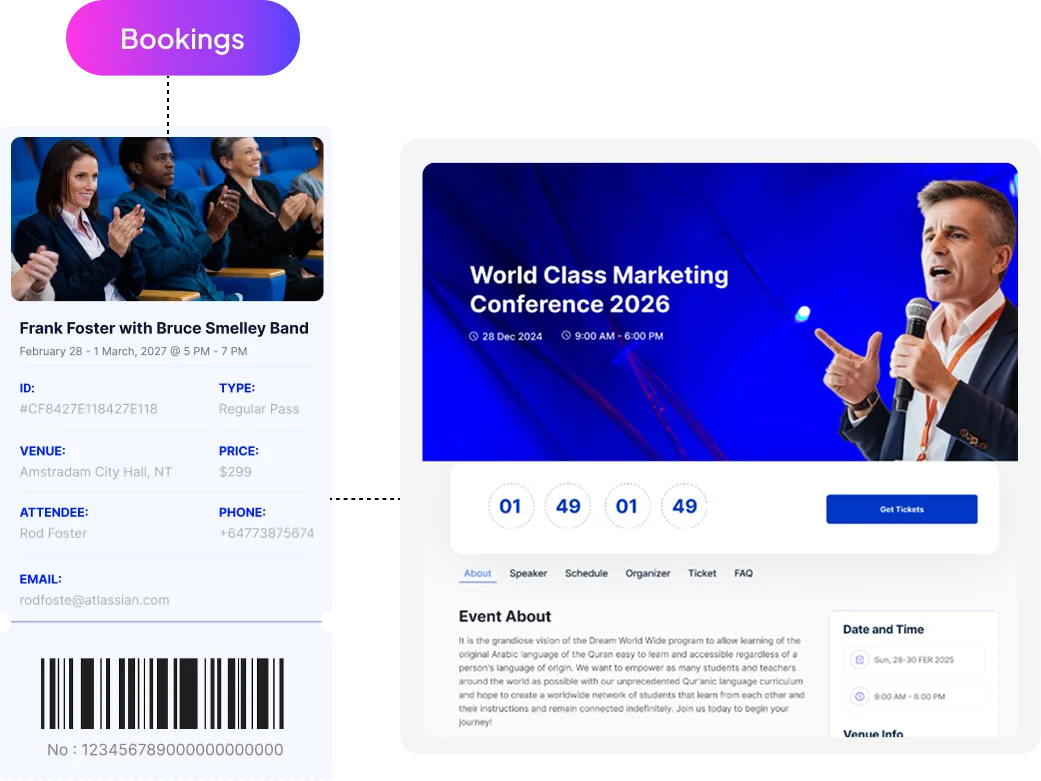
Eventin adds a complete WordPress event booking system to every event page as soon as you publish it. Attendees choose a ticket, complete payment, and confirm their booking without leaving your site. No redirects, no third-party tools, and no extra plugins required to manage bookings.
Set Up Event Booking →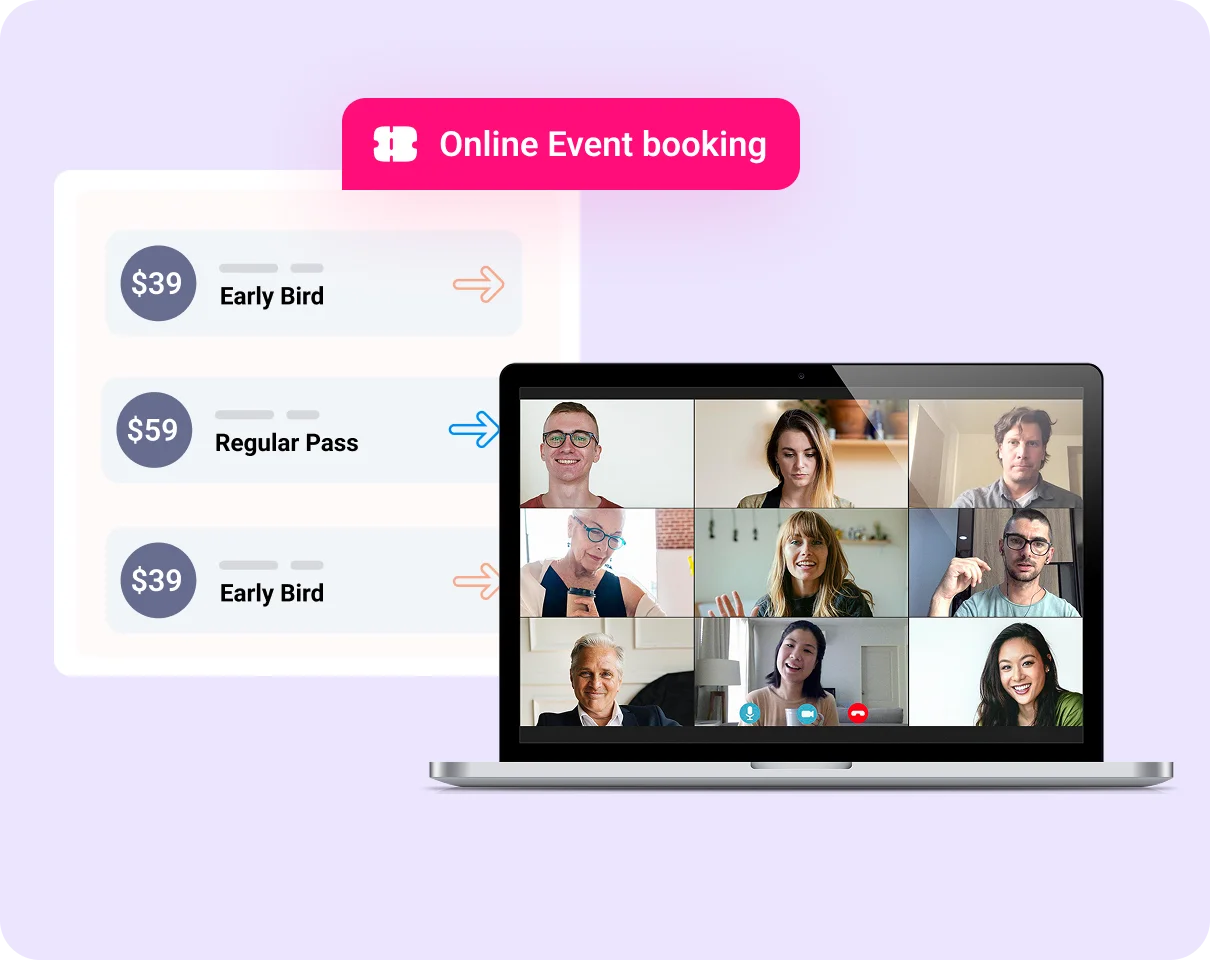
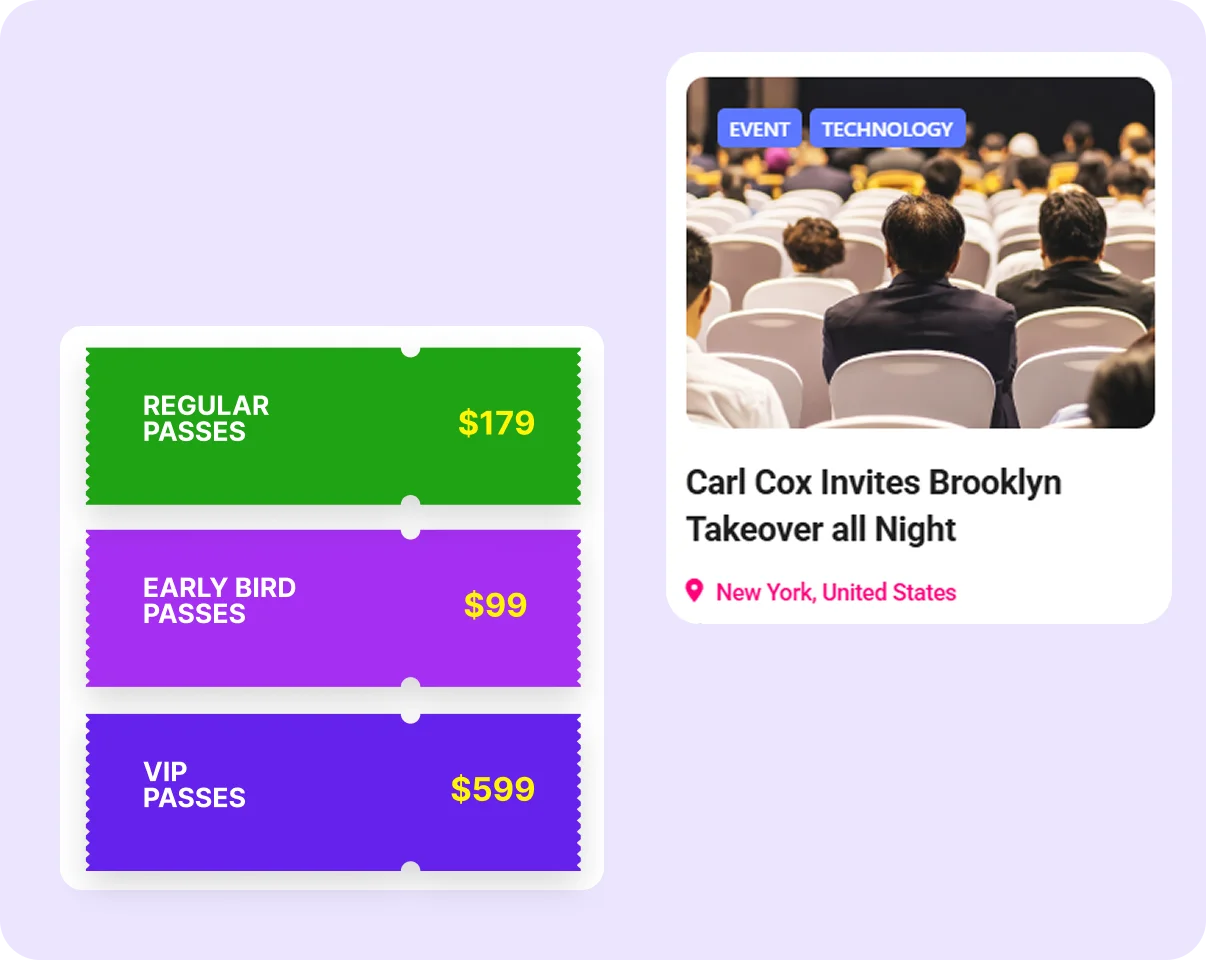
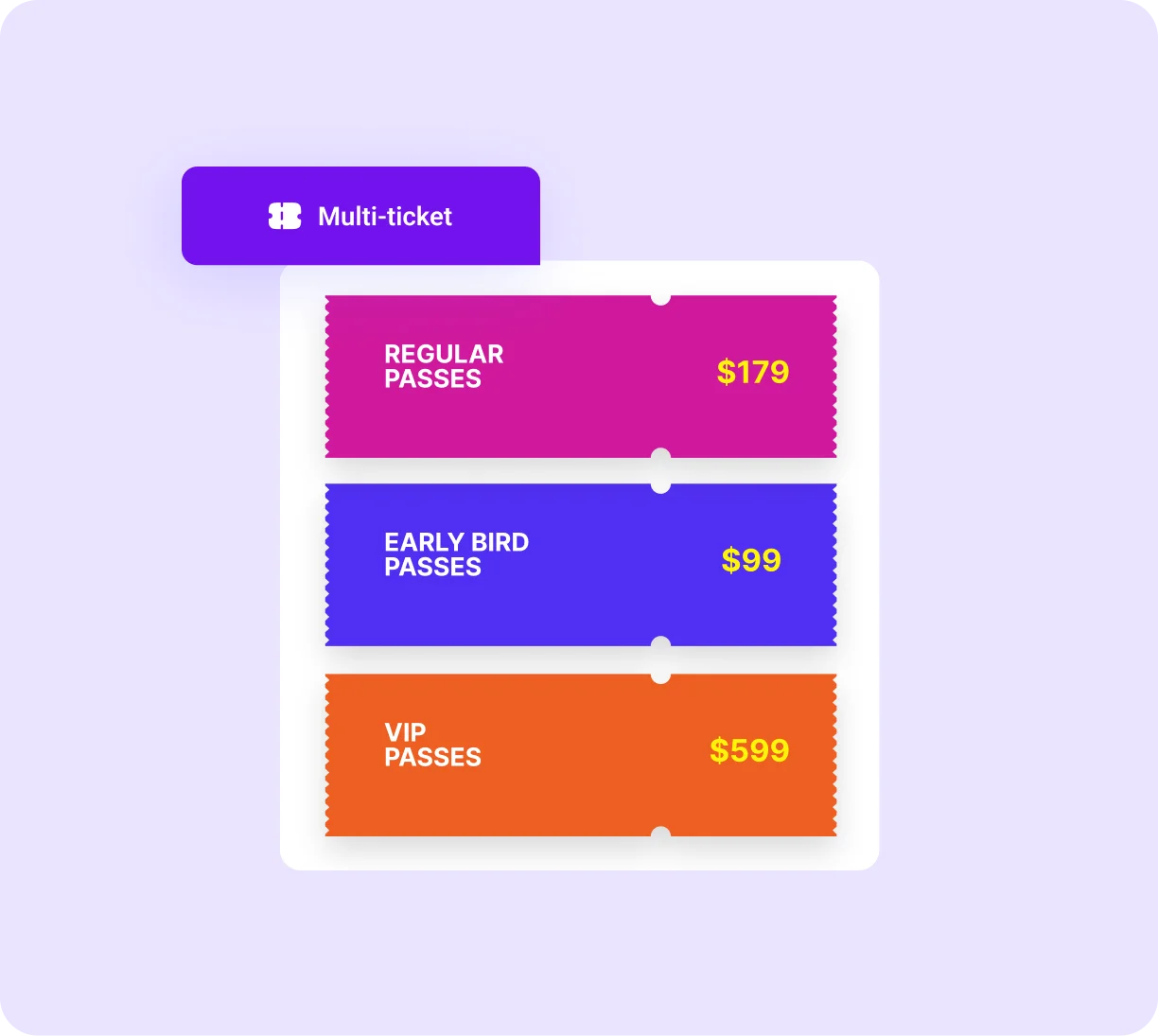
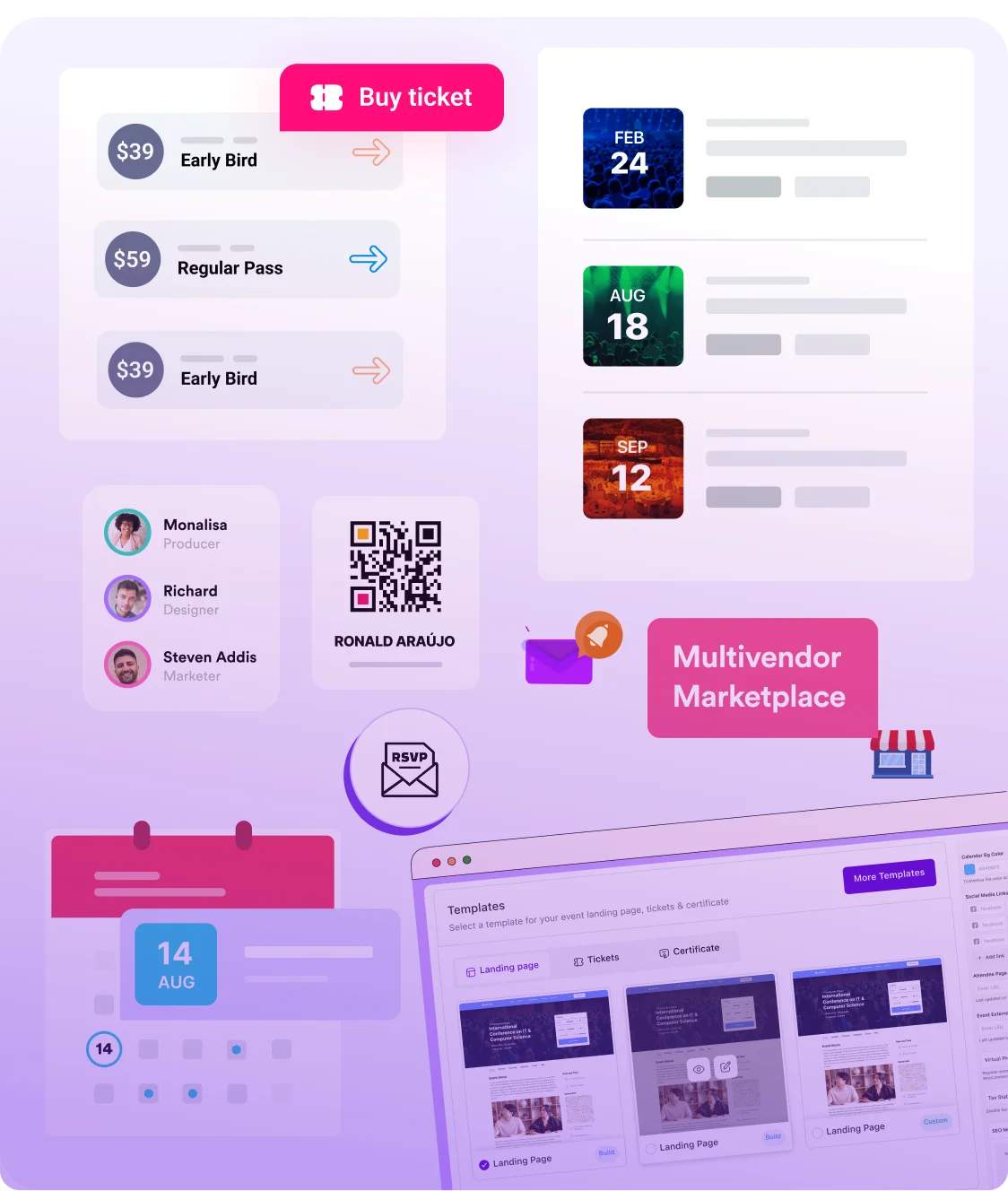
Set up unlimited booking options such as Standard, VIP, Early Bird, Group, or complimentary passes. Each booking tier can have its own pricing, quantity, and availability period. You can automate pricing changes and control access without installing additional plugins.
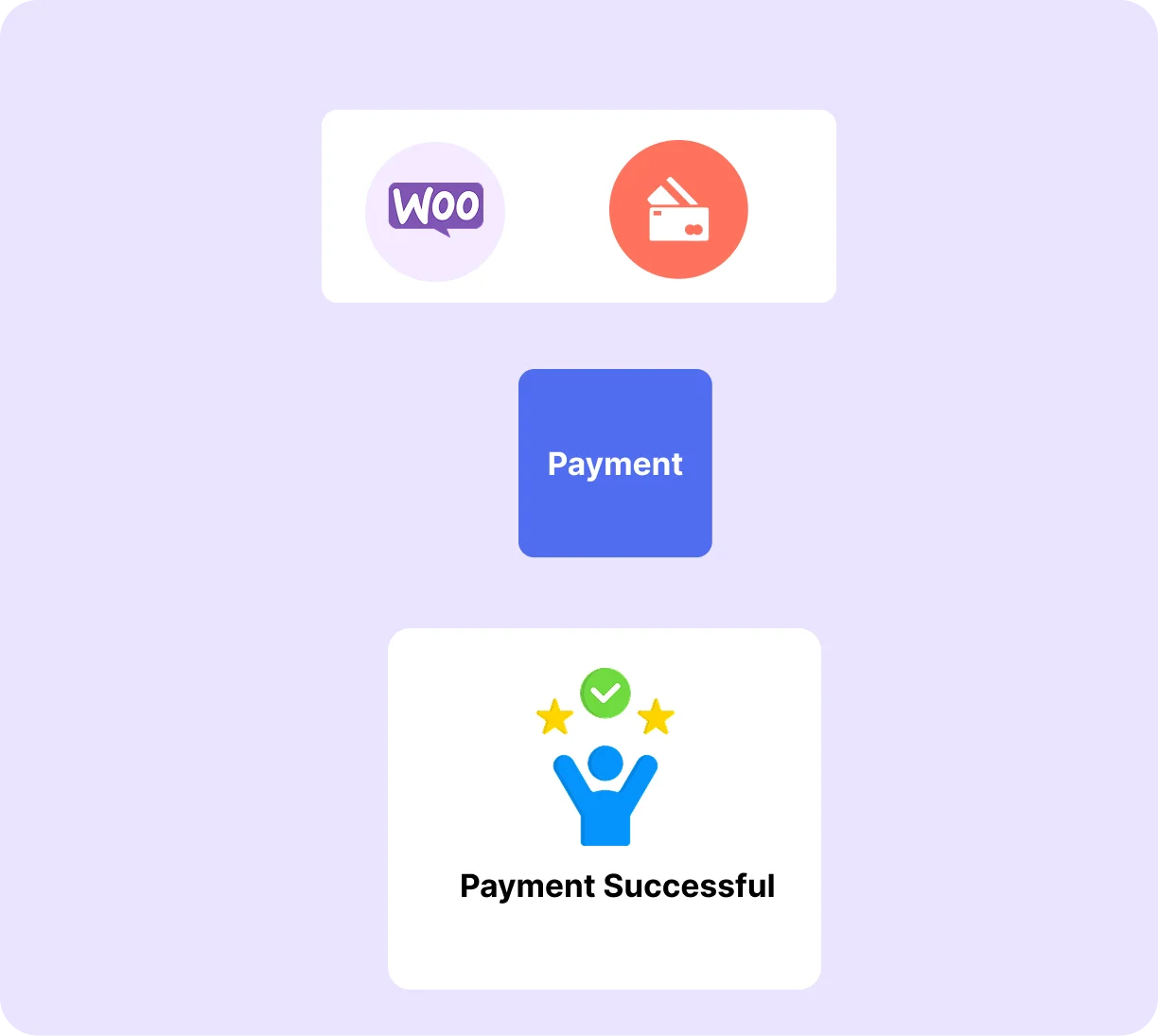
Create Booking Tiers →Eventin integrates directly with WooCommerce, SureCart, and FluentCart—no third-party bridge or extra add-on needed. All payment methods your store already supports, including Stripe, PayPal, and local bank transfers, work seamlessly for event bookings.
Connect Your Payment Gateway →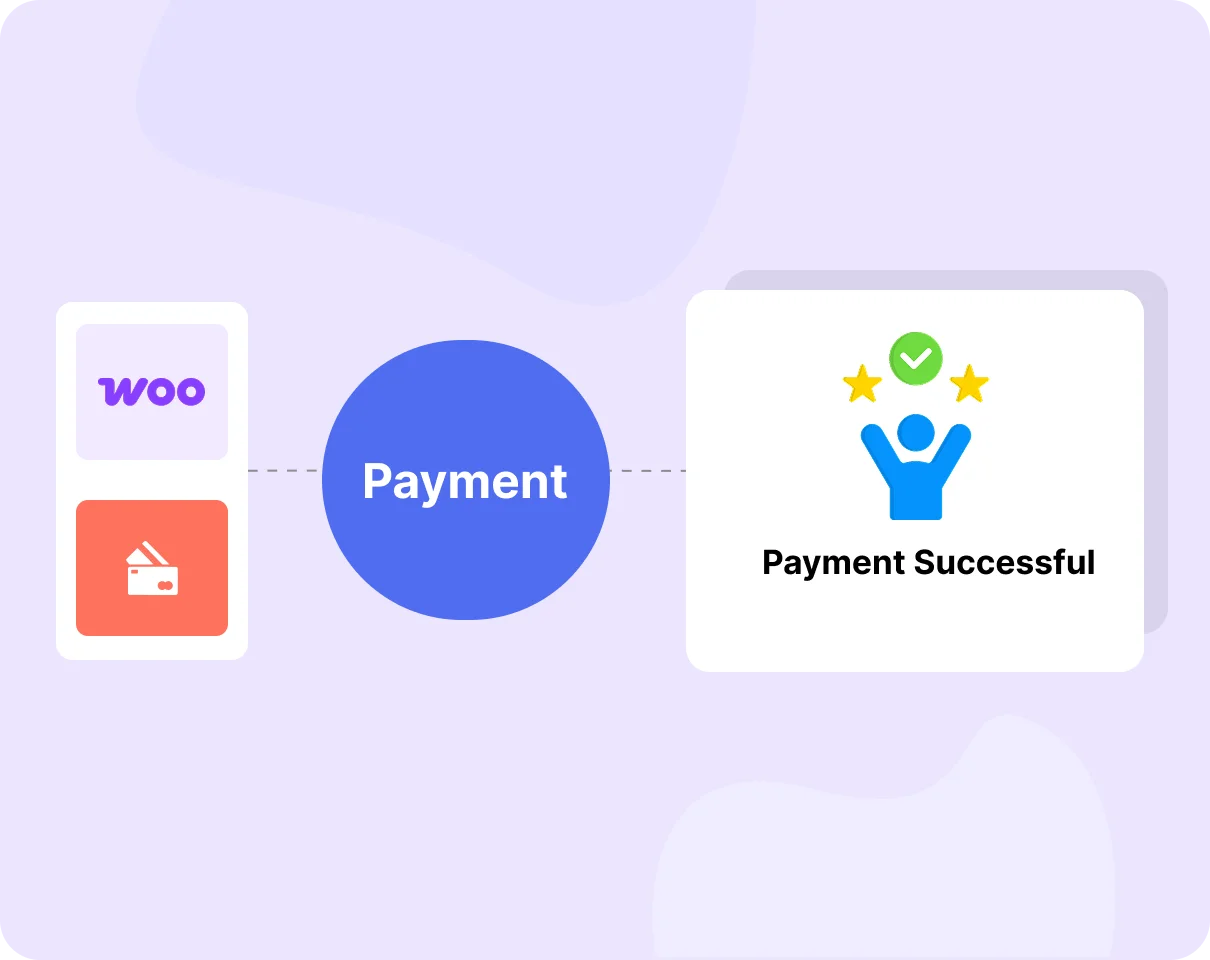
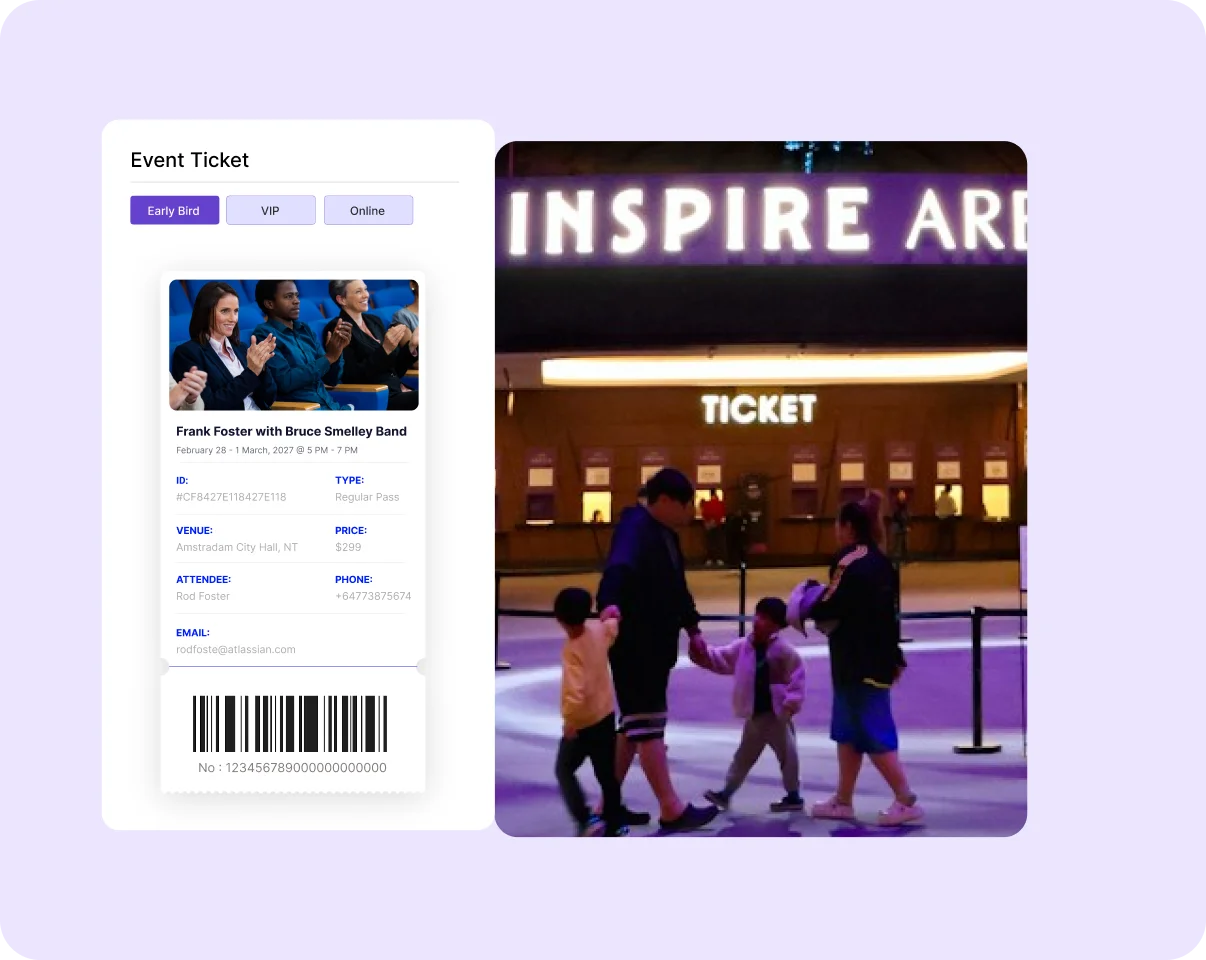
After a booking is completed, Eventin sends a confirmation email with event details, an e-ticket, and a unique QR code. On event day, scan tickets using any device and track attendance in real time. Duplicate check-ins are blocked automatically.
See It in Action →Set booking limits for each event and ticket tier to prevent overbooking. When a slot is filled, Eventin marks it as sold out and can activate a waitlist automatically. Attendees always see real-time availability without needing to contact you.
Set Booking Limits →
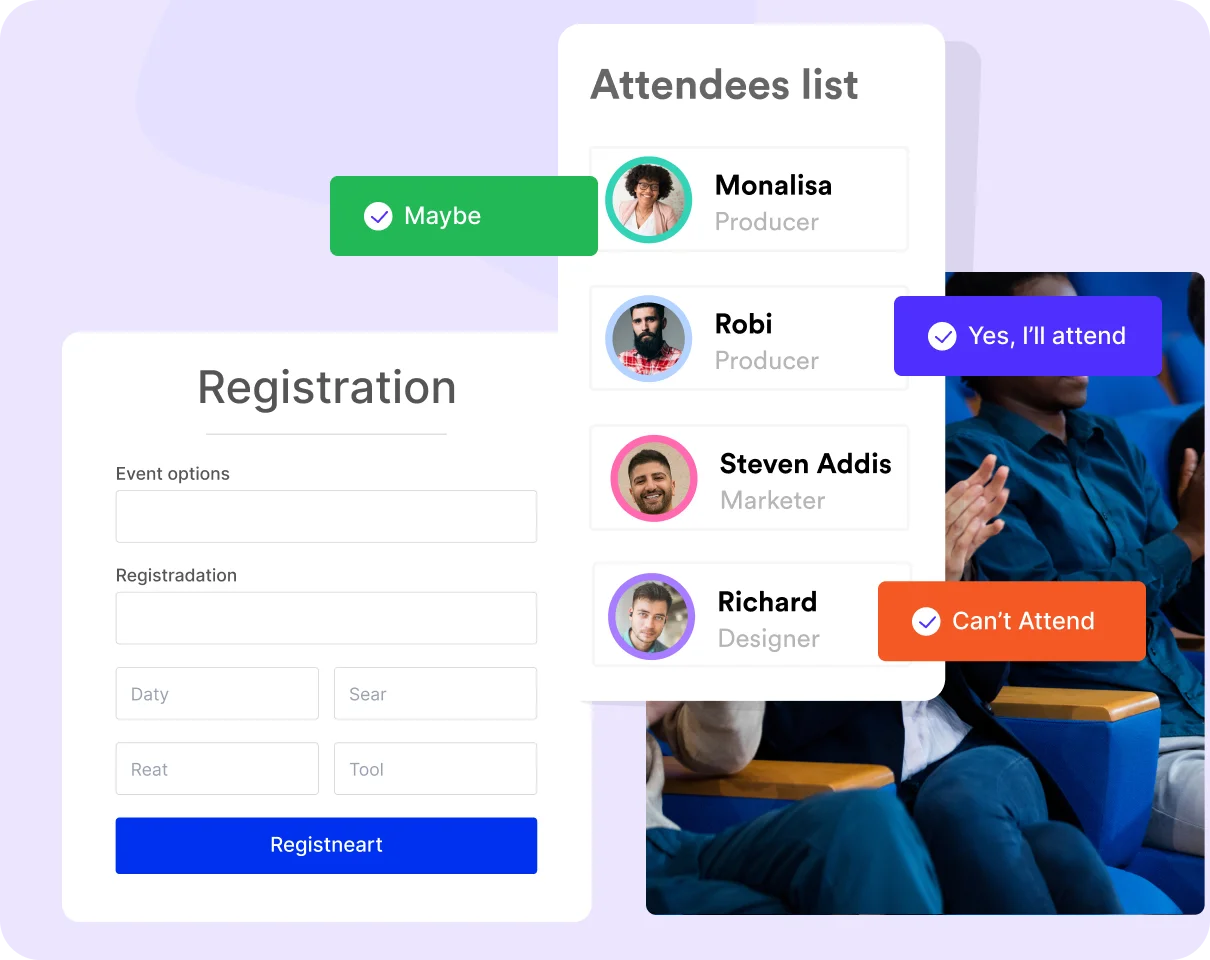
Enable booking approval for invite-only or limited-access events. You can review each booking request before confirming it. Once approved, Eventin sends confirmation emails and tickets automatically, helping you manage exclusive or curated event experiences easily.
Enable Booking Approval →Genuine feedback and reviews from real users to prove our work is the best.
The world's most recognized brands trust Eventin.










Eventin handles bookings, payments, confirmation, and check-in all in one free plugin.
How to Set Up Event Booking with Eventin
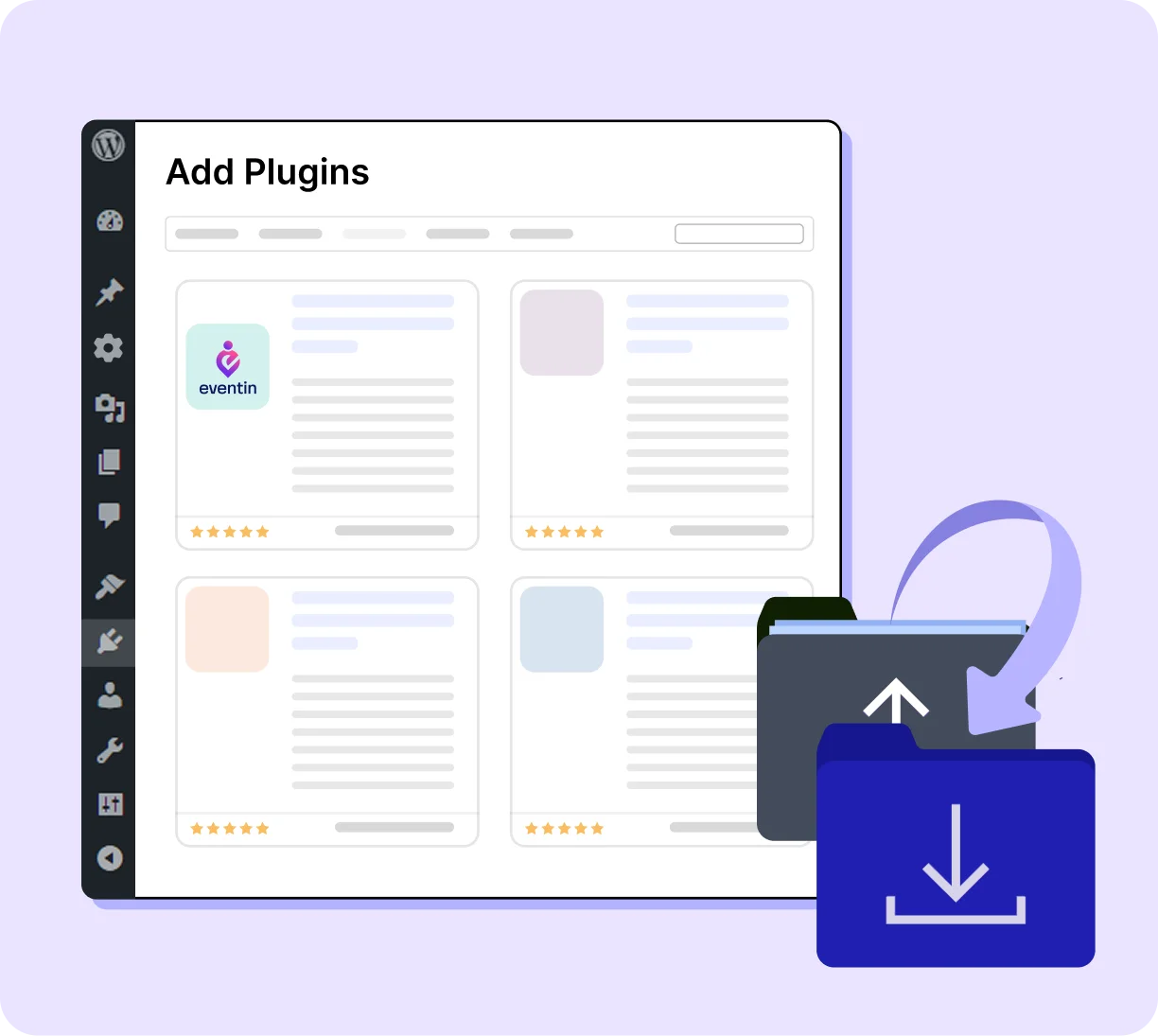
Install Eventin on your WordPress website and activate it. The Eventin menu appears in your sidebar immediately.
Sell tickets, manage attendees, and run check-ins seamlessly, whether you're hosting 50 people or 5,000.

Manage complex multi-tier bookings from a single event editor.

Sell out the venue without handing revenue to a ticketing platform.

Sell out the venue without handing revenue to a ticketing platform.

Never oversell a session or manually close bookings.

Run structured table and seat bookings with group functionality.
Booking confirmed, Zoom link delivered — no manual steps.
Eventin is a complete WordPress event booking plugin built to manage bookings, payments, and attendees.
Many booking plugins are designed for appointments and then adjusted for events. Eventin is built specifically for event booking, handling multiple ticket tiers, supports high-volume bookings and complex event setups without breaking your workflow.
Many SaaS platforms take a percentage of every ticket plus additional service fees, which can add up quickly. Eventin does not charge any commission. Payments go directly to your Stripe, PayPal, or WooCommerce account, so you keep full control of your earnings.
With many tools, booking and check-in are separate processes that require extra apps or manual tracking. Eventin connects both in one system. The QR code generated at booking is used for check-in, so attendee data flows smoothly from registration to entry.
Eventin supports free bookings, paid tickets, and mixed events in one dashboard. You can run a free community event and a paid conference using the same system without switching plugins or changing your workflow.
Your attendee data stays on your WordPress site, not on a third-party platform. You can access, export, and use your booking data anytime. This gives you full ownership and flexibility for marketing, reporting, and future events.
"To start with, Eventin is a great calendar and event-management plugin. There are only a few things I would do to improve it. Among the options, it's one of the very best."

"I really like the Eventin plugin - it's powerful, full of features, and perfect for managing concerts and ticket sales. The support team responds quickly and helps with every question!"
"I appreciate the answers and willingness to help by support, for what already is a solid product for any event type."
"I've been using the Eventin plugin for my WordPress site and honestly, it's been a game changer for managing events. Everything from setting up tickets to integrating..."
"EventIn is a solid events management plugin that is ticking all of the right boxes. It is easy to use, from a talented team, is well coded..."

"Easy to use and customize to your needs – fast reply on support tickets."
"Had an issue with the event not sorting correctly, emailed the team and they quickly looked into the issue and resolved it. Appreciate their quick response and willingness to work through the issue."
"Super easy to work with! The support team is amazing too when I've encountered an issue. I look forward to seeing this app develop further. I would love to easily be able..."
"The support is timely as they never miss to follow up with users. A great innovative plugin. The plugin has great features for any booking businesses."

"We use Eventin Pro and the support from ThemeWinter has been exceptionally good."
Yes. Eventin connects to Stripe and PayPal for direct payment at the point of booking.Additionally, through integrations with WooCommerce, FluentCart, and SureCart, you can use a wide range of payment gateways, depending on the platform you choose.
Yes. Eventin's booking approval mode lets you review each booking request before confirming it. Pending bookings hold the spot temporarily. When you approve, the confirmation email and QR code are sent automatically. When you decline, the spot is released back to the available inventory.
When a booking tier reaches its capacity limit, Eventin marks it as sold out and activates the waitlist automatically. Attendees on the waitlist are notified if a spot becomes available due to a cancellation. No manual monitoring or list management required.
Yes. Free events and RSVPs work exactly like paid bookings, with booking forms, confirmation emails, QR codes, and attendee management without requiring a payment gateway to be connected.
Every confirmed booking generates a unique QR code sent in the confirmation email. On event day, open the Eventin check-in screen on any smartphone browser, scan each QR code as attendees arrive, and the system marks them as checked in instantly. Duplicate scans are blocked in real time.
Yes. Set a recurring schedule and Eventin creates individual booking inventories per session. A fully booked Tuesday class never affects available spots in Wednesday's session. Attendees can book individual sessions or the full series, depending on your setup.
Yes. Eventin's Zoom integration sends the virtual meeting link inside the booking confirmation email automatically. Attendees receive everything they need booking confirmation, e-ticket QR code, and Zoom link in one email the moment their booking is confirmed.
Manage events and sell tickets with the Eventin event management plugin inside WordPress.
Be the first to know about our latest updates, exclusive offers, and more.
© 2026 Timetics AI. All rights reserved.

Optimize Your WordPress Business with AI-powered Plugins: We Deliver More Than Tools; We Deliver Solutions.
Copyright © 2013-2026 ThemeWinter - A Brand of Arraytics.
Booking Management