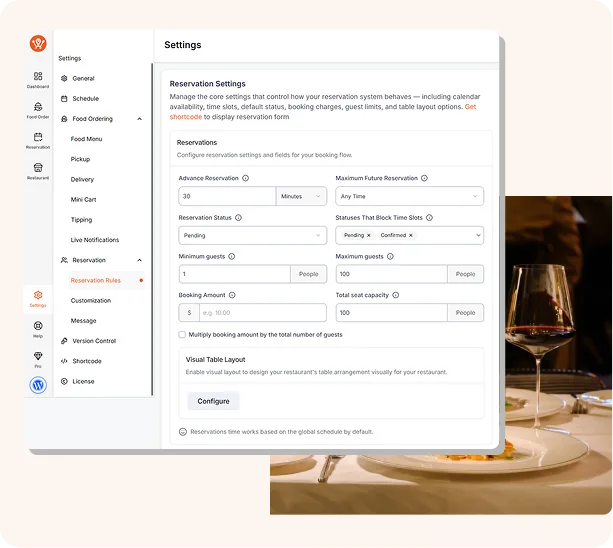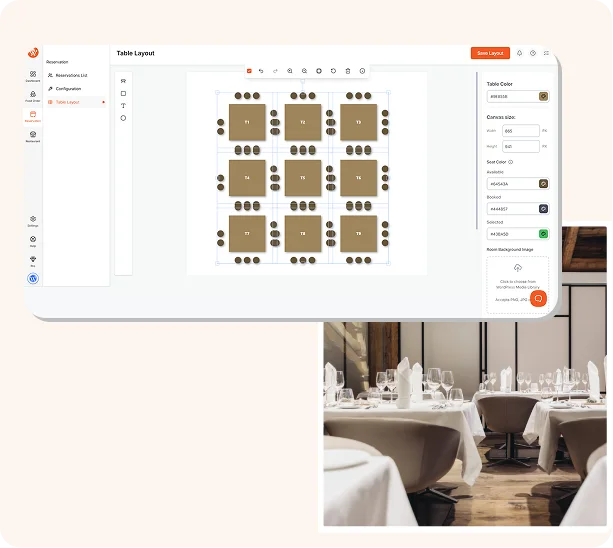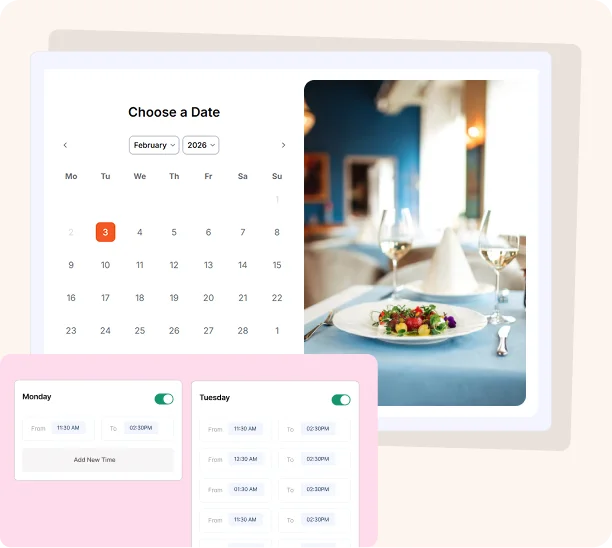

Take online table bookings, manage capacity, send instant confirmation emails, and handle reservations across multiple branches, all from your WordPress dashboard with WPCafe.
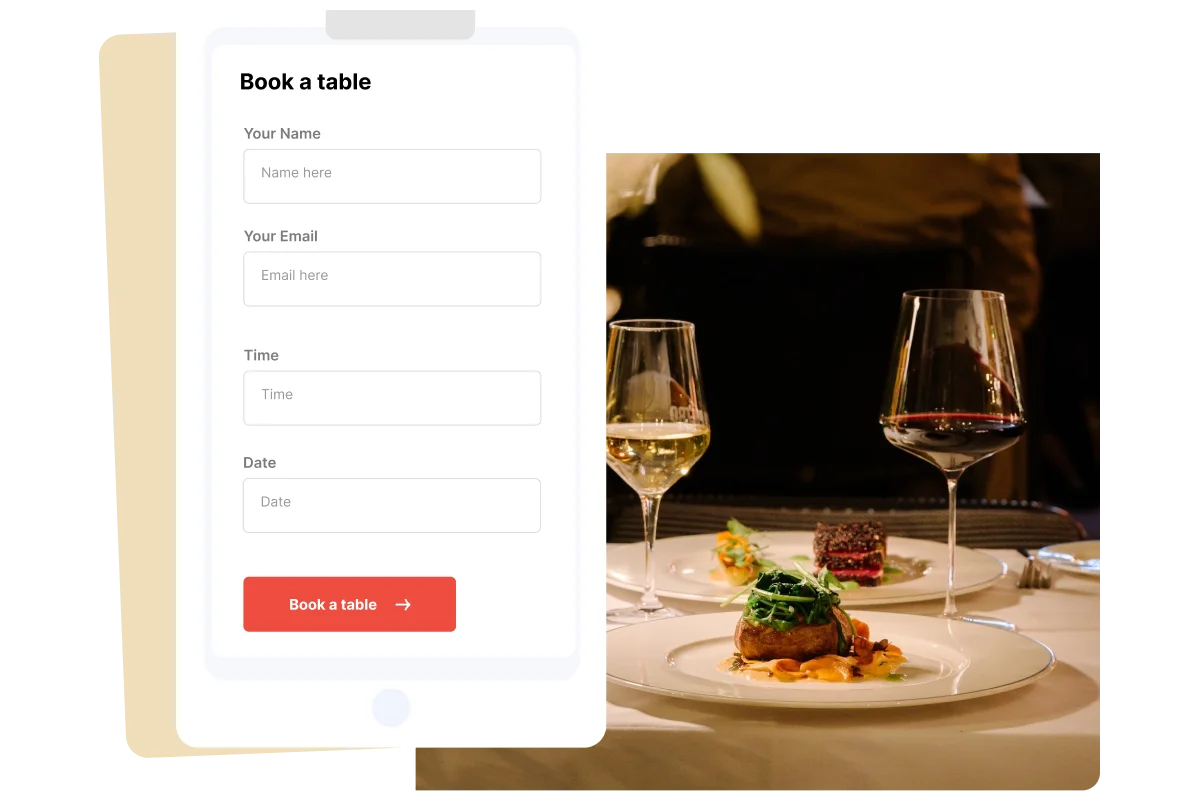
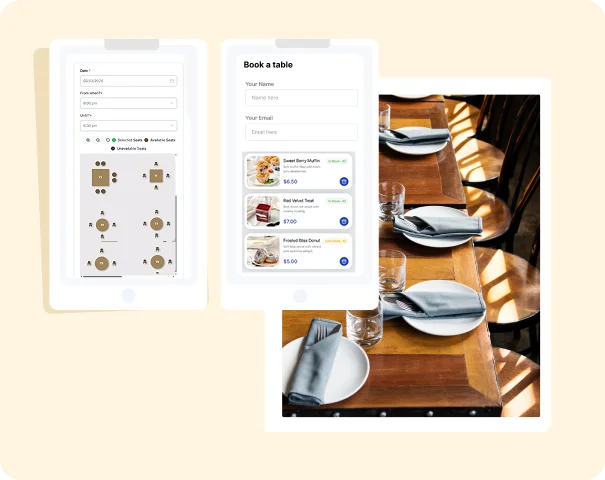
A complete front-end booking form that lets customers reserve a table directly on your website - choosing their preferred date, time, party size, and special requests.
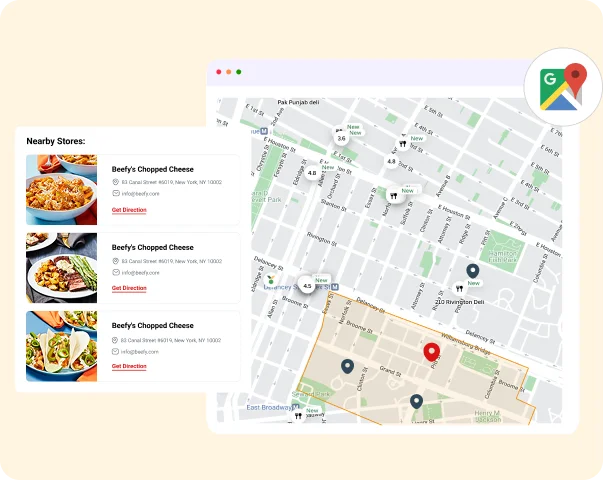
Manage table reservations independently for each of your restaurant locations - all from a single WordPress dashboard.
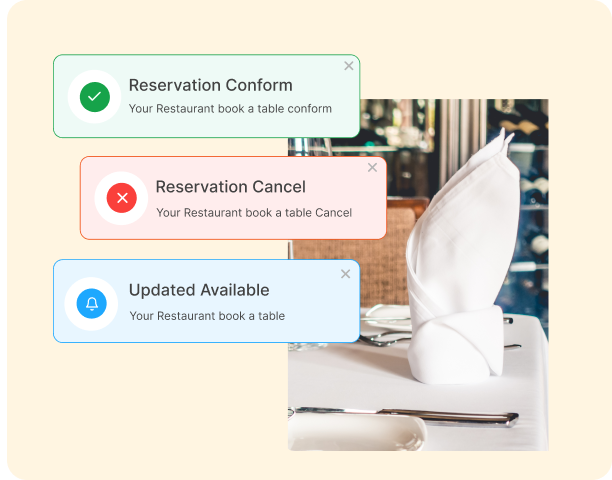
Automatic email notifications sent to both the customer and restaurant staff the moment a reservation is made, updated, or cancelled.
WPCafe isn't a generic booking plugin repurposed for restaurants - it's built from the ground up with restaurant-specific reservation needs in mind. From managing table capacity at a single fine dining location to handling bookings across a multi-branch chain, WPCafe covers every scenario – for free.

 0%0%Charges fees
Fine dining is all about the experience, and that experience starts the moment a guest makes a reservation. Set specific time slots, limit party sizes, and block out dates for private events - all with a few clicks.

Walk-in crowds are great - but unpredictable. WPCafe helps cafes and casual dining spots manage peak-hour rushes by spreading bookings across time slots and capping capacity per slot. Customers can book a table from your website or Google search, receive a confirmation, and arrive knowing their seat is waiting.
Fine dining is all about the experience, and that experience starts the moment a guest makes a reservation. Set specific time slots, limit party sizes, and block out dates for private events - all with a few clicks.
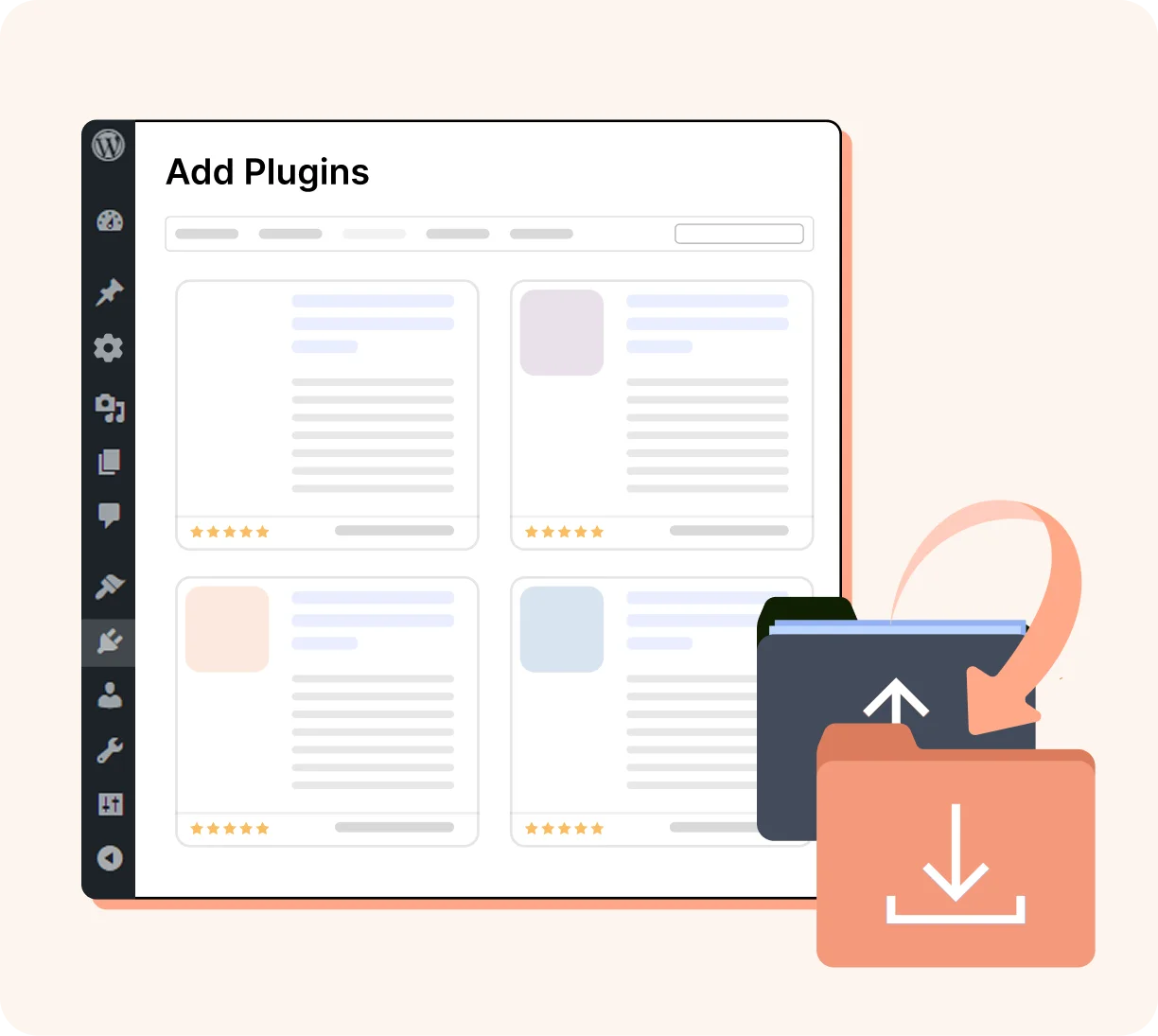
Go to your WordPress dashboard → Plugins → Add New, search for WPCafe, install and activate the free version.
WPCafe is more than just a plugin - it's a complete restaurant management ecosystem built inside WordPress. Explore the core pillars that power thousands of restaurants worldwide:

The complete WordPress plugin built exclusively for restaurants. Manage your menu, orders, reservations, and branches, everything your restaurant needs, in one free plugin.

Build a beautiful, organized digital menu with 34+ layouts, food categories, pricing variations, and QR code support - all without a designer or developer.

Transform your WooCommerce store into a fully commission-free food ordering system. Accept payments via 100+ gateways, manage orders in one dashboard, and keep 100% of every order.

Accept online food orders directly on your website - zero commissions, full WooCommerce power, and a seamless experience for both dine-in and delivery customers.
Genuine customer stories from real users using WPCafe to power their restaurant online ordering system with WordPress
No commissions. No middleman. Just your restaurant, your customers, and your orders, powered by WPCafe.
WPCafe is the best WordPress restaurant reservation plugin, offering a complete table booking system with multi-branch management, capacity controls, confirmation emails, and a customizable reservation form - all free to get started.
With WPCafe, adding a table reservation system takes just 4 steps: install the free plugin from WordPress.org, configure your time slots and capacity settings, customize your confirmation email templates, and embed the reservation form on any page using the Gutenberg block or shortcode. Your restaurant will be accepting online bookings within minutes.
Yes - WPCafe's table reservation system is free to download and use. The free version includes the core reservation form, time slot management, basic capacity settings, and confirmation email notifications. Pro features like multi-branch management, waitlist handling, reminder emails, and advanced email templates are available in the paid plans.
Yes - WPCafe's multi-branch reservation management lets you configure separate availability, capacity, opening hours, and staff notifications for each of your restaurant locations.
WPCafe's capacity management system lets you set a maximum number of guests per time slot and per table. Once a slot reaches its capacity, it automatically becomes unavailable to new bookings.
Yes - WPCafe automatically sends a confirmation email to the customer as soon as a reservation is made, with full booking details including date, time, party size, and branch.
Yes - WPCafe allows you to configure day-specific opening hours and time slots. You can set different availability for weekdays vs weekends, block out specific dates for holidays or private events, and define custom time slot intervals (every 15, 30, or 60 minutes) to match your restaurant's service flow.
Yes - WPCafe's reservation form is fully mobile-responsive and works seamlessly on smartphones and tablets.
Yes - the WPCafe admin dashboard gives you full control over all reservations. You can manually add new bookings, edit existing ones, cancel reservations, view upcoming bookings by date or branch, and see a complete history of all past reservations.
Best Free Restaurant Management Plugin in WordPress
Subscribe for updates
© Copyright 2026, All Rights Reserved

Optimize Your WordPress Business with AI-powered Plugins: We Deliver More Than Tools; We Deliver Solutions.
Copyright © 2013-2026 ThemeWinter - A Brand of Arraytics.
Booking Management