Restaurant POS vs Online Ordering System: Do You Need Both?


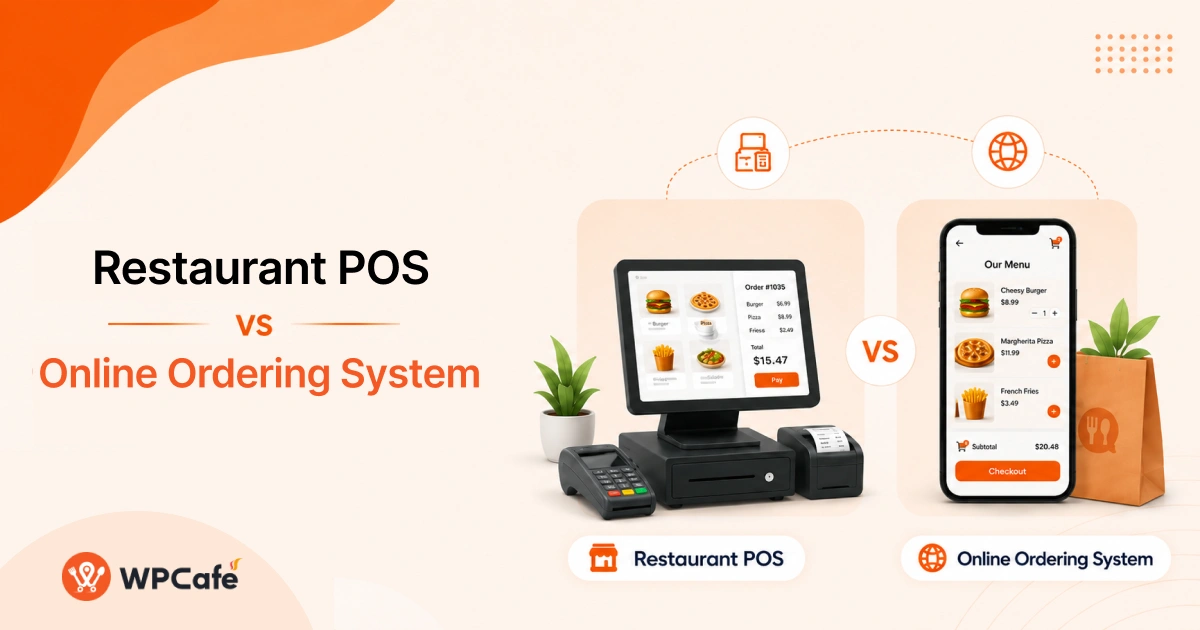
Table of Contents
Do restaurants need both a POS and an online ordering system? Most restaurants that serve both in-person and online customers do. A POS manages counter, table, payment, and staff operations, while an online ordering system accepts direct website orders for pickup or delivery.
Small takeaway or delivery-only businesses may start with online ordering alone. However, dine-in and growing restaurants usually need both systems to manage offline and digital orders without creating separate workflows.
For WordPress restaurants, WPCafe can manage digital menus, direct orders, WooCommerce payments, pickup, delivery, and reservations. It can also connect with Clover-supported payment and order workflows when restaurants need their website and in-store systems to work together.
This guide compares restaurant POS vs online ordering, explains their costs and functions, and helps you decide whether your restaurant needs one system or both.
What Is a Restaurant POS System?
A restaurant POS software helps restaurants manage in-person sales and daily operations from one place. It allows staff to take orders, process payments, track sales, and manage restaurant activities more efficiently.
A typical restaurant POS software includes features like:
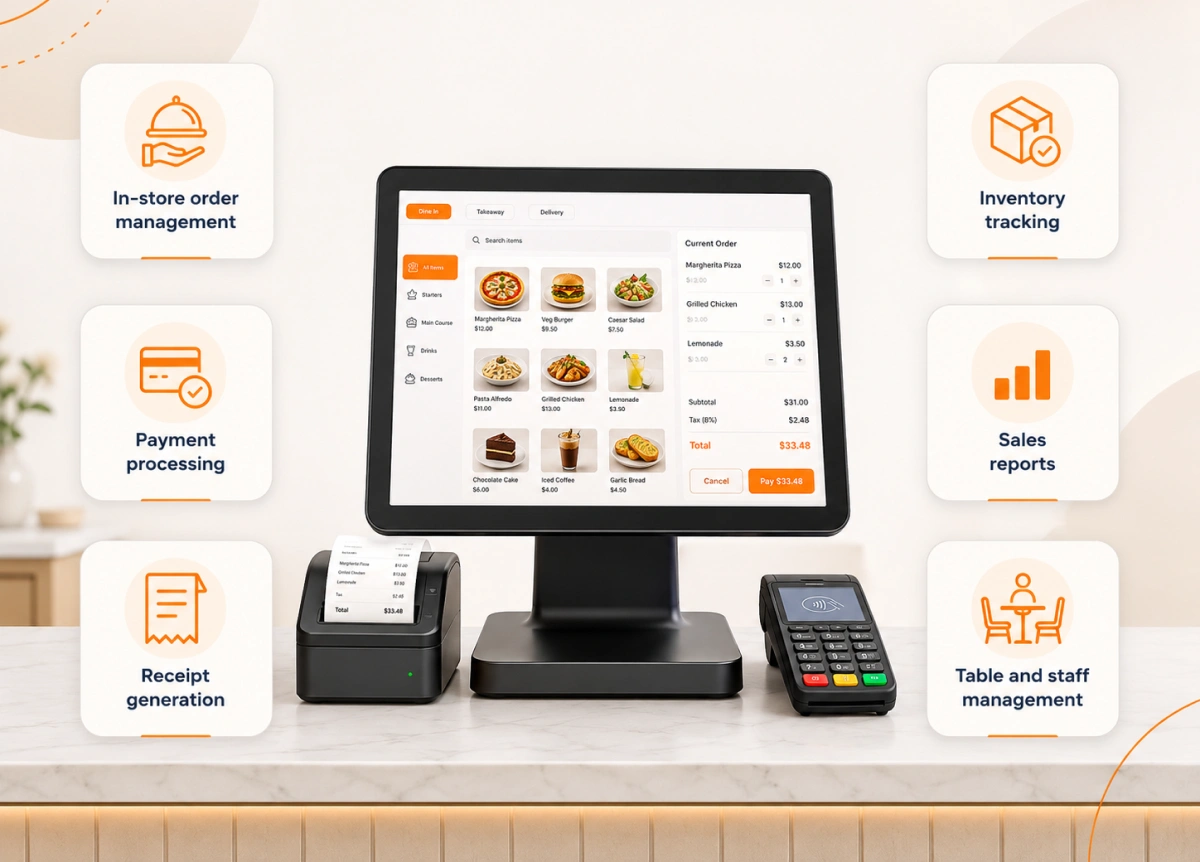
- In-store order management
- Payment processing
- Receipt generation
- Inventory tracking
- Sales reports
- Table and staff management
For example, when a customer visits a restaurant and orders from a table or counter, the staff uses the POS software to record the order. Then they send it to the kitchen and complete the payment process.
A POS software mainly focuses on what happens inside the restaurant. It helps owners and staff manage operations but doesn’t always provide a direct way for customers to place orders online.
Quick Definition
A restaurant POS system helps manage in-store operations by handling orders, payments, sales tracking, inventory, and staff workflows.
What Is an Online Ordering System?
An online ordering system allows customers to view a restaurant’s menu, customize items, place orders and complete payments through a website or digital platform. It creates a direct ordering channel where customers can buy food without visiting the restaurant or using third-party marketplaces.
A typical online ordering system includes features like:
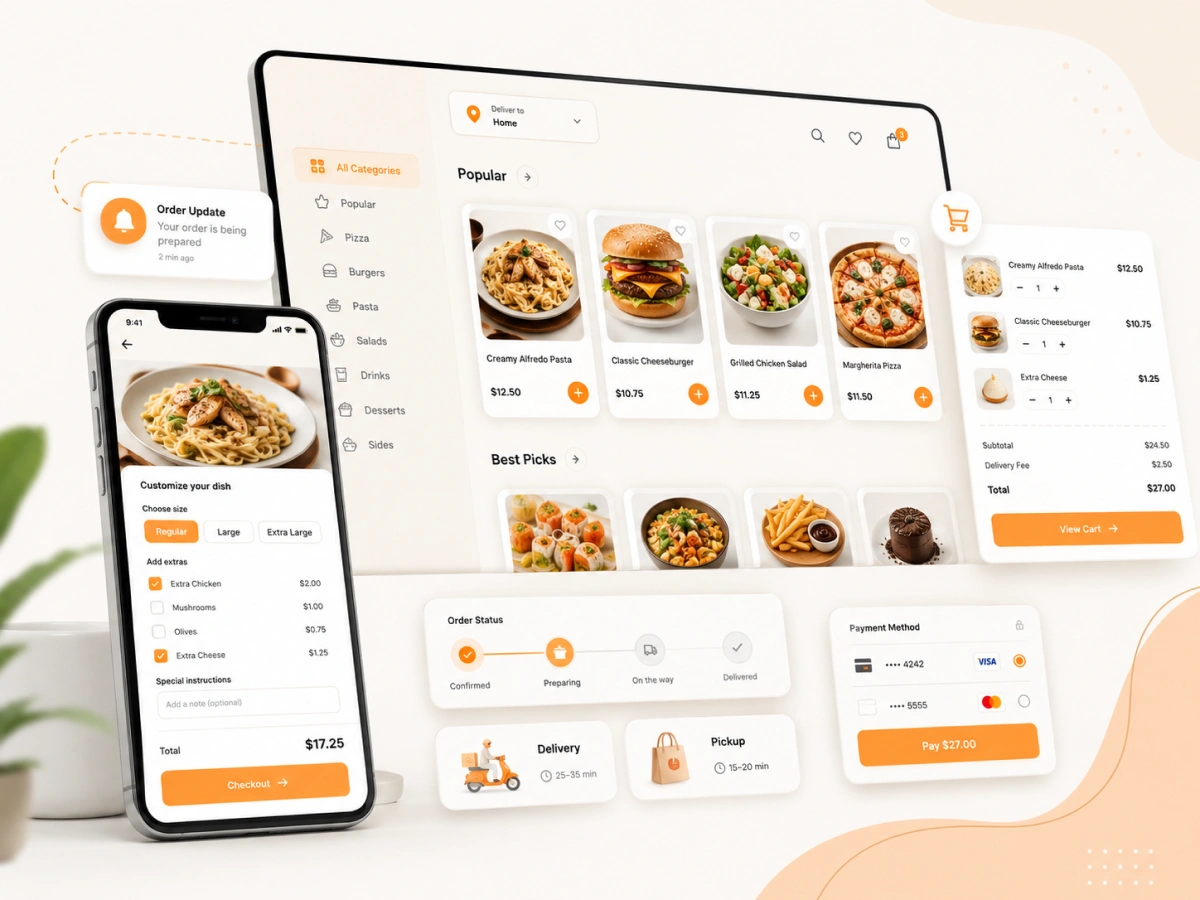
- Digital menu display
- Online checkout
- Payment processing
- Food customization option
- Order notifications
- Pickup and delivery options
Unlike a POS software that mainly helps restaurant staff manage in-house operations, an online ordering system focuses on the customer experience. It makes it easier for customers to discover menu items, place orders, and receive updates from their preferred device.
For restaurants, this type of system helps increase direct sales and gives them more control over the ordering process. It is especially useful for businesses that want to accept online orders through their website instead of depending only on delivery platforms.
WordPress restaurant owners can use WPCafe to create digital menus, accept direct orders, process WooCommerce payments, and offer pickup or delivery from their own websites.
Quick Definition
An online ordering system helps restaurants accept direct food orders through a website or digital platform.
How Much Do POS and Online Ordering Systems Cost?
Restaurant technology costs depend on the provider, hardware, payment gateway, order volume, and selected features. A POS may include software subscription, card processing, hardware, installation, and add-on costs.
A direct online ordering system may charge a monthly or annual software fee, but it can reduce the percentage-based commissions associated with marketplace orders.
Marketplace fees vary by country, service type, and restaurant agreement. For example, Uber Eats publicly lists marketplace fees of 15% for pickup, 20% for self-delivery, and 30% for Uber-delivered orders in Portugal.
DoorDash also uses individual merchant rate cards rather than one fixed rate for every restaurant. Therefore, avoid presenting 15–30% as a universal worldwide fee.
WPCafe does not charge a commission on each order. Restaurants still need to account for the selected WPCafe plan, hosting, WooCommerce payment gateway fees, and any delivery costs.
Quick Comparison: Restaurant POS vs Online Ordering System
Both systems help restaurants manage sales, but they solve different problems. An in-store tool focuses on internal operations, while an online ordering system helps customers place orders directly.
| Feature | Restaurant POS | Online Ordering System |
|---|---|---|
| Main purpose | Manage in-store operations | Accept online customer orders |
| Main users | Staff and managers | Customers |
| Order source | Counter/table orders | Website/app orders |
| Payment handling | In-store payments | Online payments |
| Customer data | Limited | More direct customer insights |
| Menu management | Internal operations | Customer-facing menu |
A POS software is designed to manage restaurant activities after a customer walks in, while an online ordering system helps bring customers into the ordering process before they visit or receive their food.
For many modern restaurants, these tools are not competitors. They often work together to manage both offline and online sales channels.
What Are the Main Differences Between a POS and Online Ordering?
A restaurant point-of-sale software and an online ordering system support different parts of restaurant operations. A POS helps manage internal tasks, while an online ordering system focuses on helping customers place orders directly.
Understanding these differences makes it easier to choose the right setup for your restaurant.
Main purpose
A restaurant point-of-sale software is built to manage daily restaurant operations, including order entry, payments, receipts, and sales tracking. It helps staff handle customer orders efficiently inside the restaurant.
However, an online ordering system is designed to help customers order food directly through a website or digital platform. It focuses on making the ordering process simple, fast, and convenient.
Main users
The main users of a restaurant point-of-sale software are restaurant staff and managers. Employees use it to take orders, process payments, monitor sales, and manage operations.
On the other hand, an online ordering system is mainly used by customers. They can browse the menu, customize items, select pickup or delivery options, and complete payments without staff involvement.
Order source
A POS software mainly handles orders that come from inside the restaurant, such as counter orders, table orders, or phone orders entered by staff.
On the contrary, an online ordering system manages orders that come from digital channels, such as a restaurant website, mobile app, or online ordering page.
Payment handling
A POS system processes payments made directly at the restaurant, such as card payments, cash payments, or contactless transactions at the counter.
While, an online ordering system handles digital payments before the order reaches the restaurant. Customers can complete checkout online, making the ordering process faster and more convenient.
WPCafe also provides custom invoice and ordering features for managing restaurant order details.
Customer data
POS software usually stores basic transaction information, such as sales records and order history. However, customer insights may be limited depending on the system.
On the other hand, an online ordering system gives restaurants more opportunities to collect customer preferences, order history, and contact details. This helps businesses create personalized offers and encourage repeat orders.
Menu management
The in-store platform manages menus mainly for internal operations. Staff use it to process orders and update available items.
However, an online ordering system manages customer-facing menus. Restaurants can display food images, descriptions, prices, customization options, and special offers to improve the ordering experience.
With WPCafe, restaurant owners can add and manage food menus with prices, images, categories, variations, and other ordering options.
Do Restaurants Need Both a POS and an Online Ordering System?
Most restaurants that serve both dine-in and online customers need both systems. A POS manages in-store transactions and restaurant operations, while an online ordering system lets customers order directly from a website or app. Using both creates one setup for table, counter, pickup, and delivery orders.
| Restaurant type | POS needed? | Online ordering needed? | Recommended setup |
|---|---|---|---|
| Dine-in restaurant | Yes | Usually | POS + online ordering |
| Takeaway shop | Optional | Yes | Start with online ordering |
| Cloud kitchen | Not always | Yes | Online ordering first |
| Full-service restaurant | Yes | Yes | Integrated setup |
| Multi-location restaurant | Yes | Yes | Centralized POS and ordering |
| Small café with counter sales | Yes | Optional | POS first, ordering later |
Online ordering is now an important restaurant sales channel. Square reported in July 2025 that 78% of surveyed restaurant owners said online ordering generated the most orders for their businesses. The same report found that first-party online ordering produced profit margins 64% higher than third-party delivery.
Customer demand also supports direct ordering. The National Restaurant Association reported in 2024 that 84% of delivery customers would place orders through a restaurant’s own website, while 71% would use a third-party delivery service.
Can an Online Ordering System Replace a Restaurant POS?
An online ordering system can replace a POS only when a restaurant operates mainly through digital orders and does not need advanced dine-in, inventory, table, or staff management. Most full-service restaurants cannot completely replace their POS with online ordering software.
A cloud kitchen may start with online ordering alone. A dine-in restaurant with table service, cash payments, multiple staff members, and inventory controls will usually need a POS alongside its online ordering system.
For some businesses, an online ordering system may be enough if they mainly sell through digital channels.
An Online Ordering System May Be Enough If You
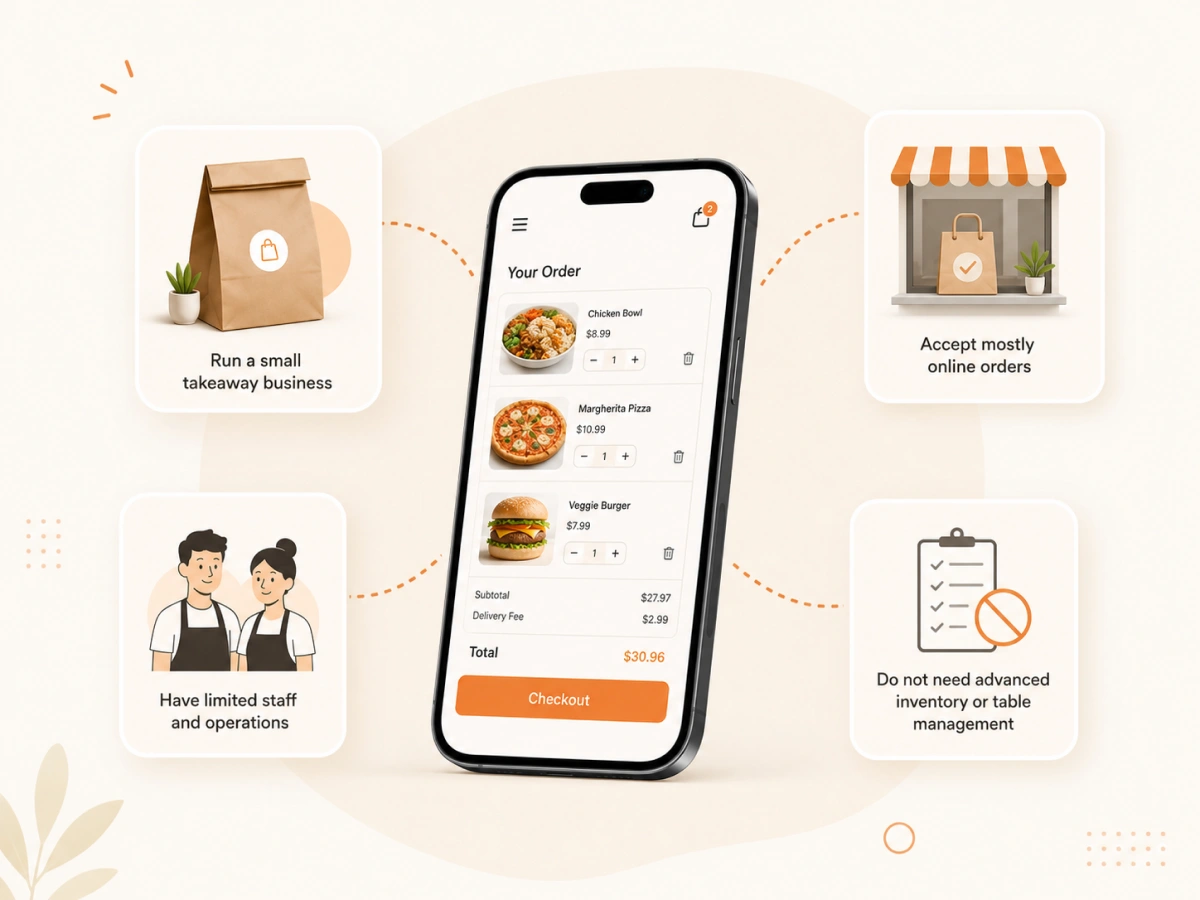
- Run a small takeaway business
- Accept mostly online orders
- Have limited staff and operations
- Do not need advanced inventory or table management
For these businesses, a digital ordering system can provide the essential tools needed to sell food online without the extra complexity of a full POS setup.
A POS System Is Still Useful If You
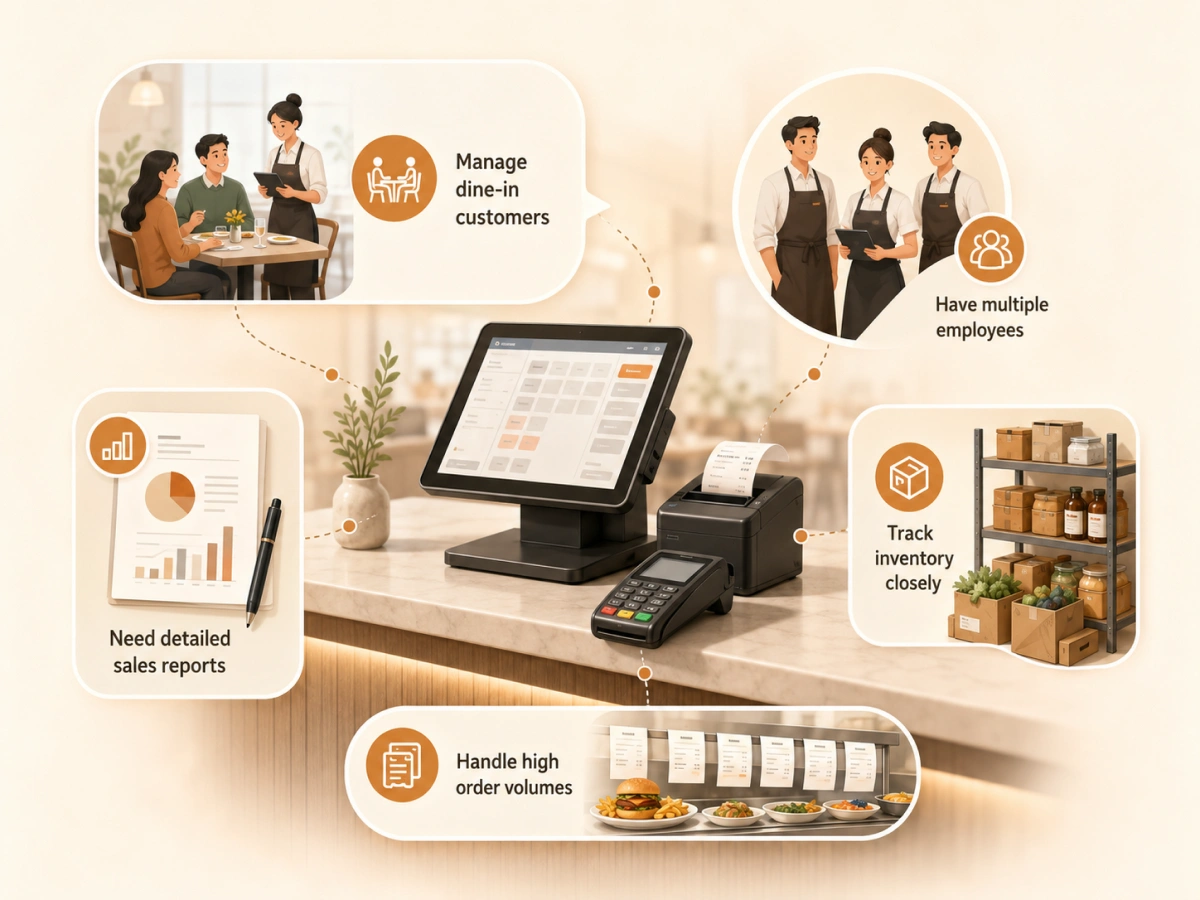
- Manage dine-in customers
- Have multiple employees
- Need detailed sales reports
- Track inventory closely
- Handle high order volumes
This software provides better control over daily restaurant operations, especially when managing multiple areas of the business.
The best solution depends on how your restaurant operates. Many restaurants combine both systems to manage offline operations while creating a better online ordering experience for customers.
Can a Restaurant POS Integrate with an Online Ordering System?
Yes. A restaurant POS can integrate with an online ordering system when the two platforms support a compatible plugin, API, payment gateway, or middleware service. The exact workflow depends on the providers involved.
In an integrated setup, a customer places an order through the restaurant website. The online ordering system records the products, customer details, payment, and fulfillment choice. Supported order information or notifications can then be passed to the connected POS, reducing the need for staff to copy each order manually.
Menu synchronization, inventory updates, kitchen display system routing, refund handling, and order-status synchronization are separate capabilities. Restaurants should confirm which of these functions their specific integration supports before purchasing either system.
How WPCafe and Clover work together
WPCafe uses WooCommerce to manage website orders and checkout. Restaurant owners can install a WooCommerce Clover payment gateway, connect it with a Clover API key, and make Clover available as a payment option during checkout.
WPCafe’s documentation also states that restaurants can receive website order notifications through Clover POS.
The current documentation does not clearly confirm automatic menu synchronization, inventory synchronization, or direct KDS routing. These capabilities should not be promised unless they are tested or confirmed by the product team.
Customer orders from WPCafe menu → WooCommerce creates the order → Clover processes the selected payment → restaurant receives the order or notification in the connected workflow
Which Restaurant Ordering Setup Is Right for Your Business?
The right restaurant technology setup depends on your business model, order volume, and customer journey. Instead of choosing only one system, think about how each tool supports your daily operations.
For Dine-In Restaurants
A POS system is usually the foundation because you need:
- Table order management
- Staff coordination
- Payment processing
- Inventory tracking
Adding online ordering helps you accept pickup and delivery orders. For WordPress restaurants, you can create a complete WooCommerce restaurant food ordering system with menus, payments, pickup, and delivery options.
For Delivery-Focused Restaurants
An online ordering system may be the priority because you need:
- Digital menus
- Direct online orders
- Online payments
- Customer data collection
This works well for cloud kitchens and takeaway businesses.
For Growing Restaurants
Using both systems creates a complete workflow:
- POS for internal operations
- Online ordering for digital sales
- Better order management
- More customer touchpoints
What Is the Best Online Ordering System for WordPress Restaurants?
A good online ordering system should help restaurants accept direct orders, manage menus, process payments, and organize daily workflows from one place. For WordPress restaurants, choosing a solution that integrates with your website can make managing online sales much easier.
When choosing an online ordering system, look for features like:
- Online food ordering
- Digital menu management
- WooCommerce payment support
- Order notifications
- QR menu ordering
- Food customization options
- Restaurant workflow management
While these tools handle internal restaurant operations, WPCafe helps WordPress restaurants build the online ordering side of their business with digital menus, direct customer orders, reservations, and payment options.
A complete restaurant setup often includes ordering, reservations, and payment management. You can learn how to manage food orders and table reservations from one system using WordPress.
For restaurants that want more control over online sales, WPCafe provides the tools needed to create a direct ordering channel through their own website.
Direct online ordering can reduce dependence on marketplace commissions, which may range from about 15% to 30% depending on the platform, market, fulfillment method, and merchant agreement..
Explore the features of WPCafe or if you are ready to start using WPCafe, start exploring the pricing plans.
Frequently Asked Questions About POS and Online Ordering
Can a restaurant use an online ordering system without a physical location?
Yes, a restaurant can use an online ordering system without a physical location. Cloud kitchens, home-based food businesses, and delivery-only brands can accept customer orders online without managing a traditional storefront.
Does an online ordering system help restaurants build customer loyalty?
Yes, an online ordering system helps restaurants build customer loyalty by creating direct relationships with customers. Restaurants can use customer preferences, order history, and promotions to encourage repeat purchases.
How does online ordering improve restaurant efficiency?
Online ordering improves restaurant efficiency by reducing manual order-taking, minimizing mistakes, and sending orders directly into the restaurant workflow. This allows staff to spend less time managing phone orders and focus more on preparing food.
Final Thoughts: Choose the Right Restaurant Ordering Setup
Most restaurants do not need to choose between a POS and an online ordering system. They need to decide which system should manage each part of the order journey.
Use online ordering alone when you operate a small takeaway, cloud kitchen, or delivery-first business with limited in-store requirements.
Use a POS when you manage counter or table orders, staff, cash payments, inventory, and detailed operational reporting. Use both when you serve customers through dine-in, pickup, and delivery channels.
For WordPress restaurants, WPCafe can manage the direct ordering side through digital menus, WooCommerce checkout, pickup, delivery, and reservations.
A supported Clover connection can add payment processing and POS order notifications, but restaurants should verify any required menu, inventory, or KDS synchronization separately.