Eventin Features that Matter the Most
The best event plugins share a core set of tools. Here is what Eventin covers and why each part matters.
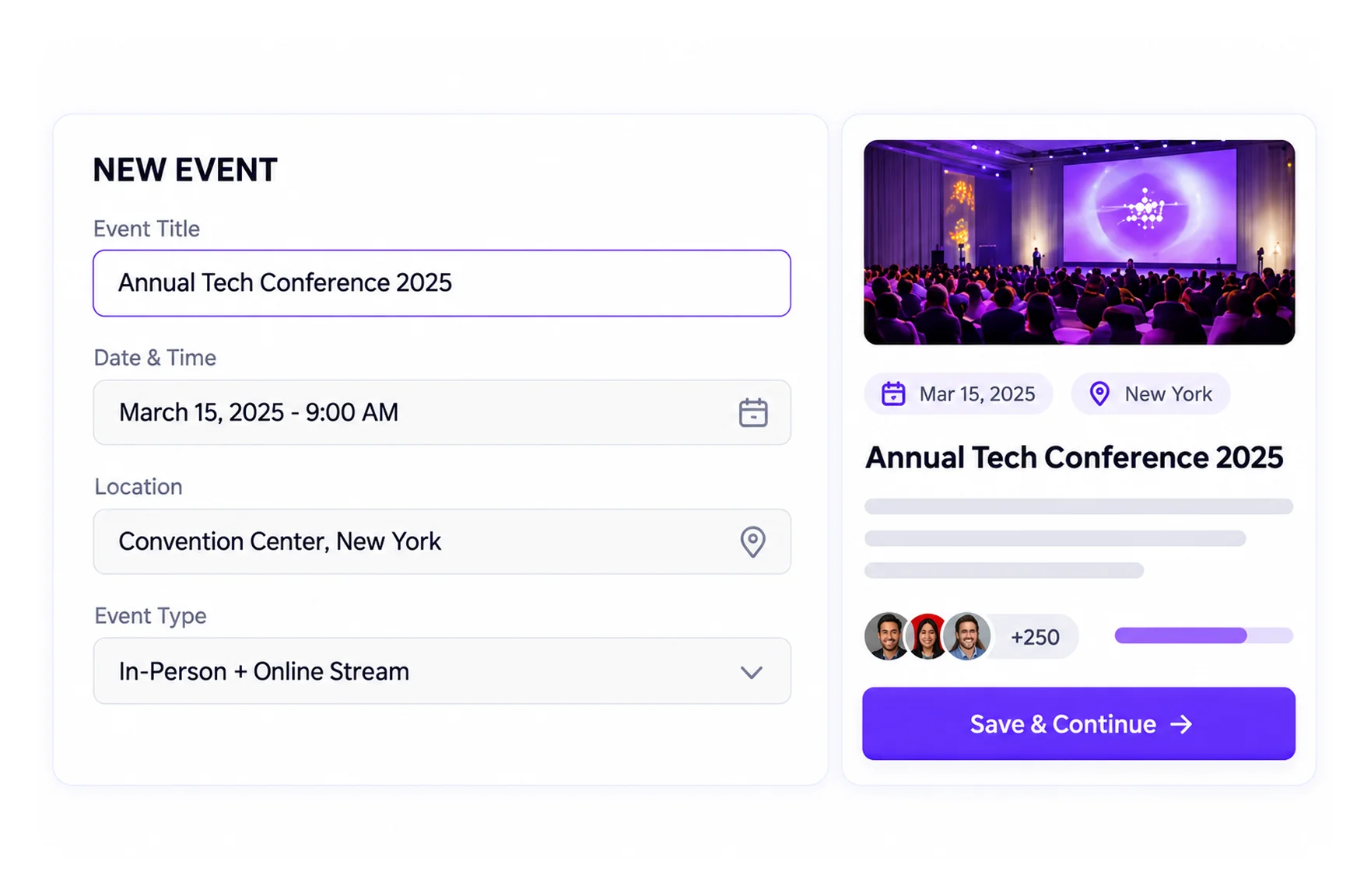
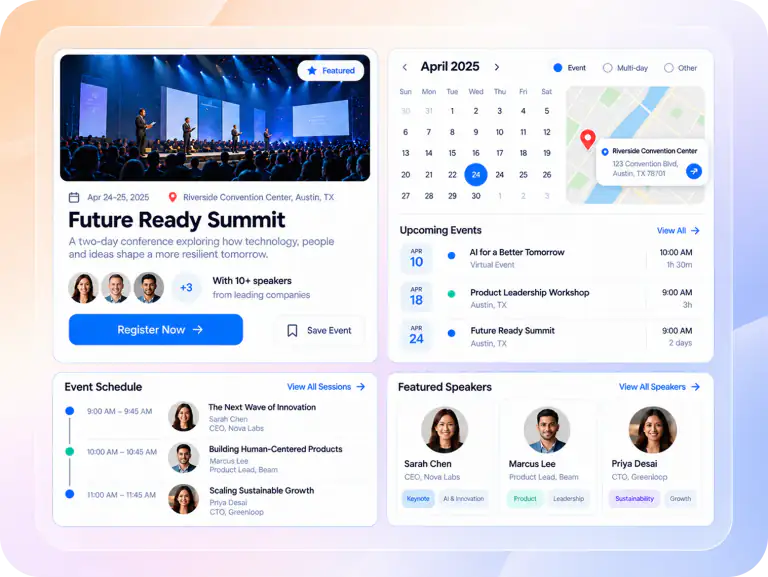
Event creation, schedules, and calendars
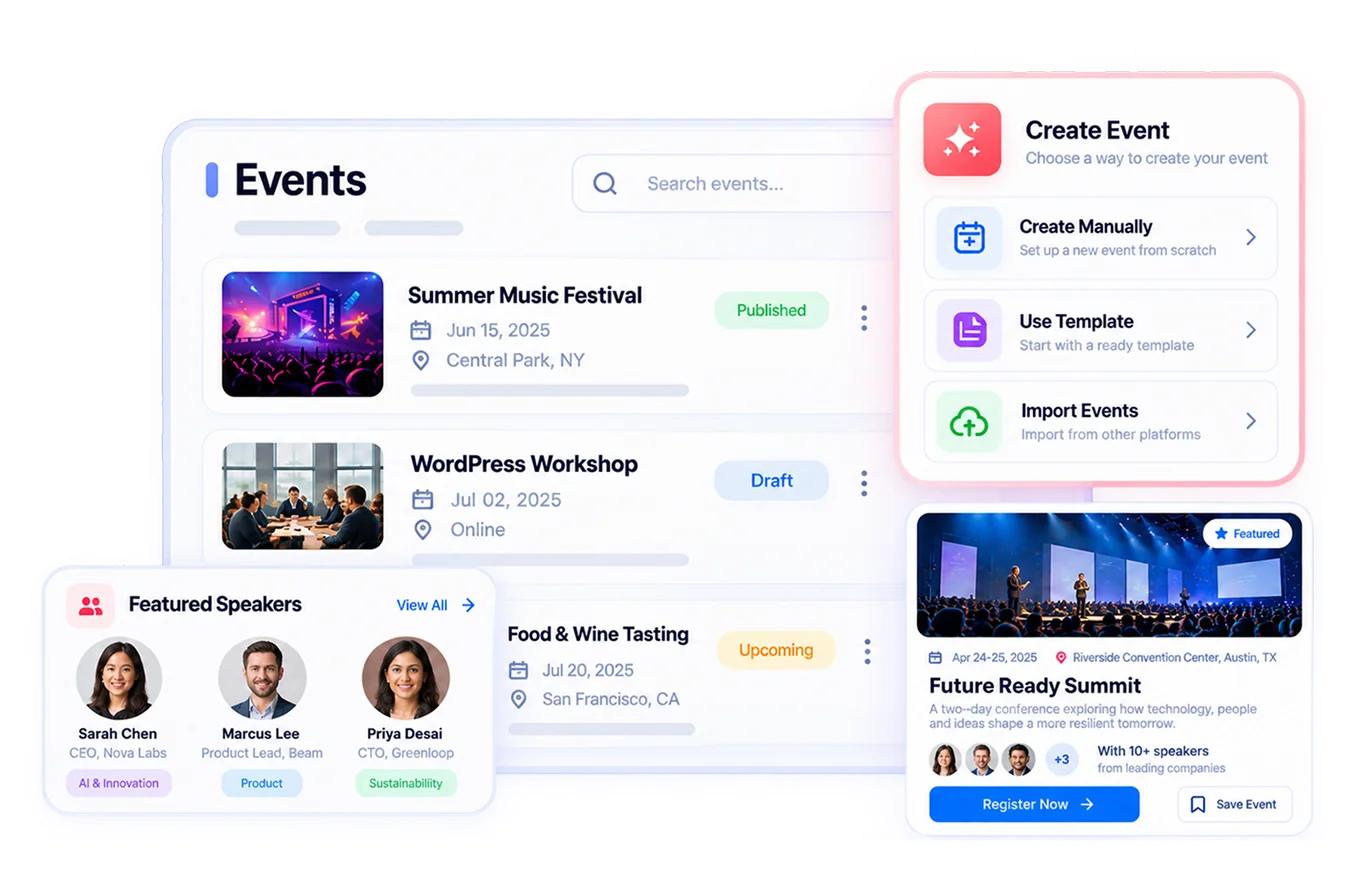
Every event starts with a clear page. Eventin lets you add schedules, speakers, venues, maps, FAQs, and organizer details in one guided workflow. It supports single, multi-day, and recurring events.
Group events with categories and tags, and place them anywhere with shortcodes, Gutenberg blocks, or Elementor widgets. Attendees can add events to Google Calendar, Apple Calendar, and other calendar apps in one click.
Visitors can browse upcoming events in list, grid, or calendar views. That puts Eventin among the best WordPress event calendar plugins and makes it a strong WordPress event schedule plugin for multi-session programs. Built-in SEO settings and event schema help your events show up in Google.
Event registration and RSVP
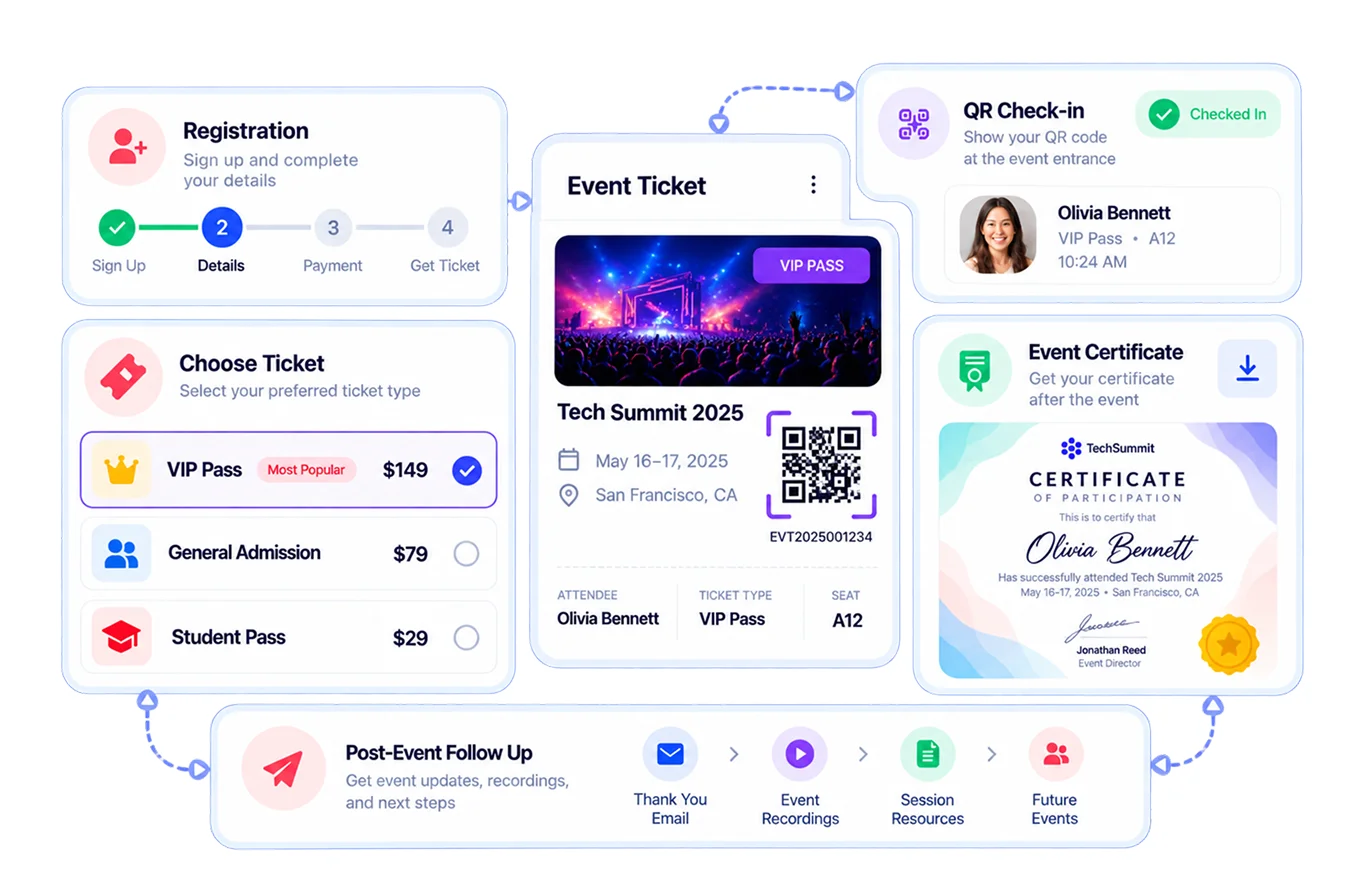
Registration should feel quick for attendees and clear for you. Eventin lets you build custom registration fields, set capacity limits, open waitlists, and collect attendee details for each ticket.
It works as an online event registration plugin for WordPress, including multi event registration from one checkout. For free events, you can switch on RSVP, send RSVP invitations by email, and track replies in an RSVP attendee report. See how it compares in our guide to the best RSVP WordPress plugins, or learn how to create an event registration form in WordPress.
Ticketing and payments
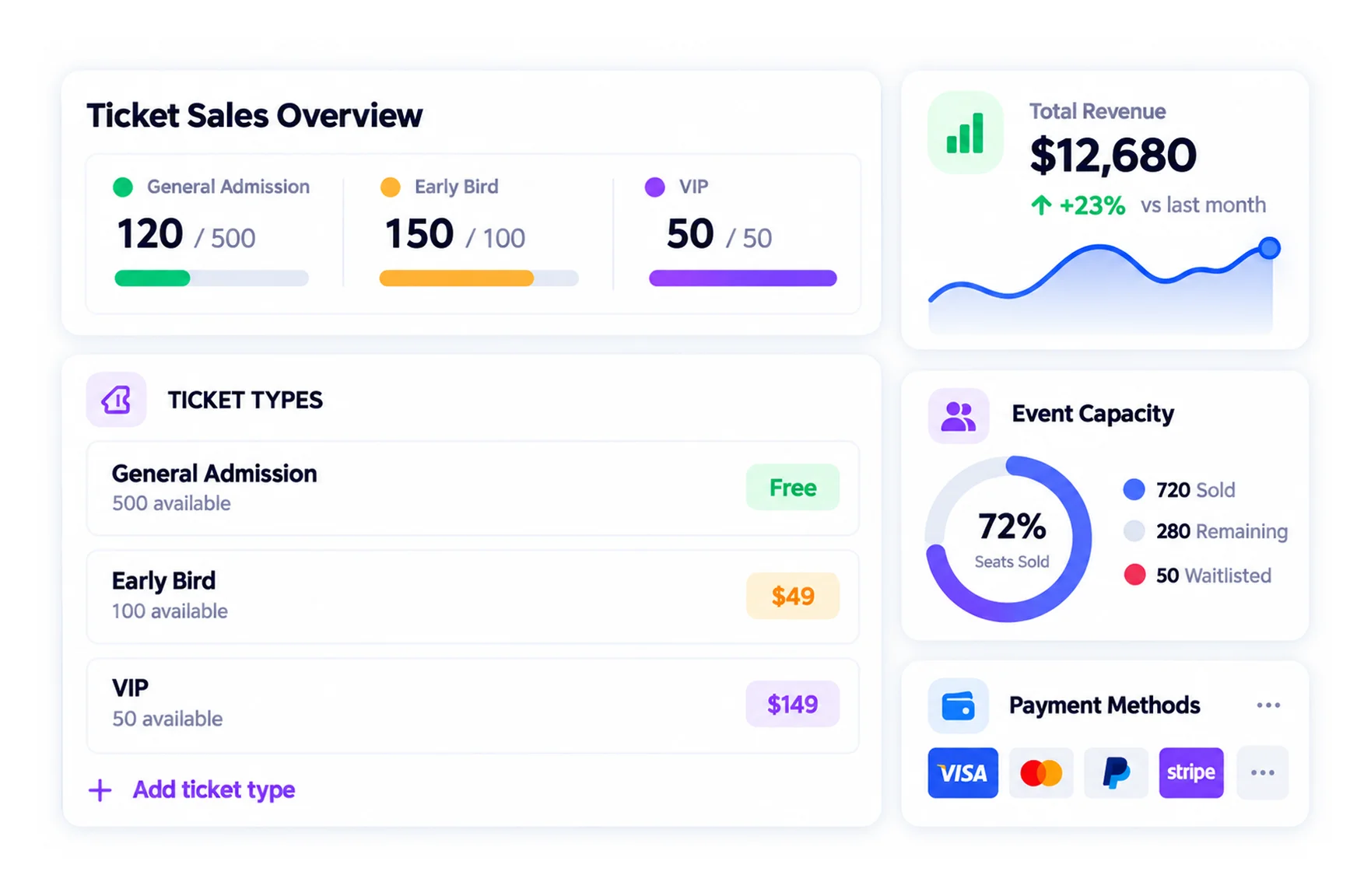
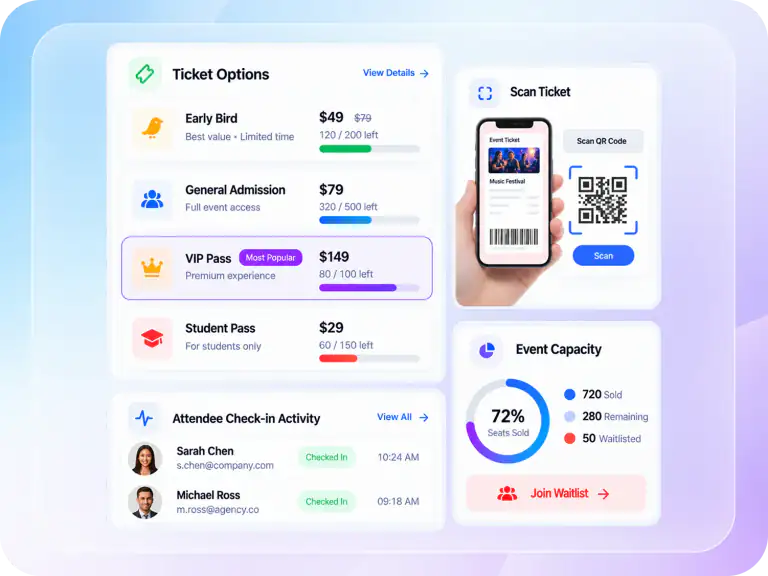
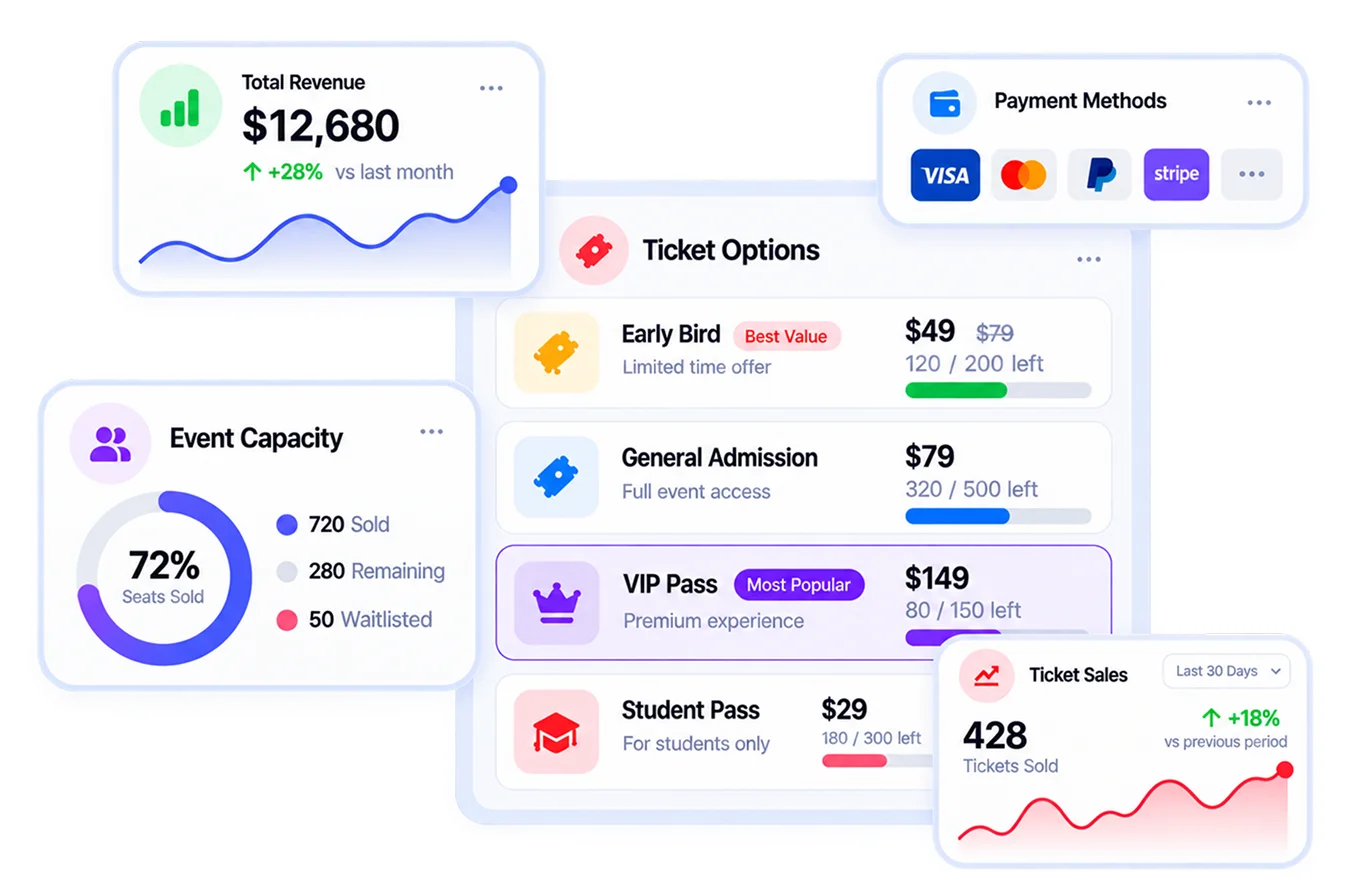
Selling tickets is where events earn money. Eventin is a full WordPress event ticket system with free and paid tickets, early bird pricing, multi-tier ticket pricing, coupons, and tax or VAT support.
Create ticket variations such as VIP, standard, and student, and share one global stock across them so you never oversell. A countdown timer at checkout holds the ticket and pushes buyers to finish.
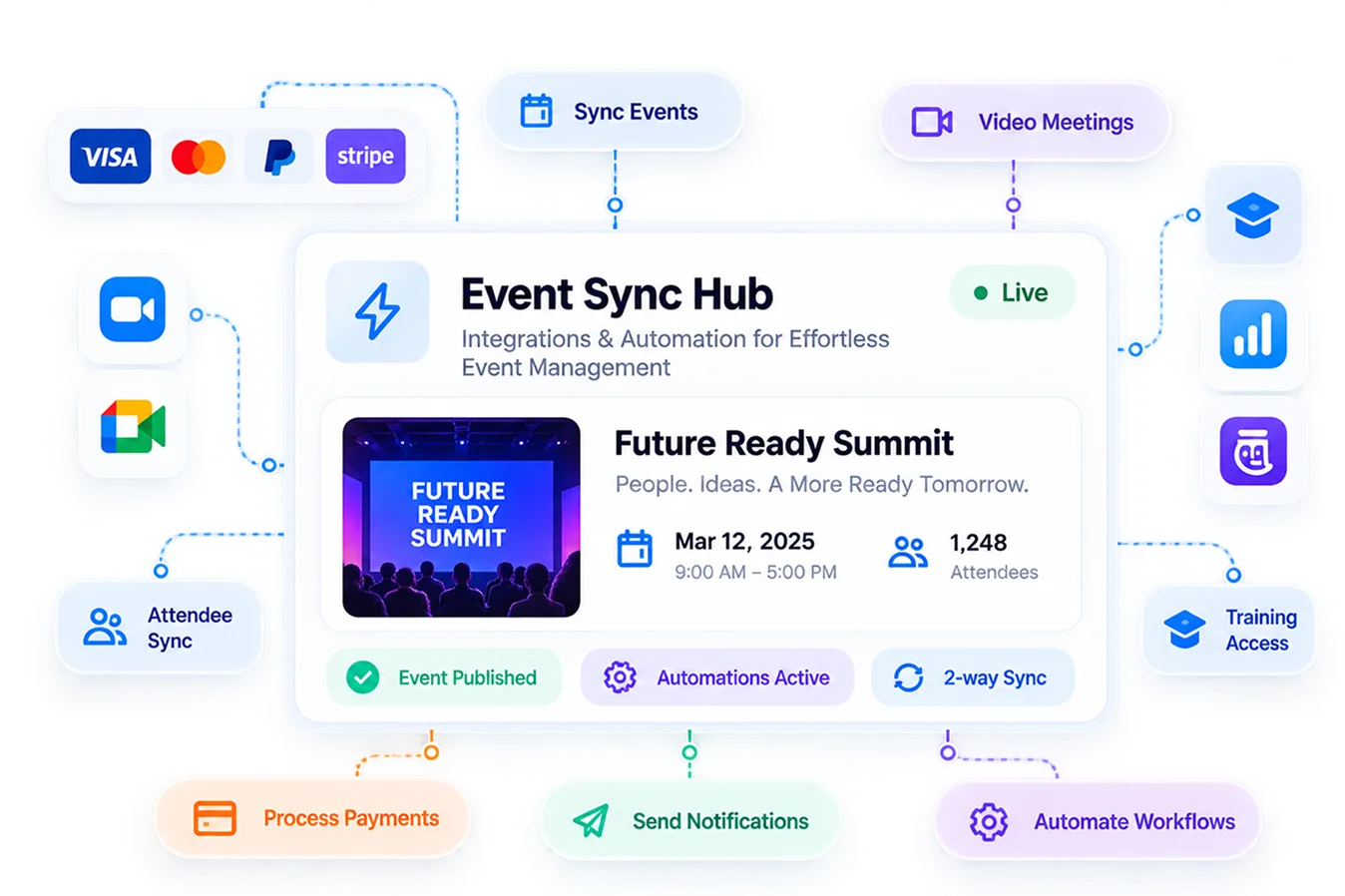
You can sell event tickets in WordPress through Stripe, PayPal, WooCommerce, SureCart, FluentCart, or local and offline payments. Every buyer gets a QR ticket by email, and you can issue full or partial refunds from the dashboard. If you are new to this, read how to sell event tickets online.
Event booking and seat reservation
Some events need attendees to pick a seat, a slot, or a session. Eventin works as an online event booking system for WordPress with a booking calendar, capacity control, and a visual seat plan for venues with assigned seating.
This makes it a good fit for theaters, concerts, classes, tours, and any event booking calendar on WordPress.
Attendee management and QR check-in
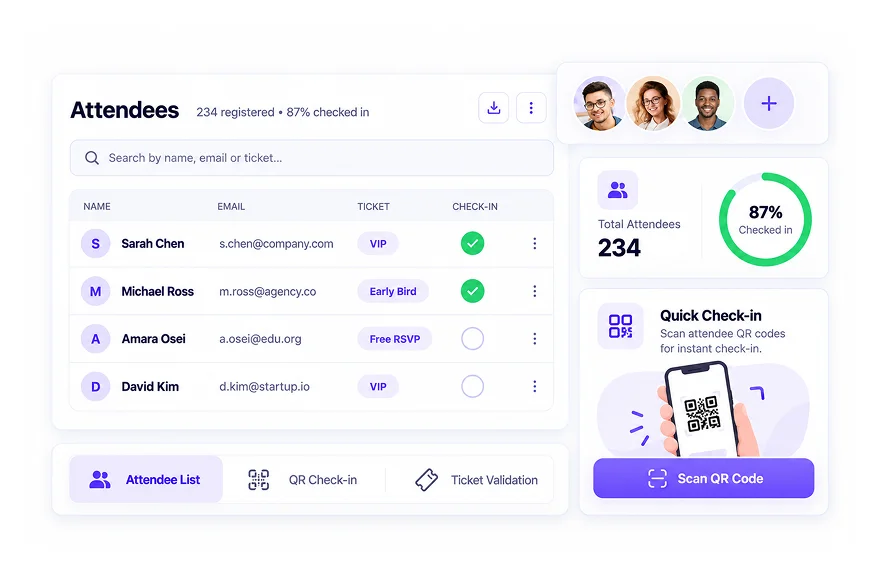
Your attendee list should be easy to find, filter, and export. Eventin keeps every registration in one dashboard, with ticket details, payment status, and custom field answers. You can add attendees manually for walk-ins and sponsors, and attendees can view their own bookings from the front end.
On event day, staff scan tickets with QR code check-in to cut queues at the door. That makes Eventin a reliable WordPress event check-in plugin for busy venues.
Design, templates, and certificates
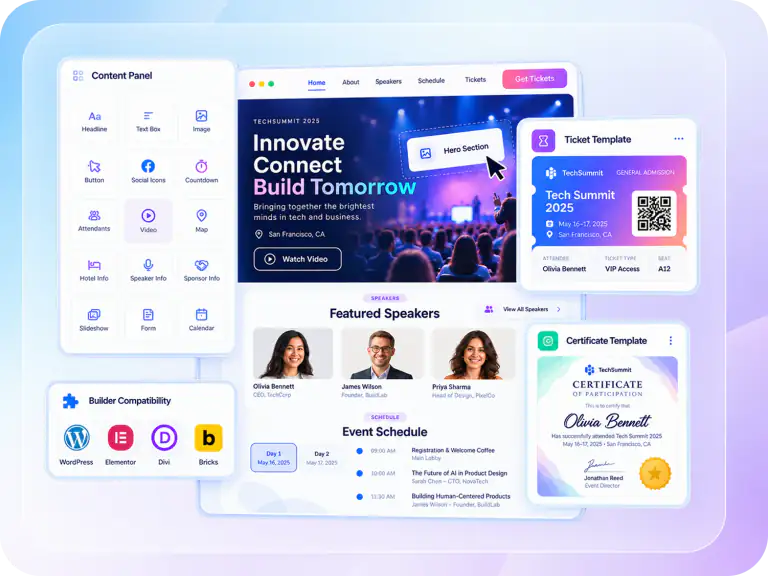
Your events should look like your brand. Eventin includes a drag-and-drop event template builder for landing pages, tickets, and certificates.
You can design once and reuse the layout for every event. You can also create custom event certificates for workshops, courses, and training sessions.
AI event creation and Eventin MCP
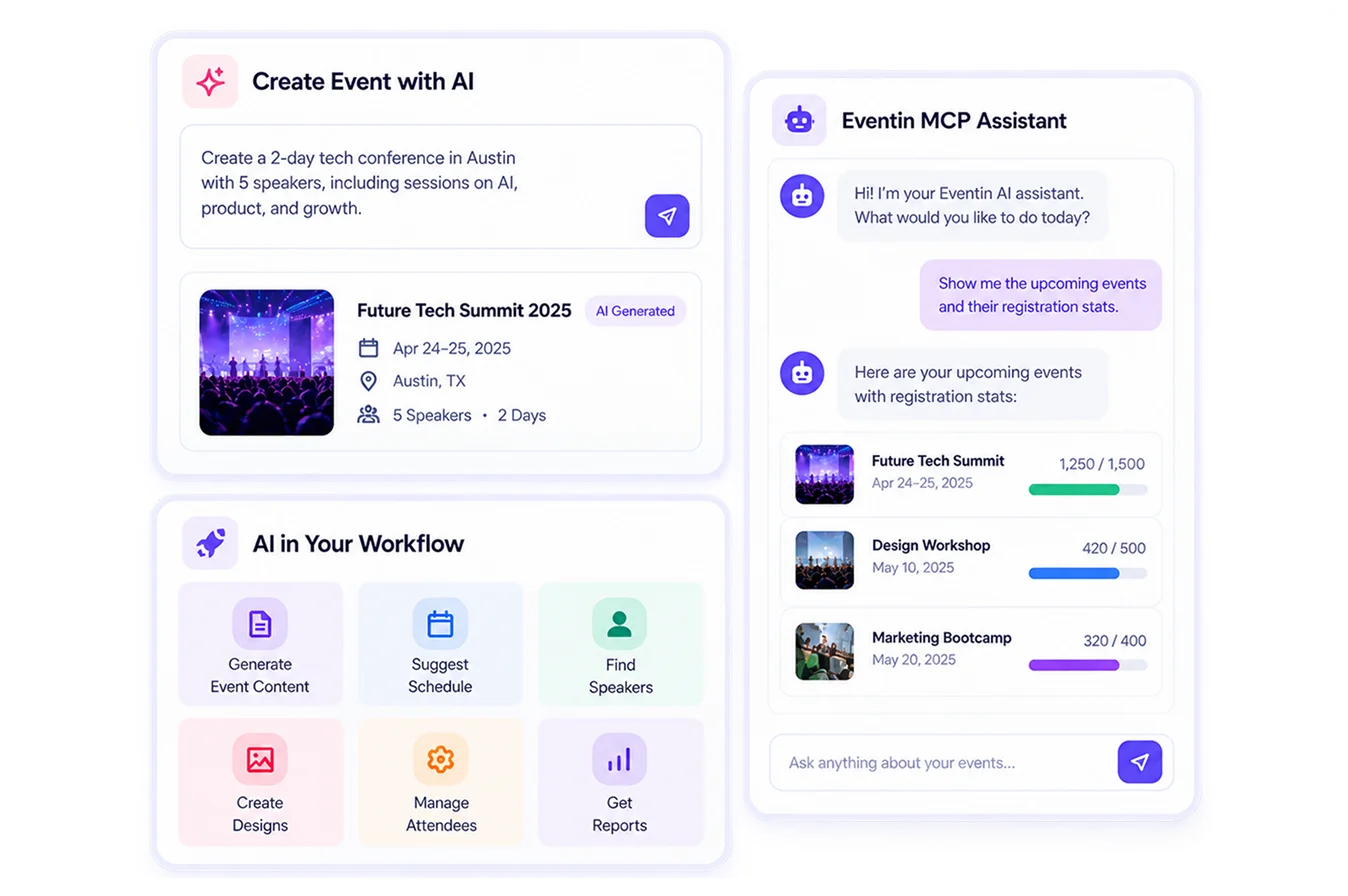
Eventin AI helps you create events with AI. It drafts the event title, description, and featured image in seconds.
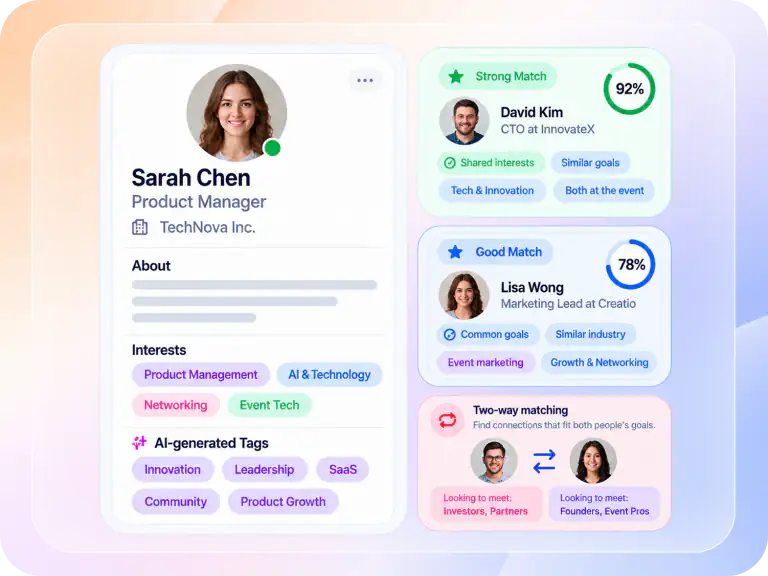
With Eventin MCP, you can manage WordPress events with AI through Claude, Codex, or another MCP-compatible assistant. You approve every action before it runs. For networking events, AI matchmaking connects attendees by shared interests.
Email automation and reporting
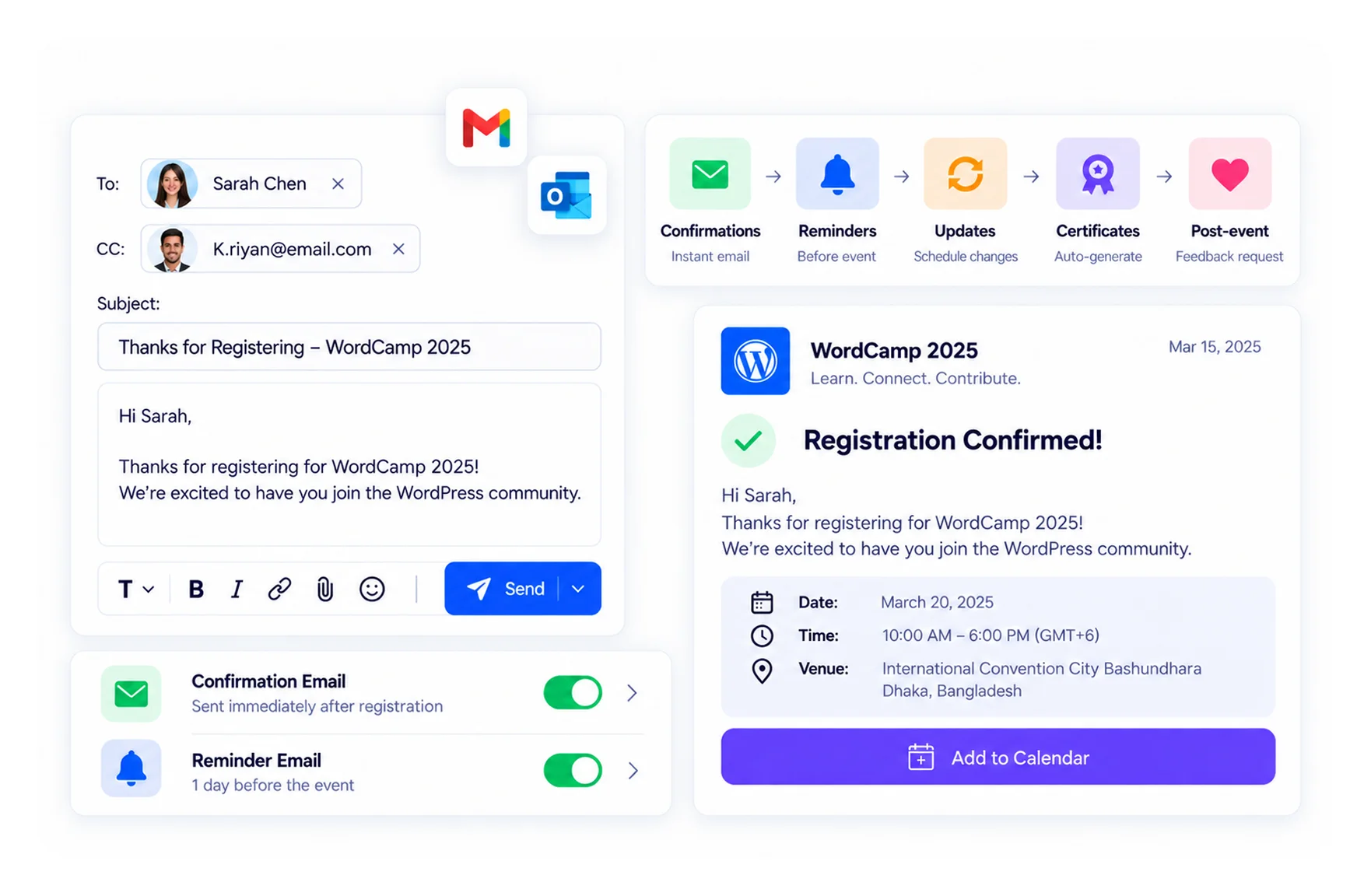
Manual follow-ups take hours. Eventin sends confirmation emails, reminders, and post-event messages automatically. A visual email automation workflow builder lets you set triggers and timing without code, and you can override email templates to match your brand. Add Twilio for SMS reminders. Learn more about how to automate WordPress event management.
Built-in reports show ticket sales, revenue, and attendance for each event, so you know what worked and what to improve.
Organizer tools, team access, and multilingual events
Eventin includes speaker and organizer profiles, plus a public speaker and organizer directory. Assign speakers to each schedule slot, and use engagement widgets to keep visitors on your event pages.
Give each team member the right access with role-based permissions. Let other organizers submit events from the front end, so community calendars fill up without admin work. You can also embed events on other websites with embeddable scripts, and send booking data to any app with webhooks.
Running events in more than one language? Eventin works with WPML and Loco Translate, and it supports ACF custom fields for extra event data. Everything is covered step by step in the Eventin documentation.
WooCommerce Event Booking and Page Builder Support
If your store already runs on WooCommerce, Eventin works as a WooCommerce event booking plugin. You can sell tickets through your existing checkout, payment gateways, and order emails.
Eventin also works with Elementor, Bricks, Divi, Oxygen, and Gutenberg. You can build an Elementor event page with drag-and-drop widgets and keep your theme design.
Want to let other organizers sell on your site? You can also build a multivendor event marketplace with Eventin and Dokan or WCFM. WooCommerce coupons work on event tickets too.


 EN
 FR
 DE
 ES