8 Best Free WordPress Event Plugins for 2026


Table of Contents
The best free WordPress event plugin depends on one question: do you only need to show events, or do you need people to register and pay? Most free plugins handle the first well. Very few let you sell tickets without a paid add-on or a per-ticket fee.
We installed and tested 8 free WordPress event plugins and compared what each one actually includes for free. This guide covers free versions only, so you can see exactly where each plugin stops and the upgrade starts.
Looking for paid options too? See our full list of the best WordPress event plugins.
Quick Picks: Best Free Event Plugin by Use Case
| Best free pick | Why | |
|---|---|---|
| Paid tickets with no fees | Eventin | Sell tickets through WooCommerce, Stripe or PayPal with no commission |
| A public event calendar | The Events Calendar | The most widely used calendar plugin, 600,000+ active installs |
| Recurring events and bookings | Events Manager | Complex recurring patterns and member or guest bookings, all free |
| An event directory | WP Event Manager | Free frontend submission and organizer dashboard |
| A simple calendar with quick ticketing | Sugar Calendar Lite | Free Stripe tickets, with a 3% fee |
| A visual, design-led calendar | EventON Lite | Tile, schedule and live-now views |
| Complex recurrence for developers | Event Organiser | Advanced recurring rules and developer hooks |
| Events alongside appointments | Amelia Lite | Event booking plus service bookings in one plugin |
How We Tested the Best Free WordPress Event Plugins
We installed the free version of each plugin on a fresh test site running [WordPress version] with a default block theme, in [month] 2026. For each plugin, we created a single event, a recurring event and a ticketed event, then checked where the free version stopped us.
We compared each plugin on:
- Event creation: single, multi-day and recurring events
- Calendar views: which layouts are free
- Registration and RSVP: whether attendees can sign up without an add-on
- Paid tickets: whether you can take payments, and what it costs (add-on price or per-ticket fee)
- Virtual events: Zoom, Google Meet or other integrations in the free version
- Maintenance: WordPress.org rating, active installs and update history
A long feature list is not the same as a usable free version. We paid most attention to the point where a normal workflow, like selling a ticket, forces an upgrade.
Free WordPress Event Plugins Compared at a Glance
Only three of the eight let you take online payments for tickets in the free version without a per-ticket fee or a paid add-on: Eventin, EventON Lite (basic PayPal only) and Amelia Lite (Square only).
| Plugin | WP.org rating / installs | Recurring events free | Registration / RSVP free | Paid tickets in free version | Virtual events free | Best for |
|---|---|---|---|---|---|---|
| Eventin | 4.7 / 10,000+ | Yes | Yes | Yes: WooCommerc, Stripe, PayPal, no commission | Zoom, Google Meet | Ticketing and attendee workflows |
| The Events Calendar | 4.2 / 600,000+ | No | Via free Event Tickets plugin | Via Event Tickets, 2% fee | Paid product | Public event calendars |
| Events Manager | 4.2 / 60,000+ | Yes | Yes (members and guests) | Offline payments only | Zoom locations | Bookings, clubs, recurring events |
| WP Event Manager | 4.0 / 20,000+ | No | Paid add-on | Paid add-on | Paid add-on | Event directories |
| Sugar Calendar Lite | 4.5 / 10,000+ | No | Yes | Stripe, 3% fee | Zoom | Simple calendars |
| EventON Lite | 4.1 / 6,000+ | Yes | Paid add-on | Basic PayPal | Jitsi | Design-led calendars |
| Event Organiser | 4.6 / 20,000+ | Yes (complex rules) | Pro only | Pro only | No | Developers |
| Amelia Lite | 4.6 / 90,000+ | No | Yes (event booking) | Square | Paid plan | Service businesses with events |
Last verified: October 2026.Ratings, installs and plan features change. Check each plugin’s WordPress.org page and official documentation before deciding.
The 8 Best Free WordPress Event Plugins
1. Eventin Free: Best for Free Ticketing and Registration
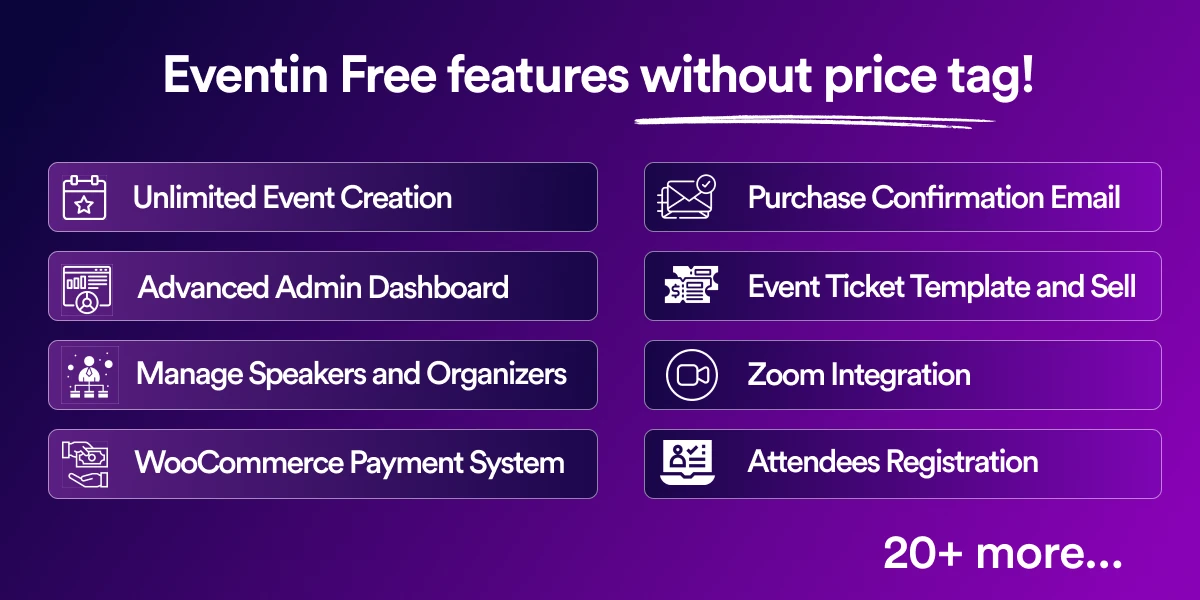
Eventin is an event management plugin by Themewinter with 10,000+ active installs and a 4.7/5 rating on WordPress.org. Its free version goes further than most: it covers registration, recurring events and paid tickets without a per-ticket fee.
What Eventin Includes for Free
- Unlimited single and recurring events
- Month, week, day and list calendar views
- RSVP and attendee registration with custom form fields
- Multi-tier tickets, PDF tickets and QR code check-in
- Paid tickets through WooCommerce, Stripe or PayPal, with no commission
- Zoom and Google Meet for virtual events
- Speakers, organizers and session schedules
- Calendar sync with Google, iCal, Yahoo and Outlook
- CSV attendee export and event schema markup
- Elementor widgets, Gutenberg blocks and shortcodes
Where it works best: Workshops, webinars, conferences and community events that need sign-ups or ticket sales, not just a calendar.
Limitations: AI event generation, the landing page builder, ticket and certificate builders, visual seat maps, the email automation builder and Dokan multivendor support are Pro features (from $89/year). Some users have reported issues after major updates, so test updates on a staging site first.
Best use case: choose Eventin Free if you want to sell tickets or take registrations from day one without paying for an add-on.
2. The Events Calendar Free: Best for Public Event Calendars
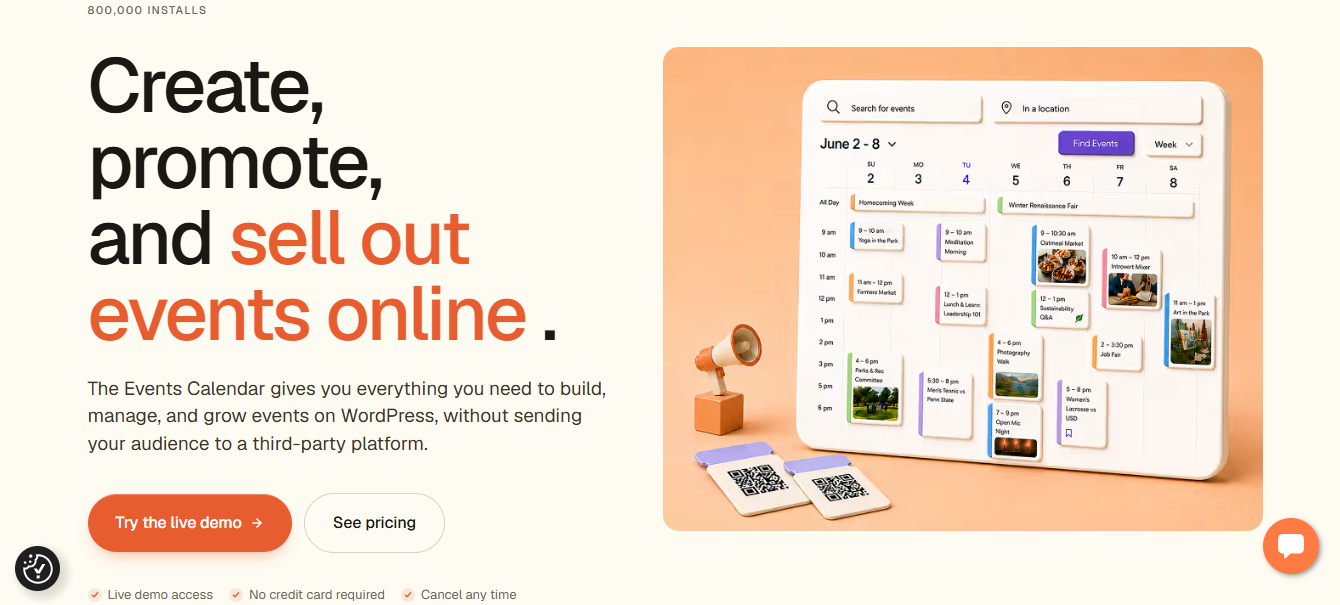
The Events Calendar is the most widely used WordPress calendar plugin, with 600,000+ active installs and a 4.2/5 rating. The free core focuses on publishing and displaying events cleanly.
What’s free:
- Month, list and day views
- Saved venues and organizers
- Event categories, tags and search
- Google Maps on event pages
- Google Calendar and iCal export
- Event blocks, widget and JSON-LD schema
- CSV import and REST API
Ticketing: registration and tickets come from the separate free Event Tickets plugin. It supports RSVP and paid tickets through PayPal, Stripe, Square or Paystack, but adds a 2% application fee per ticket on the free plan.
Where it works best: schools, churches, venues and community groups that mainly want a familiar public calendar.
Limitations: recurring events are not free. They start with the Essentials plan ($259/year). Fee-free WooCommerce ticketing and QR check-in need Pro ($399/year). Calendar sync is export only, with no two-way sync.
Best use case: choose The Events Calendar Free if calendar display is your main need and you run few or no paid events.
3. Events Manager Free: Best for Recurring Events and Bookings
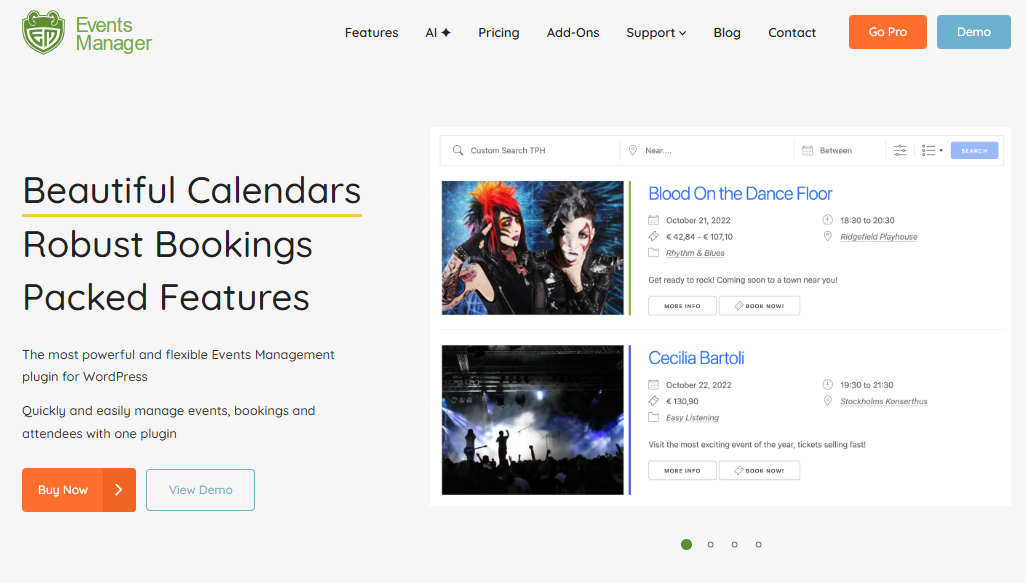
Events Manager has been around since 2008 and has 60,000+ active installs with a 4.2/5 rating. Its free version is unusually generous on bookings and recurring events.
What’s free:
- Recurring events with complex patterns and exclusions
- Time slots and multiple ticket types
- Member and guest bookings
- Calendars, lists, search and Google Maps geo-search
- Attendee CSV export and import/export tools
- iCal feed and add-to-calendar links (Google, Outlook, Office 365, Apple)
- Zoom locations for online events
- BuddyPress/BuddyBoss groups, multisite and WPML support
- Offline payments
Where it works best: clubs, associations, classes and community groups running regular events, especially on multisite or BuddyPress.
Limitations: online payments (PayPal, Stripe, Square), custom booking forms, coupons, PDF tickets and QR check-in need Events Manager Pro (from $89/year for one site). WooCommerce support is a paid add-on. The admin interface feels dated and takes time to configure.
Best use case: choose Events Manager Free if you run recurring bookings and can collect payment offline.
4. WP Event Manager Free: Best for Event Directories
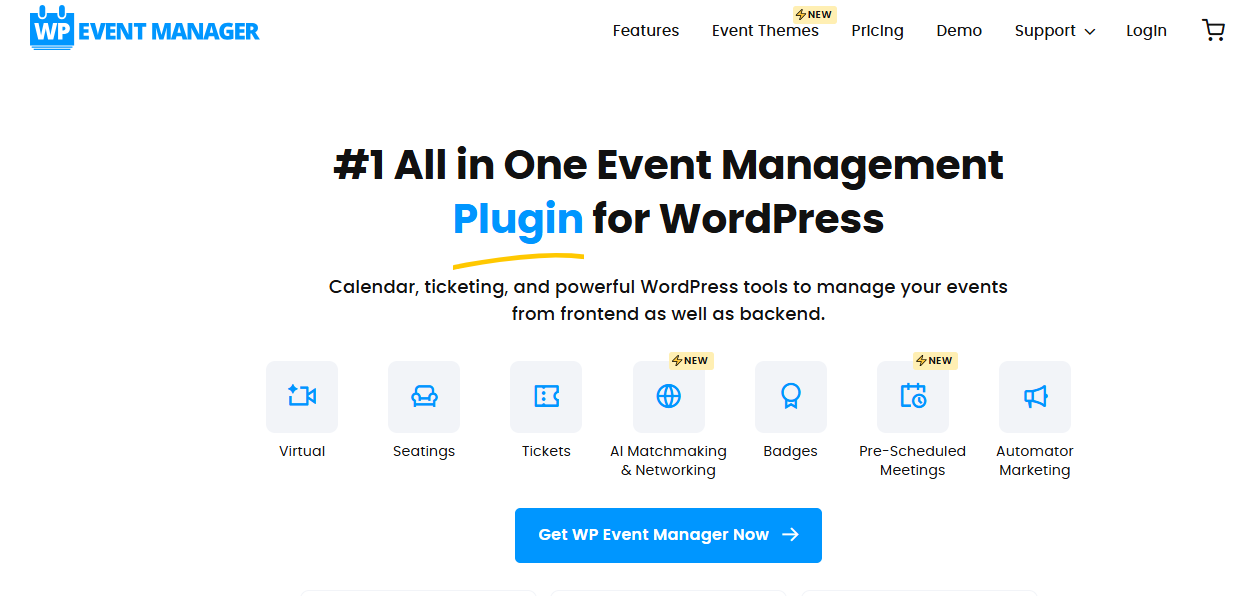
WP Event Manager is a lightweight, modular plugin with 20,000+ active installs and a 4.0/5 rating. Its free core is built around event listings and frontend submissions.
What’s free:
- Unlimited event listings
- Frontend event submission forms
- Organizer dashboard
- Grid and list layouts with search and filters
- Custom field editor
- Event schema markup
- Gutenberg and Elementor support
Where it works best: local event directories, community portals and sites where many organizers submit their own events.
Limitations: most core features are paid add-ons. Recurring events come with the Plus bundle ($99/year), and ticket selling needs the Pro bundle ($199/year). Registrations, calendar views and Zoom are add-ons too. There are no refunds.
Best use case: choose WP Event Manager Free if you want an event directory with frontend submissions, and plan the add-on budget before you commit.
5. Sugar Calendar Lite: Best for Simple Calendars With Quick Ticketing
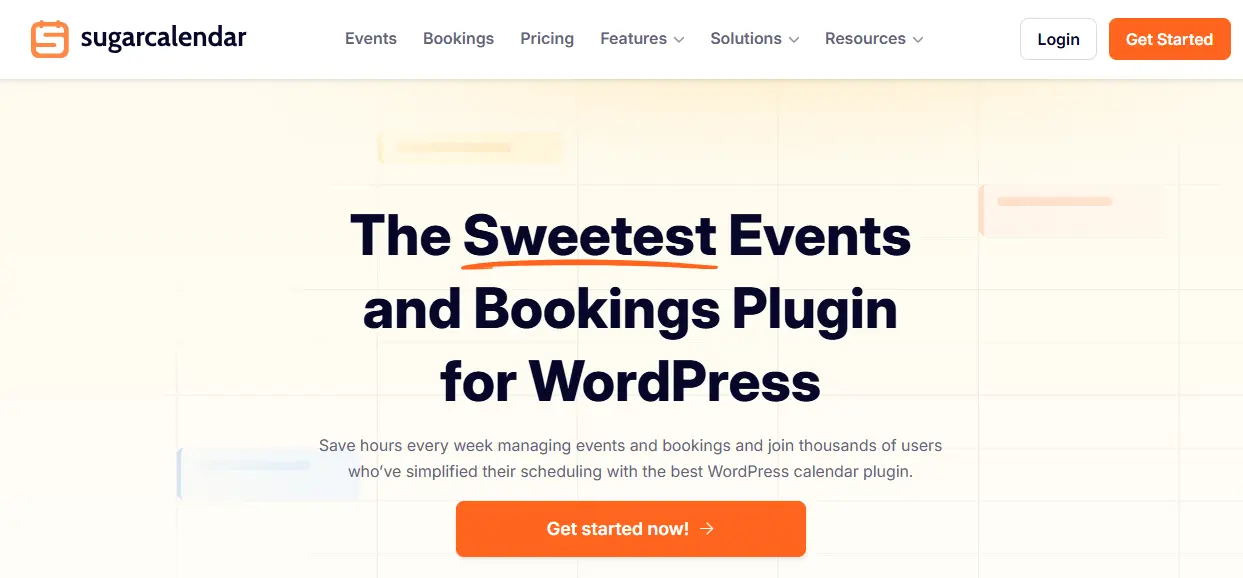
Sugar Calendar Lite is a lightweight calendar plugin from Awesome Motive, with 10,000+ active installs and a 4.5/5 rating. Recent updates added free ticketing, which makes it more than a display calendar.
What’s free:
- Month, week and day views
- Multiple calendars
- Venues with Google Maps
- Registration forms and attendee CSV export
- Stripe tickets (with a 3% fee)
- Zoom integration
- Elementor widgets, blocks and shortcodes
- Import and export
Where it works best: small organizations, churches, clubs and nonprofits that want a clean calendar and occasional paid events.
Limitations: recurring events are paid (Basic plan from $49.50 for the first year, $99 on renewal). RSVP and fee-free ticketing need the Plus plan or higher. Calendar feeds are one-way, and the plugin has relatively few reviews so far.
Best use case: choose Sugar Calendar Lite if you want a simple calendar and can accept a 3% fee on the tickets you sell.
6. EventON Lite: Best for Design-Focused Calendars

EventON Lite is the free version of EventON, with 6,000+ active installs and a 4.1/5 rating on WordPress.org. It stands out for its visual calendar layouts.
What’s free:
- Month, schedule, tile and live-now views
- Repeating events, daily to yearly, plus custom patterns
- Virtual events through Jitsi
- Google Maps, search and filters
- Event schema and Gutenberg blocks
- Basic PayPal payments
- AI-generated event titles and descriptions
Where it works best: venues, schools and community sites that want an attractive public calendar.
Limitations: the full plugin costs $60 one-time, but real ticketing is add-on based. The Tickets add-on is $120/year and requires WooCommerce, RSVP is $100/year, and seat maps and check-ins are extra. Costs add up quickly for ticketed events.
Best use case: choose EventON Lite if design matters most and you only need basic PayPal payments.
7. Event Organiser: Best for Complex Recurring Events
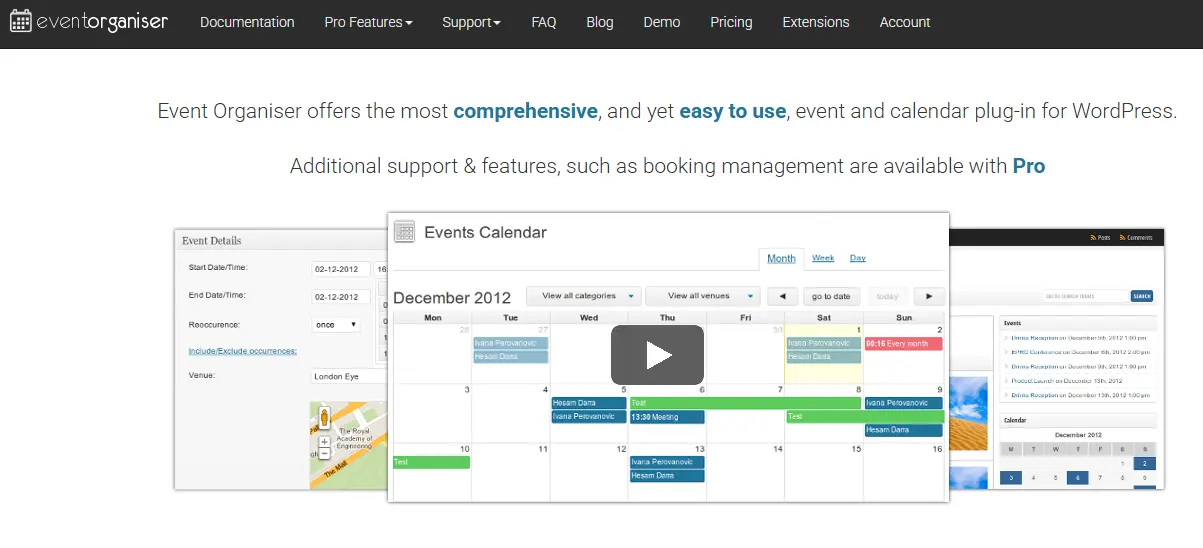
Event Organiser is a developer-friendly plugin with 20,000+ active installs and a 4.6/5 rating. Its strength is flexible recurrence rules.
What’s free:
- One-time and complex recurring events
- Venues with Google Maps or OpenStreetMap
- Calendar and list shortcodes and widgets
- Color-coded categories and tags
- iCal import and export
- Developer hooks and API
Where it works best: developers building custom event sites with complicated schedules.
Limitations: bookings, booking forms and payments are Pro only (from £50 for one site). There is no block editor or page builder integration. Maintenance has been slow, with long gaps between releases, so check the latest update date before installing.
Best use case: choose Event Organiser if you are comfortable with code and need recurrence patterns other plugins can’t handle.
8. Amelia Lite: Best for Service Businesses That Also Run Events
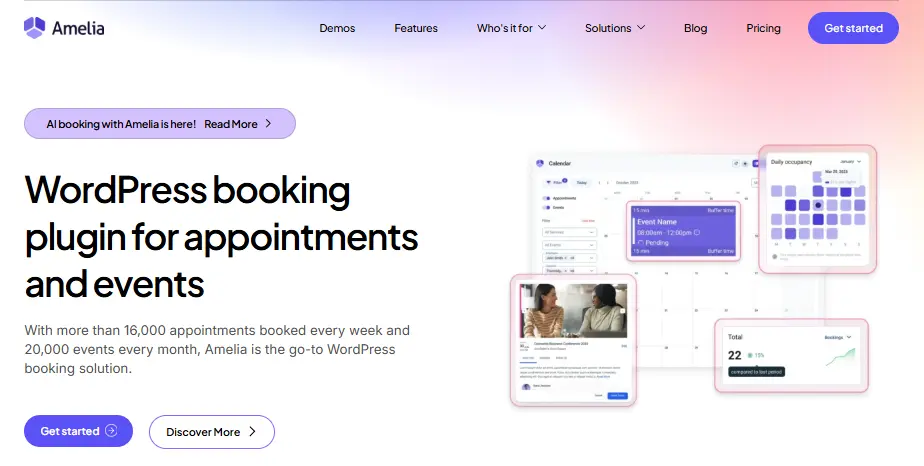
Amelia is primarily an appointment booking plugin, with 90,000+ active installs and a 4.6/5 rating. Its free Lite version includes basic event booking alongside service bookings.
What’s free:
- Event list booking and catalog booking forms
- Admin calendar
- Email and SMS notifications
- Double-booking prevention
- Square payments
- Elementor, Divi and Gutenberg widgets
Where it works best: salons, studios, coaches and clinics that take appointments and run the occasional class or workshop.
Limitations: Lite has no reminders and no multiple ticket types for events. Recurring events, Zoom, Google Calendar sync, Stripe and PayPal start with the Standard plan ($99/year).
Best use case: choose Amelia Lite if appointments are your core business and events are a side offer.
Best Free WordPress Event Calendar Plugins
If you only need to display events and don’t need registration or tickets, these are the strongest free calendar options:
| Need | Best free calendar plugin | Free views |
|---|---|---|
| The most familiar calendar | The Events Calendar | Month, list, day |
| Calendar plus recurring events | Eventin or Events Manager | Eventin: month, week, day, list |
| A visual, styled calendar | EventON Lite | Month, schedule, tile, live-now |
| Several separate calendars | Sugar Calendar Lite | Month, week, day |
The main free calendar trade-off is recurring events. The Events Calendar and Sugar Calendar Lite both charge for them, while Eventin, Events Manager, EventON Lite and Event Organiser include them free.
For a deeper calendar-only comparison, including paid plugins, see our guide to the best WordPress event calendar plugins.
Can You Sell Event Tickets With a Free WordPress Plugin?
Yes, but only a few free plugins let you sell tickets without a per-ticket fee or a paid add-on. Eventin is the only one in this list that supports WooCommerce, Stripe and PayPal tickets for free with no commission.
Here’s what it really costs to sell paid tickets with each plugin:
| Plugin | Selling paid tickets | Extra cost |
|---|---|---|
| Eventin | Free via WooCommerce, Stripe or PayPal | None |
| EventON Lite | Basic PayPal in Lite | Tickets add-on $120/year + WooCommerce for full ticketing |
| Amelia Lite | Square only | Standard $99/year for Stripe and PayPal |
| Sugar Calendar Lite | Free Stripe tickets | 3% fee per ticket, or Plus plan to remove it |
| The Events Calendar | Free Event Tickets plugin | 2% fee per ticket, or Pro $399/year for no fees |
| Events Manager | Offline payments only | Pro from $89/year for online payments |
| Event Organiser | Not in free version | Pro from £50 |
| WP Event Manager | Not in free version | Pro bundle $199/year |
Prices as of October 2026. Check each vendor’s pricing page before buying.
A percentage fee looks small, but it grows with your sales. On 500 tickets at $20, a 3% fee costs $300, more than a year of several paid plans.
For a step-by-step setup, see how to sell event tickets online without monthly fees. If attendee registration forms matter more than payments, compare the best event registration plugins.
Support and Maintenance: What to Check Before Installing
A free plugin is only as good as its upkeep. Before you commit, check these on each plugin’s WordPress.org page:
- Last updated date: Event Organiser, for example, went almost two years without a feature release. Long gaps raise compatibility and security risks.
- Recent reviews: sort by newest. Several plugins here have recent reports of problems after major updates, so always test updates on a staging site.
- Support forum response: look at how many recent threads are marked resolved.
- Compatibility: confirm the plugin is tested with your WordPress version, theme and page builder.
Eventin is trusted by Dokan for best multivendor event marketplace – Read more
Which Free WordPress Event Plugin Should You Choose?
Choose Eventin Free if you need registration, attendee management and ticket-related workflows in one plugin. Choose The Events Calendar if your main priority is publishing events in a familiar calendar layout. Events Manager may suit users who need flexible locations and booking options, while WP Event Manager is a suitable starting point for frontend event listings and directory-style websites.
The right choice depends on the features included in the free version and which paid extensions your event may require later.
Need advanced ticketing, automation, multiple payment gateways, visual seat planning, or greater customization? Explore Eventin’s complete WordPress event management plugin capabilities.
Frequently asked questions (FAQs)
What is the best free WordPress event management plugin?
Eventin Free is a strong option for organizers who need registration, attendee management and ticket-related tools. The Events Calendar may be better when calendar display is the main requirement. The right choice depends on the free features your event needs.
Can I sell event tickets with a free WordPress plugin?
Some free plugins support ticket sales directly or through WooCommerce, while others require a paid plan or separate extension. Check payment-gateway requirements and transaction workflows before selecting a plugin.
What are the limitations of free WordPress event plugins?
Common limitations include restricted payment gateways, recurring events, automation, advanced calendar views, custom templates, seat planning and third-party integrations.
Do free event plugins support online events?
Some plugins support Zoom or other virtual-event workflows in their free versions, while others require paid integrations. Verify current plan availability before installing.
When should I upgrade to a paid event plugin?
Upgrade when your events require advanced ticketing, automated communication, multiple payment gateways, recurring schedules, detailed reporting or premium support.