8 Best WordPress Event Management Plugins in 2026 (Free vs Paid, Tested)



Table of Contents
The best WordPress event management plugins in 2026 are Eventin for all-in-one ticketed events, The Events Calendar for established content-heavy calendars, Events Manager for the strongest free bookings, and EventON for design-focused calendars.
The bigger question is what you get for free: only 2 of these 8 plugins (Eventin and EventON) sell tickets online and run recurring events in their free versions.
We installed all 8 on the same WordPress test site to see what each free version really includes, which features sit behind a paid plan, and which plugins take a cut of your ticket sales. If you already use one and want to switch, we cover that too.
Disclosure: Eventin is made by Themewinter, the publisher of this guide. We judged it on the same criteria as every other plugin, and we list its downsides too.
Quick answer: the best WordPress event plugins by use case
- Best all-in-one plugin for ticketed events: Eventin. Tickets, registration, check-in and email automation in one plugin, with widgets for Elementor, Gutenberg, Divi, Bricks and Oxygen.
- Best free plugin for bookings and recurring events: Events Manager. Complex recurring patterns and bookings without paying.
- Best for established, content-heavy calendars: The Events Calendar. The most installed option, with a large add-on ecosystem.
- Best for design-focused calendars: EventON. Polished layouts for a one-time $60.
- Best lightweight option: Sugar Calendar. Simple and quick to set up for small calendars.
Ready to run smoother events?
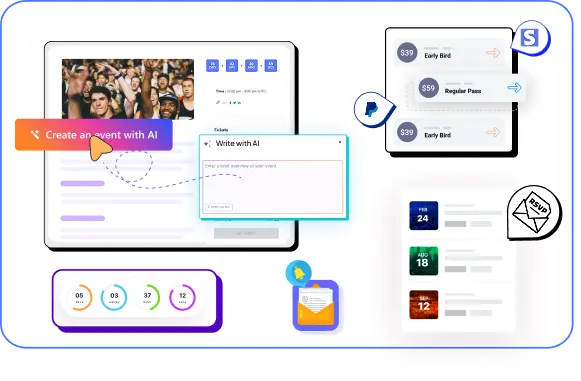
Create & manage events easily with Eventin event manager.
- ✅ Sell tickets
- ✅ Track attendees
- ✅ Automate reminders

How we tested WordPress event management plugins
We installed every plugin on the same staging site and tested what a WordPress site owner actually deals with: free features, site speed, compatibility and upkeep.
Our test setup
A fresh WordPress install with the default theme, WooCommerce, Elementor and a caching plugin. We activated one plugin at a time and published the same event: two ticket types, a custom registration question and a confirmation email.
What we measured
- Trust: WordPress.org rating and active installs.ch WordPress event management plugin in detail and see which one fits different event needs.
- Free version: which of six key features work without paying (recurring events, online ticket sales, QR check-in, Zoom, custom registration fields, email reminders).
- Site speed: mobile PageSpeed score, page weight and requests on the event page, before and after activation.
- Compatibility: Elementor, Gutenberg, Divi, WooCommerce and WPML.
- Conflicts: errors or broken layouts with Elementor and caching enabled.
- Maintenance: last update and update frequency on WordPress.org.
A Quick Comparison of the Best 8 WordPress Event Management Plugins
Choosing the right event plugin depends on your event type, required features, and workflow. Here is a quick comparison of the best WordPress event management plugins based on their ideal use cases, ticketing options, registration capabilities, and pricing approach.
| Plugin | Best for | WordPress.org rating (installs) | Free version | Starting paid price |
|---|---|---|---|---|
| Eventin (WordPress plugin) | All-in-one ticketed events | 4.7/5 (10,000+) | Available | $89/yr or $119 lifetime |
| The Events Calendar | Established, content-heavy calendars | 4.2/5 (600,000+) | Calendar only; tickets via a separate plugin | $259/yr |
| Events Manager | Free bookings and recurring events | 4.2/5 (60,000+) | Strong; offline payments only | $99/yr |
| Modern Events Calendar | Layout variety | Not on WordPress.org | Lite, downloaded from Webnus | $99/yr |
| EventON | Design-focused calendars | 4.1/5 (6,000+, Lite) | Basic | $30 for 1 site |
| Sugar Calendar | Lightweight, simple calendars | 4.5/5 (10,000+) | Good, with a 3% ticket fee | $49.50 first year |
| WP Event Manager | Event directories and listings | 4.0/5 (20,000+) | Listings only | $8/yr |
| Amelia | Service businesses that also run events | 4.6/5 (90,000+) | Basic (Lite) | $49/yr |
Ratings and installs from WordPress.org, October 2026. The feature-by-feature free version breakdown, speed results and compatibility table follow the reviews.
The 8 best WordPress event management plugins
1. Eventin (WordPress plugin): Best All-in-One Plugin for Ticketed events
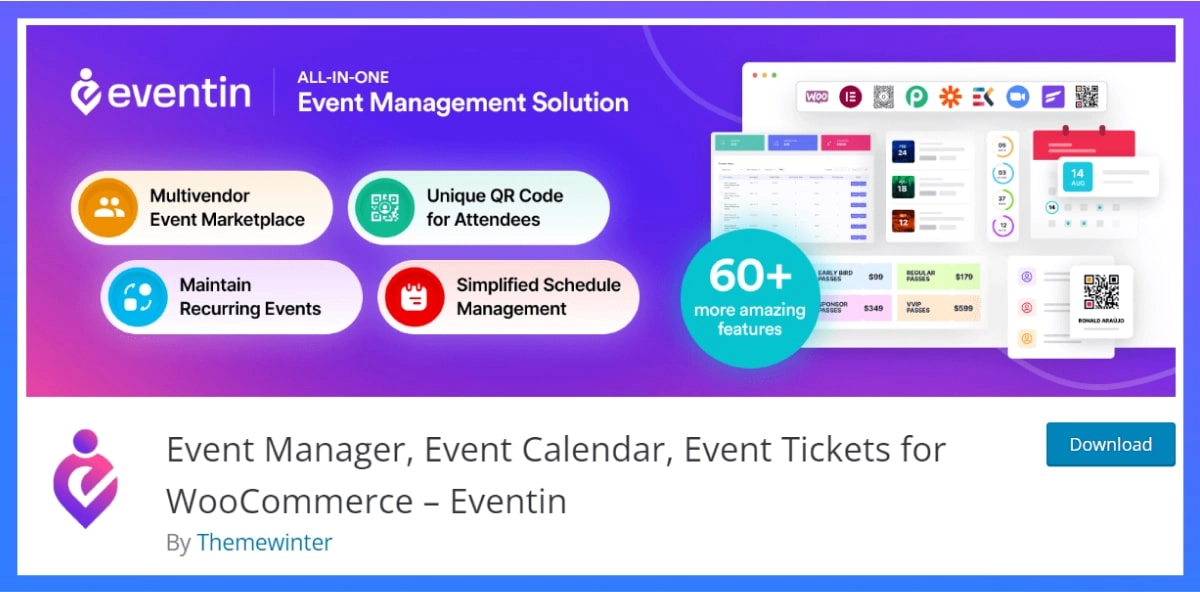
Eventin is the best choice for small businesses that want tickets, registration, check-in and email automation in one WordPress plugin. Payments go through WooCommerce, Stripe or PayPal straight to your account, with no platform commission, and the free version already sells tickets through WooCommerce.
It also ships 10+ Elementor widgets, so event pages match the rest of your site. The trade-off is that some advanced tools, like the seat map and template builders, need a paid plan, and you manage your own WordPress updates.
Key features of Eventin
- Multi-tier tickets (early bird, VIP, group), RSVP and custom registration fields
- QR code tickets and check-in from any device
- Recurring events, plus Zoom and Google Meet for virtual and hybrid events
- Email automation for confirmations, reminders and follow-ups
- AI event creation for titles, descriptions, FAQs and images
- Widgets for Elementor, Gutenberg, Divi, Bricks and Oxygen
What we liked most
- No commission on ticket sales
- All Pro features in every paid plan; only the number of sites changes
- Lifetime licence option from $119
What could be better
- Some WordPress.org reviewers report issues after major updates, so test updates on a staging site
- No built-in marketplace to help new audiences find your events
Pricing (checked October 2026)
Standard (2 domains): $89 per year and $119 for a lifetime.
Premium (100 domains): $149 per year and $299 for a lifetime.
Agency (Unlimited domains): $299 per year and $399 for a lifetime.
Ready to run professional events with Eventin?
Create events, sell tickets, manage attendees, and run virtual or hybrid events directly from your WordPress site using Eventin.
2. The Events Calendar: best for established, content-heavy calendars
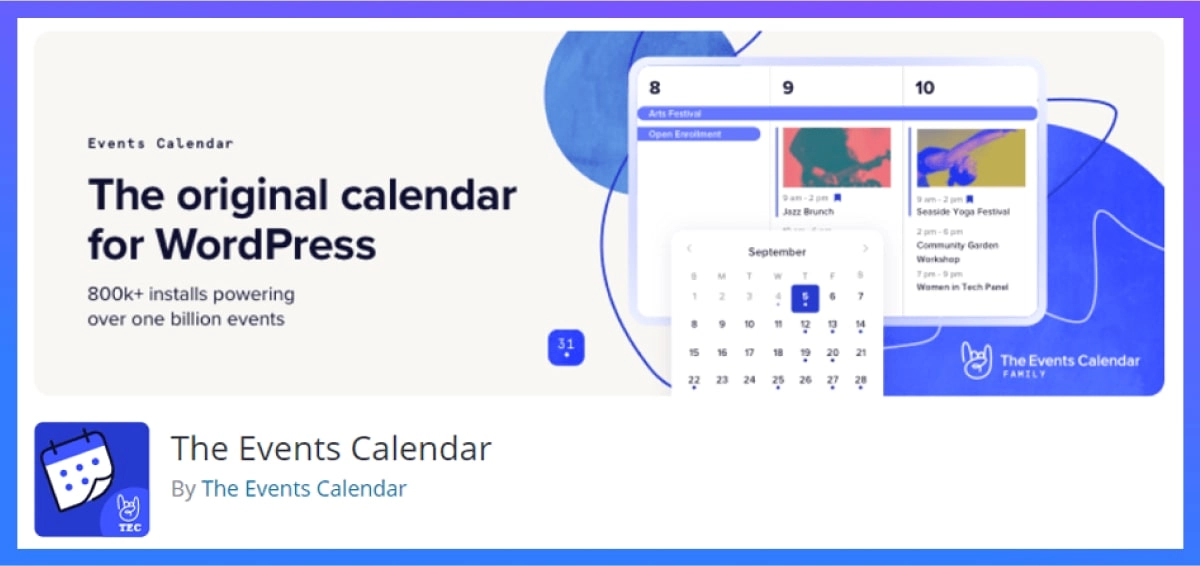
The Events Calendar is the most installed WordPress event plugin, with more than 600,000 active installs and a large ecosystem of add-ons. It suits publishers, venues and organizations that need a polished, searchable calendar. The catch is cost: the free version has no recurring events, and paid tickets cost 2% per sale unless you upgrade to Pro at $399 a year.
Key features:
- Month, list and day views with search and filters
- Saved venues and organizers, with Google Maps
- Ticketing through the separate Event Tickets plugin
- Recurring events and series on paid plans
- QR check-in app on Pro
Pros:
- The largest user base and the most third-party integrations
- Strong SEO features, including event schema
- Its own MCP server for AI tools
Cons:
- No recurring events in the free version
- 2% fee on ticket sales on the free and Essentials plans
- Recent WordPress.org reviews mention support and licensing problems after a change of ownership
Pricing (checked October 2026): Free core plugin. Essentials $259 a year, Pro $399 a year, Elite $599 a year.
Compare the Event Calendar vs Eventin and see how Eventin eliminates add-on stacking and gives you full control over your entire event workflow at an affordable price.
3. Modern Events Calendar (MEC)

Modern Events Calendar suits sites that want many calendar layouts and views to choose from. Its Pro plan adds booking and ticketing from $99 a year, with 50+ layouts and support for Elementor, Gutenberg, Divi and WPBakery. The catch is cost creep: tickets, seats, Zoom and WooCommerce each need separate paid add-ons, and the free Lite version is no longer on WordPress.org.
Key features of Modern Event Calender
- 50+ calendar and list layouts
- Booking and ticketing on Pro
- Paid add-ons for invoices, seating, waiting lists and Zoom
- Import from Google Calendar, iCal, Facebook and Meetup
- Migration tools from The Events Calendar and EventON
What we liked most
- Wide choice of designs
- Works with the main page builders
- 30-day refund
What could be better
- Add-ons push up the real cost
- Lite was removed from WordPress.org in 2022, so download it from Webnus
- Some reviewers report slow paid support
Pricing (checked October 2026)
Lite: Free version available
Pro: Starts around $99/year (varies by plan)
4. Events Manager: best free plugin for bookings and recurring events

Events Manager is the best free option for clubs, associations and community groups that need bookings and recurring events without paying. The free version handles complex recurring patterns, multiple ticket types and member or guest bookings, and Pro adds online payments from $89 a year. The trade-off is a dated interface that takes longer to configure than newer plugins.
Key features of The Events Calendar
- Recurring events with complex patterns and exclusions
- Multiple ticket types with member and guest bookings
- Google Maps location search
- BuddyPress and BuddyBoss groups, multisite and WPML support
What we liked most
- Strong free version
- No commission on Pro payments
- Long track record (since 2008)
What could be better
- Dated interface and many settings to work through
- WooCommerce support is a paid add-on
- No refunds on Pro licences
Pricing (checked October 2026)
Pro: Starting from $99 per year for 1 site.
Enterprise (Unlimited sites): $129 per year
If you’re planning to secure sponsors for your event, check out our guide on How to Get Sponsorships for an Event . Learn practical strategies to attract sponsors, craft compelling proposals, and build long-term partnerships for your events.
5. EventON: best for design-focused public calendars
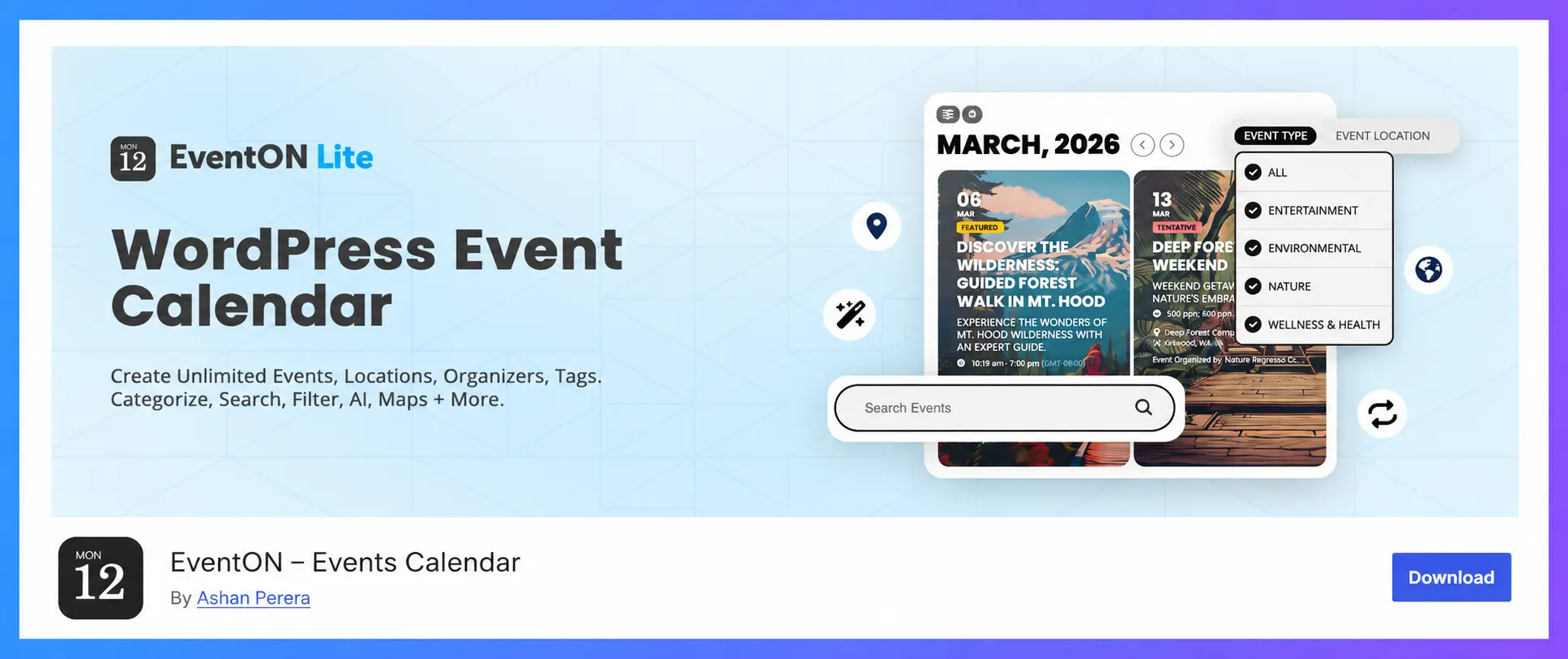
EventON suits venues, schools and community sites that want a good-looking public calendar. The full plugin is a one-time $60, with tile, schedule and live-now views, repeating events and OpenAI-assisted event descriptions. The catch is that real ticketing needs yearly add-ons and WooCommerce, which adds more plugins to keep updated and more weight on event pages.
Key features of EventON:
- Month, schedule, tile and live-now views
- Repeating events with custom patterns
- Virtual events with Jitsi, Zoom on the full version
- Google Maps, search and filters
- Add-ons for tickets, seats, RSVP, QR codes and check-in
Pros:
- Polished, flexible calendar designs
- Low one-time price for the core plugin
- Lifetime updates on the full version
Cons:
- Ticketing add-ons are yearly subscriptions
- Ticketing requires WooCommerce
- Some reviewers report problems after updates
Pricing (checked October 2026)
Free offer available on Lite version. Paid plans start from $30 for 1 site.
6. Sugar Calendar: best lightweight plugin for simple events
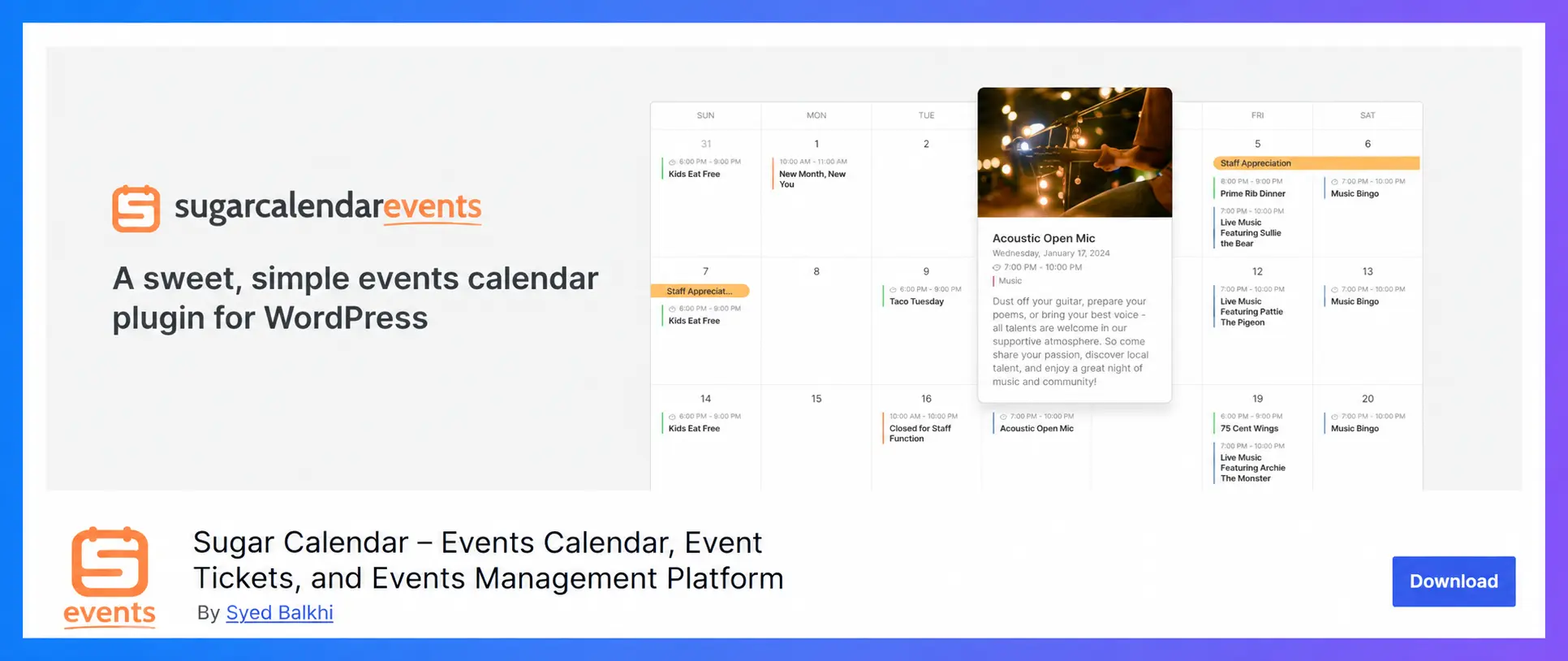
Sugar Calendar is a good fit for small organizations, churches and clubs that want a simple, fast calendar. The free version includes registration forms and Stripe ticket sales, and paid plans start at $49.50 for the first year. The catch is fees: free tickets carry a 3% fee, and recurring events need a paid plan.
Key features of Sugar Calendar:
- Month, week and day views with multiple calendars
- Registration forms and attendee CSV export
- Stripe ticketing in the free version
- Zoom integration
- Elementor widgets, blocks and shortcodes
Pros:
- Lightweight and easy to set up
- Made by Awesome Motive, the team behind WPForms
- Migration tool from The Events Calendar
Cons:
- 3% fee on tickets sold with the free version
- Recurring events need a paid plan
- Calendar feeds are one-way only, with up to a 24-hour delay
Pricing (checked October 2026)
Sugar Calendar has a free version called Sugar Calendar Lite. Paid plans start at $49.50 per year
7. WP Event Manager: best for event directories and listings
WP Event Manager is built for sites that list events from many organizers, such as event directories and expo sites. The free version handles frontend submissions, an organizer dashboard and search filters. The trade-off is cost: ticket selling needs the Pro bundle at $199 a year, and paid licences have no refunds.
Key features of WP Event Manager
- Frontend event submission and an organizer dashboard
- Grid and list views with search and filters
- Ticket selling and registrations through WooCommerce (paid)
- Zoom, Google Maps and CRM integrations
- Event schema built in
What we liked most
- Strong for multi-organizer sites
- Gutenberg and Elementor support
- No commission on ticket sales
What could be better
- A useful setup needs a $199 to $399 yearly bundle
- The organizer check-in app is paid
- No refunds on paid plans
Pricing (checked October 2026)
WP Events Manager offer free version. Paid plans start from $8/month.
If you’re on a budget, see our list of the best free WordPress event plugins to start managing events right away.
8. Amelia: best for service businesses that also run events
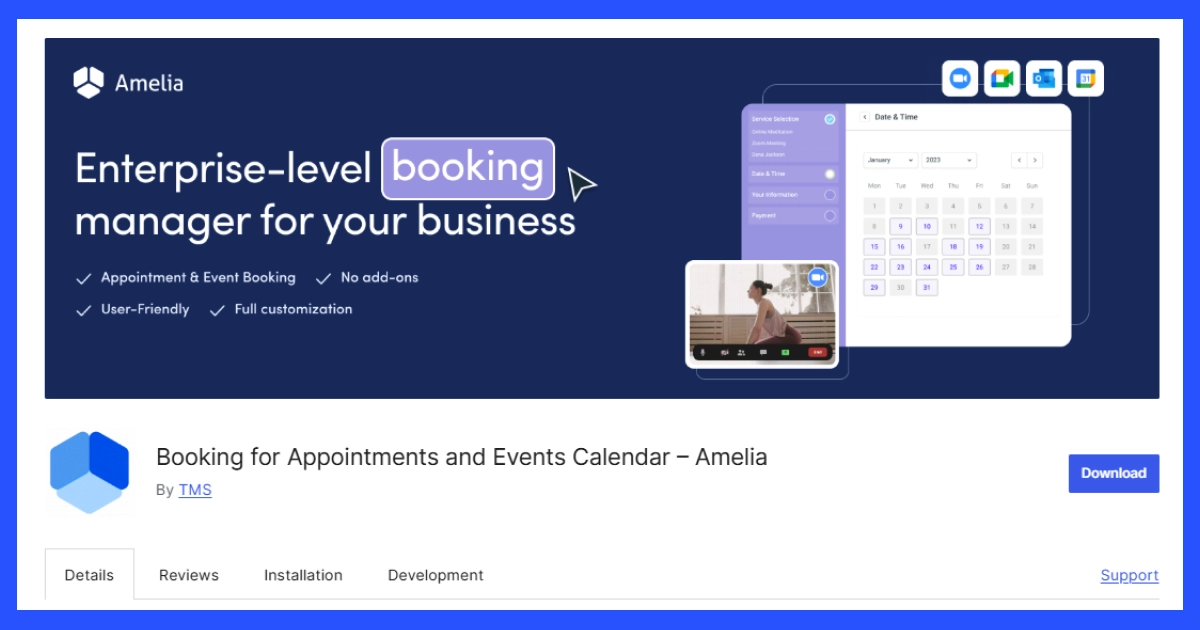
Amelia is a booking plugin first, so it suits salons, coaches, clinics and studios that take appointments and run occasional events or classes. Its booking forms are polished, and the Standard plan adds recurring events, multiple payment gateways and invoices for $99 a year. The trade-off is that its event features are lighter than dedicated event plugins, and the free Lite version lacks multiple ticket8. Amelia: best for service businesses that also run events types.
Key features of Amelia
- Step-by-step and catalog booking forms
- Event list booking with an admin calendar
- Two-way Google Calendar and Outlook sync on paid plans
- Zoom, Google Meet and Microsoft Teams
- Email and SMS notifications
What we liked most
- Excellent appointment booking
- Strong WordPress.org rating (4.6/5)
- Elementor, Divi and Gutenberg widgets
What could be better
- Event features are secondary to appointments
- Lite lacks reminders and multiple ticket types
- Some reviewers report sync issues and slow support
Pricing (checked October 2026)
- Lite free.
- Starter $49 a year
- Standard $99 a year
- Pro $219 a year (5 sites)
- Elite $399 a year (unlimited)
Compare Amelia vs Eventin and see how Eventin shines as the best Amelia alternative as a true event management plugin for WordPress.
Is the free version enough? What each plugin gives you for free
For most sites that sell tickets, no. Only Eventin and EventON combine online ticket sales and recurring events in their free versions, and QR check-in is a paid feature almost everywhere. If you only list events, most free versions are fine.
| Plugin (free version) | Recurring events | Online ticket sales | Zoom | Fee on ticket sales |
|---|---|---|---|---|
| Eventin | No | Yes, through WooCommerce | Yes | None |
| The Events Calendar | No (Essentials plan) | Yes, through Event Tickets | Paid add-on | 2% |
| Events Manager | Yes | Offline payments only | Yes | None |
| Modern Events Calendar Lite | Yes | No (Pro) | Paid add-on | No ticketing |
| EventON Lite | Yes | Basic PayPal | No (Jitsi only) | None |
| Sugar Calendar | No (paid plans) | Yes, through Stripe | Yes | 3% |
| WP Event Manager | No (Plus bundle) | No (Pro bundle) | Paid add-on | No ticketing |
| Amelia Lite | No (Standard plan) | Yes, Square only | No (Standard plan) | None found |
If you’re still deciding between a WordPress plugin and a hosted platform like Eventbrite, our guide to event management software for small business compares the yearly cost of both.
How to choose the right WordPress event plugin
Match the plugin to your main job, not to the longest feature list.
If you sell paid tickets
Choose a plugin with no commission and built-in QR check-in, such as Eventin or Events Manager Pro. If you want tickets, check-in and emails in one tool, see Eventin’s all-in-one event management system for WordPress.
If you run recurring classes or workshops
Events Manager handles complex recurring patterns for free. Eventin and Amelia also suit regular sessions, and Amelia is the better fit if you also take one-to-one appointments.
If you only need an event calendar
You may not need a full management plugin. See our list of the best WordPress event calendar plugins for display-focused options.
If you run virtual or hybrid events
Look for built-in Zoom or Google Meet links sent automatically after registration. Eventin, Sugar Calendar and WP Event Manager all connect to Zoom.
FAQs about WordPress event plugins
Which WordPress event management plugin is best for beginners?
The best WordPress event management plugin for most small businesses selling tickets is Eventin, because it combines tickets, registration, QR check-in and email automation in one plugin with no commission, from $89 a year. The Events Calendar is the most installed option for content-heavy calendars, and Events Manager is the strongest free choice for bookings and recurring events.
Is the free version of a WordPress event plugin enough?
The free version is enough if you only list events, but rarely if you sell tickets. Only Eventin and EventON combine online ticket sales and recurring events in their free versions [CHECK], and QR check-in is a paid feature in almost every plugin. Check the fee too: some free versions take a cut of every ticket.
How do I choose the right WordPress event management plugin?
Choose a plugin based on your event type, required features, budget, and future needs. Compare important factors like ticketing, registration, integrations, usability, and scalability before making a decision.
Do WordPress event plugins work with Elementor?
Most do. Eventin, Modern Events Calendar, Sugar Calendar, WP Event Manager and Amelia include Elementor widgets. The Events Calendar’s Elementor widgets need Events Calendar Pro, so on the free version you style events through the block editor or your theme.
Can I migrate from The Events Calendar to another plugin?
Yes. Modern Events Calendar and Sugar Calendar both include importers for The Events Calendar, so events, venues and organizers move across in a few clicks. Export attendee and order data to CSV first, run the import on a staging site, and set up 301 redirects from the old event URLs so you keep your rankings.
Want to know how to start an event management business from home? Check this guide on How to Start an Event Management Business From Home to get step-by-step instructions and tips for launching your own event business successfully.
Final verdict: which WordPress event plugin should you choose?
The right plugin depends on the main job you need it to do:
- You sell tickets and want one tool for everything: Eventin.
- You need the most established calendar and a big ecosystem: The Events Calendar.
- You want a strong free plugin for bookings: Events Manager.
- You care most about calendar design: EventON or Modern Events Calendar.
- You need something simple and light: Sugar Calendar.
- You run an event directory: WP Event Manager.
- You mainly take appointments: Amelia.
Ready to Start Events on WordPress?
Take full control of your event management with Eventin. Create events, manage registrations, sell tickets, and handle check-ins — all from your own WordPress website.
Get Started with Eventin