Multi-Tier Ticket Pricing for Events: Strategies, Examples, and Tips


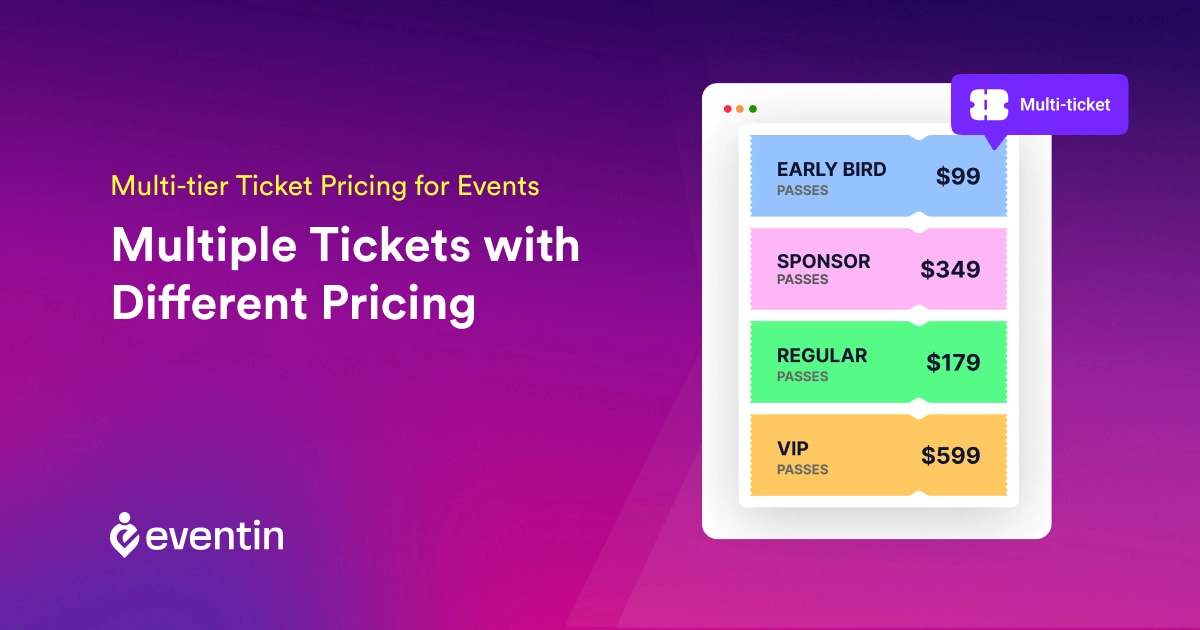
Table of Contents
Multi-tier ticket pricing for events is a pricing model that offers several ticket levels at different prices, with each tier providing a defined level of access, benefits, or services.
Common tiers include Early Bird, General Admission, VIP, and Group tickets. Each option should have a clear price, list of benefits, quantity limit, and sales period so attendees can compare their choices and select the right ticket.
This guide explains how to structure ticket tiers, set prices, create meaningful upgrades, and use tiered pricing for in-person, virtual, and hybrid events.
Quick Overview
Using multi tier ticket pricing for events helps you attract different types of attendees and increase your total ticket sales. Instead of one fixed price, you can create multiple ticket options like early bird, regular, and VIP to match different budgets and demand levels.
With a WordPress event ticketing plugin like Eventin, you can easily create and manage multiple ticket tiers, control pricing, and handle registrations from one place without manual work.
- What multi-tier ticket pricing is and why it matters
- Different types of event ticket pricing strategies
- How to create multiple ticket types in WordPress
- How Eventin helps you manage ticket sales and attendees easily

What Is Multi-Tier Ticket Pricing for Events?
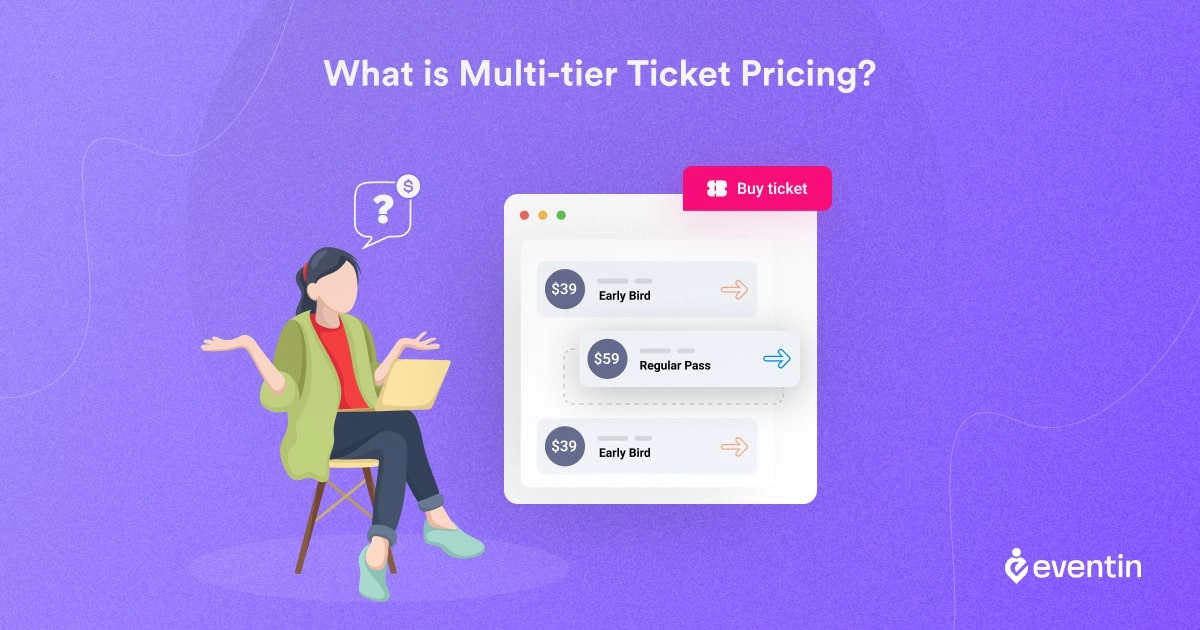
Multi-tier ticket pricing for events, also called tiered event ticket pricing, means selling two or more ticket levels at different prices. Each level includes a defined combination of event access, benefits, or services.
For example, an event might offer Early Bird tickets at a lower price, General Admission for standard access, VIP tickets with premium benefits, and Group tickets for bulk bookings. The goal is to serve attendees with different budgets while making each upgrade easy to understand.
How Do You Structure Multi-Tier Ticket Pricing?
Start by grouping attendees according to their budget, access needs, and desired benefits. Then give each tier a distinct name, price, benefit list, quantity limit, and sales period.
1. Identify Your Attendee Segments
Decide which attendee groups your pricing tiers should serve. Common segments include early buyers, standard attendees, students, families, VIP guests, and groups.
2. Match Benefits to Each Ticket Tier
Every higher-priced tier should offer a clear reason to upgrade. Benefits may include priority access, premium seating, event recordings, certificates, meals, merchandise, or one-to-one sessions.
3. Calculate Costs and Set Prices
Review the cost of delivering each benefit before setting the price. Make sure the price difference between tiers is easy to understand and that each option supports your event budget.
4. Set Availability and Deadlines
Define how many tickets are available for each tier and when sales will start or end. Early Bird pricing should have a clear deadline so attendees understand when the price will change.
What Are the Benefits of Multi-Tier Ticket Pricing?
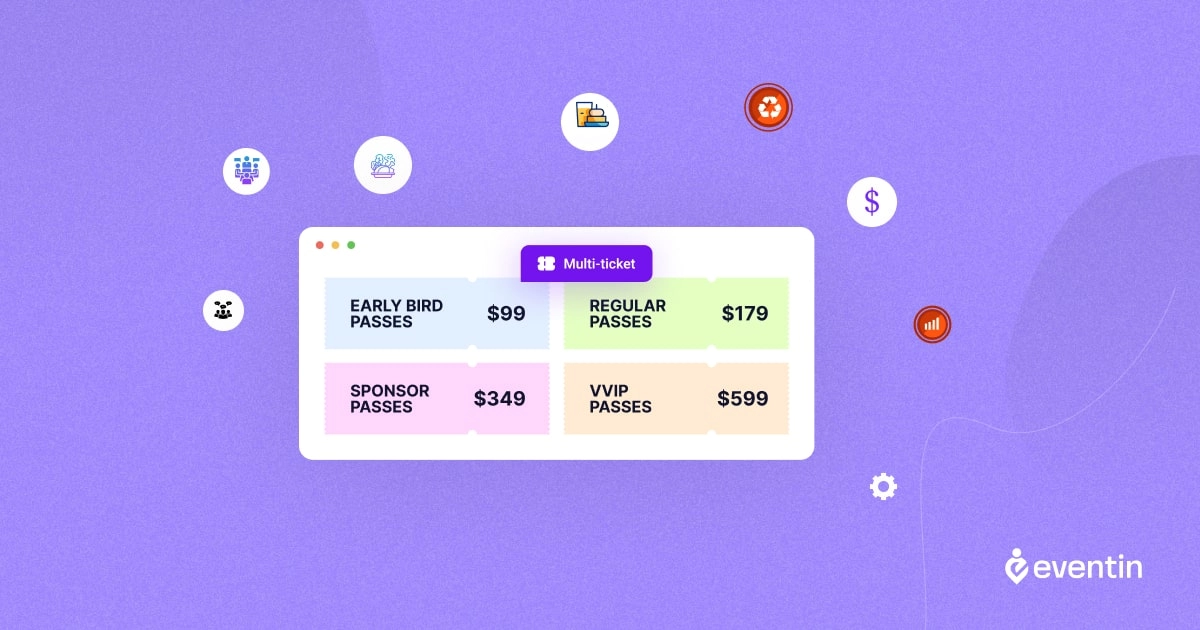
Apart from calculating the average cost for each attendee. To make the most optimal multi-tiered ticket pricing, the organizers may offer add-ons (if it is possible and applicable) like certificates, 1-to-1 meetings, group discussions, meals, snacks, etc.
Another option can be added for the participants if they want to purchase the higher-tier tickets on the events to unlock the addons.
After the basic discussion, you look for multi-tiered ticket pricing strategies for different types of events. So, we have added specified strategies for in-person, virtual, and hybrid events in this section.
Event Ticket Pricing Strategy for In-person Events
For in-person events, pricing can be different. You can offer early access with some extra discounts. It is possible to offer a VIP tier that contains multiple extra services.
Let’s see the possible extra service for in-person events.
- Seating Area: Adding different seating areas for different ticket holders. Like the VIP, VVIP area and the student areas.
- 1-to-1 Meetings: After the events, users may talk personally with the selected speakers.
- Certification and meals: Participants may get a certificate as an acknowledgment. Food and snacks may be provided during the break time of the events.
Event Ticket Pricing Strategy for Virtual Events
Like the in-person events, virtual events may have tired ticketing. And here also you can offer multiple options. But nature is different from in-person events.
- VIP Access: For virtual events, VIP attendees may get the chance to ask questions during Q&A sessions, join from a hassle-free gate, etc.
- Meetings: Virtual events may host some one-to-one meetings. TimeticsAI is a great tool to handle meetings. And the best part is, it’s free for basic features.
- Certification: PDF certification can be added to online events.
Event Ticket Pricing Strategy for Hybrid Events
Hybrid events are a combination of in-person and online events. So the pricing strategy can be a combination of both extra services. Or maybe it’s possible to prepare a double tier for online and offline participants.
Maximize Profit for Ticket Pricing Strategies
Understanding the needs of participants is the key to making marginal profits from events. No matter whether it’s an online event, offline, or hybrid, you just need to know the demands of the users.
Once you know it, make addons as extra services and bring them under tier ticketing. You are ready to go because participants will move to the top tier to unlock the extra services.
Bonus: 3 More Multi-tier Ticket Pricing Strategy Tips!
1) Avoid creating too many tier prices: To make better profits, multi-tier ticket pricing is one of the best options. However, offering too many tiers may create confusion. So, it’s better to keep a maximum of 5-tiers in ticket pricing.
2) Add a small note for upgrade: While tier pricing is better, you must explain what more participants will get for upgrading the tier.
3) Set up easy payment gateways: Make the ticket payments easy so that potential participants can pay very easily. Multiple payment options are better for the events. However, the Stripe payment gateway can be added easily if you use the Eventin event management plugin.
How to Create Multiple Ticket Types for a Tiered Event Pricing Plan
Once your pricing structure is defined, create one ticket type for each tier. Every ticket type should have a distinct name, price, benefit list, quantity limit, and sales period.
Use this workflow:
- Create the ticket tiers, such as Early Bird, General Admission, VIP, or Group.
- Set a separate price for each ticket type based on its benefits and access level.
- Add quantity limits and purchase limits to control availability.
- Define the start and end dates for each ticket tier.
- Explain the included benefits clearly so attendees can compare their options.
For a WordPress event, Eventin can help you configure tier-specific prices, availability, and quantities from one dashboard.
For the complete WordPress event-ticketing workflow, including payments, attendee management, and check-in, see our guide to the WordPress event ticketing plugin.you automate the entire ticketing process. You can create events, assign multiple ticket tiers, and start selling tickets in minutes.
Want to create and manage multiple ticket tiers without hassle?
Eventin lets you create unlimited ticket types, set pricing rules, and manage attendees from one place.
Multi-tiered Ticket Pricing Strategies for Event Success
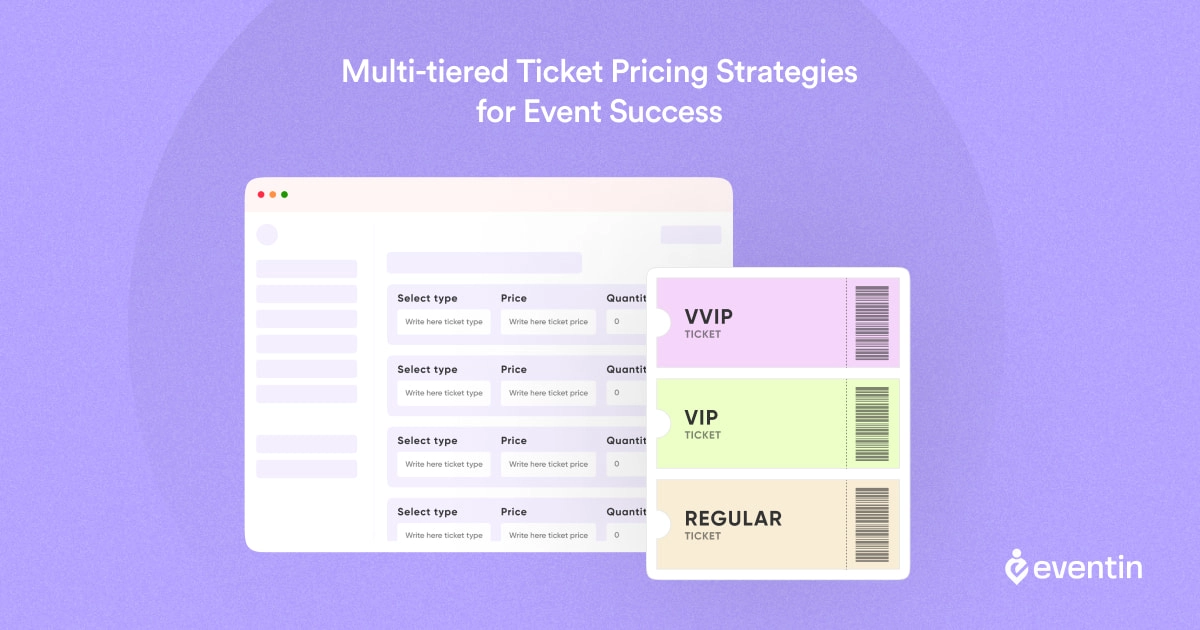
To get more revenue and organize a profitable event requires an event ticket pricing strategy. Especially as an organizer, you need to break down the whole event and prepare the pricing plan.
So, here’s what you need to do step by step:
1. Determine Your Event’s Value
Know the actual value of your event. What insights can be expected? Who are the participants and speakers, and where will the events be hosted? Calculate everything together to understand the value of your events.
2. Ticket Sales Tactics
Once you have the value and key options, prepare the addons as an extra service. And market them through ticketing. Let’s make them stand out so that participants can know what they are getting.
3. Ticket Pricing Strategies for Virtual Events
To sell tickets easily, make the payment easier and less tiring for different types of people. You can also use regular marketing and growth hack tactics like BOGO offers.
4. Where and How To Sell Tickets To Your Events
For the virtual events, marketing should focus on influencers and industry leaders. People follow and join those events that have influencer participation.
How Eventin Helps You Manage Multi-Tier Pricing
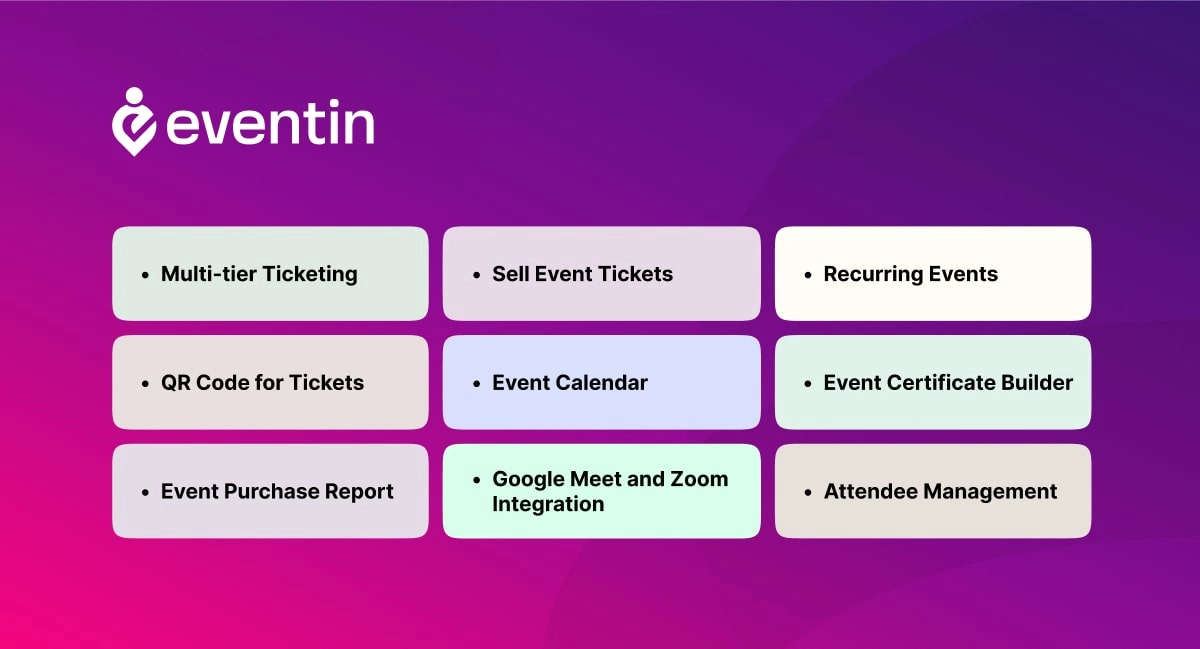
If you want to use multi-tier ticket pricing properly, you need more than just adding different prices. You need control, flexibility, and a system that actually saves your time. That’s where Eventin stands out.
Here’s why it works better:
- Create unlimited ticket types easily
Set up early bird, regular, VIP, or group tickets in minutes without any complex setup. - Control pricing and availability
Assign different prices, limit ticket quantities, and control when each ticket is available. - Use time-based pricing without manual work
Run early bird offers, increase prices closer to the event, or close sales automatically. - Manage everything from one dashboard
Handle ticket sales, registrations, and attendee data in one place—no need for multiple tools. - Built-in WooCommerce integration
Accept payments, manage orders, and track revenue using a system you already trust. - Better attendee management and check-in
Keep track of attendees and manage event check-ins without extra plugins. - Designed for real event workflows
From ticket creation to final check-in, everything is connected and easy to manage.
If your goal is to increase ticket sales while keeping things simple, Eventin gives you a complete system to manage multi-tier ticket pricing without extra complexity.
Ready to Create Smart Ticket Pricing for Your Events?
If you want full control over your ticket pricing, sales, and attendees, you need more than just basic tools.
With Eventin, you can:
- ✅ Create multiple ticket tiers in minutes
- ✅ Automate pricing based on time and availability
- ✅ Sell tickets directly from your WordPress site
- ✅ Manage attendees and check-ins easily
FAQs About Multi tier Ticket Pricing for Events
What is multi-tier ticket pricing for events?
Multi-tier ticket pricing means offering different ticket types (like Early Bird, VIP, and General Admission) at different prices. This helps you attract more attendees and maximize event revenue.
How do I create multiple ticket types in WordPress?
You can create multiple ticket types using a WordPress event ticketing plugin like Eventin. It lets you add different ticket categories, set pricing, control availability, and manage everything from one dashboard.
What are the most common ticket types for events?
The most popular ticket types include:
- Early Bird tickets (discounted price for early buyers)
- VIP tickets (premium access and benefits)
- General Admission tickets (standard entry)
- Group tickets (discount for bulk booking)
These help you target different audience segments.
Can I sell different ticket types using WooCommerce?
Yes, you can sell different ticket types by integrating WooCommerce with a plugin like Eventin. It allows you to handle payments, manage orders, and track ticket sales easily.
How do I manage all ticket sales in one place?
You can use an event ticket management system like Eventin to track ticket sales, manage attendees, handle check-ins, and monitor revenue from one dashboard.
Final Thoughts on Multi-Tier Ticket Pricing
If you’re still using a single ticket price, you’re limiting your event’s potential. Multiple ticket types for events help you reach more people, create urgency, and increase overall revenue without adding extra effort.
By offering options like early bird, regular, and VIP tickets, you give attendees the flexibility to choose what fits them best while maximizing your ticket sales.
The good news is—you don’t need a complex setup to manage all this.
A dedicated event ticket management system like Eventin lets you automate pricing, track sales, and handle different ticket tiers without errors.
👉 Want to simplify your event ticketing and boost your sales? Start using Eventin and manage your events the smart way