9 Best Event Management Software for Small Business in 2026 (Real Costs Compared)


Table of Contents
The best event management software for small business in 2026 is Eventbrite for public events that need discovery, Ticket Tailor for the lowest hosted ticket fees, Eventin for selling tickets on your own WordPress site, and Whova for conferences. In our cost test of 4 events with 100 tickets each, yearly fees ranged from about $499 with Eventin to about $1,376 with Eventbrite.
Most small businesses don’t have an events department. You might run a workshop in spring, a client evening in summer and a product launch in the autumn, all while doing your real job. You need a registration page you can publish the same day, tickets that sell without surprises, and check-in that works on a phone.
We compared 8 tools on exactly those jobs, then worked out what each one would cost a typical small business over a full year.
Disclosure: Eventin is made by Themewinter, the publisher of this guide. We judged it on the same criteria as every other tool, and we list its downsides too.
Quick answer: the best event management software for small business
- Best for public events that need discovery: Eventbrite. Its marketplace helps new audiences find you, but per-ticket fees add up fast.
- Lowest fees on a hosted platform: EventCreate. Plans from $5 a month, with a small ticket fee that shrinks as you upgrade.
- Best for selling tickets on your own website: Eventin. A WordPress plugin with no platform commission on ticket sales.
- Best for conferences with an attendee app: Whova. Strong networking and agenda tools for in-person events.

How we tested event management software for small businesses
To create this list, we reviewed both SaaS event platforms and self-hosted WordPress solutions and tested how they perform in real-world scenarios. Our goal was to find software that helps small businesses plan and run events without unnecessary complexity.
- Ease of Setup: We first checked how easy it is to get started. This includes account setup, event creation, and how quickly a user can publish their first event page.
- Event Creation and Scheduling: We tested how easily each platform allows you to create events, set schedules, manage recurring sessions, and organize event details like speakers or venues.
- Ticketing and Registration: Next, we looked at how the software handles registrations and ticket sales. This includes multiple ticket types, payment integration, and attendee check-in features.
- Integrations and Automation: Many organizers rely on other tools like payment gateways, email platforms, or video meeting tools. We evaluated how well each software integrates with tools such as Zoom, Stripe, Google Calendar, and CRM platforms.
- Pricing and Value: Finally, we compared pricing models and features to see which tools provide the best value for small businesses. We considered free plans, transaction fees, and the availability of essential features in lower-priced plans.
9 Event management software for small business compared (2026)
| Software | Best for | Starting price | Free option |
|---|---|---|---|
| Eventbrite | Public events that need discovery | Free for free events | Yes, free events |
| Zoho Backstage | Small conferences and webinars | Free plan up to 100 attendees | Yes, limited |
| Eventin (WordPress plugin) | Selling tickets on your own WordPress site | $89 a year or $119 lifetime | Yes, free plugin |
| Whova | Conference attendee app | Contact sales | Free trial |
| Eventzilla | Pay-per-registration pricing | $1.50 per registration | Yes, free events |
| EventCreate | Branded event websites on a small budget | Free; paid from $5 a month | Yes, 1 event and 50 attendees |
| Bizzabo | Marketing-led events with bigger budgets | From $17,999 a year | No |
| Cvent | Large or complex event programs | Contact sales | No |
| PaymentForm.io | Small events, workshops, and session-based ticketing | Free plan available; Pro from $9/month | Yes, free plan |
The 9 best event management software for small businesses
Choosing the nine event management software depends on your business size, event type, budget, and the features you need. Some tools focus on simple event calendars and registrations, while others provide complete solutions for ticketing, payments, attendee management, and automation.
In this comparison, we evaluate event management software based on ease of use, pricing, registration features, ticketing options, integrations, and suitability for small businesses.
1. Eventbrite: best for public events that need discovery
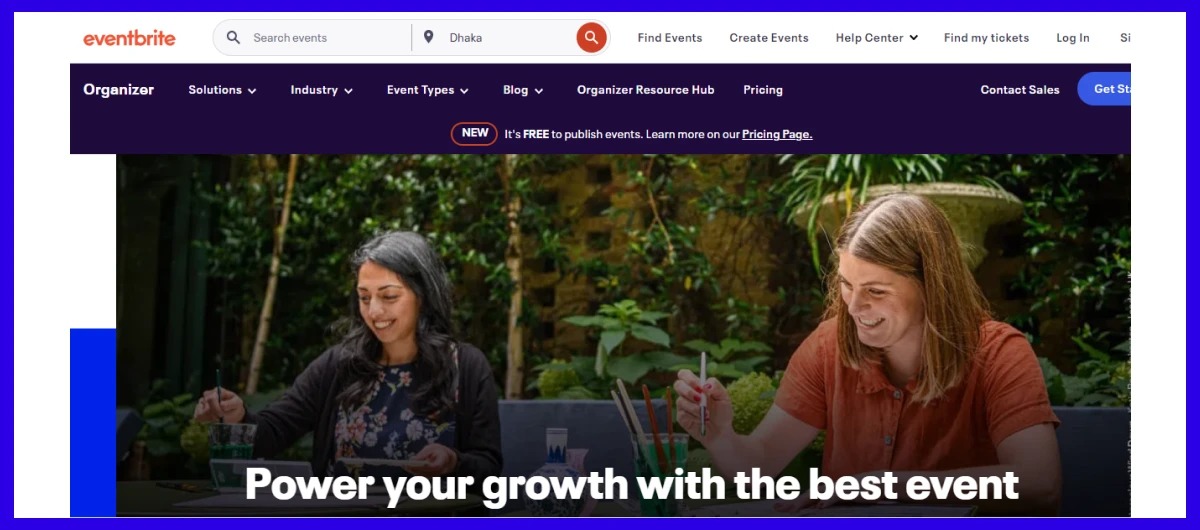
Eventbrite is the best pick for small businesses running public events that need new people to find them. Its marketplace puts your event in front of a large local audience (Eventbrite reports about 89 million monthly users), so even a first workshop can sell without an existing following. The catch is cost: in our scenario, fees took about 13.8% of ticket sales, the highest on this list.
Best For
Small businesses that want a simple way to create, promote, and sell tickets for public events.
Key Features
- Event discovery marketplace that shows your event to local ticket buyers
- Custom event pages, multiple ticket types and add-ons
- Automated reminders, waitlists and email campaigns
- Organizer app for mobile check-in
Pros
- Fastest way to reach people who don’t know you yet
- No cost for free events
- Familiar checkout that buyers trust
Cons
- Fees are the highest in our scenario: about 13.8% of sales
- Limited branding control; attendees see Eventbrite, not you
- Bulk email beyond the free allowance needs the Pro plan
Pricing (checked October 2026): Free for free events. For advance tiers, the pricing is customized.
Want to explore the top alternatives to Eventbrite? Check this guide on Best Eventbrite Alternatives and Competitors.tomer Platform Starter costs $9/user/month. Professional and Enterprise plans are also available.
2. Zoho Backstage: best for small business conferences and webinars
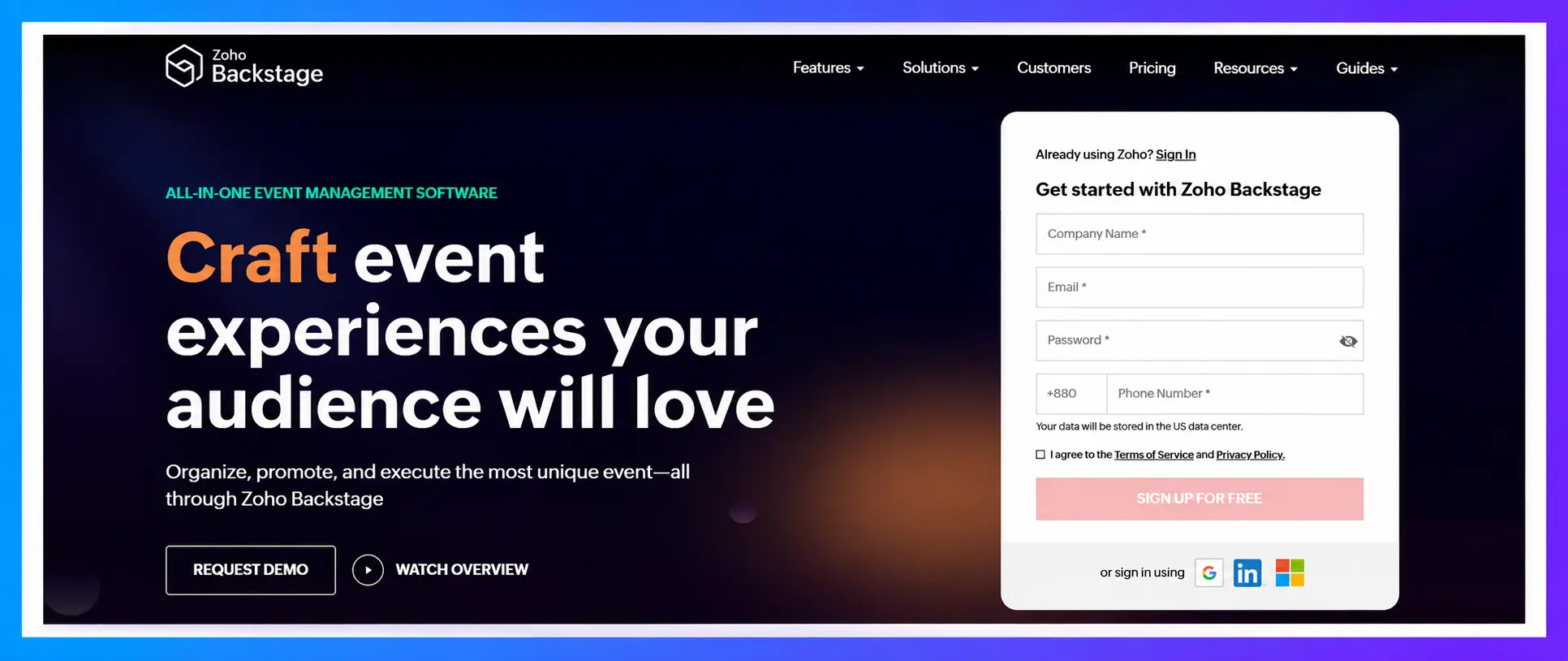
Zoho Backstage suits small businesses running conferences, seminars or webinars that need more than a ticket page. It brings agendas, speakers, event websites, email campaigns and badge printing into one tool, with a free plan for up to 100 attendees per event and no ticket commission on paid plans. It takes more setup than a simple ticketing tool, and it fits best if you already use Zoho apps
Feature Highlights
- Event website builder with no code
- Agendas, speakers and session management
- Email campaigns, promo codes and affiliate links
- QR check-in and instant badge printing
Pros:
- Strong all-in-one toolkit for conferences
- No ticket commission on paid plans
- Works well with Zoho CRM and other Zoho apps
Cons:
- Free plan is tight: 3 sessions and 3 speakers per event
- More setup than a simple ticketing tool
- Best value if you’re already in the Zoho ecosystem
Pricing: Free plan for up to 100 attendees per event. Paid plans start at $99/month.
3. Eventin (WordPress plugin): best for selling tickets on your own website
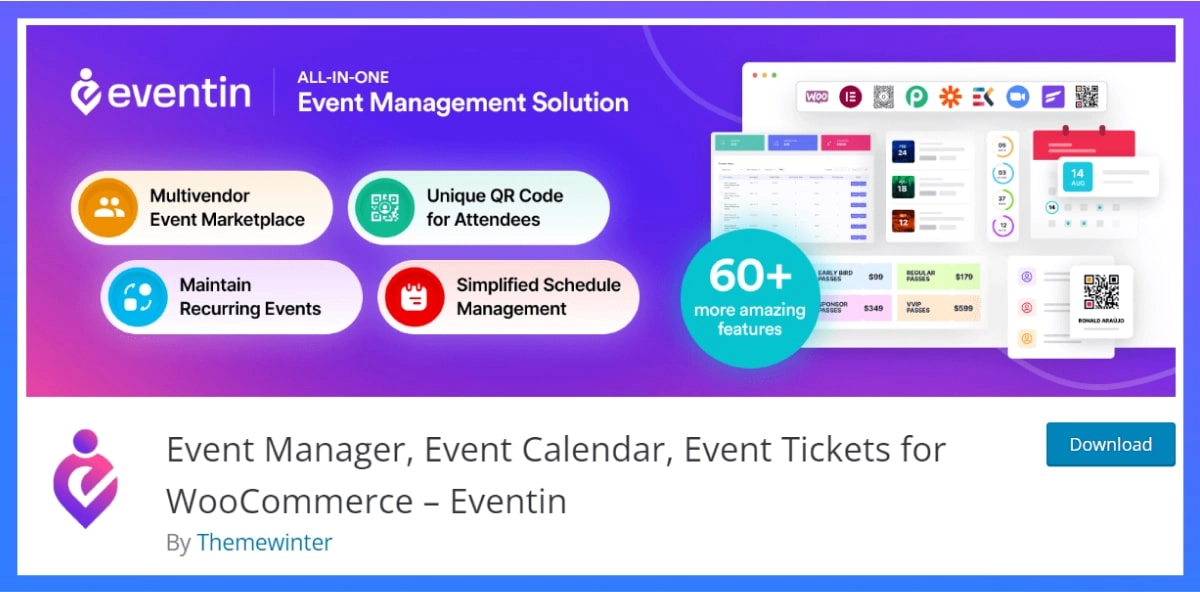
Eventin is the best choice for small businesses that already run WordPress and want to sell tickets on their own site. Unlike the other tools on this list, it isn’t hosted software you sign up for: it’s a WordPress event management plugin you install on your own website, so event pages, ticketing, registration and QR check-in all run on your domain. There’s no platform commission, which made it the cheapest option in our scenario at about $499 a year, but you need a WordPress site and you look after hosting and updates yourself.
Key Features
- Multiple ticket types, RSVP for free events and custom registration fields
- QR code tickets and check-in from any device
- Email automation for confirmations, reminders and follow-ups
- Recurring events, plus Zoom and Google Meet for virtual and hybrid events
- Seat maps and certificate and ticket templates in the paid plans
Pros
- Lowest yearly cost in our scenario
- No platform commission on ticket sales
- Event pages build your own site’s search traffic
Cons
- You need a WordPress website, and you manage hosting and updates
- No marketplace to bring in new audiences
- Some WordPress.org reviewers report issues after major updates, so test updates on a staging site first
Pricing: Free plan available. Paid plans start at $89/year or $119 lifetime.
Simplify Your Event Management
Join 10,000+ WordPress sites already using Eventin to handle registrations, ticket sales, and schedules with ease.
Get Started with Eventin4. Whova: best attendee app for conferences
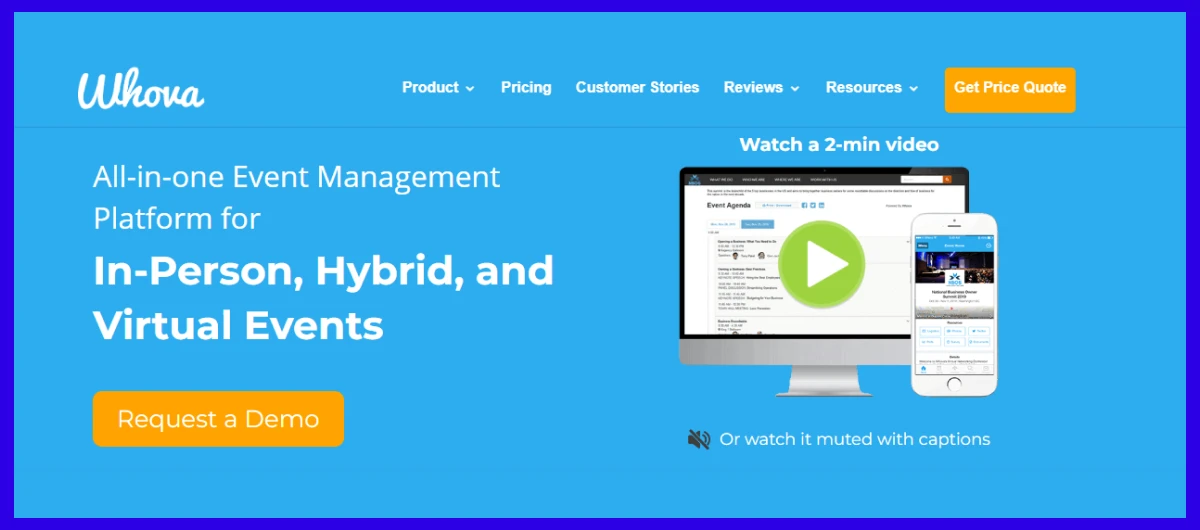
Whova is built for in-person conferences where the attendee experience matters most. Its event app, with schedules, live updates and attendee networking, is the feature small business reviewers on Capterra praise most. Pricing is by quote only, and it’s more than you need for simple workshops or classes.
Key Features
- Mobile event app with schedules, speaker profiles and live updates
- Attendee networking, messaging and meeting booking
- Registration and ticketing from one dashboard
- Sponsor and exhibitor profiles
Pros
- The most praised attendee app in small business reviews on Capterra
- Covers registration through post-event engagement
- Useful for associations, nonprofits and professional events
Cons
- Pricing is by quote only
- Some reviewers report app bugs on certain devices
- A learning curve for first-time organizers
Pricing: Custom pricing option.
5. Eventzilla: best for pay-per-registration pricing
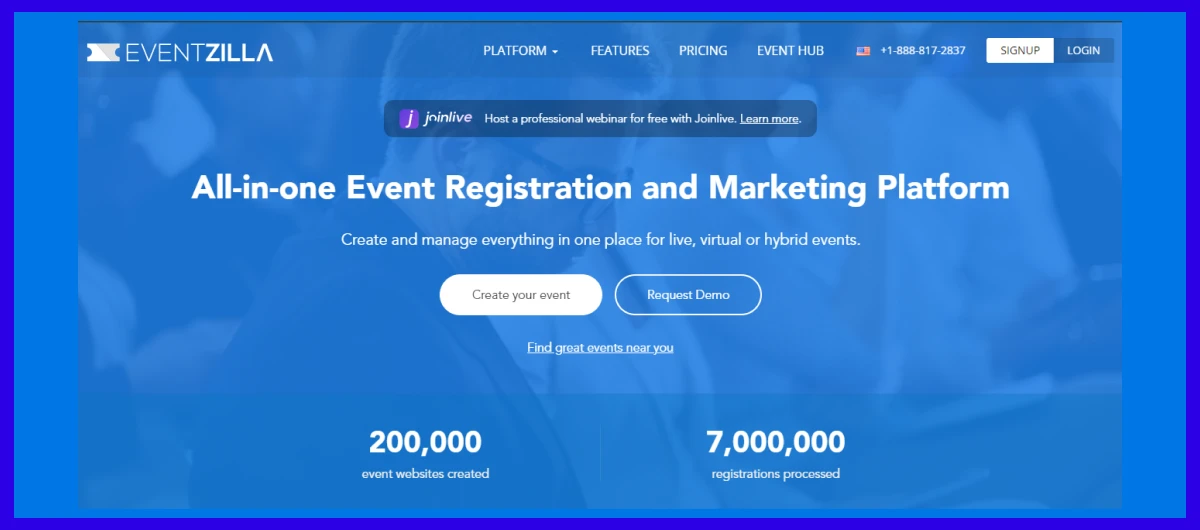
Eventzilla works well for small businesses that want simple, fixed pricing per sign-up. The Basic plan charges $1.50 per registration and keeps free events free, with event pages and mobile check-in included. The catch is that Basic allows only one paid ticket type, and higher plans add a percentage on top.
Key Features
- Event pages and registration forms
- Multiple ticket types on Pro and Plus plans
- Attendee management and mobile check-in
- White-label branding and pass-on fees on the Plus plan
Pros
- Clear per-registration pricing
- Free events stay free
- An annual plan removes per-registration fees at higher volume
Cons
- The Basic plan allows only one paid ticket type
- Higher plans add a percentage on top of the fixed fee
- Less control than running events on your own site
Pricing: There are pricing starts at $1.5 per registration
💁 Goodreads: Best Free Event Management Plugin for WordPress- Read more.
6. EventCreate: best for branded event websites on a small budget
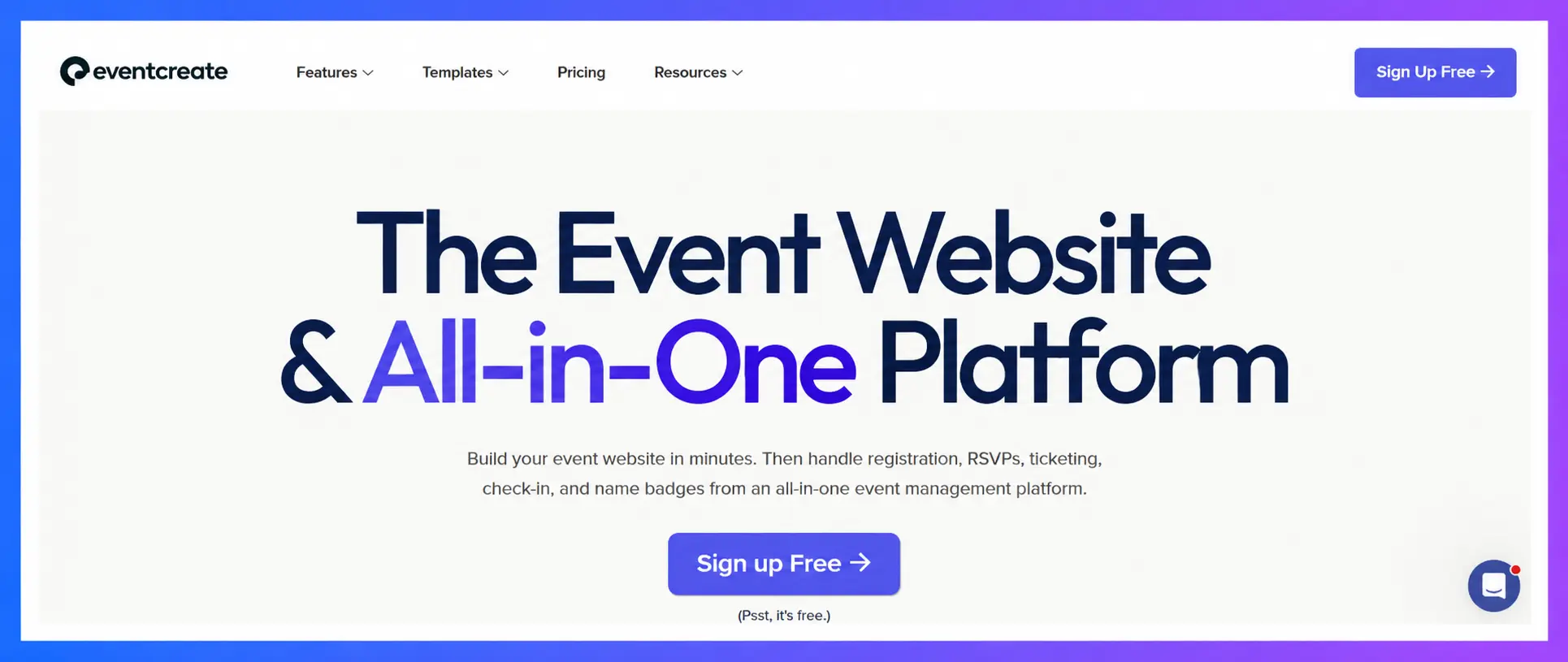
EventCreate is a good fit for small businesses that want a polished event website with registration and ticketing on a tight budget. Paid plans start at $5 a month, every plan includes an event website builder and a mobile check-in app, and the ticket fee drops as you move up, from 5% on the free plan to 0% on Enterprise. The catch is attendee caps: the $10-a-month plan covers up to 100 attendees, so bigger events push you into higher tiers.
Key features:
- Event website builder with customizable pages
- Online registration and ticket sales
- Mobile check-in app
- Attendee management and email campaigns
Pros:
- Very low entry price, from $5 a month
- Unlimited events on every paid plan
- Ticket fees fall as you upgrade, down to 0% on Enterprise
Cons:
- Attendee caps on each plan (50 on Personal, 100 on Personal+)
- The ticket fee is charged on top of card processing
- The free plan is limited to 1 event and 50 attendees
Pricing (checked October 2026): Free plan available. Paid plans start at $50/month with unlimited events and a limit of 50 attendees per event.
7. Bizzabo: best for marketing-led events with a bigger budget
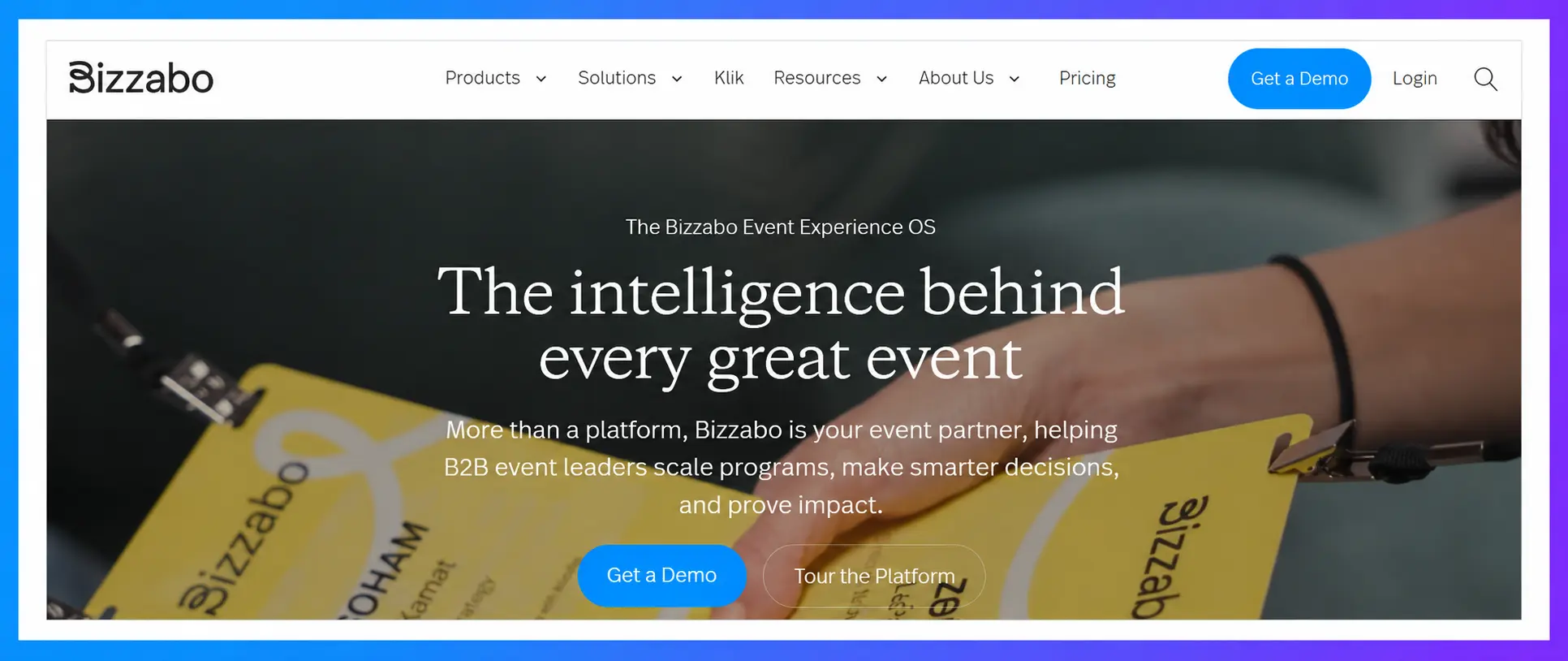
Bizzabo is a polished platform for companies that treat events as a core marketing channel. It combines event websites, ticketing, email campaigns and a branded attendee app, backed by 24/7 support. Pricing starts at $17,999 a year with a 3-user minimum, so it only makes sense with a serious event budget.
Key features:
- Event website builder, ticketing and email campaigns
- Contact management and CRM integrations
- Branded mobile event app
- Onsite tools, including smart badges as an add-on
Pros:
- Polished attendee experience
- Strong marketing and data tools
- 24/7 support
Cons:
- Starts at $17,999 a year
- No single-event purchase
- Many features are paid add-ons
Pricing (checked October 2026): $499 per user per month, billed annually with a 3-user minimum
8. Cvent: best when you outgrow small business tools

Cvent is where you go when your events outgrow small business tools and turn into large, complex conferences. It handles venue sourcing, budgeting, registration and hybrid events at enterprise scale. Expect quote-based pricing, a contract and longer onboarding than any self-serve tool on this list.
Key features:
- Online registration and attendee management
- Venue sourcing and event budgeting
- Event marketing and reporting
- Virtual and hybrid event support
Pros:
- Handles very large and complex events
- Deep reporting and workflow tools
- A long track record with corporate events
Cons:
- Pricing by quote, usually with a contract
- More features than a small team will use
- Longer onboarding than self-serve tools
Pricing (checked October 2026): Contact Cvent for a quote.
9. PaymentForm.io: Best for Direct Ticket Sales and Small Events
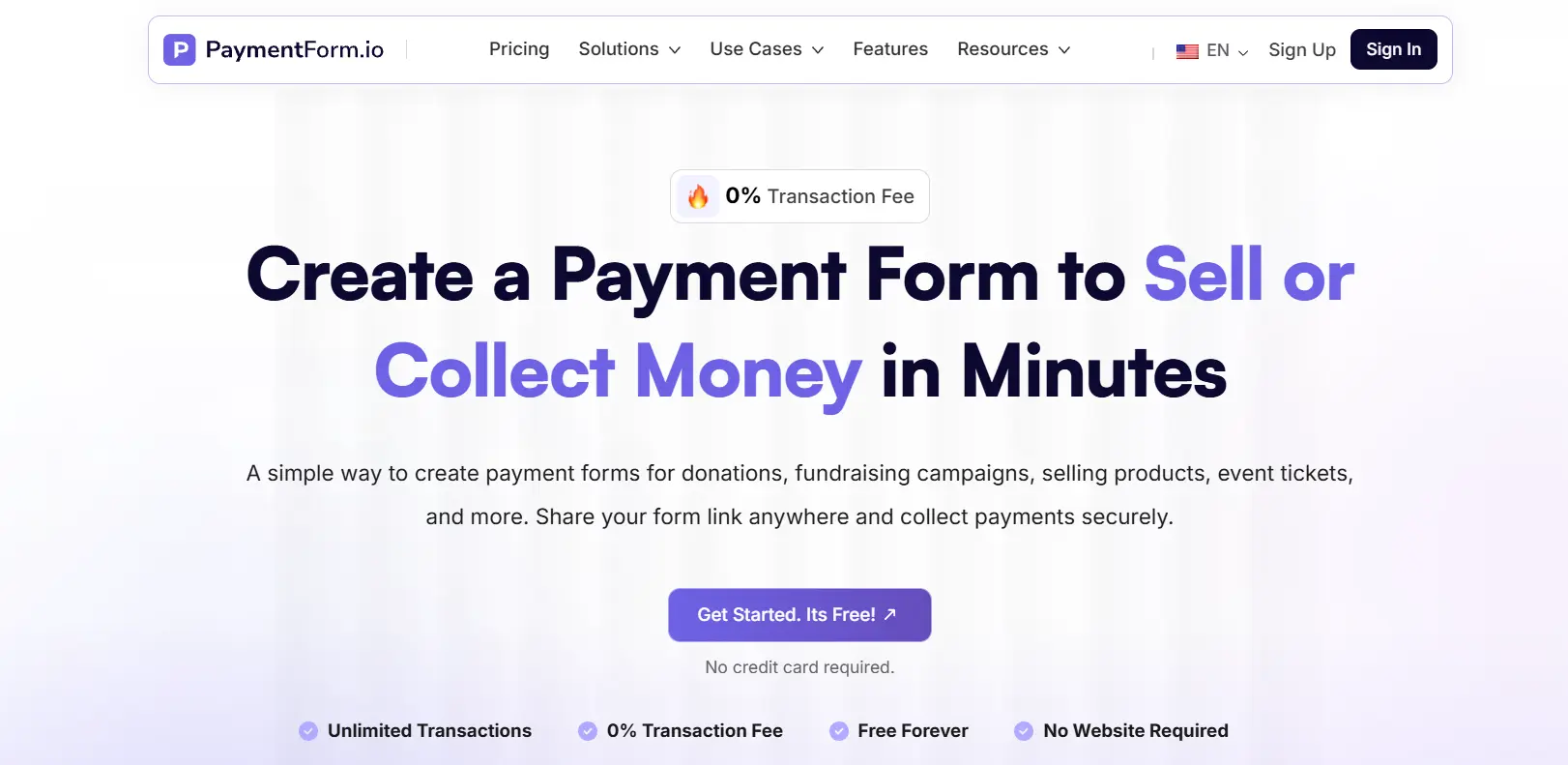
PaymentForm.io is a good fit for organizers who want to sell event tickets without building a full website or relying on a ticket marketplace. Its Event Ticket module lets you create free or paid tickets, collect attendee information, and send digital tickets with QR codes. You can also create multiple sessions in one form and track attendance separately for each session, which is useful for recurring workshops, weekly classes, and multi-session conferences.
Best For
Small businesses, workshops, community events, and organizers who want direct ticket sales with session-based attendance tracking.
Key Features
- Create free and paid tickets with flexible pricing and discounts
- Set ticket quantities, sales periods, and per-order limits
- Group multiple ticket types under shared inventory
- Create multiple sessions and assign tickets to specific sessions
- Track attendance by session, including check-in and check-out history
- Share a password-protected check-in page with event staff
Pros
- No full website required. Share a direct link or embed the ticket form
- No platform transaction fee on Free and Pro plans
- Supports multiple payment gateways
Cons
- No built-in event marketplace to help new attendees discover your event
- Organizers need to bring their own audience through marketing and promotion
Pricing: Free plan available, and Pro starts at $9/month. Payment gateway processing fees will apply.
Hosted event platform or your own website: which fits your business?
Choose a hosted platform if you don’t have a website or need marketplace discovery to find buyers. Choose a WordPress plugin if you already run WordPress and sell a few hundred paid tickets a year. Here is how the two models differ. A hosted platform such as Eventbrite or EventCreate gives you event pages and checkout on its own site. A plugin such as Eventin adds the same tools to your own WordPress website. Neither is better for everyone; the right choice depends on where your audience comes from and how much control you want.
When a hosted event platform makes sense
- You don’t have a website, or you don’t want to maintain one.
- You run public events and want marketplace discovery to bring in new buyers.
- You need to launch today with zero setup.
- You run very few paid tickets, so per-ticket fees stay small.
When running events on your own WordPress site makes sense
- You already have a WordPress website and steady traffic.
- You sell enough tickets that per-ticket fees would outweigh a licence.
- You want checkout, branding and attendee data on your own domain.
- You want event pages to build your site’s own search traffic instead of a platform’s.
With a plugin, you pay only your payment gateway’s card fees on each sale. The trade-off is that you look after your own hosting, updates and site speed. If you already run WordPress, that work is mostly done. Our guide to the WordPress event management plugin covers what that setup looks like.
Quick decision checklist
- No website? Choose a hosted platform.
- Need new audiences for public events? Start with Eventbrite.
- Hosted, but cost-sensitive? Compare EventCreate and Eventzilla.
- Already on WordPress and selling a few hundred paid tickets a year? A plugin like Eventin usually costs less (in our scenario it costs less than Eventbrite from about 40 paid tickets a year, and less than EventCreate at our scenario’s size).
- Running conferences with sponsors and agendas? Look at Whova or Zoho Backstage.
Features small businesses should prioritize in event software
Online registration and ticketing
You should be able to build a registration page with custom questions, several ticket types and discount codes, then publish it the same day.
Mobile and QR code check-in
Check-in is the one moment that cannot fail. Look for QR tickets and a check-in app that works on a normal phone, with protection against the same ticket being scanned twice.
Automated confirmation and reminder emails
Confirmations, reminders and post-event follow-ups should send on their own, so nobody has to email registrants by hand.
Attendee data export and simple reports
You’ll want a clean CSV of names, emails and custom answers for follow-up, plus basic numbers like tickets sold and attendance rate.
Support you can reach before event day
Without an IT team, slow support is a real risk. Before you buy, send a real question to support and time the reply.
How to choose the right event management tool for your small business
- Count your events. Write down how many events and paid tickets you expect this year.
- Pick your fee model. Few tickets: per-ticket fees are fine. Hundreds of tickets: a flat licence usually wins. Dozens of events: an unlimited subscription may make sense.
- Run the one-hour test. Use a free trial or free plan and try to publish a real event in an hour.
- Test check-in on a phone. Buy a test ticket and scan it yourself.
- Ask support a real question. If the answer takes days now, it won’t be faster the day before your event.
FAQs about online event management software
What’s the best event software for small businesses?
The best event management software for a small business depends on how you sell tickets. Eventbrite is best for public events that need discovery, EventCreate has the lowest fees among hosted platforms in our cost test, Eventin is best for selling tickets on your own WordPress site, and Whova is best for conferences that need an attendee app.
Is there free event management software?
Yes, several tools are free for free events. Eventbrite and Eventzilla charge nothing for free tickets, EventCreate has a free plan for 1 event and 50 attendees, Zoho Backstage has a free plan for up to 100 attendees per event, and Eventin offers a free WordPress plugin. Fees usually start once you sell paid tickets.
How much does event management software cost per year?
For a small business running 4 events with 100 tickets each at $25, yearly costs in our comparison ranged from about $499 to about $1,376 in fees and card processing. Flat subscriptions built for larger teams start at $11,800 a year or more.
How do I avoid ticket fees on paid events?
You can avoid platform ticket fees by selling through your own website with a plugin that takes no commission, so you pay only your payment gateway’s card fees. Most hosted platforms also let you pass fees on to buyers, which protects your revenue but raises the ticket price.
Can I sell event tickets on my own website?
Yes, you can sell tickets on your own website with an event plugin or an embedded ticket widget. A WordPress plugin like Eventin runs checkout on your domain through WooCommerce, Stripe or PayPal, while hosted tools like Eventbrite offer an embedded checkout you can add to your site. See our guide on how to sell event tickets online for setup steps.
Do I need event software if I only run a few events a year?
Yes, if those events matter to your business. Even a few events create manual work in registrations, reminders and check-in, and a low-cost tool usually costs less than the hours spent doing it by hand.
What is the difference between event management software and an event ticketing platform?
Event management software covers the whole event, including registration, agendas, speakers, emails and check-in, while a ticketing platform focuses mainly on selling and scanning tickets. Many small businesses only need strong ticketing plus email reminders.
Related reading:Is WordPress Dying? What is the Current State of WordPress?
Final verdict: which event software should your small business choose?
- You run public events and need new audiences: Eventbrite.
- You want a hosted platform with the lowest fees: EventCreate, or Eventzilla for simple per-registration pricing.
- You already run WordPress and want to keep checkout on your site: Eventin.
- You run conferences with agendas and sponsors: Whova or Zoho Backstage.
- You run events almost every week: Bizzabo or Cvent, if the budget allows.
Whatever you choose, run the one-hour test and model your own yearly cost before you commit.
Ready to run professional events with Eventin?
Create events, sell tickets, manage attendees, and run virtual or hybrid events directly from your WordPress site using Eventin.