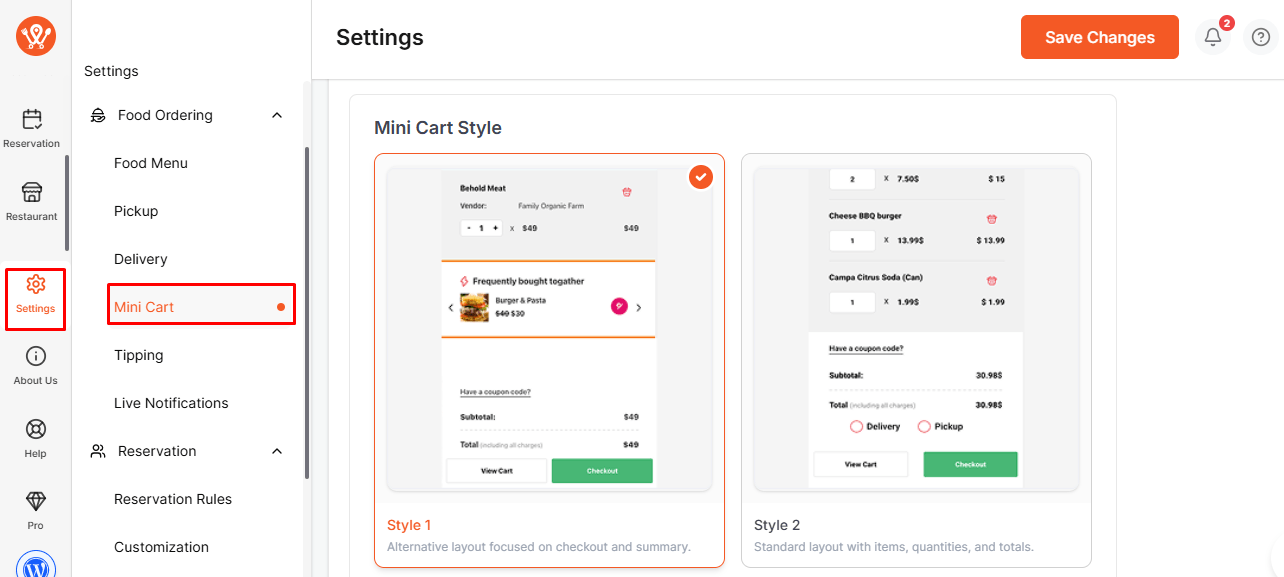
The Mini Cart settings allow you to customize how the cart and icons appear in your store. This helps you match the design style of your website and provide a better shopping experience for your customers.
To configure:
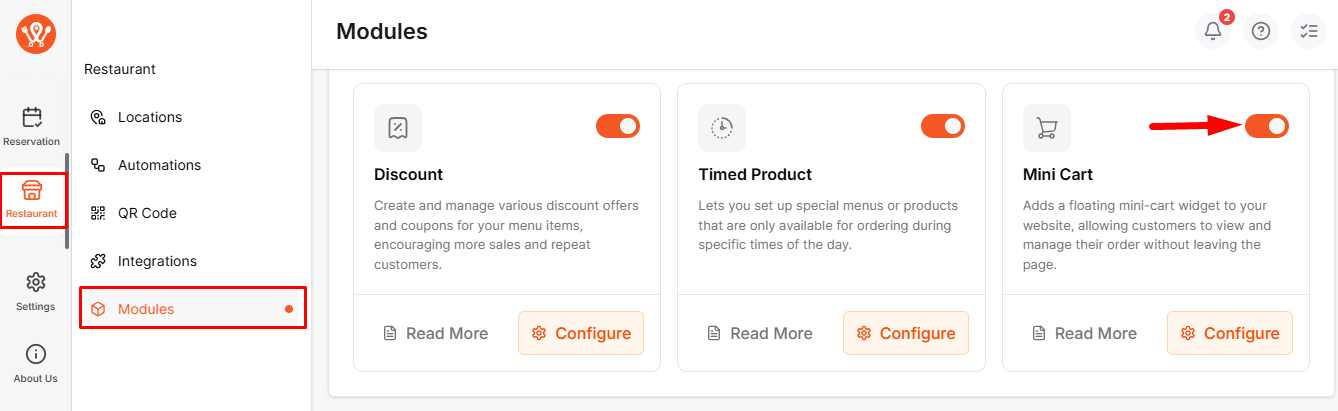
- First of all, enable the Mini Cart module from WPCafe → Restaurant → Modules.
- After that, go to WPCafe → Settings → Mini Cart.
- Choose your preferred style (Style 1 or Style 2).
- Optionally, you can upload a custom icon or use an icon URL to replace the default mini cart icon.
With these settings, you can easily personalize your mini cart to align with your store’s branding.