Table of Contents
Installing and Activating WPCafe (Pro) Manually #
- First of all login Themewinter.com
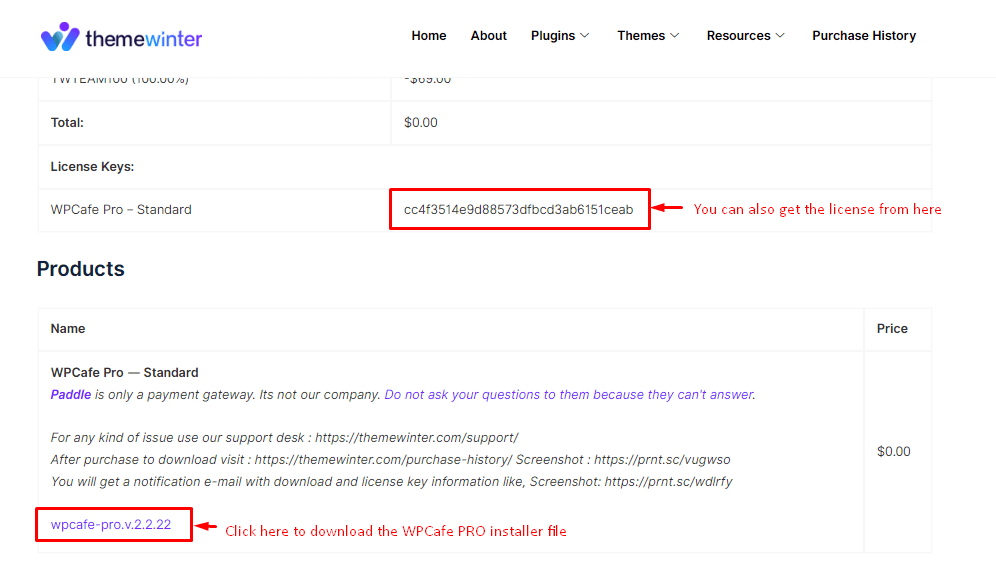
- Now view your purchase history. You can see the details of the plugin and see the license key from here.
- Here is your download zip file.
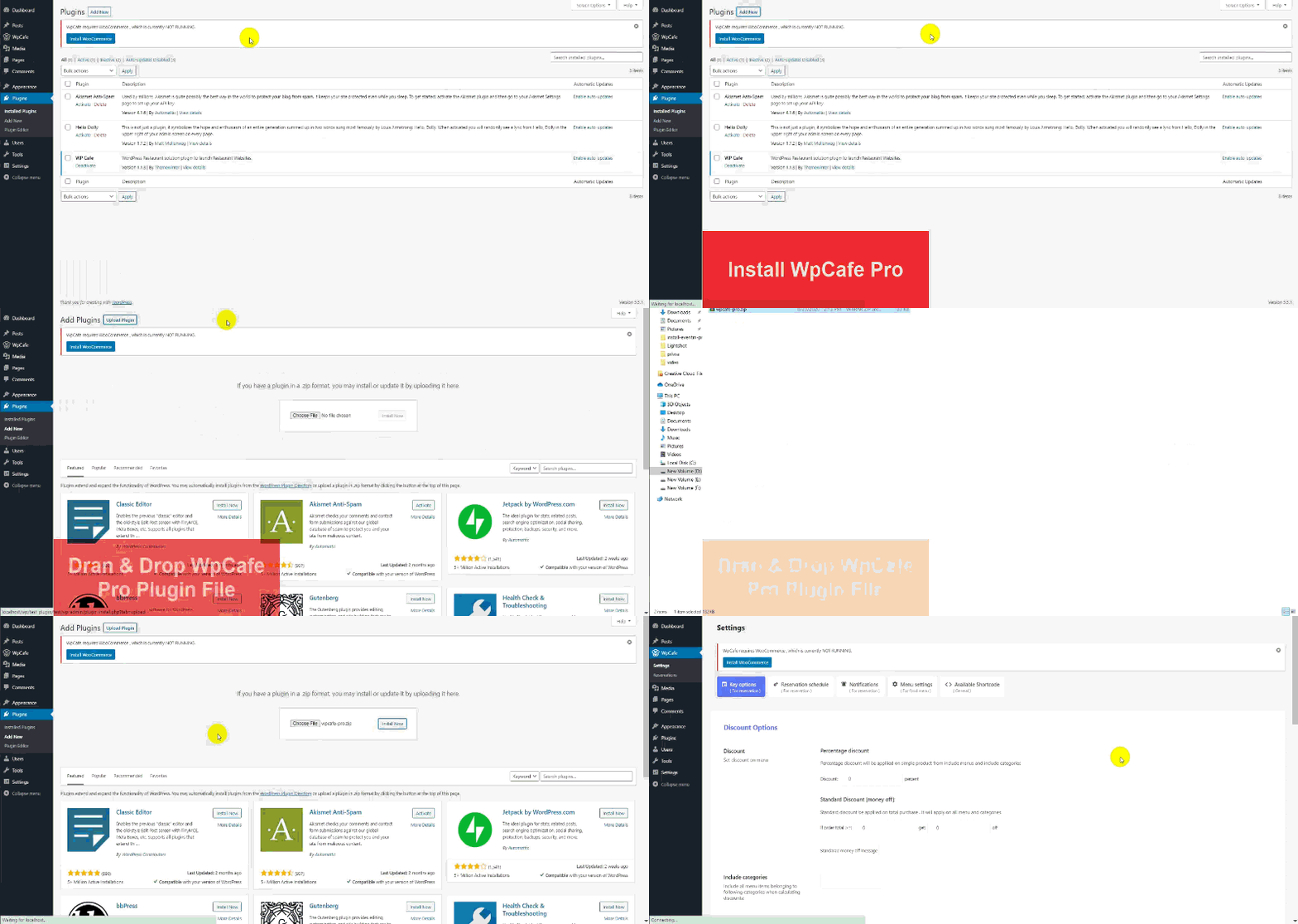
- From your Dashboard, navigate to Plugins → Add New
- Then navigate to your WordPress Admin Dashboard, from there navigate to Plugins → Add New → Upload Plugin
- Then click on Choose File and select the zip file you’ve downloaded, then click Install Now, wait a bit until it’s installed, then click on Activate Plugin
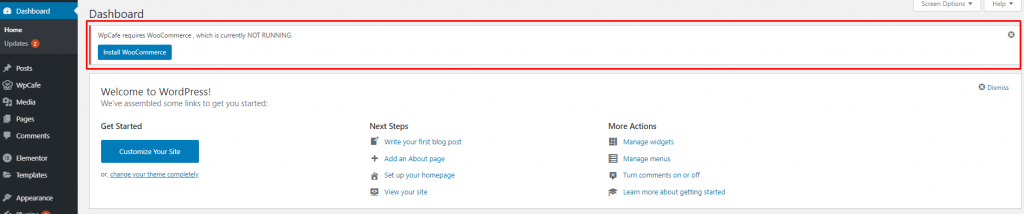
- WP Cafe has a required Plugin. Install and activate WooCommerce to get all features.