Optiontics Features that Matter the Most
The best product options plugins share a core set of tools. Here is what Optiontics covers and why each part matters.
AI product options builder
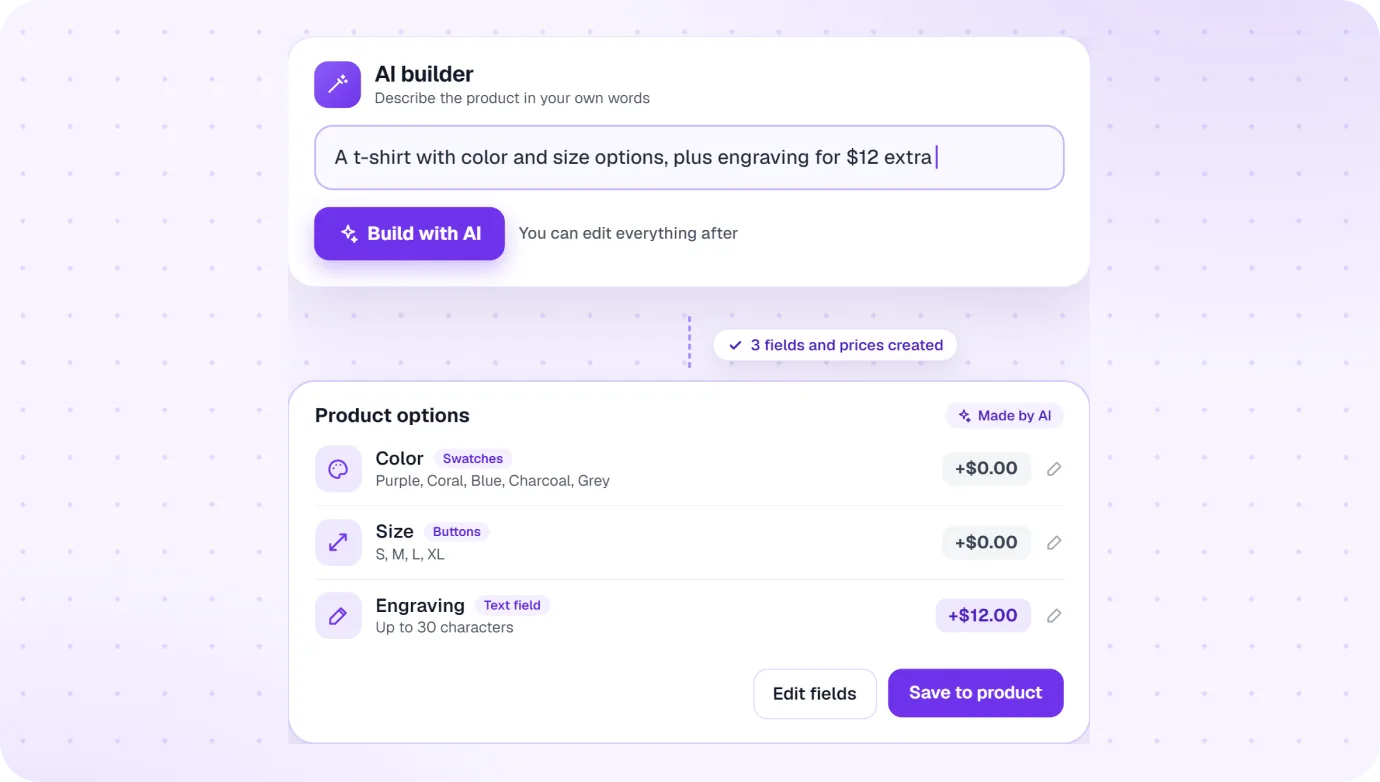
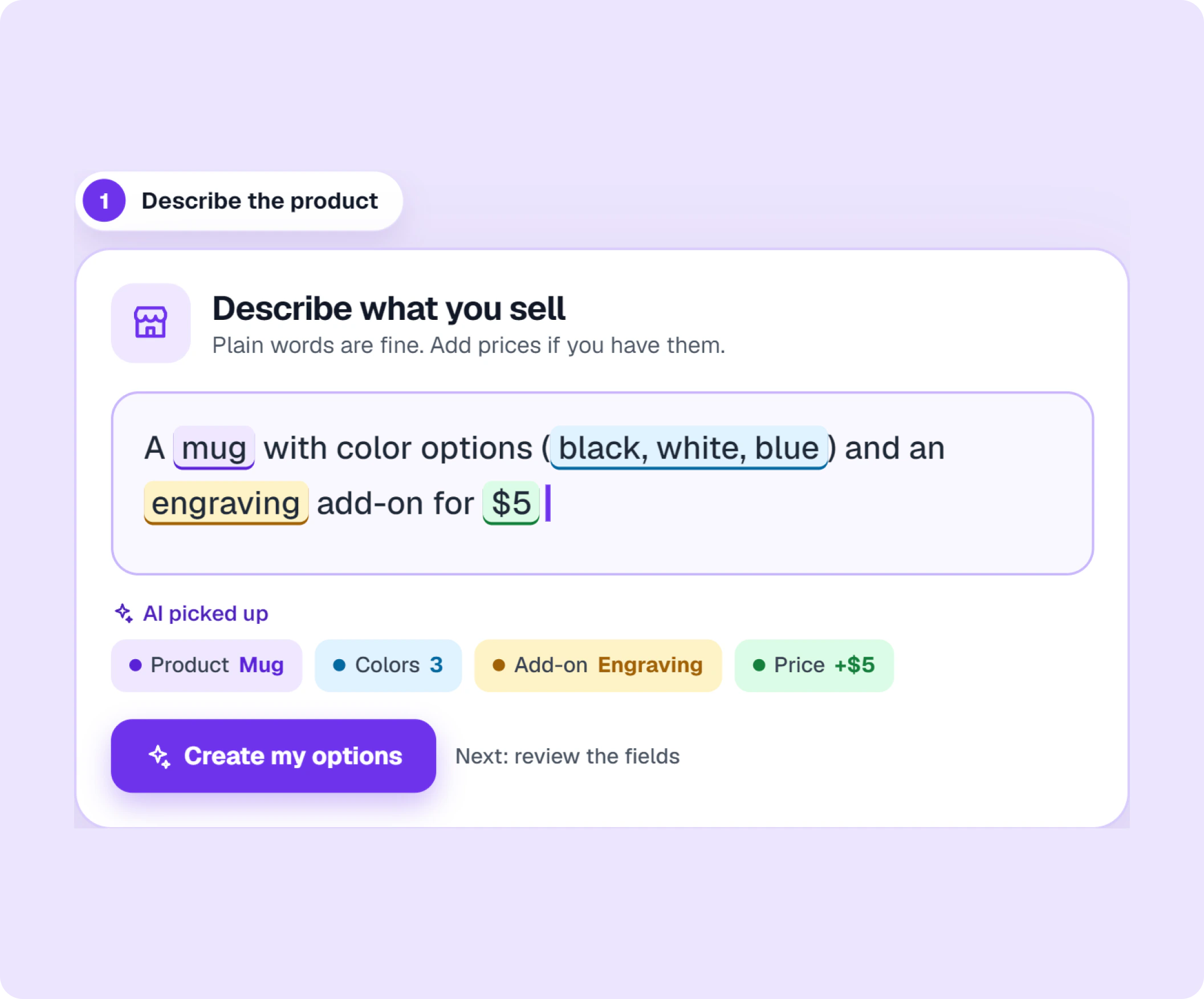
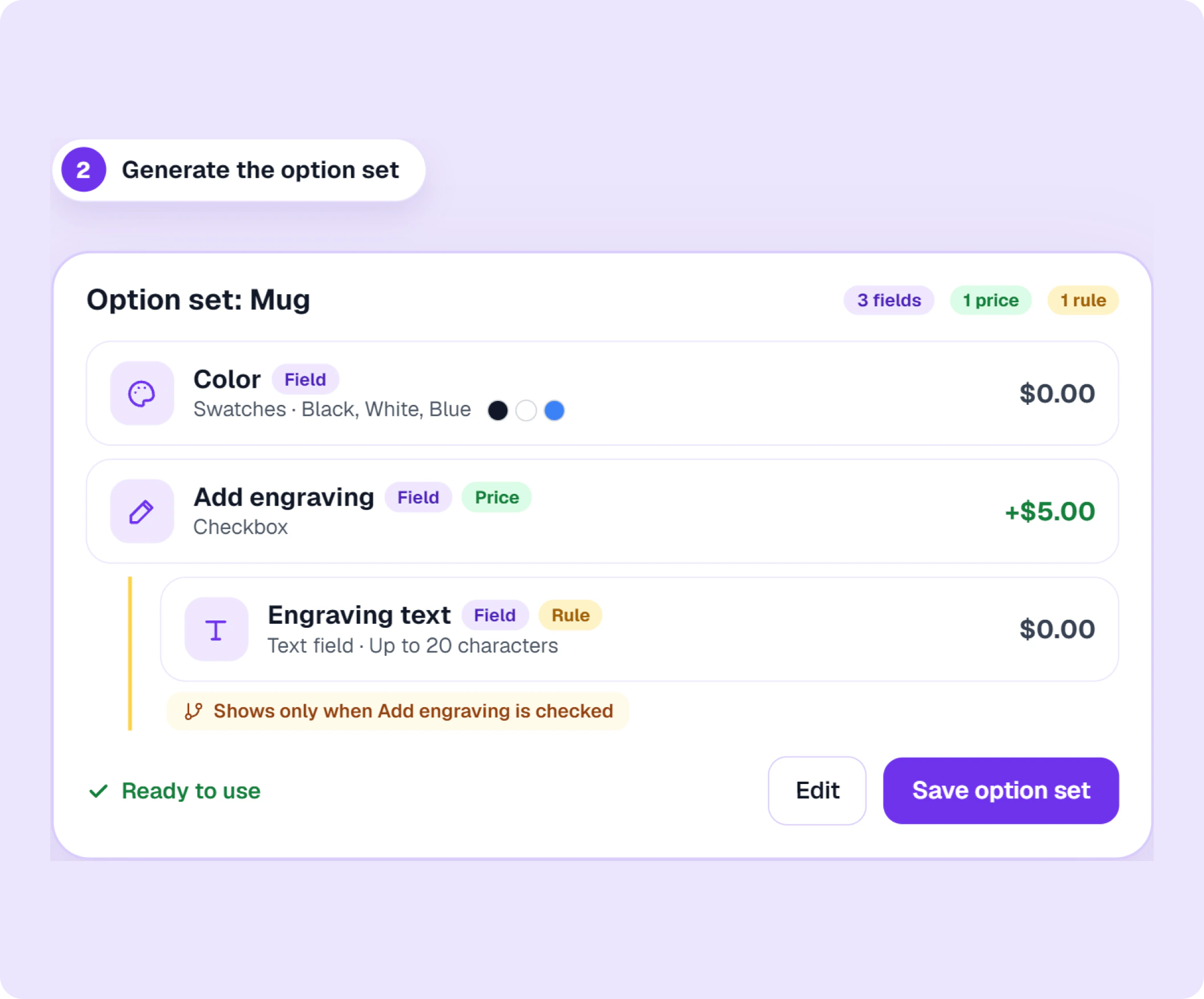
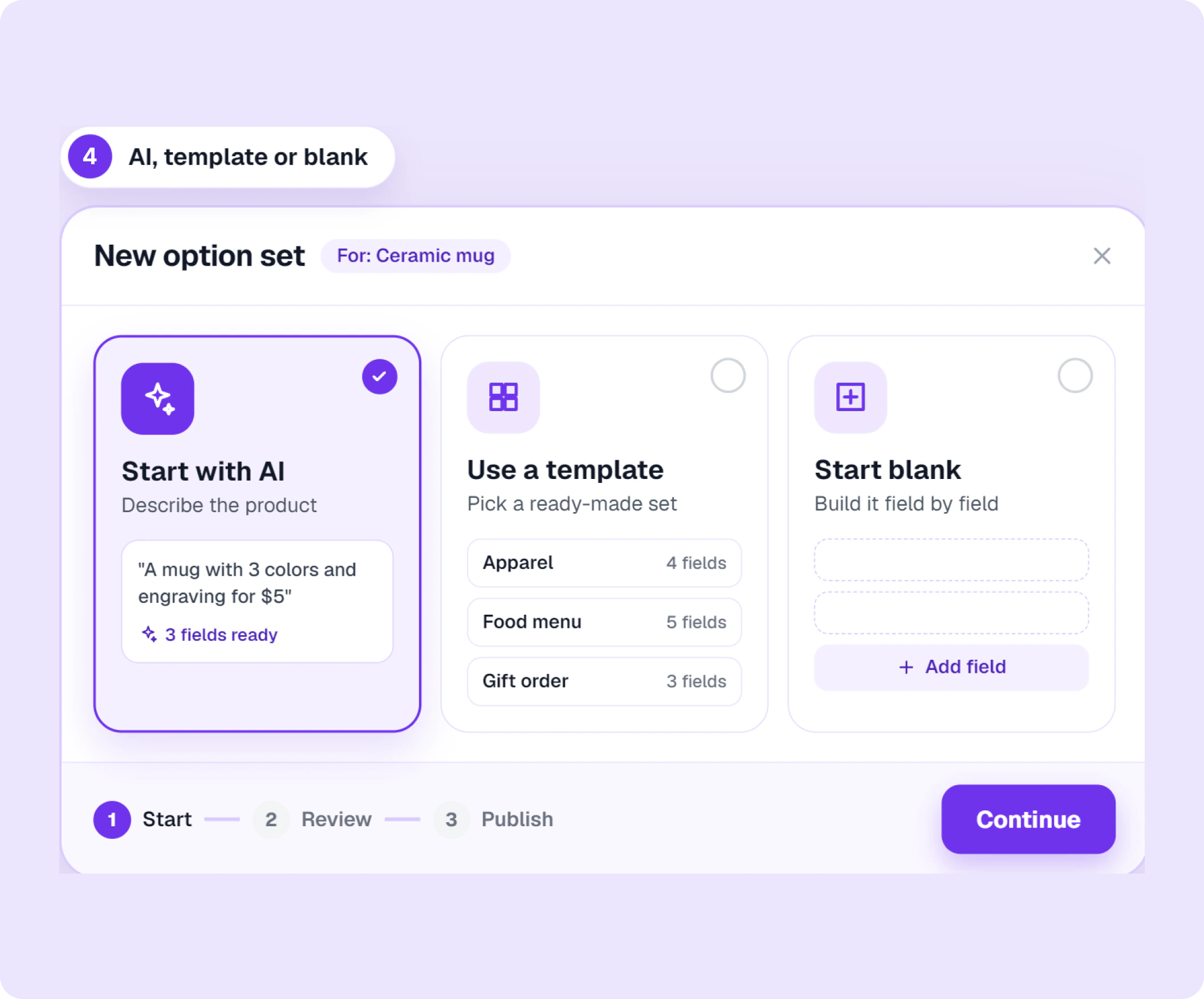
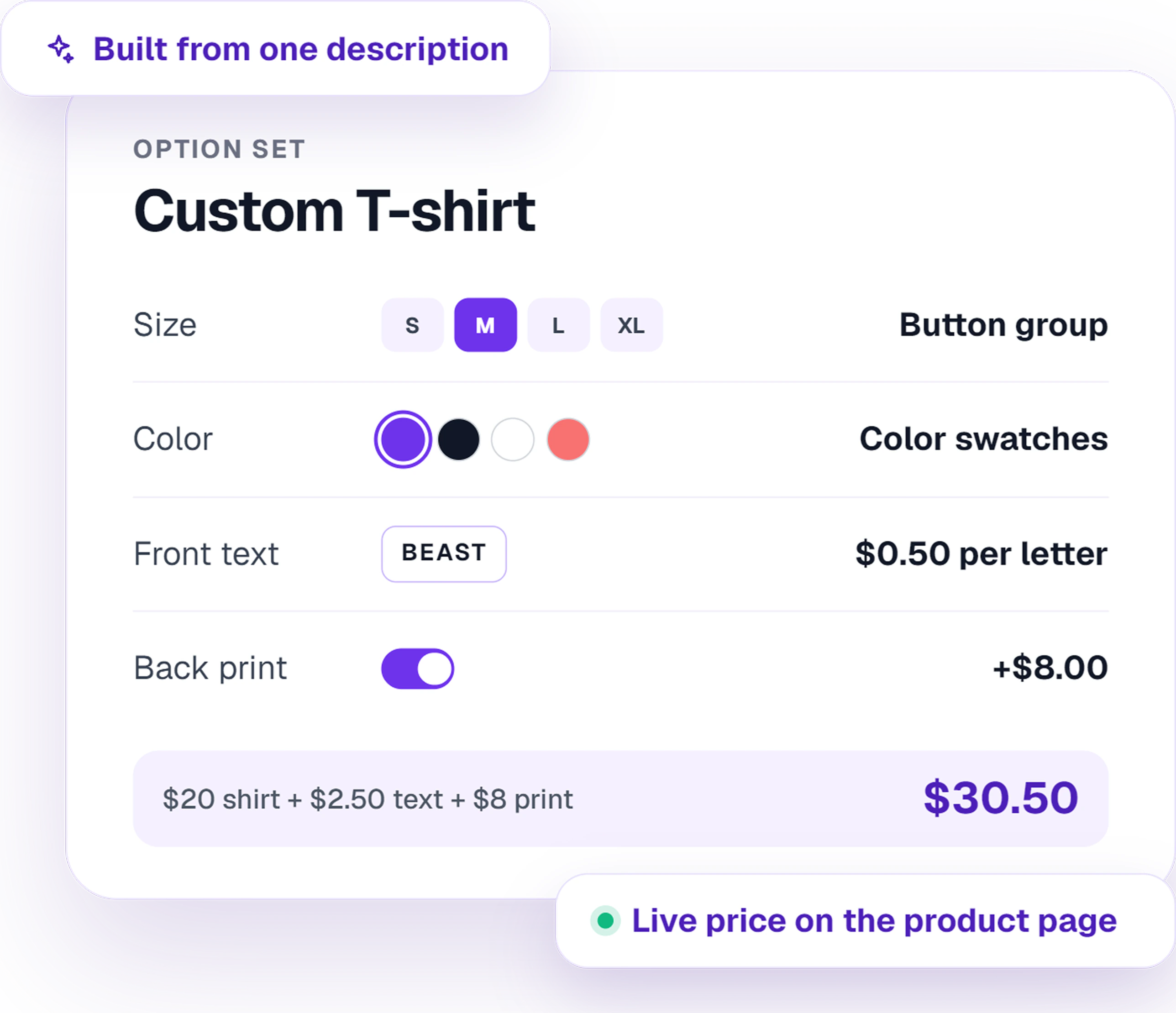
Setting up options should not take hours. Type what you sell in plain words, like "a custom T-shirt with size, color, front text, and an optional back print for $8 extra." The AI builder creates the fields, prices, and conditional rules.
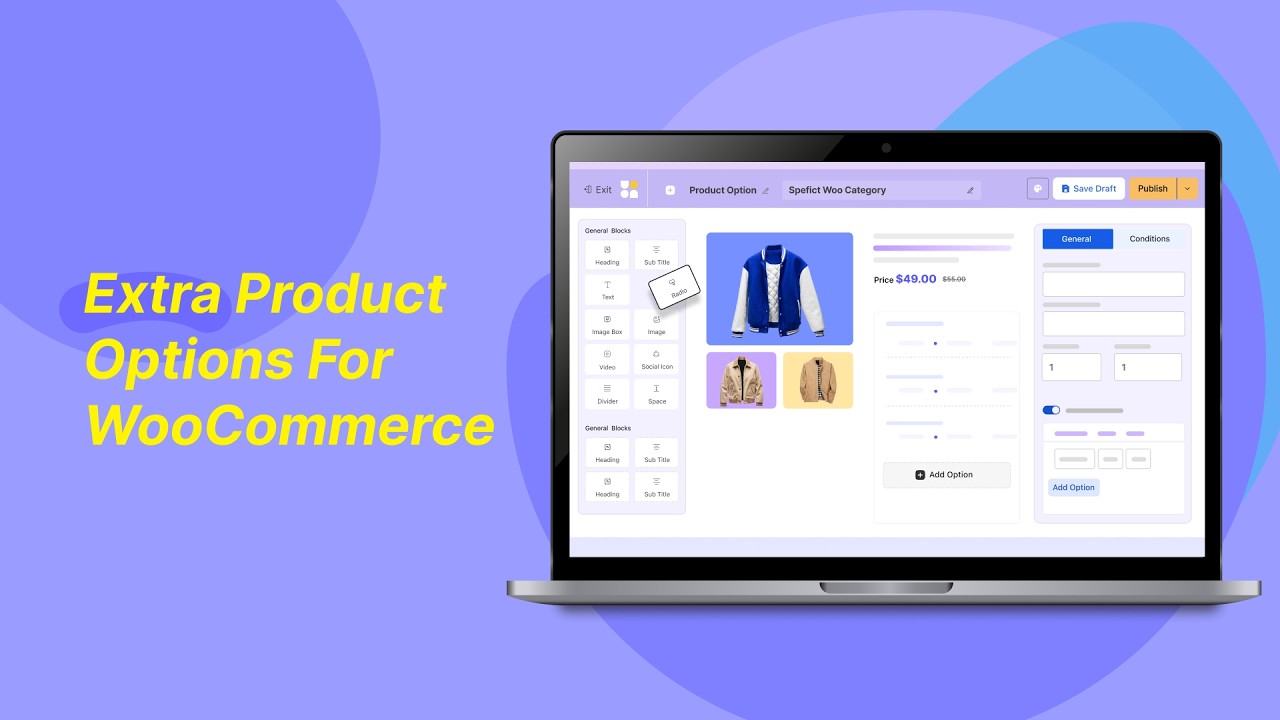
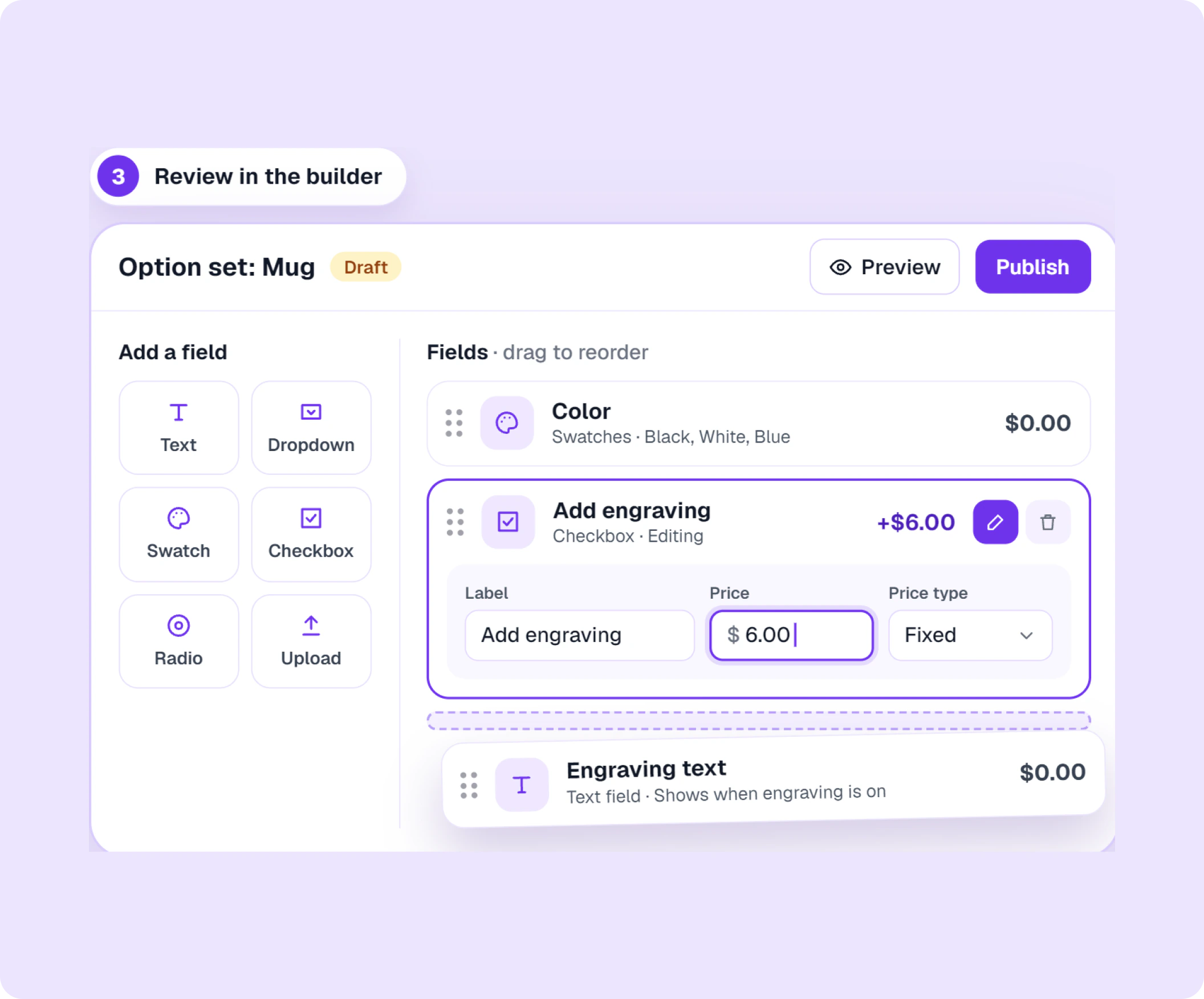
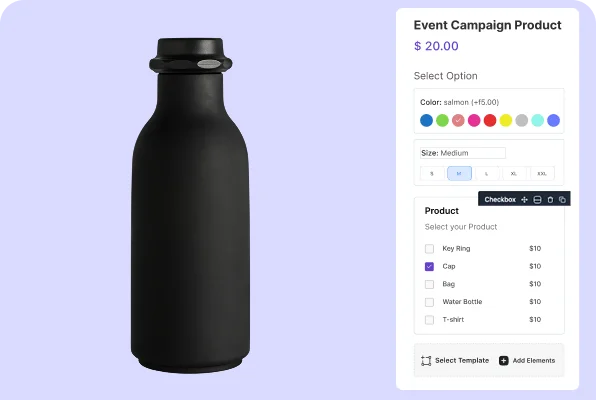
You review everything in the drag-and-drop custom product builder for WooCommerce, adjust it, and publish. AI drafts are suggestions, so you stay in control of every field and price. Prefer to build by hand? Follow how to create product options.
Variation swatches: color and image
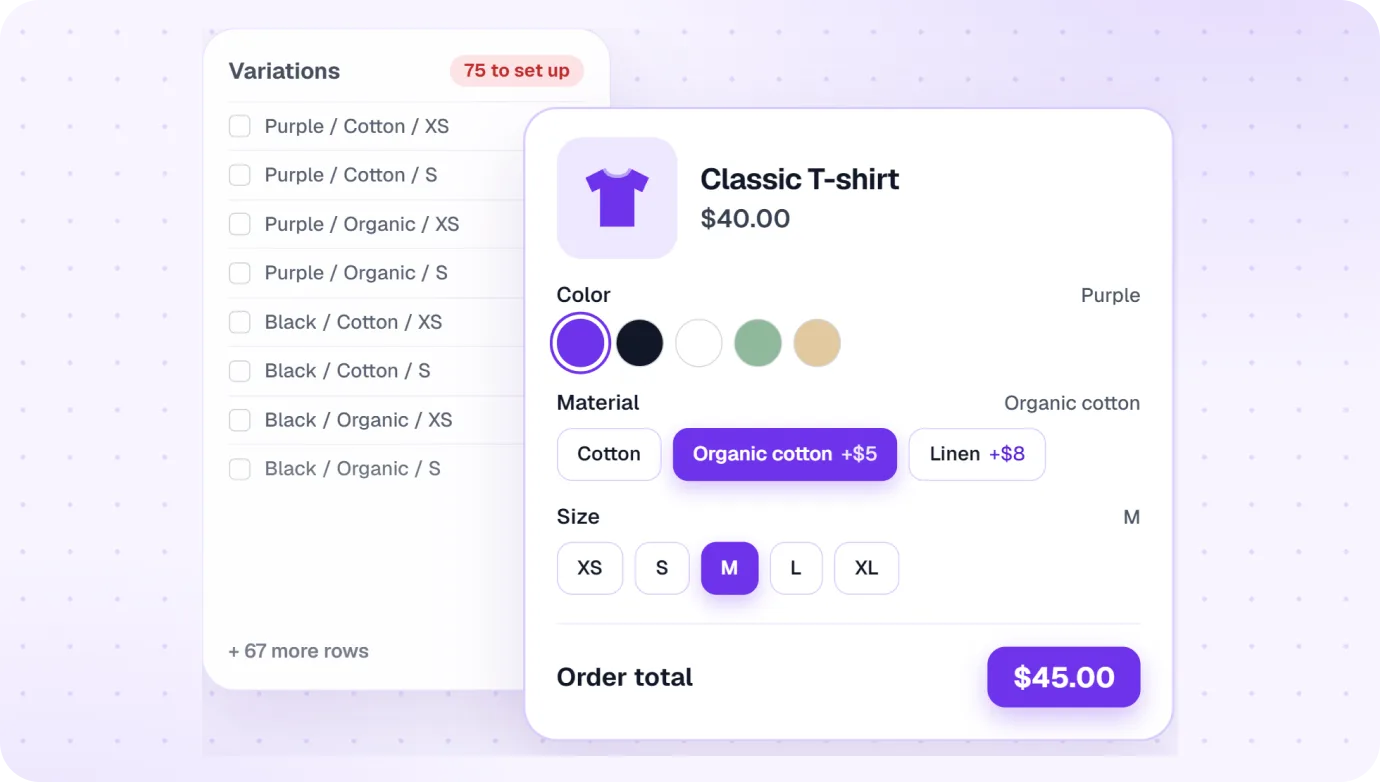
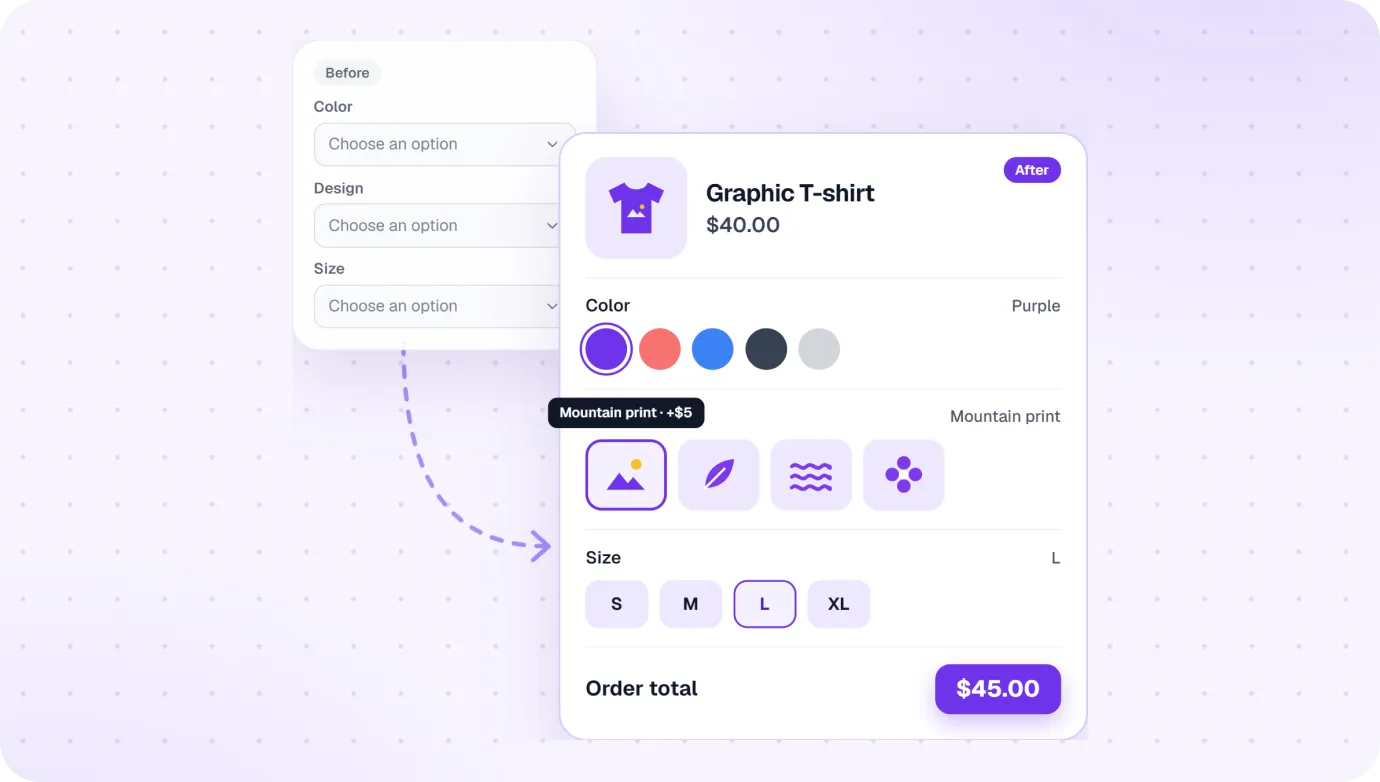
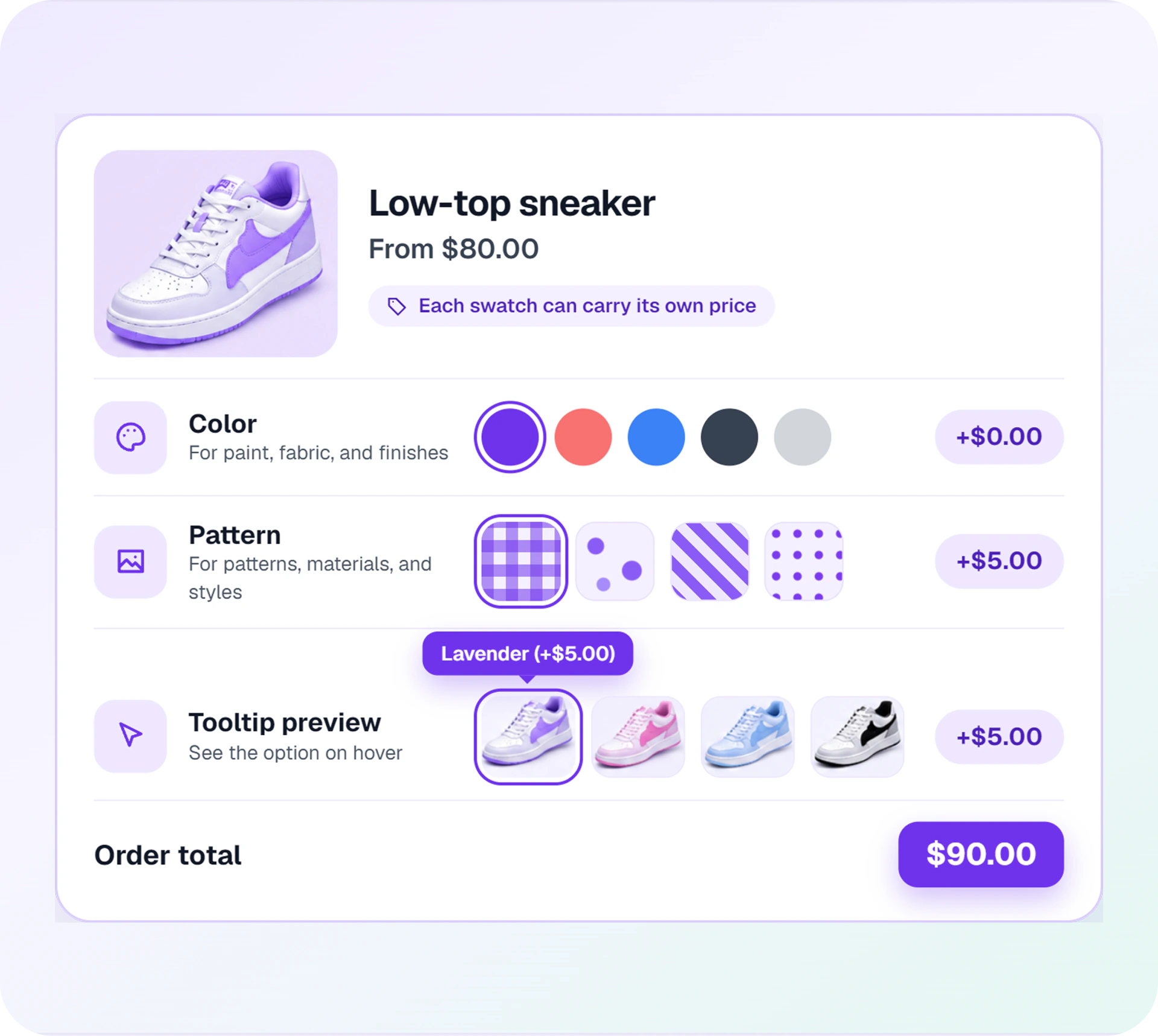
Shoppers choose faster when they can see the option. Optiontics works as a WooCommerce variation swatches plugin that replaces plain dropdowns with WooCommerce color swatches and image swatches.
Use color swatches for paint, fabric, and finishes, and image swatches for patterns, materials, and styles. Tooltip previews show on hover, and each swatch can carry its own price.
Conditional logic
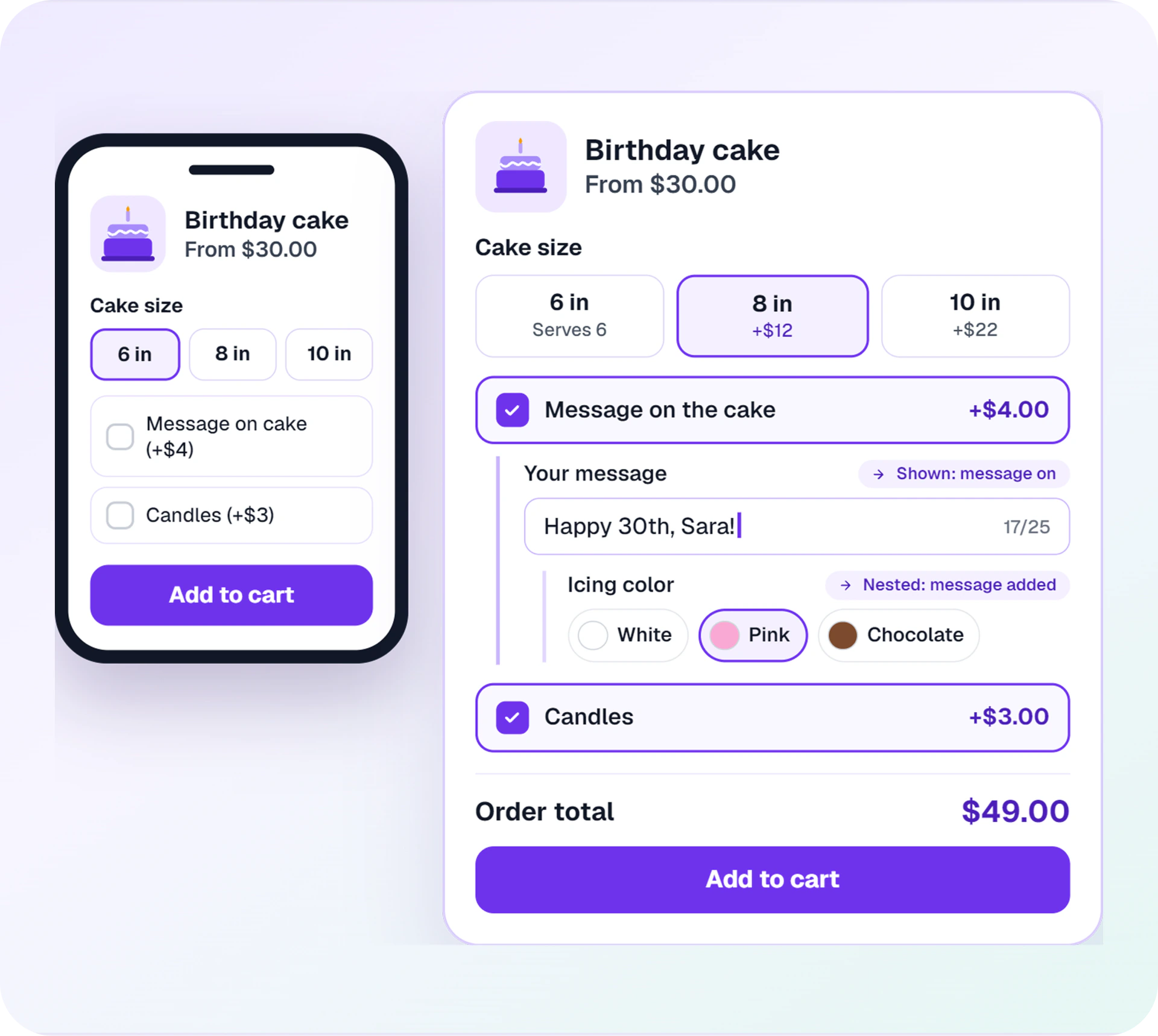
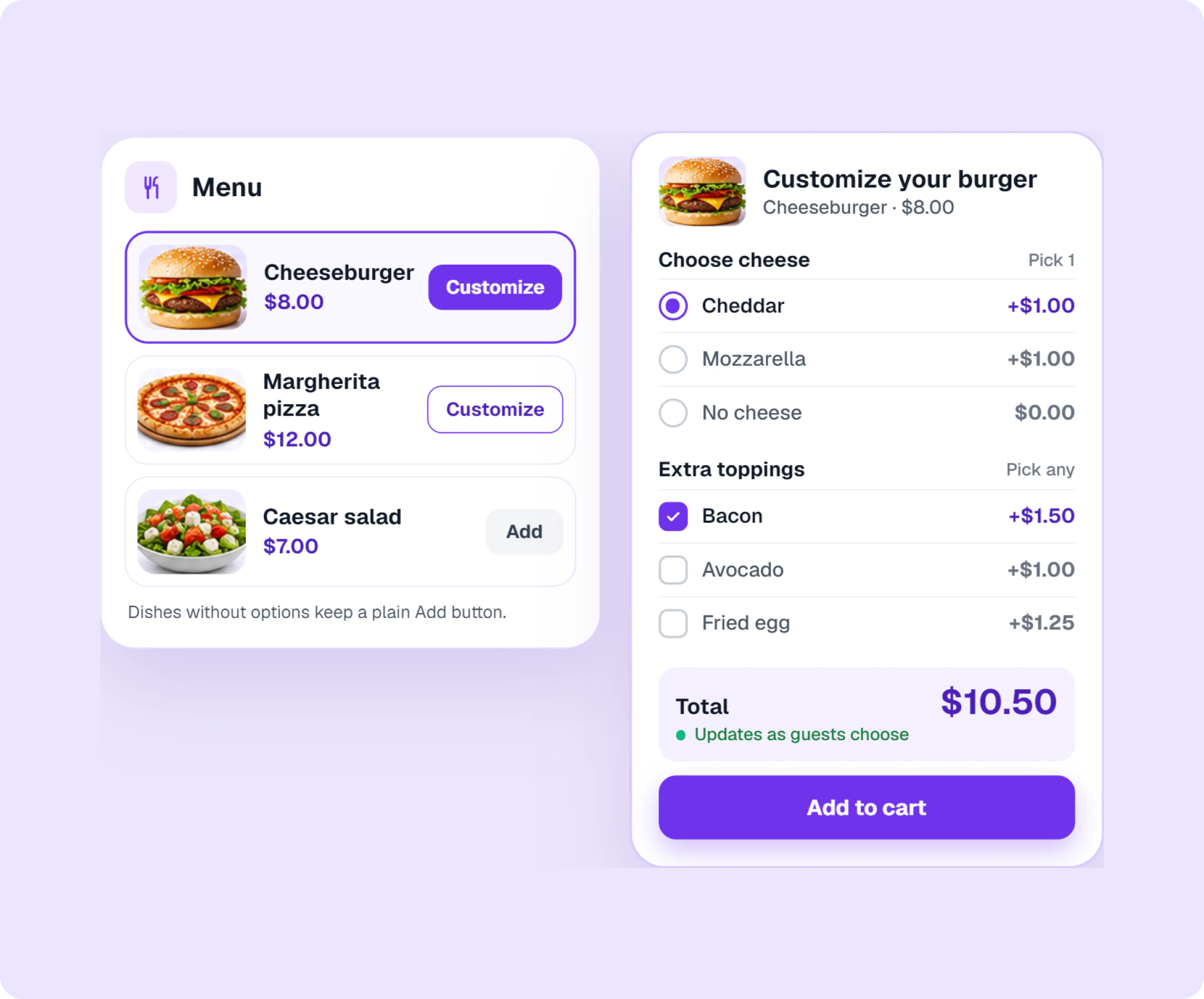
Long option forms lose buyers. Conditional logic shows or hides fields based on what the customer already picked, including nested conditions for multi-step products.
Choose "Add engraving" and the text field appears. Skip it, and the form stays short, which matters most on mobile.
Flexible pricing and formula pricing
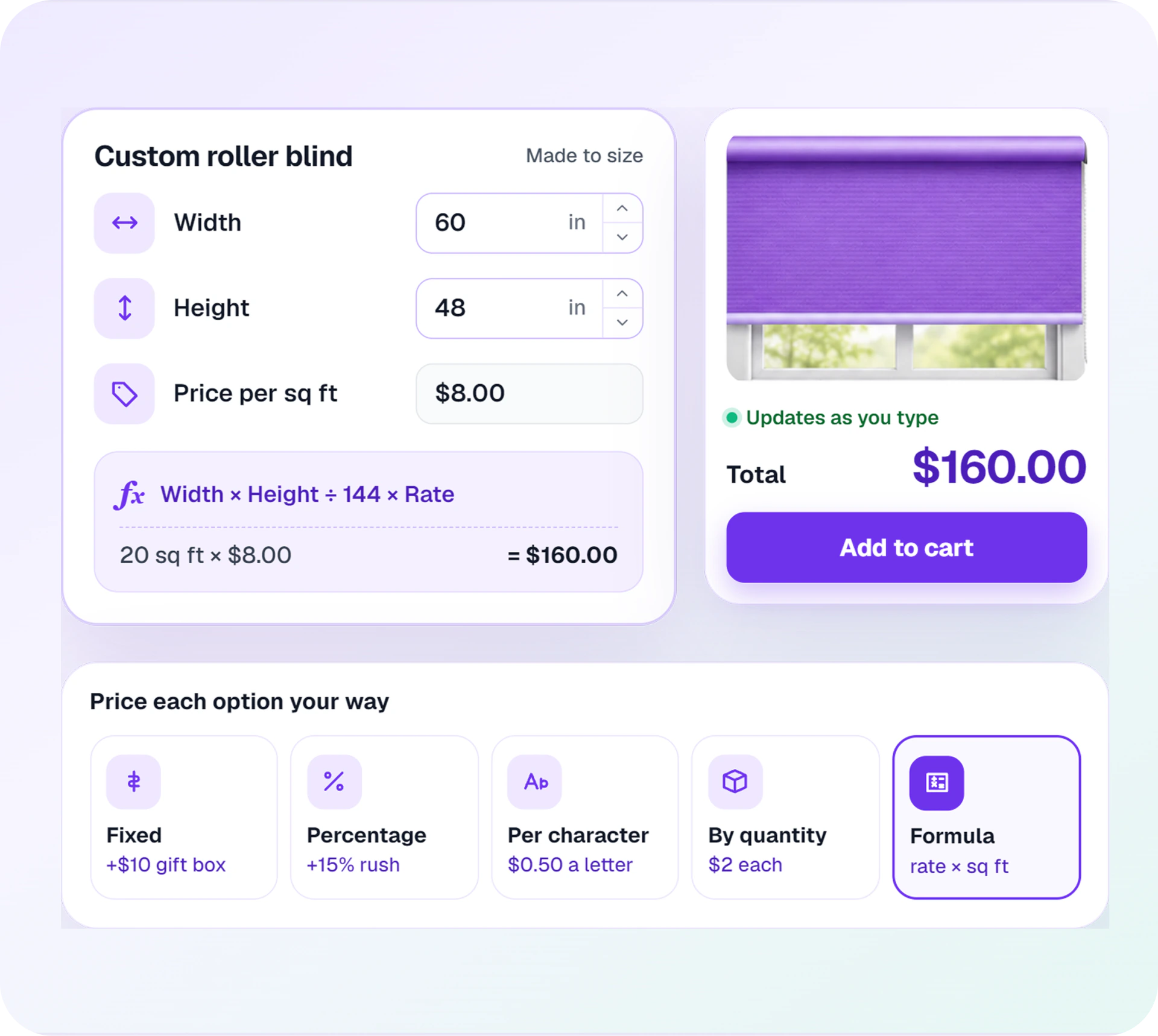
Price every option the way you sell it. Optiontics supports fixed prices, percentages, per-character pricing, quantity-based pricing, and formulas.
The formula field makes Optiontics a WooCommerce measurement price calculator and a price by formula calculator for WooCommerce. Charge width x height x rate for blinds, banners, flooring, and made-to-size products. Customers see the total update live before they add to cart. Learn more about WooCommerce product add-on pricing.
File uploads
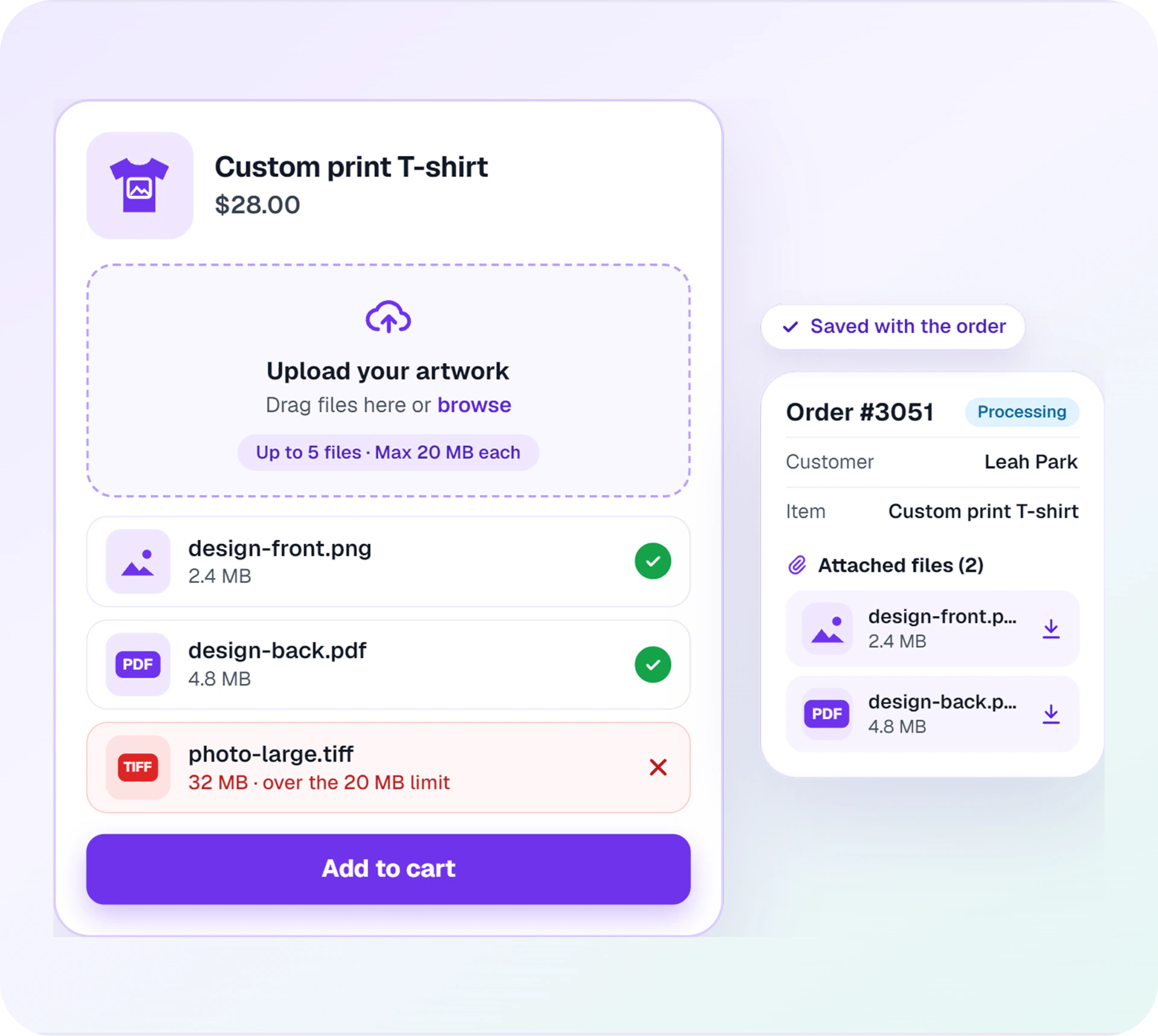
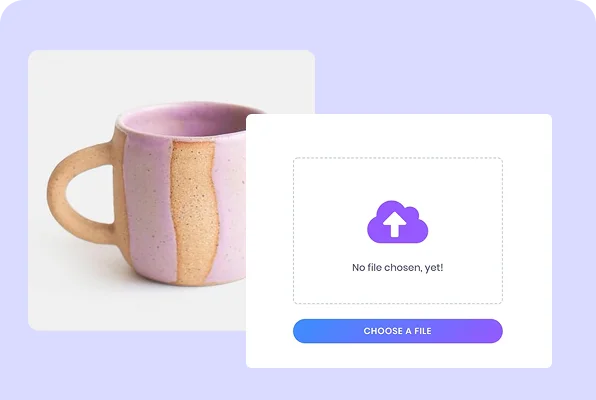
Print shops, custom apparel, and photo gifts need the customer's artwork. Optiontics adds a file upload field to the product page, so customers can upload files in WooCommerce before checkout.
It supports multiple files and size limits you control. Files stay attached to the WooCommerce order, which solves the common WooCommerce checkout file upload problem without a separate plugin.
Upsells, linked products, and mix and match bundles
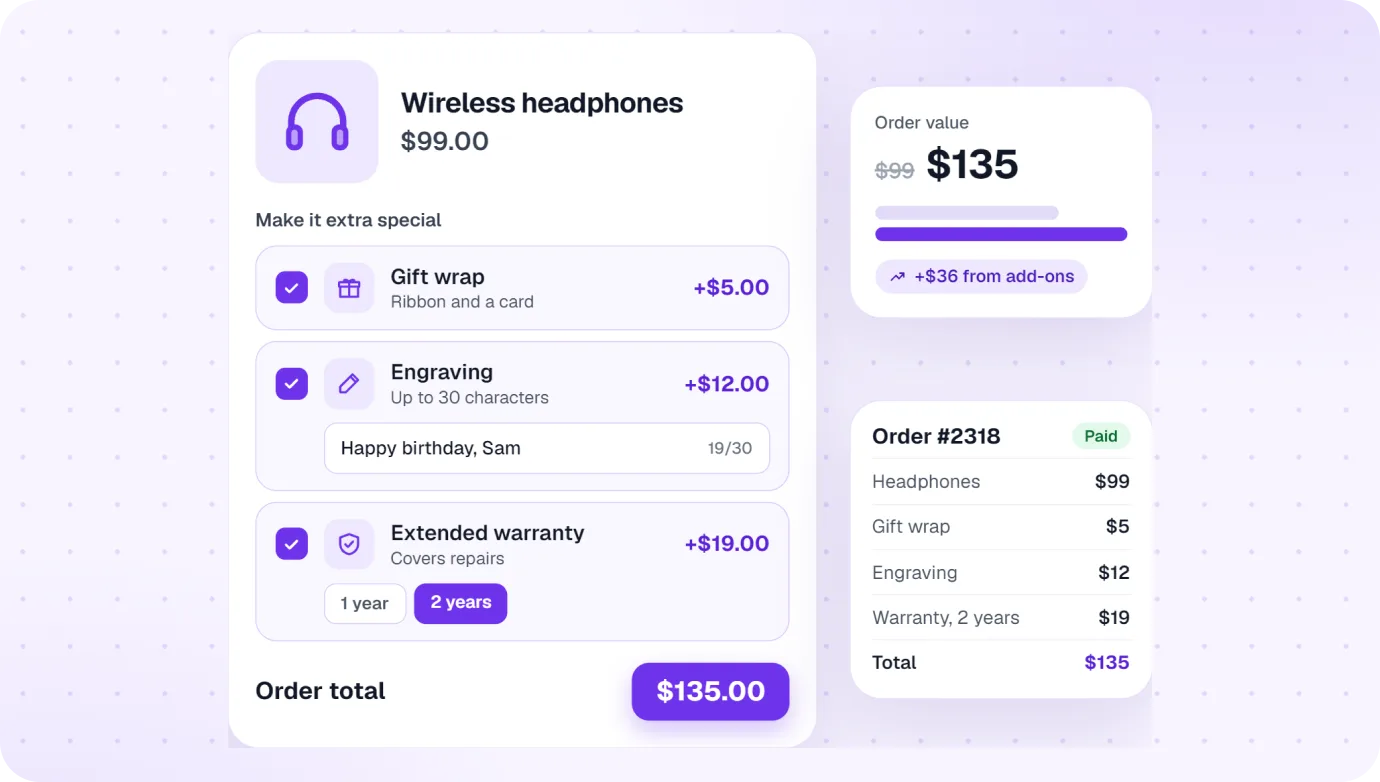
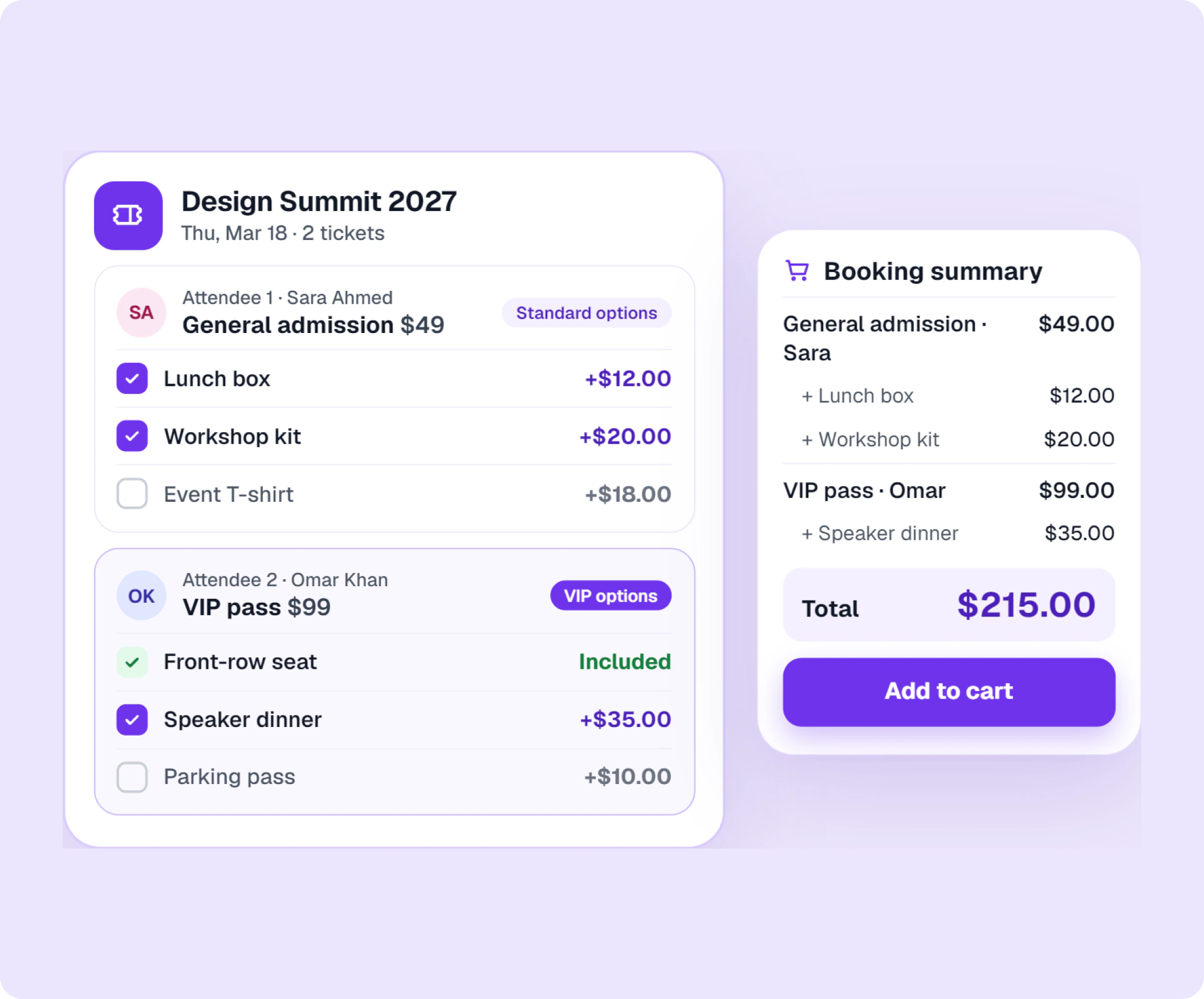
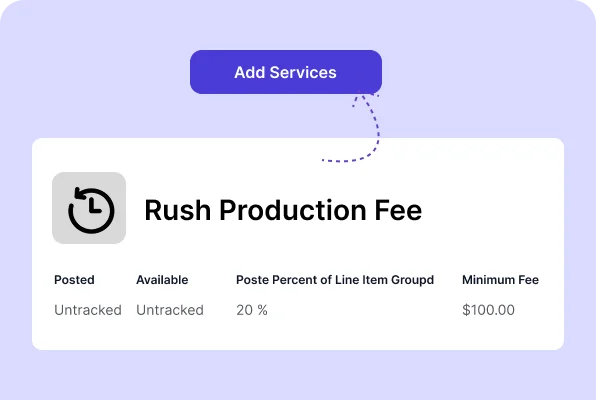
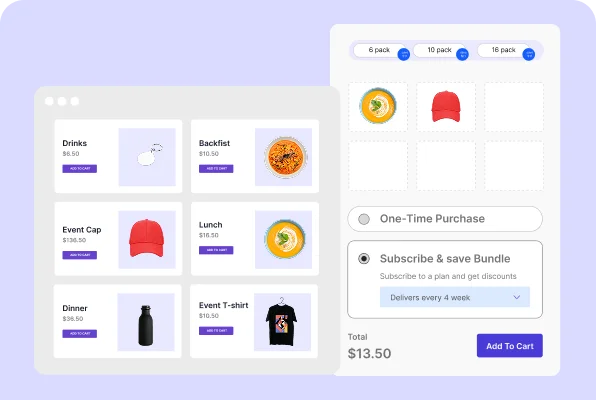
Every product page is a chance to sell more. Add upsell blocks, link related products as options, and build pick-any-3 bundles with mix and match pricing. See how to create WooCommerce product upsells with add-ons.
Multi-currency support
Selling worldwide? Optiontics supports multi-currency stores, so option prices follow the currency your customer shops in.