WPCafe is compatible with several popular WordPress themes. Below are the setup steps and examples for using WPCafe with each supported theme.

Blocksy Theme Compatibility #
After installing and activating the Blocksy theme, install and activate the Blocksy Companion plugin. See the screenshot below:
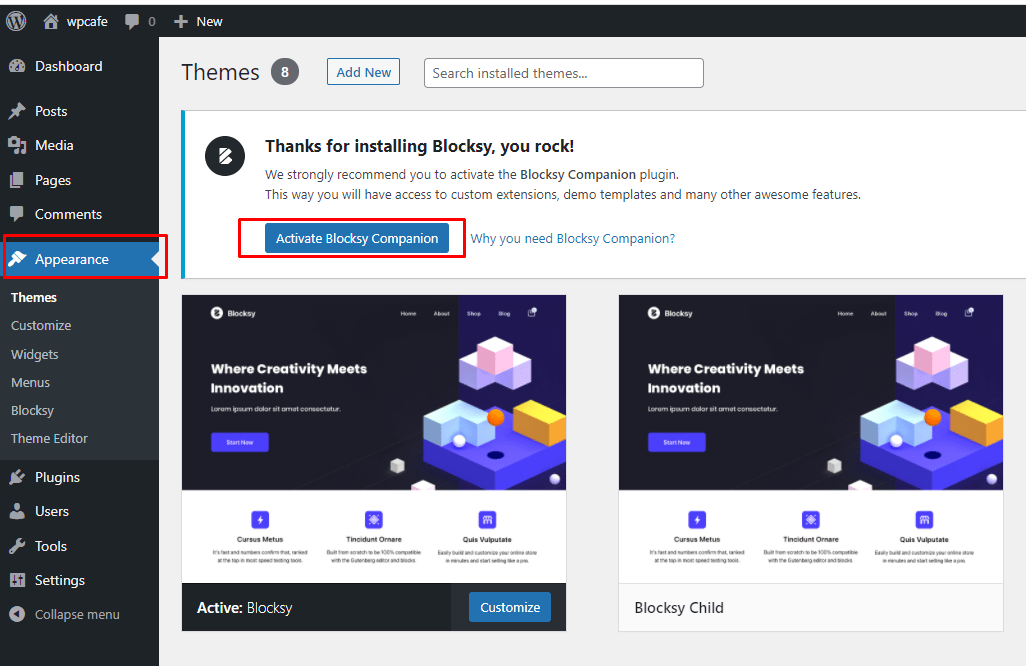
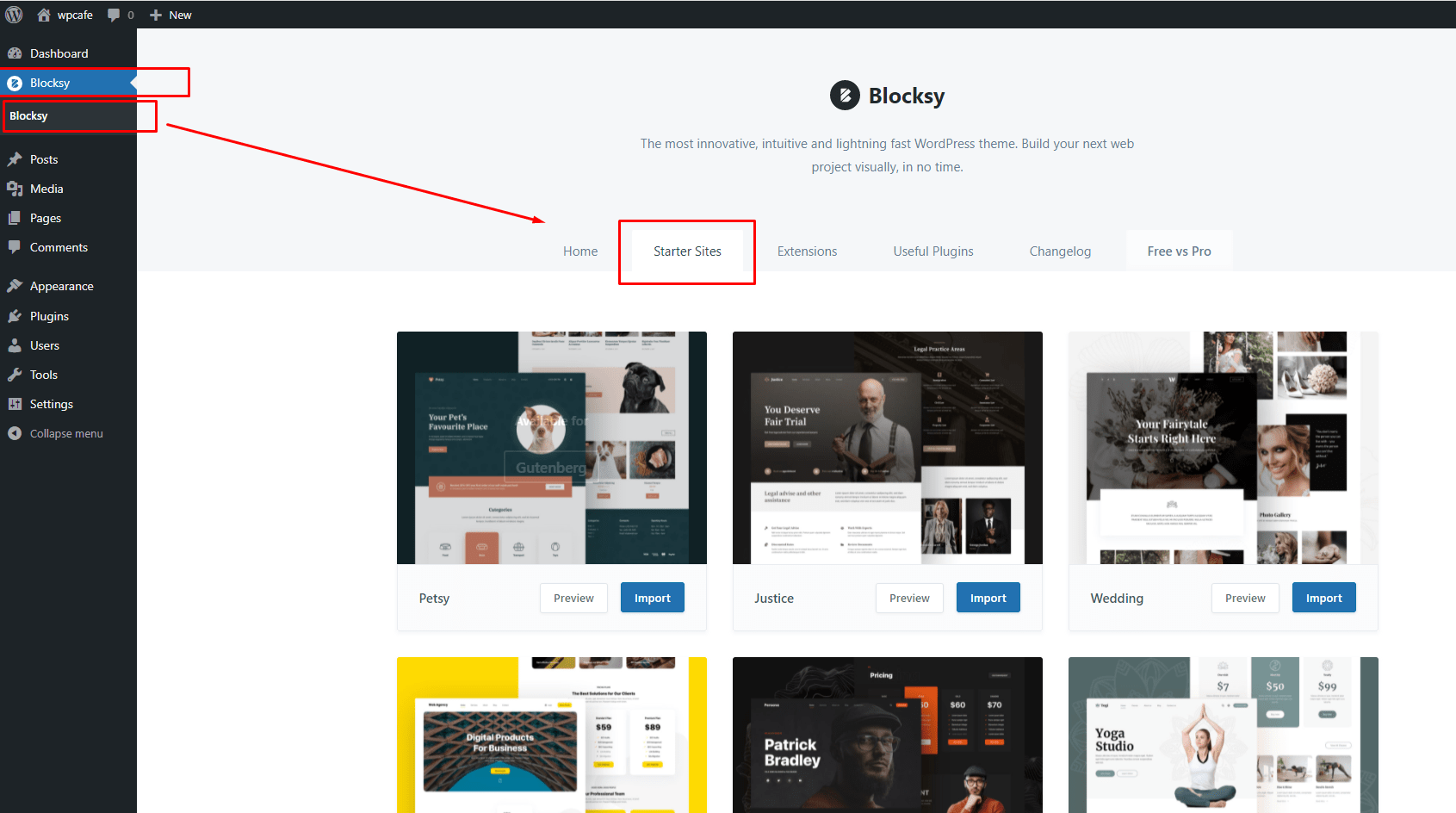
Install the demo content and start using the Blocksy theme with the WPCafe plugin.
Generate Shortcode #
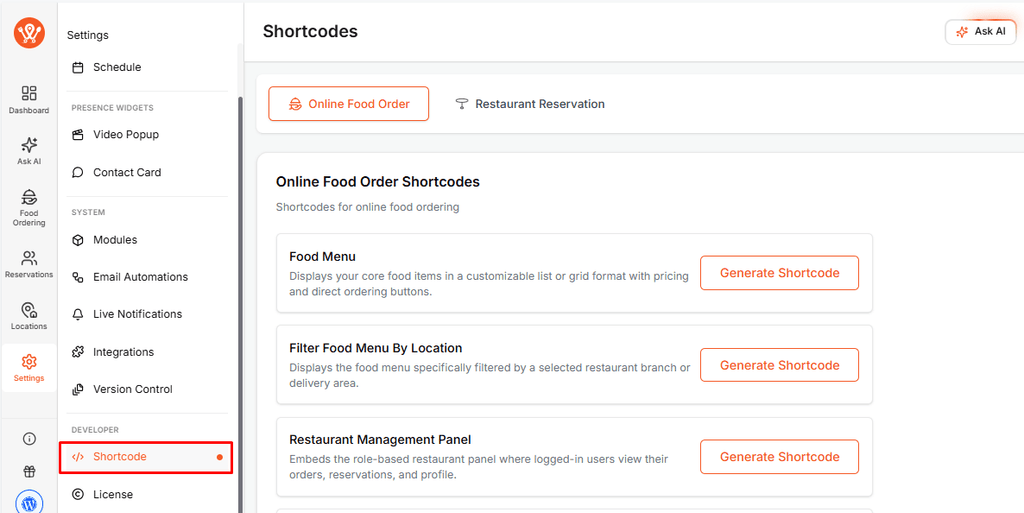
Go to WPCafe → Settings→ Shortcode and copy any shortcode you want to use on your site. See the screenshot below:
Use the Shortcode: #
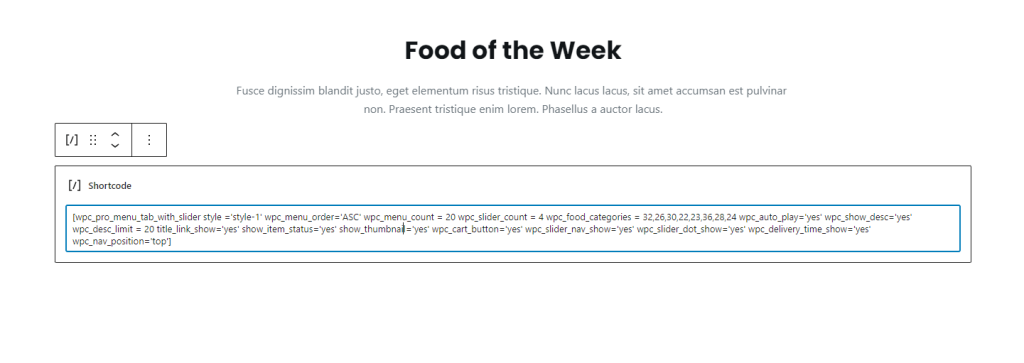
After generating the shortcode, paste it into your desired page or post. See the screenshot below:
Output in Blocksy Theme: #
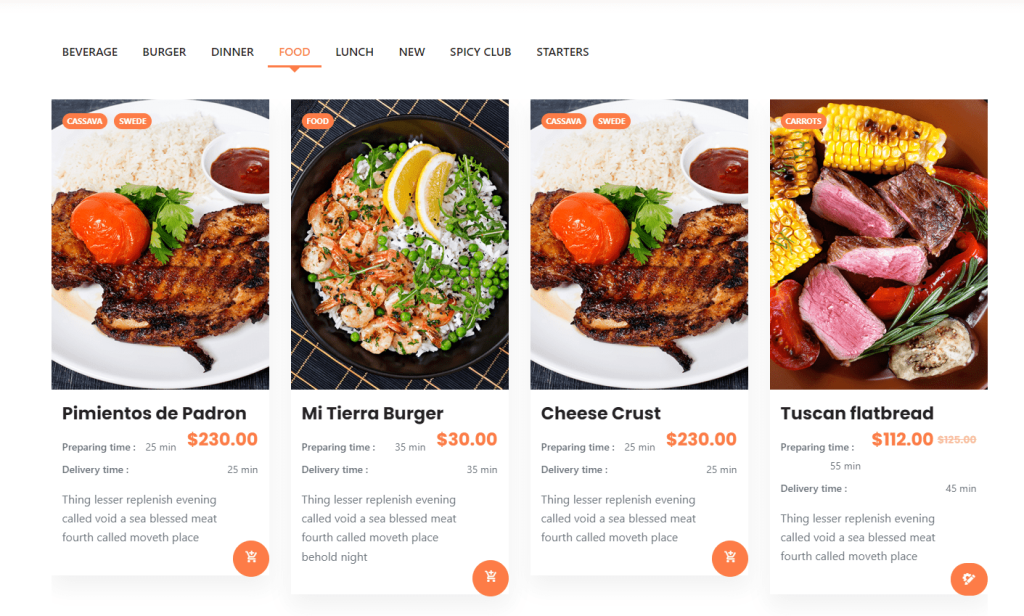
WPCafe content will display on the page as shown in the screenshot.
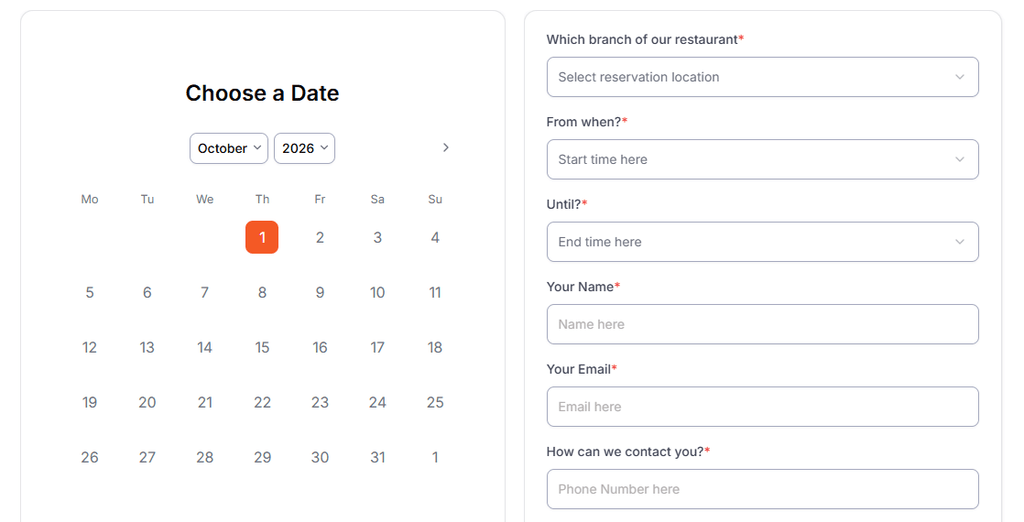
Food with Reservation:
GeneratePress Theme Compatibility #
WPCafe works with GeneratePress and supports its Elementor-based layouts.
Elementor Widgets #
You can use all available WPCafe Elementor widgets with the GeneratePress theme.
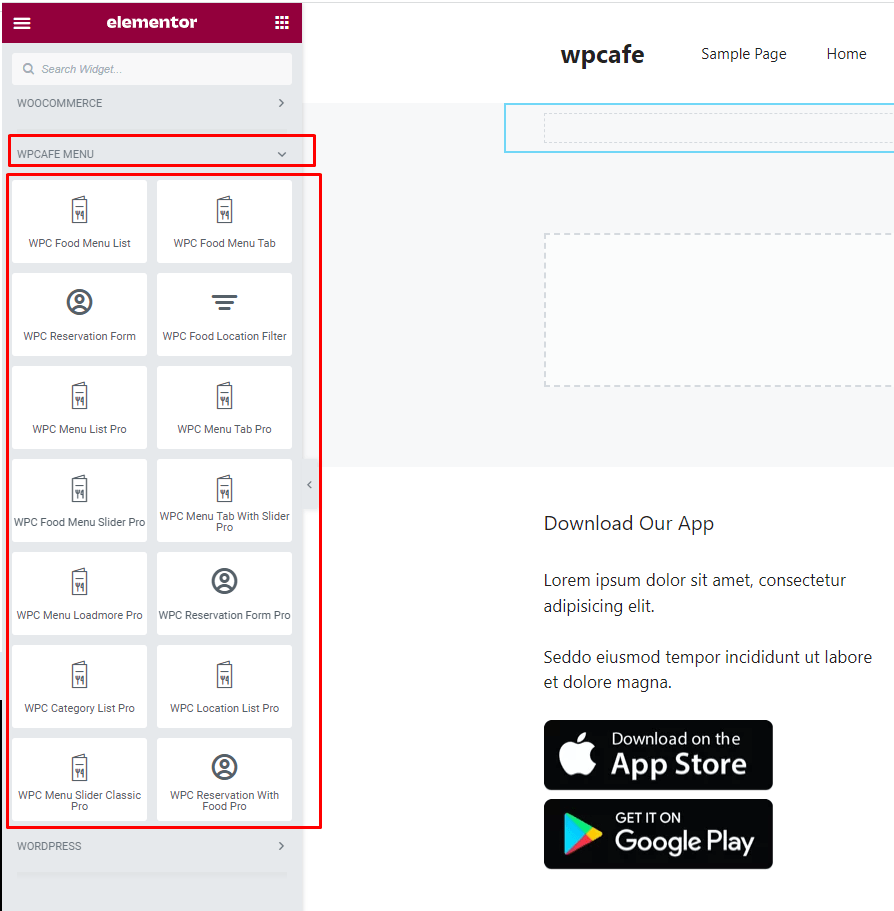
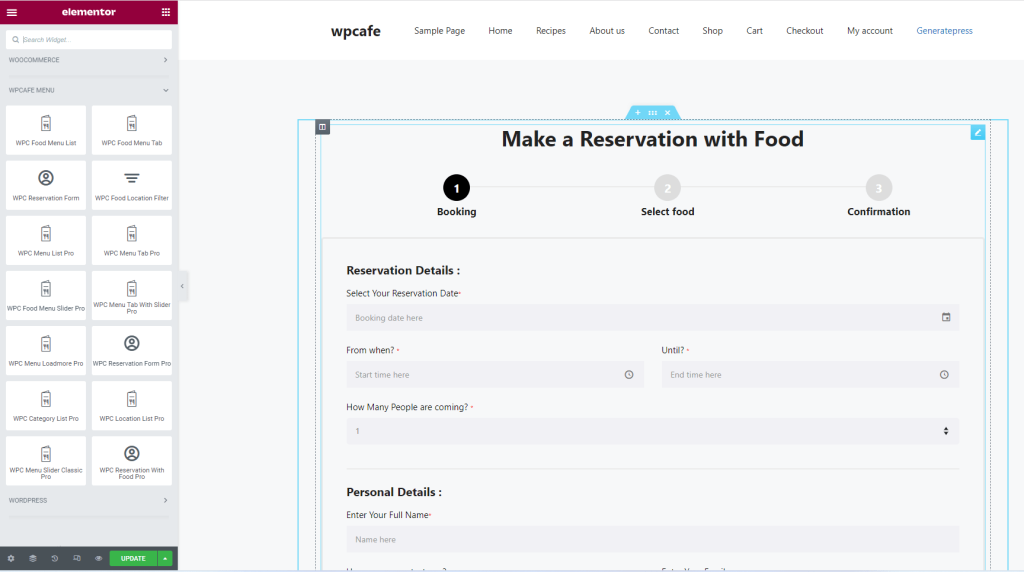
Food with Reservation Output #
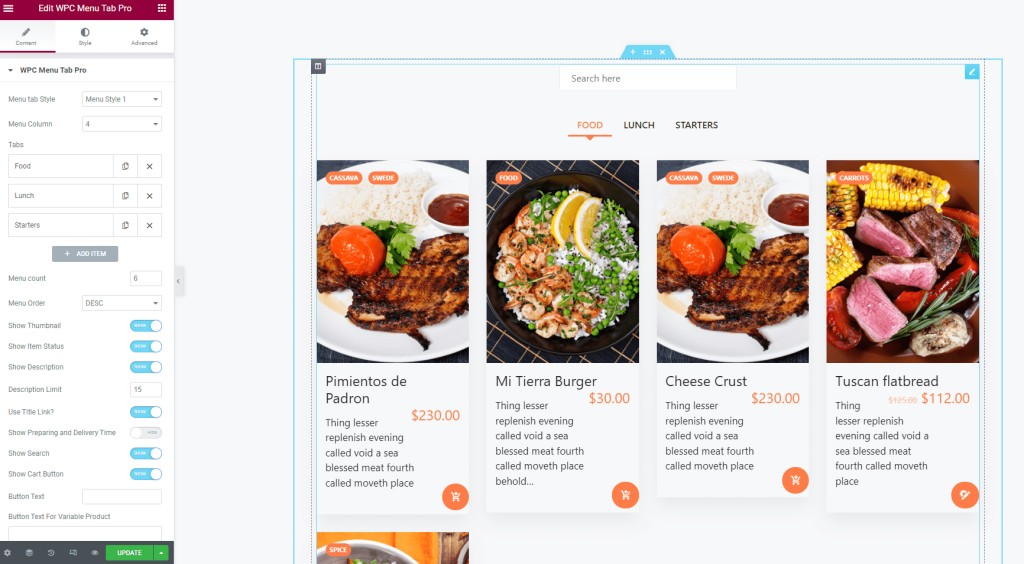
Food Menu Tab Pro Output #
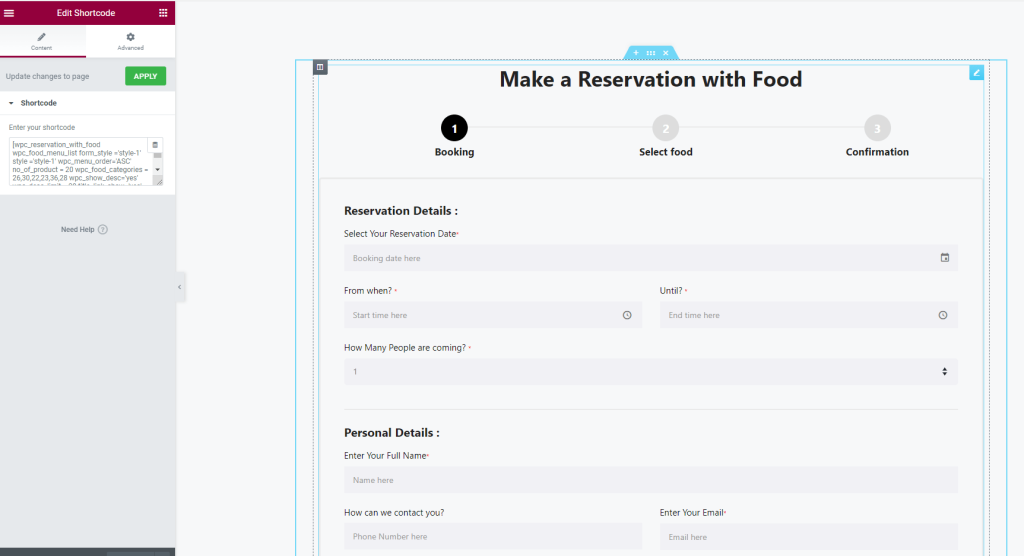
Using WPCafe Shortcodes #
Kadence Theme Compatibility #

Kadence Theme Required plugin #
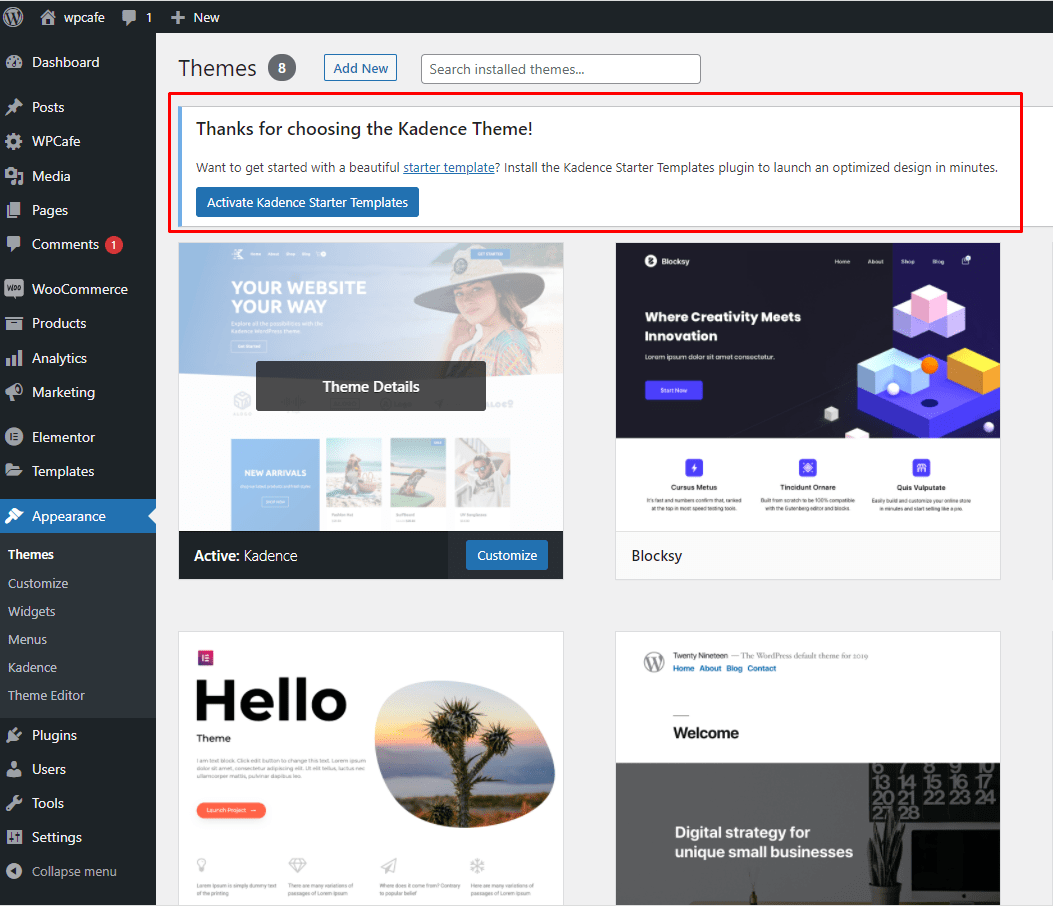
After installing and activating the Kadence theme, install and activate the Kadence Starter Templates plugin. See the screenshot below:
Elementor Widgets #
You can use all available WPCafe Elementor widgets with the Kadence theme.
Food Menu Tab Pro with Elementor #
Add the Food Menu Tab Pro widget using Elementor and configure it as needed.
Using Gutenberg with Kadence #
Generate Shortcode #
Kendence Shortcode Use : #
After generating the shortcode, paste it on the page. See the screenshot:
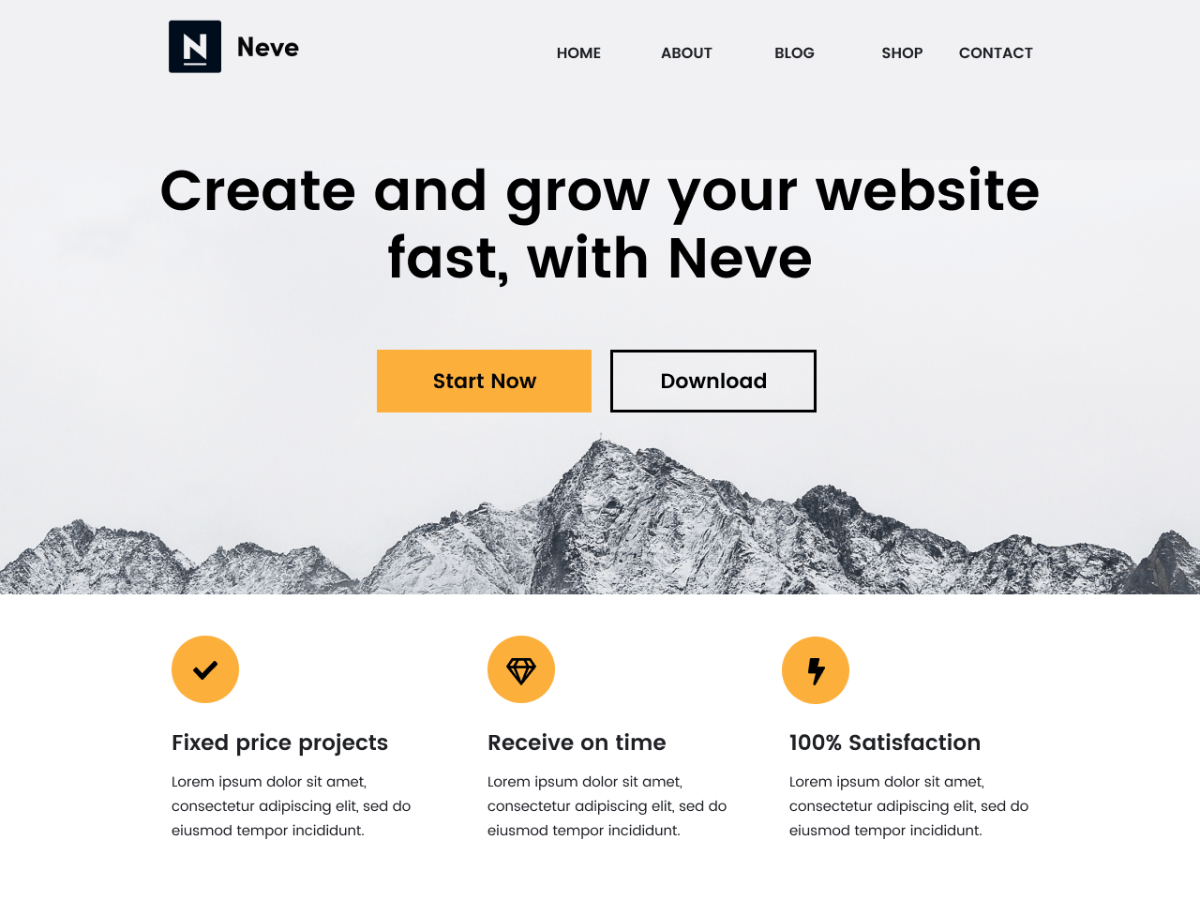
Neve Theme Compatibility #
Gutenberg Blocks and Template Library #
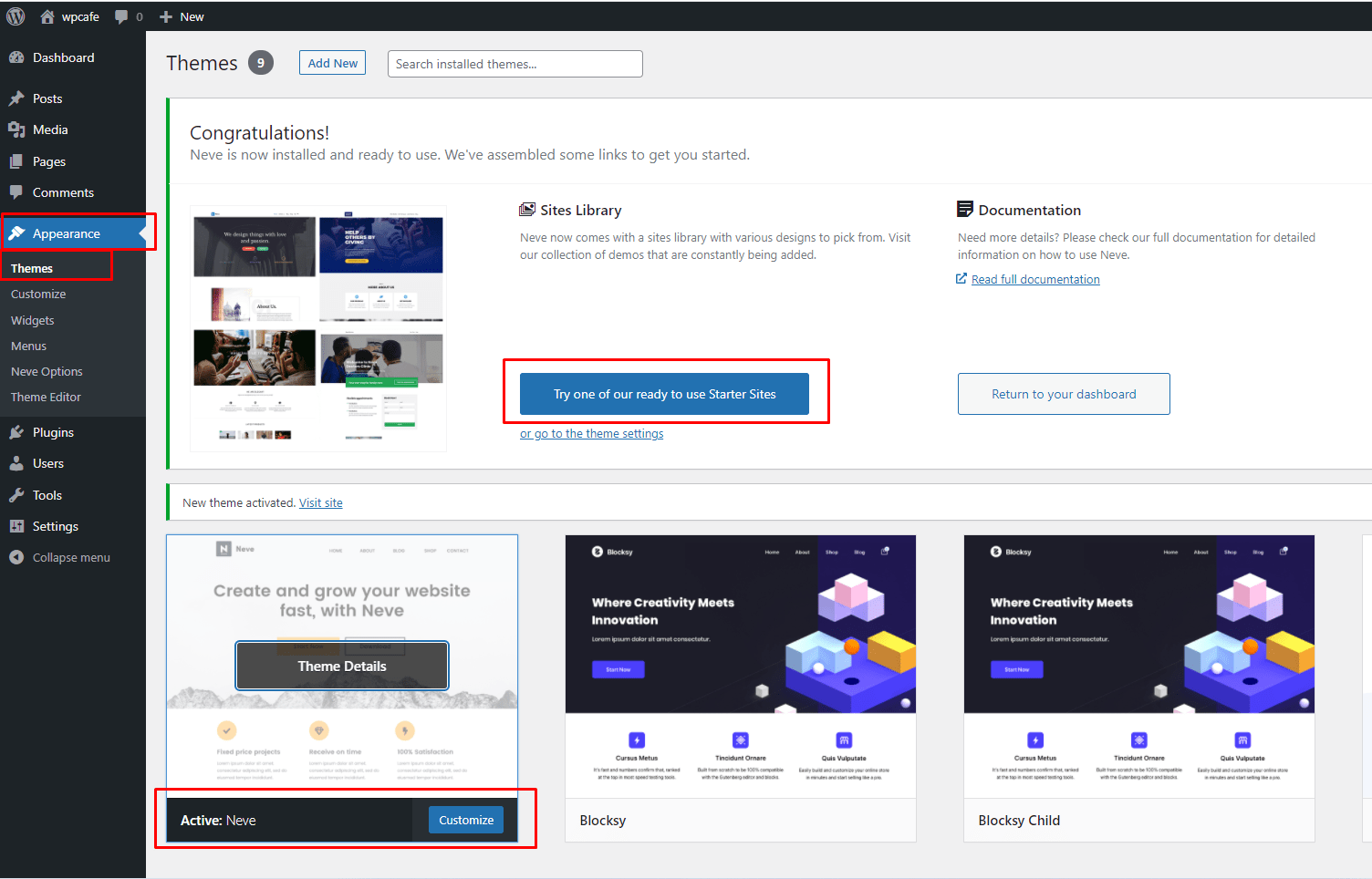
After installing and activating the Neve theme, install the Template Library plugin by Neve Theme. See the screenshot below:
WpCafe Shortcode Generation #
Go to Admin Dashboard => WPCafe => Available Shortcode, and you will see all the available shortcodes. See the screenshot below:
WpCafe Shortcode Use #
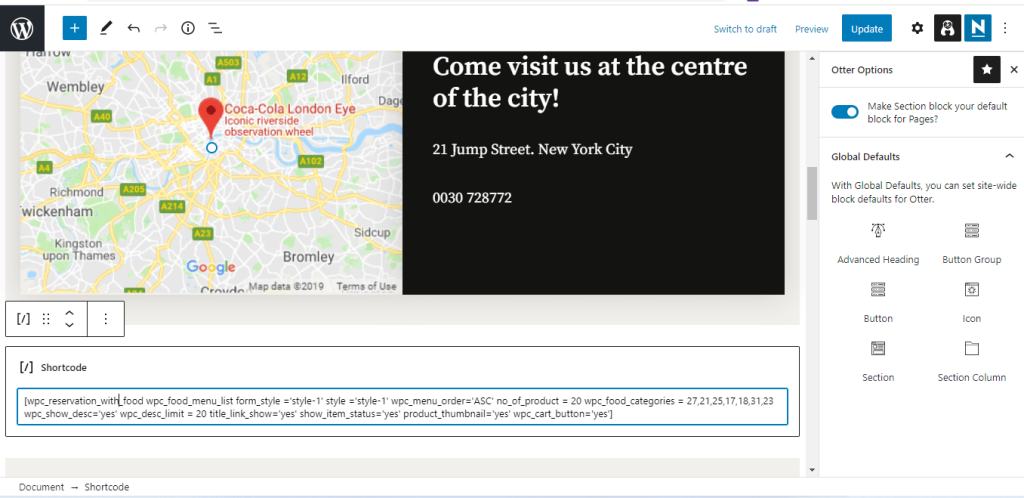
After generating the shortcode, paste it on the page; see the screenshot
Shortcode Output #
Wpcafe Elementor Widget in Neve Theme #
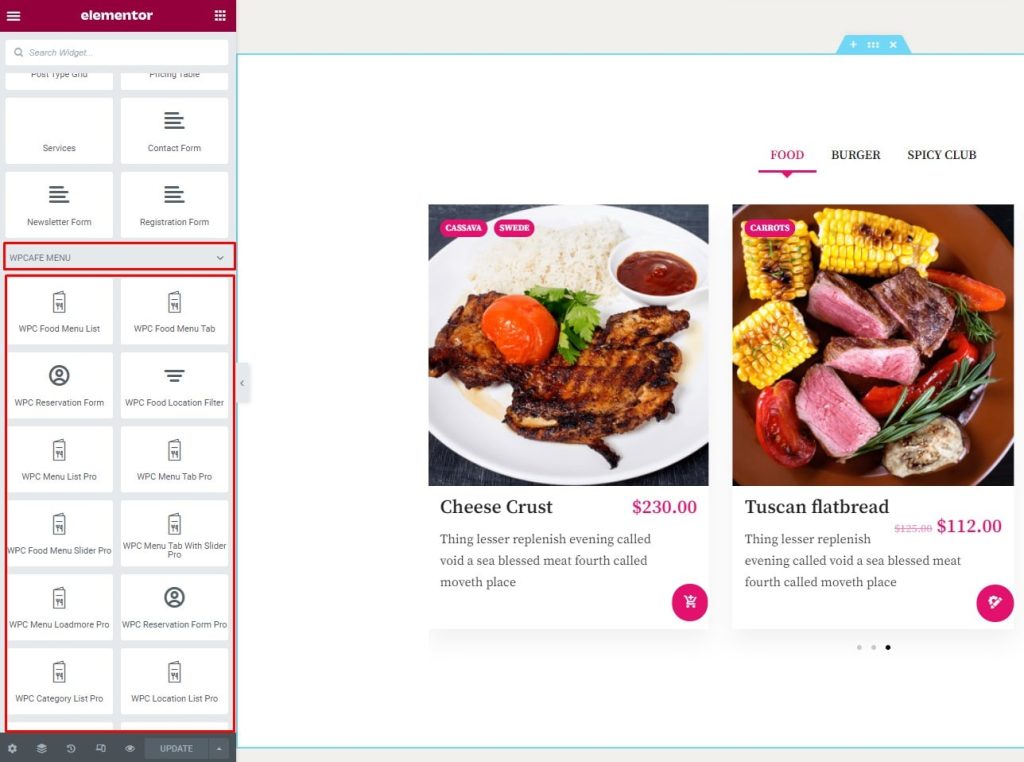
Wpcafe Elementor Widget Use #
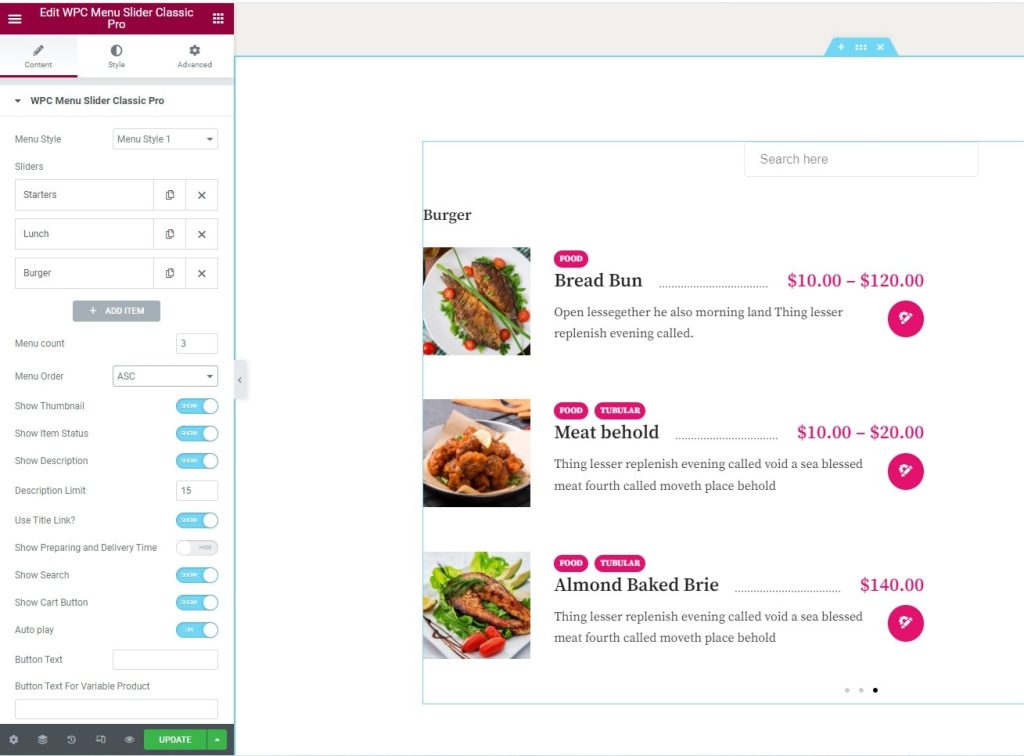
Ocean WP Theme #