How to Increase Event Attendees in Events: 10 Proven Strategies That Work in 2026


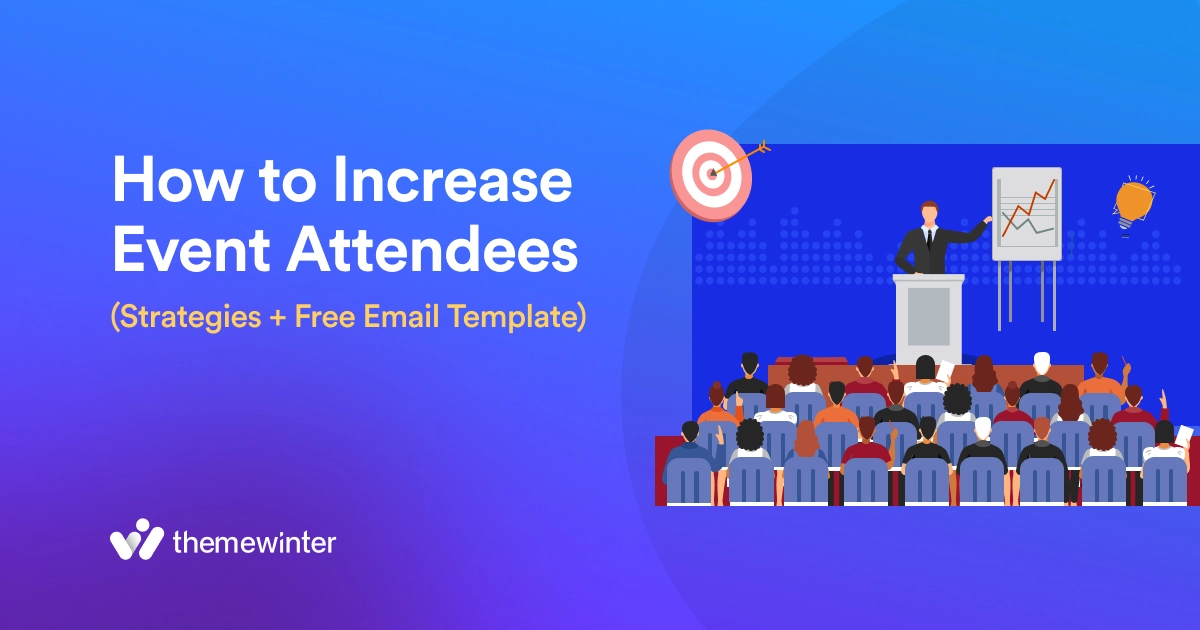
Table of Contents
You promote your event, share it everywhere, but registrations still stay low. This is a common problem when trying to increase event attendees, and in most cases, the issue is not traffic; it’s conversion.
People visit your event page but don’t complete the signup because the value is unclear, the process feels too long, or there’s no urgency.
To truly get more attendees to your event, you need to fix what happens after the click. A simple event registration flow, clear messaging, and proper follow-up can make a big difference.
In this guide, you’ll learn the best way to get attendees for events and boost event registrations without relying only on more promotion.
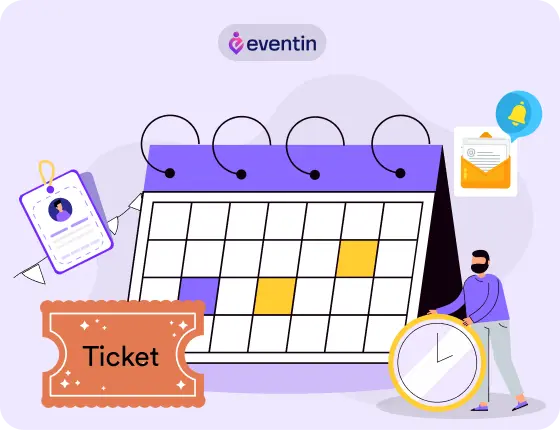
Grow Your Events Faster
Plan, manage, and grow your events with Eventin event manager.
- 🟣 Attendee registrations
- 🟣 Virtual events with Zoom
- 🟣 Smart email reminders
- 🟣 Secure ticket sales with Woo
Quick Overview
To increase event attendees, focus on better promotion, a simple registration process, and strong follow-ups. When your signup flow is smooth and your messaging is clear, more visitors turn into actual attendees.
This guide shows you how to increase event attendees using practical strategies that improve conversions using an event registration plugin like Eventin.
- Why getting event attendees is harder today
- 10 proven strategies to increase event attendance
- Common reasons why people don’t register
- How to improve your event registration process
- How an event registration system increases conversions
- How Eventin helps manage tickets, registration, and attendees

Why Increasing Event Attendance is Hard Today
Getting people to register for an event is harder than it used to be. There are more events, more distractions, and less attention. People see dozens of event promotions every day, but they only join a few.
Here’s what’s making it difficult:
- Too many choices: Your audience is not just seeing your event. They are seeing many others at the same time. If your event doesn’t stand out clearly, people will ignore it.
- Short attention span: People don’t spend much time deciding. If your event landing page or registration process is confusing, they will leave quickly without signing up.
- Complicated registration process: Long forms, slow pages, or unclear steps reduce conversions. Even interested users may drop off before completing the registration process. A smooth registration flow using an event registration plugin like Eventin can remove this friction.
- Lack of urgency: If there is no deadline or limited offer, people delay their decision. And most of the time, delayed decisions turn into no registration.
- Weak follow-up system: Many people don’t register on their first visit. If you are not sending reminders or follow-ups, you lose those potential attendees.
- Poor event experience expectations: If users are not sure about the value of your event, they won’t commit. They want to know: What they will learn, who will be there, and why it’s worth their time.
10 Proven Strategies to Increase Event Attendees
We’ve combined the most effective event marketing strategies and event promotion ideas into 10 practical steps. You’ll learn how to promote your event, engage your audience, and manage event attendees more effectively.
Step 1: Understand Your Audience
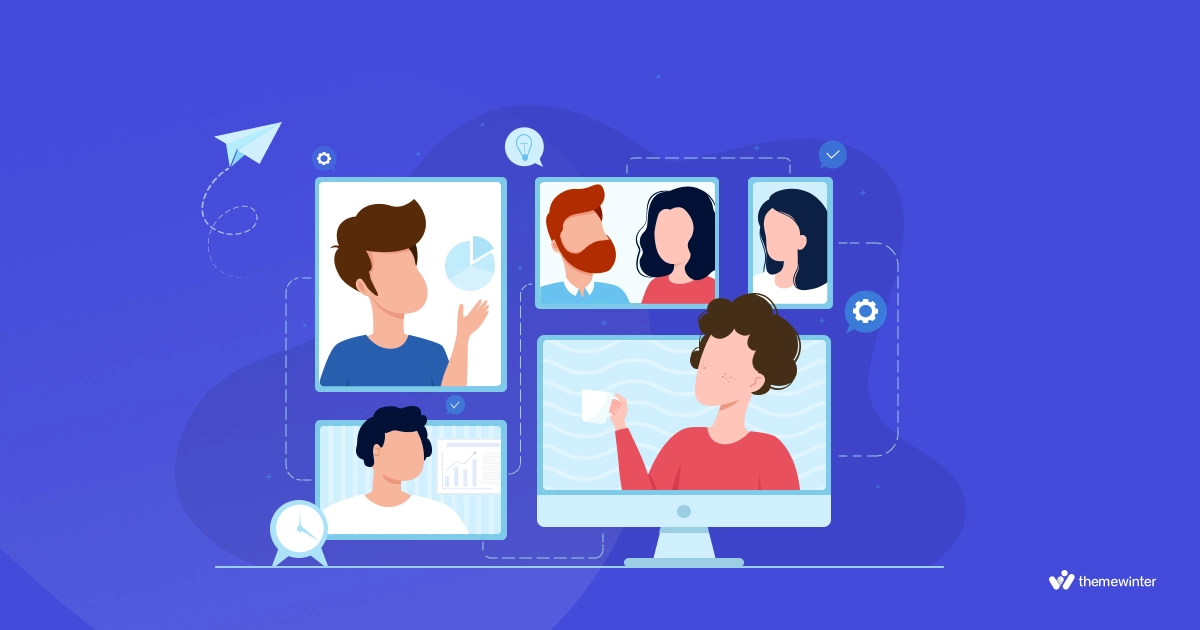
Understanding your audience is the foundation of event engagement. Identify their preferences, interests, and pain points. Gather insights through social media polls and previous event data.
Key Actions:
- Conduct pre-event surveys.
- Analyze social media interactions.
- Review feedback from past events.
Step 2: Create Compelling Content
Now, develop content that appeals to your audience. Engaging speakers, relevant topics, and interactive sessions.
Key Actions:
- Select speakers with strong followings and expertise.
- Plan sessions that address current trends and challenges.
- Incorporate multimedia elements such as videos and live polls.
Step 3: Make use of Technology
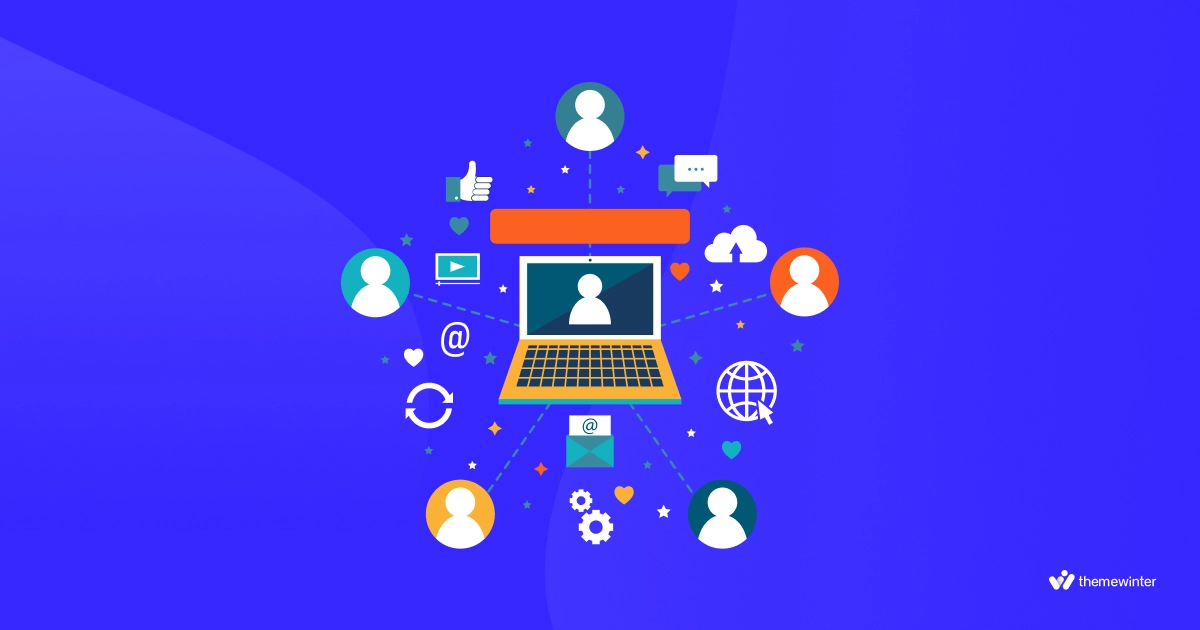
Try to use event management software and mobile apps to help with attendance. From live Q&A and real-time polling to interactive agendas, using a complete event management system helps you manage everything from tickets to check-ins.
Key Actions:
- Implement event management software.
- Develop a user-friendly mobile app.
- Offer virtual event attendance options.
Step 4: Promote Networking Opportunities
Schedule specific times during your event for networking activities, such as mixers or happy hours. Arrange meet and greet sessions where attendees can introduce themselves and exchange contact information. Additionally, create online discussion forums or chat groups to enable attendees to start conversations before the event.
Key Actions:
- Allocate time for breakout sessions.
- Create discussion forums and chat groups.
- Use matchmaking tools to connect attendees with similar interests.
Step 5: Engage Attendees Before the Event
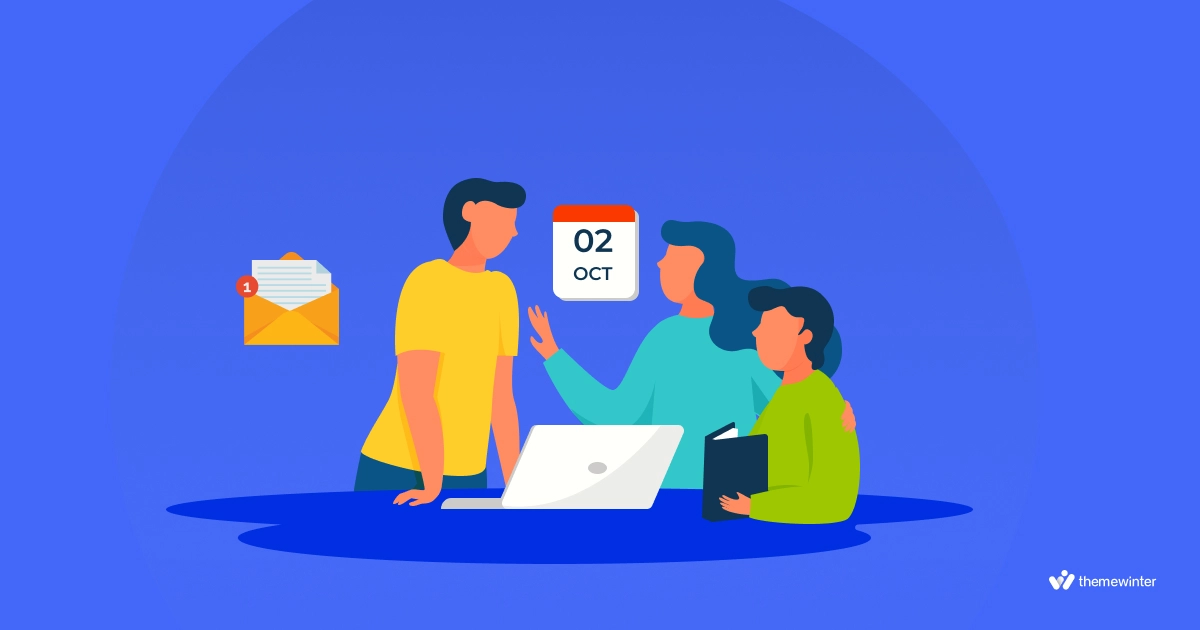
Create hype and buzz leading up to the event. Some great avenues to seek that feedback are through email marketing, social media, and website popups in order to continue reaching attendees with relevant information.
Key Actions:
- Send regular event updates and newsletters.
- Share teaser content and behind-the-scenes looks.
- Host pre-event webinars or virtual meetups.
Step 6: Game-based learning
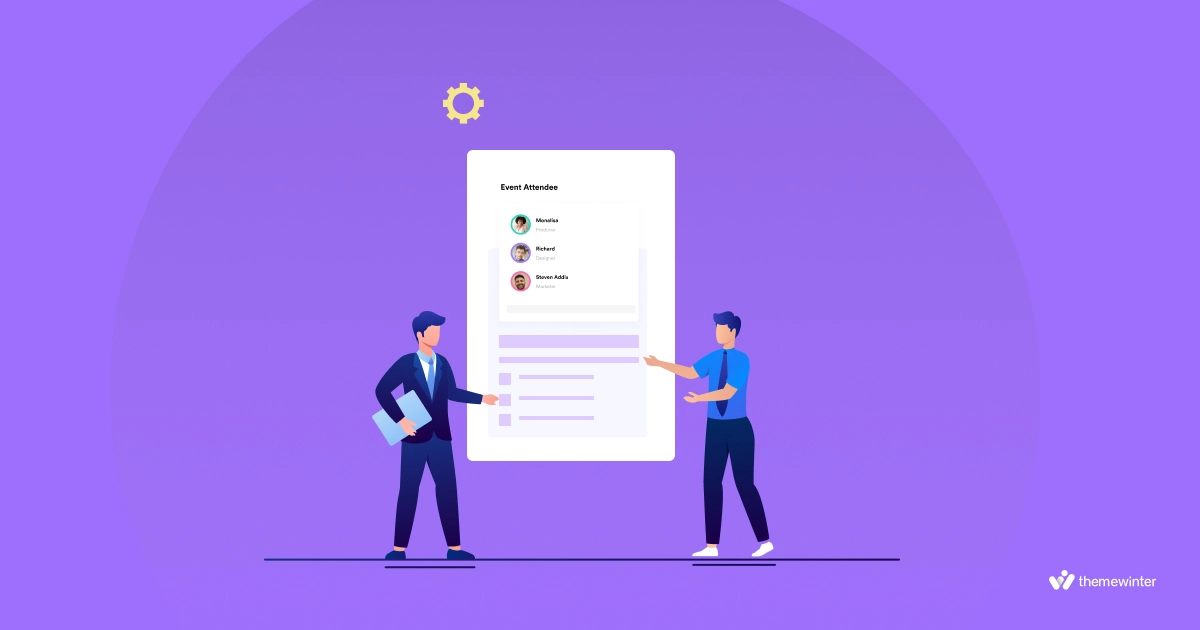
One effective way of doing that is by gamifying it as much as possible. Leverage leaderboards, challenges, or rewards to encourage active participation from attendees.
Key Actions:
- Design an event app with gamification features.
- Offer prizes for participation and achievements.
- Create fun and interactive challenges.
Step 7: Offer Interactive Sessions
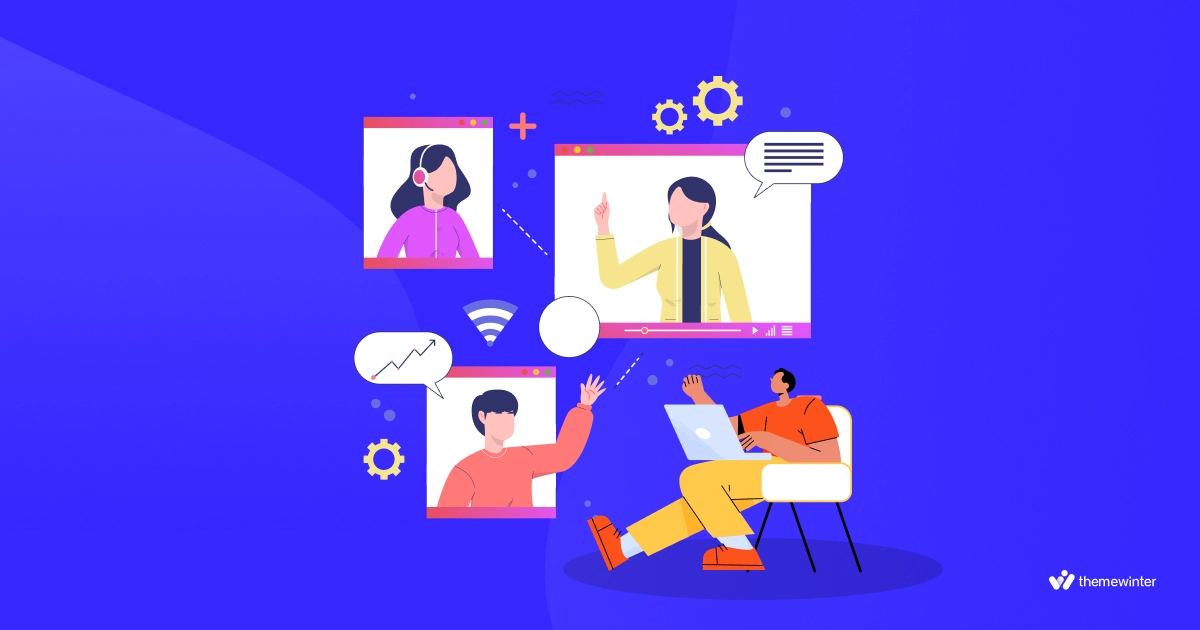
Replace traditional lecture-style presentations with interactive formats such as workshops, early bird discounts, panel discussions, and live demonstrations.
Key Actions:
- Plan hands-on workshops and labs.
- Include Q&A segments in every session.
- Use interactive tools like live polling and surveys.
Step 8: Provide Clear and Accessible Information
Make sure that information and details about the event are available in a clear format. This covers schedules, session descriptions, and speaker biographies as well as venue maps. You can also simplify your event workflow using an advanced event ticketing system.
Key Actions:
- Create a comprehensive event guide.
- Offer a user-friendly event website and app.
- Provide clear signage and help desks at the venue.
Step 9: Encourage Social Media Engagement
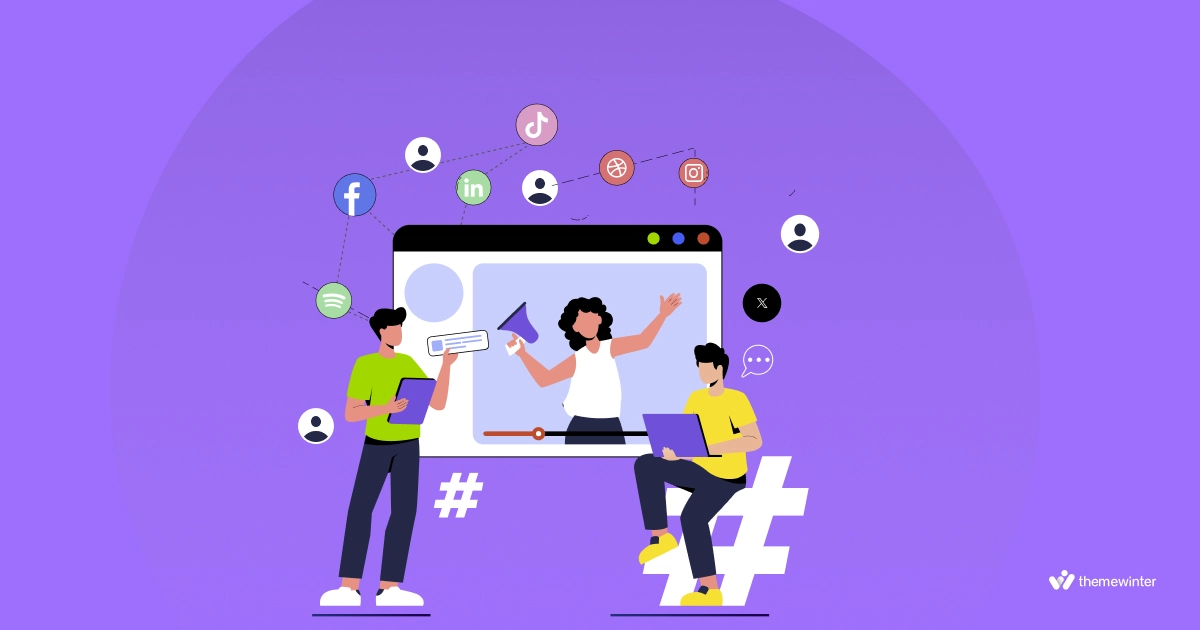
Use social media to encourage participation and generate excitement around the event. Use event-specific hashtags and encourage attendees to share their experiences.
Key Actions:
- Create an official event hashtag.
- Post regular updates and encourage user-generated content.
- Host social media contests and live streams.
Step 10: Collect and Act on Feedback
Gather feedback during and after the event so that you know what works for future events and what doesn’t. This data would also help to improve in future events.
Key Actions:
- Conduct post-event surveys and feedback sessions.
- Monitor social media and online reviews.
- Implement changes based on attendee suggestions.
How an Event Registration System Helps You Get More Attendees
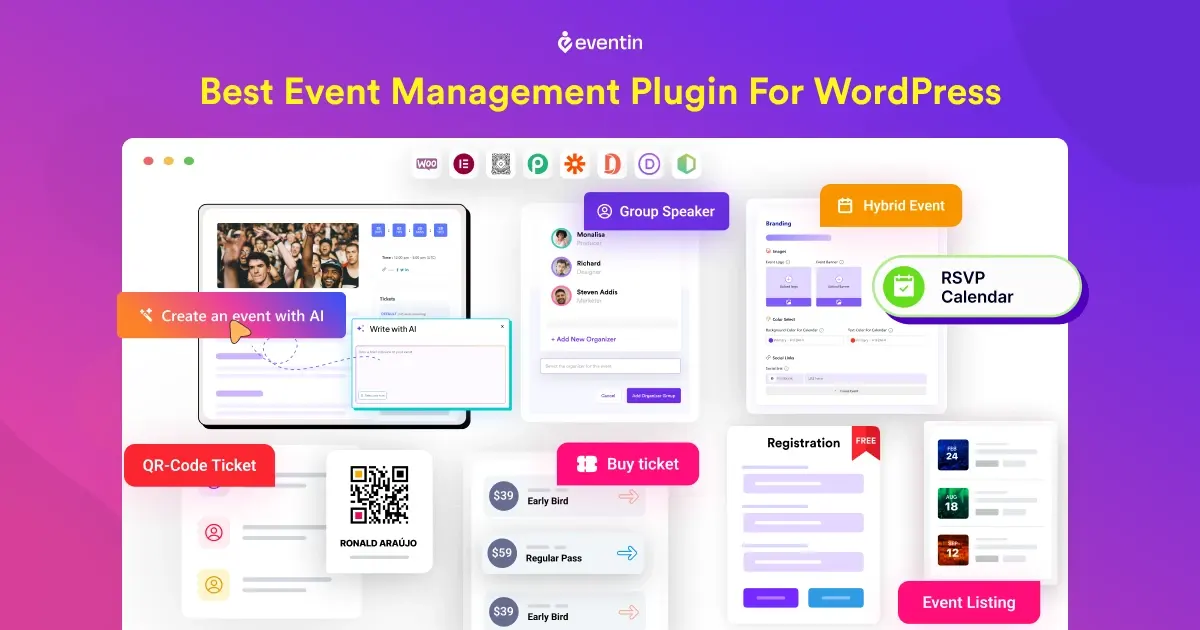
If you want to increase event attendees, using the right system from the beginning makes a big difference. Eventin is the best WordPress event registration plugin built to handle the full event process so you don’t lose potential attendees due to a poor setup.
Here’s how it helps:
- Simplifies the registration process: Eventin keeps signup clean and fast, so more visitors complete registration instead of dropping off.
- Creates urgency with flexible ticketing: You can easily offer early-bird, VIP, or limited tickets to push users to register faster.
- Automates follow-ups and reminders: Eventin helps you send confirmations and reminders, so fewer people forget or skip your event.
- Improves attendee management: You can track registrations, manage event attendees, and handle check-ins smoothly without confusion.
- Keeps everything in one place: Instead of using multiple tools, Eventin lets you run events on WordPress, tickets, and attendees from a single dashboard.
Ready to Increase Your Event Attendees With Eventin?
Stop losing potential attendees due to slow registration or manual management. With Eventin, you can create events, manage tickets, automate reminders, and handle attendees—all from one place.
Pro Tips to Improve Attendee Engagement in Events
These practical tips will help you create a more interactive, comfortable, and community-driven experience that keeps energy levels high throughout the event.
- Make the Schedule Dynamic: A flexible and dynamic schedule keeps attendees interested.
How to do it: Combine various session formats, such as keynotes, workshops, panels, and interactive demos. Be prepared to adjust the schedule based on real-time feedback and participation levels. - Allow for Breaks: Breaks give attendees time to rest and recharge.
How to do it: Give attendees regular breaks between sessions and provide comfortable areas to relax. During these breaks, offer refreshments and light snacks. - Create a Community: Create an atmosphere to help attendees feel connected to each other.
How to do it: Foster an online community through social media groups or a dedicated event app. Encourage attendees to share their experiences and engage with each other before, during, and after the event. - Offer Gift Bags/T-Shirts/Pens: Giving attendees branded merchandise can increase feelings of appreciation and create a tangible connection between the event and their experience.
How to do it: Prepare welcome bags with useful and memorable items like t-shirts, pens, notebooks, and other branded merchandise. Ensure the items are high-quality and relevant to the event’s theme.
Additional Message and Email Template for Event Attendees
Strong communication can make a big difference in how attendees experience your event. Use these additional message and email templates to stay connected, share important updates, and keep attendees informed and engaged before, during, and after the event.
Welcome Email to Event Attendees
A welcome email establishes a positive tone and provides essential event information. It reduces last-minute confusion and helps build relationships with attendees.
➡️ Example 1
Subject: Welcome to [Event Name] – We’re Excited to Have You!
Hi [Attendee’s Name],
We’re thrilled you’ll be joining us at [Event Name] on [Event Date]. Get ready for an amazing experience filled with insightful sessions, networking opportunities, and much more.
Stay tuned for more updates, and don’t hesitate to reach out if you have any questions!
Best regards,
[Your Name]
[Event Organizer]
➡️ Example 2
Subject: Get Ready for [Event Name]!
Dear [Attendee’s Name],
Welcome aboard! We’re excited to have you at [Event Name]. This event promises to be an unforgettable experience with engaging content and fantastic networking opportunities.
Keep an eye on your inbox for further details. See you soon!
Warm regards,
[Your Name]
[Event Team]
➡️ Example 3
Subject: Welcome to [Event Name] – Important Information Inside!
Hello [Attendee’s Name],
Thank you for registering for [Event Name]. We’re looking forward to a fantastic event with you. Attached is the event schedule and other important details.
If you have any questions, feel free to reach out. Can’t wait to see you there!
Best,
[Your Name]
[Event Organizer]
➡️ Example 4
Subject: Welcome to [Event Name]!
Hi [Attendee’s Name],
We’re delighted you’re joining us at [Event Name]! This event is packed with great sessions, expert speakers, and wonderful networking opportunities.
Make sure to download our event app for the latest updates. Looking forward to seeing you!
Cheers,
[Your Name]
[Event Team]
➡️ Example 5
Subject: [Event Name] – Welcome!
Dear [Attendee’s Name],
Welcome to [Event Name]! We are excited to have you with us. Prepare for an enriching experience with top-notch content and valuable connections.
Stay tuned for more information. See you at the event!
Kind regards,
[Your Name]
[Event Organizer]
Thank you Message for attending the event
A thank you message encourages attendees to engage in the future and makes them feel valued, increasing the chances of their return.
➡️ Example 1
Subject: Thank You for Attending [Event Name]!
Hi [Attendee’s Name],
Thank you so much for attending [Event Name]! We hope you found it valuable and enjoyable. Your participation made a significant impact, and we appreciate your time and engagement.
We’d love to hear your feedback. Please take a moment to fill out our survey [link].
Best regards,
[Your Name]
[Event Organizer]
➡️ Example 2
Subject: Thanks for Joining Us at [Event Name]!
Dear [Attendee’s Name],
It was wonderful having you at [Event Name]! We hope you enjoyed the sessions and made some great connections. Your presence helped make the event a success.
Please share your thoughts in our feedback survey [link]. Looking forward to seeing you at our next event!
Warm regards,
[Your Name]
[Event Team]
➡️ Example 3
Subject: Thank You for Being Part of [Event Name]!
Hello [Attendee’s Name],
We want to extend our heartfelt thanks for attending [Event Name]. Your involvement was greatly appreciated, and we hope you had a fantastic time.
We’d love to hear your feedback to make future events even better. Please fill out our survey [link].
Best wishes,
[Your Name]
[Event Organizer]
➡️ Example 4
Subject: Thanks for Attending [Event Name]!
Hi [Attendee’s Name],
Thank you for attending [Event Name]! We hope you found it informative and engaging. Your participation was key to the event’s success.
We’d love to get your feedback. Please take a few minutes to complete our survey [link].
Cheers,
[Your Name]
[Event Team]
➡️ Example 5
Subject: We Appreciate Your Attendance at [Event Name]!
Dear [Attendee’s Name],
Thank you for joining us at [Event Name]. We hope you enjoyed the event and found it valuable. We are grateful for your participation and support.
Please let us know your thoughts by filling out our feedback survey [link].
Kind regards,
[Your Name]
[Event Organizer]
FAQs About Increasing Event Attendance
How can I increase event attendees quickly?
To increase event attendees quickly, focus on improving your event registration page, simplifying the signup process, and adding urgency with limited-time offers like early-bird tickets. When registration is fast and clear, more visitors turn into attendees.
What is the best way to increase event registration?
The best way to increase event registration is to combine strong promotion with a simple and fast registration process. A clear event landing page and fewer form steps help improve conversions.
How do I reduce no-shows after event registration?
To reduce no-shows, send confirmation emails, reminder messages, and clear event details. Keeping attendees informed and engaged increases the chance they will actually attend.
Does a better event landing page help increase attendance?
Yes. A well-structured event landing page helps visitors understand the value of your event quickly and encourages them to register. Clear content and a strong call-to-action improve conversions.
How can I get more event attendees without increasing my budget?
You can increase event attendees without spending more by improving your conversion rate. Focus on better registration flow, follow-up emails, and retargeting visitors who did not sign up.
Do I need a plugin to manage event registrations in WordPress?
Yes. A plugin like Eventin helps you manage registrations, tickets, and attendees easily without manual work.
Final Thoughts for Increasing Event Attendees
Increasing event attendees is not just about reaching more people. It’s about converting the people who are already interested.
If your event is getting traffic but not registrations, the problem is usually in your process, unclear value, slow signup, or lack of follow-up. Once you fix these, you’ll start seeing better results without needing more promotion.
Focus on keeping things simple: clear messaging, easy registration, and a system that handles everything smoothly. Using a tool like Eventin can help you manage tickets, attendees, and communication in one place, so you can focus on growing your event.
Ready to Get More People to Your Events?
If your event is getting views but not registrations, it’s time to fix your system. With Eventin, you can simplify signup, manage tickets, and handle attendees—all from your WordPress site.