GloriaFood Alternatives for Restaurants: 5 Options to Consider in 2027


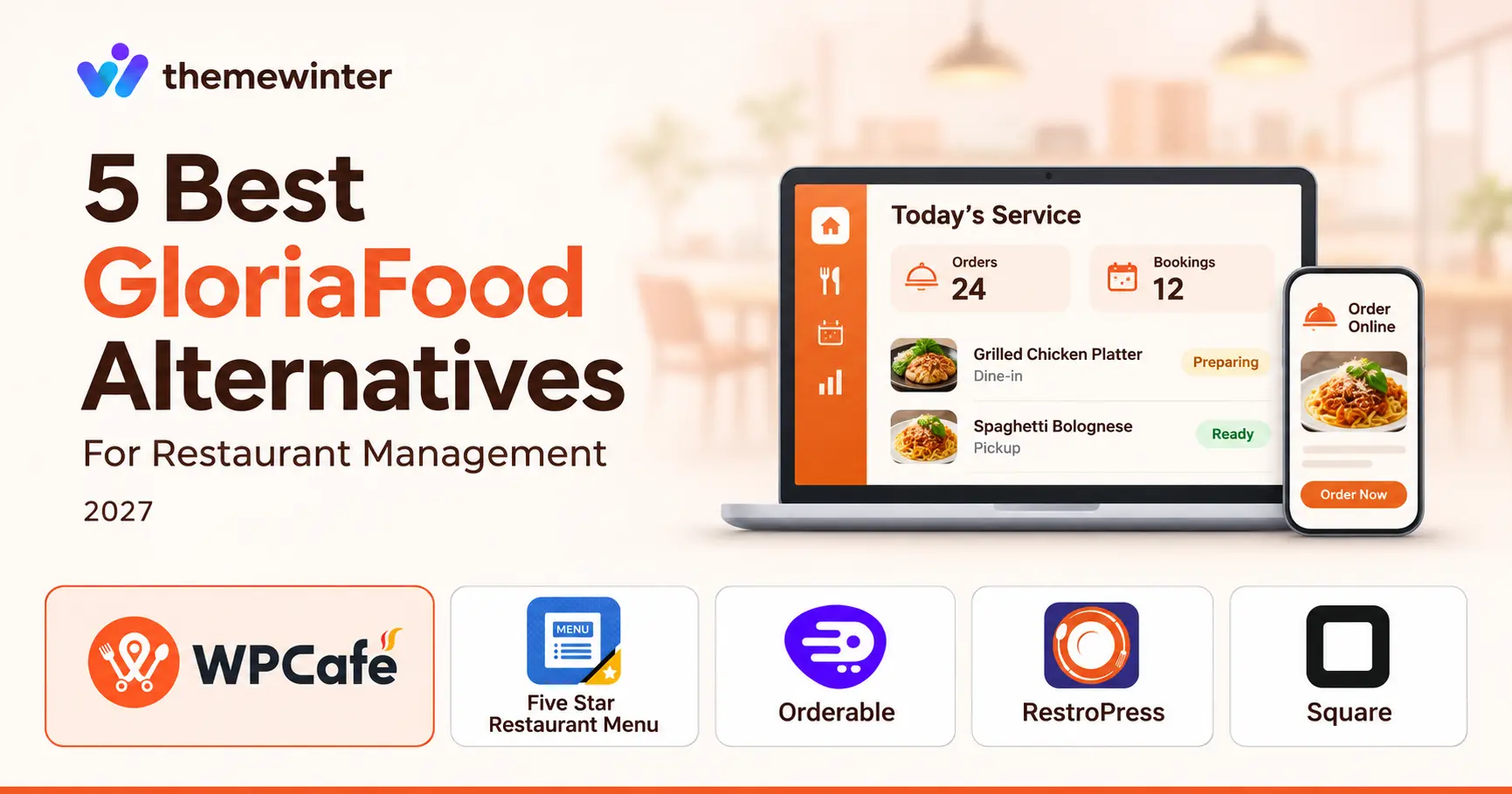
Table of Contents
With GloriaFood shutting down in 2027, your restaurant needs a plan to keep online orders coming.
The right GloriaFood alternative depends on how you serve customers from takeaway orders and scheduled deliveries to table reservations. For restaurants using WordPress, WPCafe brings menus, online ordering, and table bookings together in one plugin. Other options may suit restaurants looking for a hosted platform or POS connection.
This guide compares five alternatives, their pricing, strengths, and limitations, along with the practical steps to prepare your restaurant for the switch.
5 Top GloriaFood Alternatives for 2027
- WPCafe — Best for WordPress menus, orders and reservations.
- Five Star Restaurant Menu — Best for customizable menus and food presentation.
- Orderable — Best for WooCommerce pickup and delivery scheduling.
- RestroPress — Best for free ordering and GloriaFood menu imports.
- Square — Best for online ordering connected to Square POS.
Quick comparison table
Scroll sideways to compare all five options →| Feature | WPCafe Our pick | Five Star Restaurant Menu | RestroPress | Orderable | Square |
|---|---|---|---|---|---|
| Best-fit workflow | Menus, orders and table bookings | Menu customization and paid ordering | Pickup, delivery and menu migration | Scheduled WooCommerce orders | POS-connected online orders |
| Platform | WordPress + WooCommerce | WordPress plugin | WordPress plugin | WordPress + WooCommerce | Hosted ordering + POS |
| Free version | Yes | Menus only | Yes | Yes | $0/monthProcessing fees apply |
| Paid pricing | $69/year Pro sale; regular $99/year | Premium: $67 Ultimate ordering: $297/year | $199/year Starter bundle; add-ons also available | $149/year Pro, one website | $49/month Plus, per location; US pricing |
| Online ordering | Free coreWooCommerce required | UltimateFull ordering requires Ultimate | Free core | Free coreWooCommerce required | Square OnlineConnected to Square POS |
| Pickup & delivery | AvailableAdvanced features in Pro | Ultimate checkoutPickup and delivery options | Free coreAdvanced rules in paid add-ons | Dates in FreeTime slots in Pro | AvailableDelivery fees may apply |
| Table reservations | Built inAdvanced options in Pro | Separate pluginFive Star Restaurant Reservations | Paid table-booking add-onIncluded in Professional bundle | Separate booking toolTable ordering is a different feature | OpenTable integrationEligible Square and OpenTable plans required |
| Payment options | WooCommerce gateways | Stripe / PayPalUltimate required | PayPal, Stripe and other gateways | WooCommerce gateways | Square Payments |
| GloriaFood menu import | Confirm with support | Confirm with support | Documented importer Uses GloriaFood menu JSON | Confirm with support | Confirm with support |
Last checked: November 24, 2026. Prices are in USD. WPCafe and Five Star promotional prices are shown; offers can change. Square pricing and online-ordering availability refer to its US offering. Hosting, payment processing, hardware and optional integrations may cost extra. RestroPress menu import excludes photos, opening hours and delivery zones; confirm transfer requirements with each provider.

What Is Happening to GloriaFood in 2027?
The GloriaFood discontinuation means restaurants using the platform need to prepare for service ending in 2027. So, if you choose a GloriaFood alternative early it will leave time to set up menus, test payments, and update ordering links.
What GloriaFood Has Officially Announced
Oracle confirms that GloriaFood products and services are being discontinued and that new signups have stopped. Existing customers will receive support during the transition.
GloriaFood’s Website vs Oracle’s Service-End Date
The official notices publish different dates for the GloriaFood shutdown:
| Official source | Published service-end date |
|---|---|
| GloriaFood’s website | April 30, 2027, with support for existing customers through that date |
| Oracle’s Food and Beverage page | March 31, 2027, described as the full end of service |
Both dates appear on the respective official pages. Confirm the deadline for your account with GloriaFood support. We recommend planning your switch before the earlier published date.
What Existing Restaurant Customers Should Know
Check which services depend on GloriaFood, including ordering buttons, menus, reservations, and QR codes. Ask support which records you can retrieve, then confirm how your chosen replacement handles that information.
Keep your existing setup available while you configure and test the new system.
Does Oracle Offer a Direct Replacement?
GloriaFood’s notice states that Oracle does not offer a direct replacement. It mentions FoodAmigos as a provider offering onboarding resources for customers who choose to move there. This does not establish FoodAmigos as an officially appointed successor.
What Should Restaurants Look for in a GloriaFood Alternative?
Your GloriaFood replacement should cover the services your restaurant already offers. Before choosing a restaurant online ordering system, check how it handles your menu, service schedule, payments, and customer information.
Online Ordering and Menu Management
Check support for sizes, toppings, paid extras, and item availability. Try the customer journey on a phone: browsing dishes, customizing a meal, adding it to the cart, and completing checkout.
Pickup, Delivery and Scheduled Orders
Look for controls over opening hours, preparation times, delivery areas, and charges. If your kitchen gets busy, check whether you can limit orders per time slot or pause ordering.
Online Payments and Payment Gateways
Confirm support for your country, currency, and preferred payment methods. Review processing fees, payout timing, and refunds before deciding whether the payment setup suits your business.
Table Reservations and QR Code Ordering
Assess these separately. Taking an order from someone already seated is different from reserving a table in advance. If you need both, confirm the required plans, plugins, or integrations.
Customer Data and Order History
Ask which menu details, customer records, and past orders you can retrieve from GloriaFood and import into the replacement. Identify anything that needs manual setup, including images, modifiers, or delivery rules.
Pricing, Commissions and Recurring Costs
Calculate the full cost of the restaurant ordering software. Include subscriptions, renewal prices, paid extensions, payment processing, hosting, setup, and any charges per restaurant location.
Website Ownership, Integrations and Customization
Check whether you can keep your website and domain, customize the ordering experience, and connect your POS or kitchen printer. Decide who will handle hosting, updates, and ongoing maintenance.
5 GloriaFood Alternatives for Restaurants in 2027
The best GloriaFood alternative depends on your website, service model, and migration needs. These five GloriaFood alternatives cover WordPress ordering, customizable menus, table bookings, and POS-connected sales.
1. WPCafe – All-in-one restaurant management solution
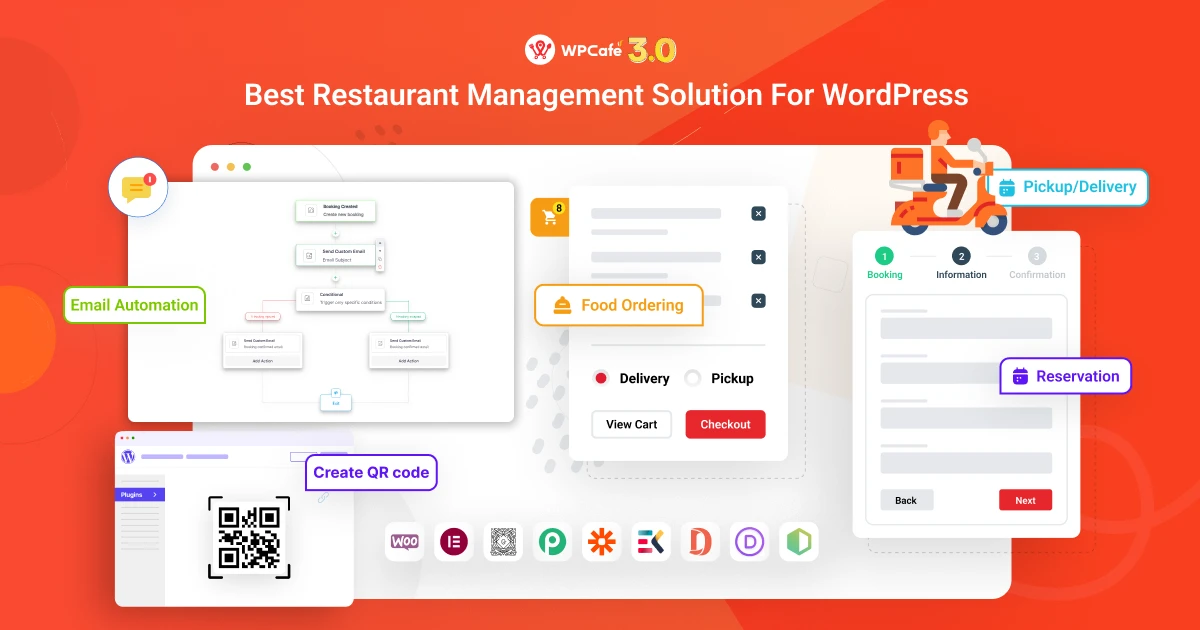
WPCafe is a better GloriaFood alternative for restaurants that want to manage menus, online orders, and table reservations directly inside WordPress. Its advantage is bringing those services into your own website, with WooCommerce handling checkout and payments.
This WordPress restaurant ordering plugin suits businesses that want control over their website and connections to other WordPress tools. A café, for example, can accept takeaway orders and dinner reservations through the same site while setting different schedules for each service.
Key features:
- Food menus with categories, item options, and customizable layouts.
- Basic reservation slots and guest-capacity controls in Free.
- Weekly pickup and delivery scheduling in Free.
- Pro controls for preparation time, minimum orders, QR ordering, and branch-specific operations.
- Visual table selection with Pro.
- Optional AI assistant connections for checking orders, reservations, and sales information.
- Menus, online ordering and reservations in one plugin
- Free menus, basic bookings and pickup/delivery schedules
- WooCommerce checkout and payment gateway support
- Pro adds visual table selection and multi-branch tools
- Online ordering requires WordPress and WooCommerce
- QR ordering and advanced reservation tools need Pro
Price: Free version available. Pro currently starts at $69/year on promotion.
📊 Would you like to run your food business for free like premium paid tools can?
Try WPCafe — 100% free restaurant management solution that gives you a complete set of tools to grow your restaurant online and offline:
- 📈 Restaurant dashboard for real-time insights
- 💰 Sales reports to track revenue and profit
- 🔥 Trending items filter to spot best-sellers
- 🍽️ 34+ food menu designs to fit any restaurant style
- 🧩 Widgets for quick menu display and promotions
- 🗓️ Reservation system to manage bookings easily
No setup cost, no coding — just insights that help you sell smarter.
Get WPCafe Free2. Five Star Restaurant Menu
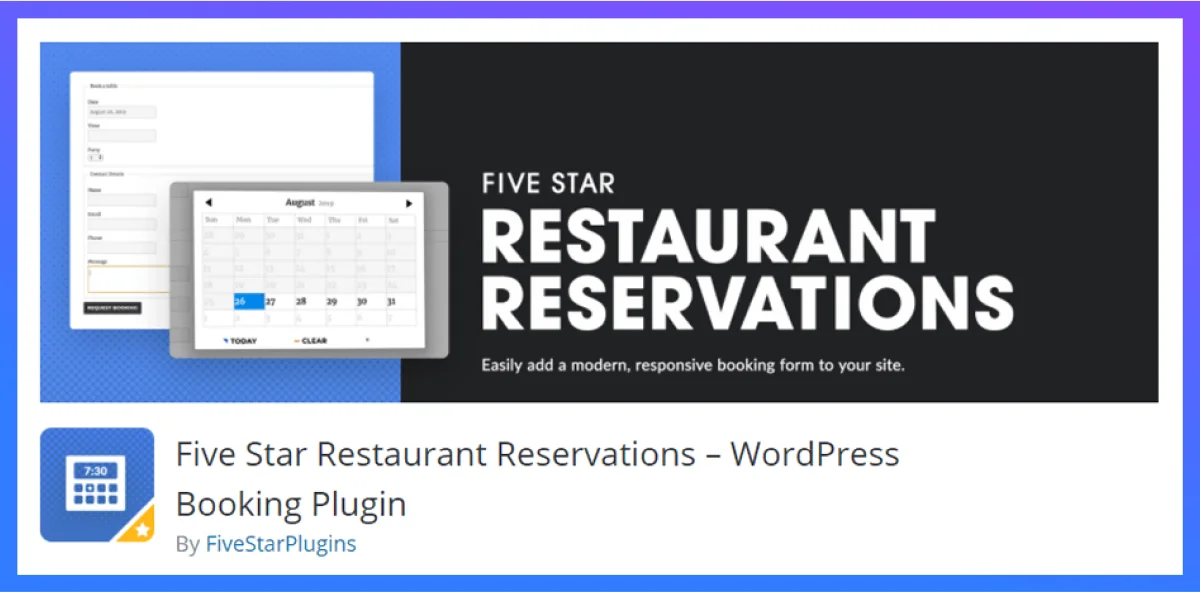
Choose Five Star Restaurant Menu over GloriaFood when your priority is a customized WordPress menu with flexible layouts, dietary labels, and detailed dish information. Its strength is menu presentation, with an upgrade path into paid ordering.
The plan distinction matters when replacing GloriaFood. The vendor lists an Ordering Cart System under Premium, while Ultimate explicitly includes direct menu orders, online payments, SMS notifications, and companion mobile-app access.
Key features:
- Menu sections, photographs, prices, and WordPress blocks or shortcodes.
- Premium layouts, custom fields, dietary icons, and filtering.
- An ordering cart system listed under Premium.
- Ultimate ordering with Stripe or PayPal payments, SMS notifications, and mobile-app access.
- Flexible menu layouts, custom fields and dietary icons
- Free version for publishing your restaurant menu
- Ultimate adds Stripe/PayPal payments and a companion app
- Online payments require the Ultimate subscription
- Table reservations need a separate Five Star plugin
Price: Free menu plugin available. Current USD offers are $67 for Premium and $297/year for Ultimate.
3. Orderable – Food menu & takeaway

Restaurants already using WooCommerce have a clear reason to choose Orderable over GloriaFood: food orders and payments run through their existing WordPress store. Its fulfillment controls also suit kitchens that need to organize advance orders, collection dates, and delivery availability.
The free version includes pickup and delivery dates, preparation lead times, and advance ordering. Pro adds specific time slots and further ordering controls, making the plan choice important for busy takeaway operations.
Key features
- Online menus and mobile ordering.
- Free pickup/delivery date scheduling, lead times, and preorder days.
- Pro time slots, order caps, product add-ons, and checkout tipping.
- Pro QR table ordering and multiple restaurant locations.
- Works with WooCommerce checkout and payment gateways
- Free pickup/delivery date scheduling and lead-time settings
- Pro adds order limits and QR table ordering
- Time slots, product add-ons and QR ordering require Pro
- Requires WordPress and WooCommerce maintenance
- Table ordering does not replace a reservation system
Price: Free version available. Pro costs $149/year for one website.
📚 Related reading: Seasonal Marketing Ideas to Drive More Restaurant Orders
4. RestroPress — WordPress Online Ordering
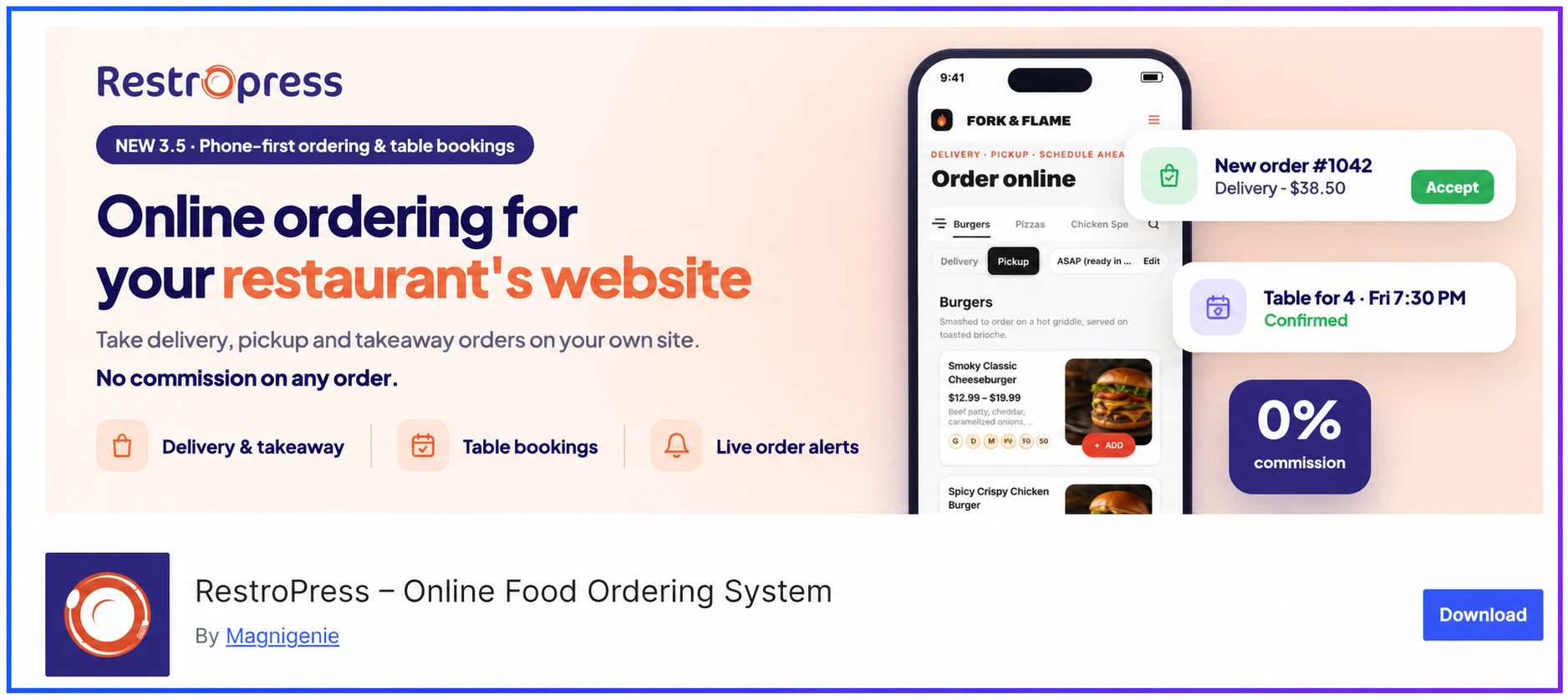
For takeaway and delivery businesses moving to WordPress, RestroPress is a practical GloriaFood replacement because it combines free core ordering with a documented menu-import process. That migration route is useful if you already have a substantial menu to recreate.
The importer can bring across categories, dishes, descriptions, sizes, and add-ons using data obtained through GloriaFood’s Fetch Menu integration. It provides a preview before importing, so you can review what will transfer.
Key features:
- Free pickup and delivery ordering.
- Order management within WordPress.
- Paid extensions for delivery zones, timing rules, notifications, and other operations.
- A documented GloriaFood menu importer with preview and undo options.
- Paid table booking, included in the Professional bundle.
- Free pickup and delivery ordering
- GloriaFood menu importer with preview and undo
- Manage orders directly in WordPress
- Table booking, kitchen displays and other advanced tools cost extra
- GloriaFood photos, opening hours and delivery zones need manual setup
Price: Free core plugin available. Annual bundles start at $199/year; individual paid extensions are also available.
📚 Related reading: Basic SEO for Restaurant Website in WordPress
5. Square — Restaurant Ordering and POS Ecosystem
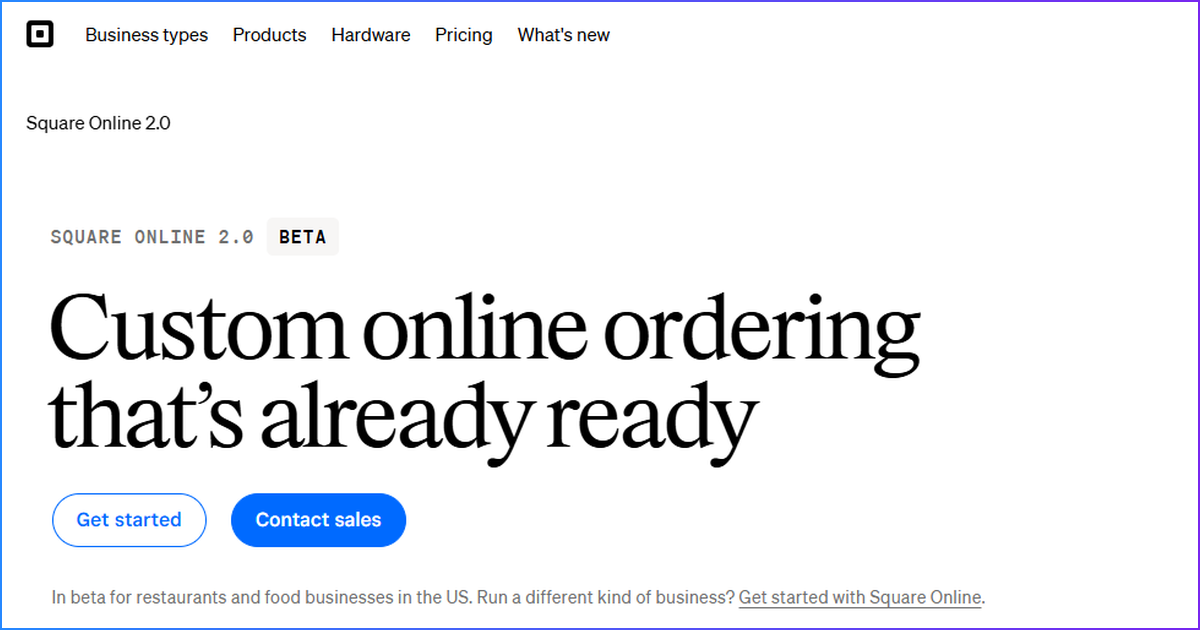
Square is a stronger GloriaFood alternative when your restaurant already uses Square POS, because website orders can enter the same kitchen workflow as counter sales. The main reason to choose it is the connection between online ordering and your existing point-of-sale operations.
You can use an ordering page, connect an order button from your current website, or build a website through Square. It therefore suits restaurants looking for hosted ordering connected to their POS.
Key features:
- Hosted ordering pages and website ordering links.
- Pickup and delivery options with timing controls.
- Online orders routed alongside counter orders.
- Connected menu updates and payment processing.
- OpenTable integration for eligible Square subscriptions and supported OpenTable accounts.
- Online and counter orders share the same kitchen workflow
- Hosted ordering without WordPress maintenance
- Menus, payments and orders connect with Square POS
- Payment processing, hardware and some tools cost extra
- Square Online 2.0 beta is limited to US food businesses
Price: Square Free has no monthly subscription fee, with payment processing charges applying. Square Plus starts at $49/month per location in the US.
WPCafe vs GloriaFood: Which One Fits Your Restaurant?
WPCafe is a better fit for restaurants that want to manage ordering and reservations through their own WordPress website. The main difference in a GloriaFood vs WPCafe comparison is where the system runs: on your WordPress site or through a hosted service.
WordPress Ownership vs Hosted Platform
WPCafe keeps your ordering setup and customer data on your WordPress site. Your team or hosting provider handles updates, backups and security. GloriaFood provides a hosted ordering service that connects to your website through widgets or links.
Free Features vs Paid Features
Both offer free core features. GloriaFood includes ordering, reservations and scheduled orders, while online card payments cost extra. WPCafe’s free version covers menus, ordering and basic reservations; Pro adds advanced ordering, reservation and multi-branch tools.
Online Ordering and Payment Workflows
WPCafe requires WooCommerce for its full ordering and payment workflow, including cart, checkout and compatible payment gateways. GloriaFood processes orders through its hosted system and offers an optional paid service for connecting online payments.
Menus, Reservations, Pickup and Delivery
Both support these restaurant essentials. WPCafe’s appeal for WordPress restaurants is managing them alongside the rest of the website. Check the free and Pro feature lists against your actual service needs, especially branch-specific settings and advanced reservations.
Customization and Integrations
WPCafe works with WordPress page builders and WooCommerce tools. GloriaFood offers ordering widgets and third-party integrations. Before switching, confirm that your chosen setup supports the payment, POS and marketing tools your team relies on.
Pricing and Long-Term Costs
GloriaFood combines a free core with separately priced services. WPCafe offers a free version plus annual and lifetime Pro licenses. Compare your full operating costs, including hosting, maintenance, paid extensions and payment processing.
Which Restaurants Should Choose WPCafe?
Choose WPCafe if you already use WordPress, want control over your restaurant website, and have someone to maintain it. If you prefer a provider-managed system, a hosted WPCafe alternative may suit your team better.
For a closer look at the two setups, read our detailed GloriaFood vs WPCafe comparison.
How to Switch from GloriaFood to Another Restaurant Ordering System
Start your GloriaFood migration by saving your menu, customer records and order history. Then configure and test your GloriaFood replacement before changing the ordering links customers use.
Step 1 — Audit Your Existing Ordering Setup
Record your opening hours, pickup and delivery schedules, delivery zones, fees, minimum orders, payment methods and integrations. Note any outstanding orders, future reservations and scheduled deliveries.
Choose a switch date and assign someone to oversee the move so your team knows which system to check.
Step 2 — Review Menu Items, Images and Modifiers
Create a reference copy of your menu, including categories, descriptions, prices, sizes, toppings, required choices and dietary labels. Keep your original food images separately.
GloriaFood’s Fetch Menu integration can provide menu data for a supported import. Ask your new provider or developer whether it can use that data and what you will need to recreate manually. For example, RestroPress documents that photos, store hours and delivery zones need separate setup after a GloriaFood menu import.
Step 3 — Check Customer and Order Data Export Options
Use GloriaFood’s reporting tools to save customer details and order history. The documented order-export route is
Reports → List View → Orders → Export all orders.
Open the downloaded files to check their date range and contents. Preserve customers’ marketing preferences where available, and confirm whether your new provider can import historical records or whether you should keep them as a separate archive.
Step 4 — Set Up Your New Ordering Platform
Add your menu and configure service hours, delivery rules, taxes, fees, payment gateways and notifications. Check that customers can select the sizes, extras and collection times you actually offer.
If you choose WPCafe, its full ordering and payment workflow requires WooCommerce. Follow our guide to setting up an online food ordering website in WordPress, and confirm your data-transfer requirements before rebuilding the menu.
Step 5 — Test Orders, Payments and Notifications
Place test orders on both mobile and desktop. Check pickup and delivery, item options, fees, discounts, scheduled times and payment results.
Make sure customers receive confirmations and staff receive the order details they need. Test table bookings too if you offer them, and show your team how to accept, update and cancel orders.
Step 6 — Replace Website Widgets and QR Codes
Once testing is complete, replace your GloriaFood ordering buttons and widgets. Update ordering links on your Google Business Profile, social profiles and other customer-facing pages.
Check printed menus, table signs and takeaway packaging for old QR codes. Replace codes that still open GloriaFood, then scan every active code to confirm it reaches your new menu.
Step 7 — Announce the Change to Customers
Tell customers when the new ordering system launches and where to place their next order. Add a short notice to your website and social profiles, and update any existing customer messages that contain the old link.
Before disabling the old ordering flow, account for outstanding orders and future bookings. Monitor the first few days so your team can quickly spot missed notifications, incorrect fees or broken links.
Frequently Asked Questions
When will GloriaFood stop providing its service?
GloriaFood’s website and Oracle’s current end-of-life FAQ both list April 30, 2027. Some paid services may expire earlier, depending on your final subscription term. Check your account’s service dates when planning your switch.
Is GloriaFood still accepting new customers?
Oracle says it no longer enters new direct agreements with restaurants for GloriaFood services. Existing GloriaFood partners may still onboard restaurants before April 30, 2027, but those accounts cannot continue beyond the shutdown date.
Is FoodAmigos an official GloriaFood replacement?
GloriaFood’s website mentions FoodAmigos as a provider with onboarding resources for customers who choose to move there. However, the same notice says Oracle does not offer a direct replacement. Assess FoodAmigos’s features, costs and migration support before choosing it.
Can I move my restaurant menu from GloriaFood to WordPress?
Yes. You can recreate your menu in a WordPress restaurant plugin or use a supported importer. RestroPress documents a GloriaFood menu importer, but photos, opening hours and delivery zones require separate setup. Confirm what your chosen plugin can import before starting.
Can I keep my existing website and domain?
Usually, if you control your website and domain. An existing WordPress site can host your replacement ordering plugin. If GloriaFood supplies your website or hosting, confirm domain access and arrange the website move separately before the service ends.
Is there a free GloriaFood alternative?
Yes. WPCafe and RestroPress offer free versions for core online ordering, and WPCafe also includes basic table reservations. Hosting, payment processing, premium features and optional services can still add to your operating costs.
How should I prepare my restaurant before switching?
No. All the plugins in this list are made for beginners. You can install them like any other WordPress plugin, follow the setup wizard, and start taking orders in minutes.
Save your menu and images, export customer and order records, and document your settings and future bookings. Test the replacement’s ordering, payments and notifications before updating website buttons and QR codes. Tell customers where to order and train staff before launch.
Choose the Right GloriaFood Alternative for Your Restaurant
Choose your GloriaFood replacement around the way your restaurant works. A takeaway shop may prioritize pickup slots and order alerts, while a dine-in restaurant may also need table bookings and QR ordering.
If your restaurant already runs on WordPress, WPCafe is a practical option for managing menus, orders and reservations through your website. Its full ordering and payment workflow requires WooCommerce.
Shortlist a replacement, test it with your team, and update your ordering links once the new setup is ready. Start the move early enough to resolve any issues before your GloriaFood services end.