Why Use an Event Management Plugin? 9 Practical Reasons


Table of Contents
Managing registrations, tickets, schedules, payments, and attendee communication manually can make event planning unnecessarily complicated.
An event management plugin brings these workflows into one system, helping organizers reduce repetitive work and manage event information more efficiently.
In this article, we explain nine practical reasons to use an event management plugin and when it can benefit your event workflow.
What Does an Event Management Plugin Do?
An event management plugin adds tools for creating events, collecting registrations, selling tickets, managing attendees, publishing schedules, and communicating with participants through a website.
Available features vary by plugin and plan, so organizers should compare their requirements before choosing a solution.
What Are the Reasons to Use an Event Management Plugin?
The main reasons include reducing manual work, centralizing event information, simplifying registration and payments, improving attendee communication, using event data, strengthening promotion, and supporting future growth.
So, here are the 9 most convincing reasons you should check out-
1. Reduce Repetitive Event Tasks
Event planning tools are your time-saving superheroes! They’re like having a personal assistant who takes care of all the nitty-gritty stuff for you. Think: effortless registration, automatic reminders, and keeping all your event info in one organized hub.
With these plugins on your team, you’ll wave goodbye to endless spreadsheets and email overload. Instead, you’ll have more time to brainstorm creative ideas, connect with attendees, and make your events truly unforgettable.
2. Manage Event Information in One Place
In the hustle and bustle of event planning, staying organized is key. That’s where an event management plugin steps in, offering a game-changing solution to keep everything in check.
With an event management plugin, you’re equipped with a centralized hub where all your event details reside. From guest lists to seating arrangements, everything is neatly organized and easily accessible.
But it’s not just about tidying up your digital workspace. This centralized approach also gives you a clear overview of your event’s progress. With everything in one place, you can swiftly adjust and ensure smooth sailing throughout the planning process.
3. Improve Attendee Communication
Event management plugins can help organizers send registration confirmations, reminders, schedule updates, and other important event messages.
These tools reduce manual follow-ups and help attendees receive timely information. Available email automation, CRM, and team-collaboration features depend on the selected plugin, plan, and integrations.
4. Simplify Registration and Ticketing
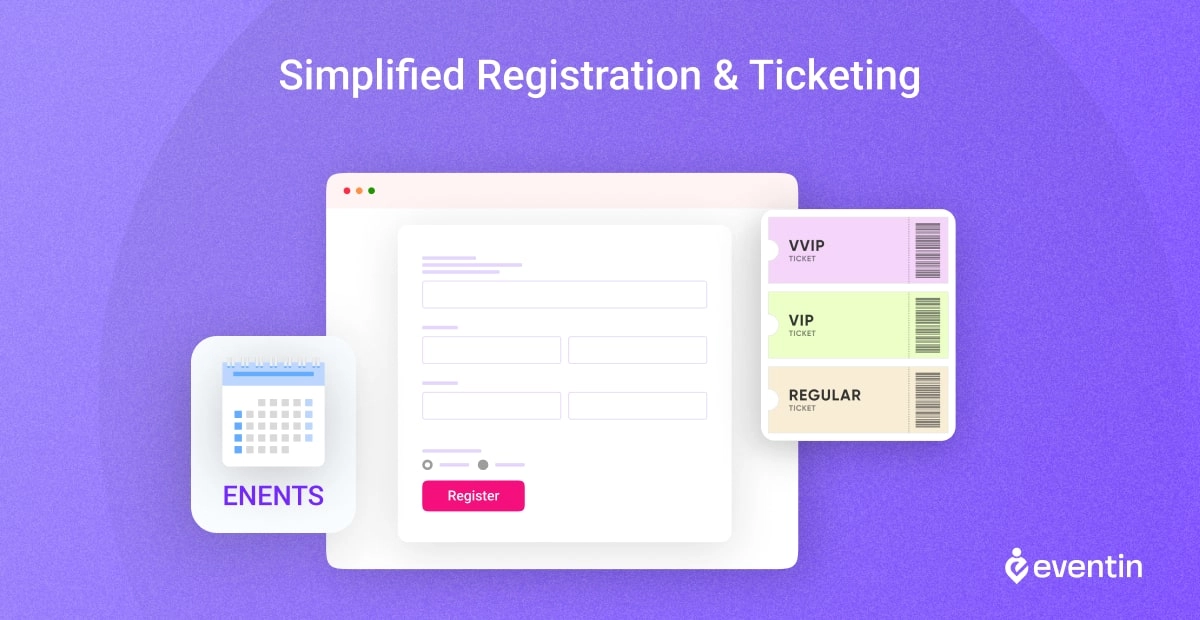
Event management plugins can let visitors register or purchase tickets directly from an event website. Organizers can then manage bookings, ticket availability, and attendee details from a central dashboard.
Registration forms, ticket types, attendee fields, payment options, and reporting capabilities vary by plugin and plan.
5. Accept and Track Event Payments
Event plugins with payment support can connect ticket sales with compatible payment gateways or ecommerce systems. This allows organizers to track paid registrations and ticket orders alongside other event information.
Available gateways, transaction fees, invoicing, refunds, recurring payments, and checkout features depend on the plugin, plan, and payment provider.
6. Use Event Data to Improve Future Events
Event data can help organizers understand registration numbers, attendance, ticket sales, and overall event performance.
Reporting capabilities vary by plugin. Some provide basic booking totals, while advanced analytics, attendee demographics, session reports, or external analytics integrations may require a paid plan or additional tool.
7. Create a Consistent Event Experience
Event templates and design settings can help organizers present event pages, schedules, registration forms, tickets, and emails more consistently.
The available templates, branding controls, page-builder integrations, and email customization options depend on the selected plugin and plan.
8. Promote Events More Effectively
Event calendars, searchable listings, social-sharing options, email integrations, and reminder tools can support event promotion and attendee communication.
These features do not guarantee higher rankings or attendance. Search visibility depends on content quality, structured data, technical SEO, website authority, competition, and the promotion strategy used.
For example, Eventin supports FluentCRM integration for organizers who want to connect attendee information with email-marketing workflows. Check the required Eventin and FluentCRM plans before implementation.
9. Scale Event Operations More Efficiently
A suitable event plugin can help organizers manage more events, attendees, ticket types, or schedules without rebuilding the complete workflow.
However, scalability depends on the plugin, hosting environment, website performance, integrations, and event complexity. Costs may increase when premium features, payment services, add-ons, or additional infrastructure become necessary.
Ready to apply these benefits to your workflow? Learn how to utilize an event management plugin effectively
Is an Event Management Plugin Worth Using?
An event management plugin is worth considering when registrations, tickets, payments, schedules, attendee information, or event communication have become difficult to manage manually.
The right solution can reduce repetitive work and centralize important event operations. However, its value depends on your event type, required features, integrations, and budget.
Ready to evaluate a complete solution? Explore Eventin’s WordPress event management plugin features.
Want to learn more?
➡️ Google Meet Vs Zoom: Which One Is Best for Your Next Event? | Read More
➡️ 26 Post-Event Survey Questions to Ask Your Event Attendees | Read More
➡️ How to Make Money Hosting Events Online: 10 Best Practices | Read More
Frequently Asked Questions (FAQ)

What is the purpose of the event management system?
Think of an event management system like your personal assistant for event planning. Its main purpose is to simplify your workload by handling tasks like ticket sales, attendee registration, and scheduling. It’s your behind-the-scenes hero, freeing up your time to focus on creating an unforgettable event experience.
What is the most important part of event management?
Without a doubt, communication takes the cake. It’s like the glue that holds everything together. Clear communication ensures everyone involved, from your team to your vendors and attendees, knows what’s happening and when. Hence, to use an event management plugin is the secret sauce to a smooth and successful event.
What makes an event successful?
Picture this: a well-oiled machine where every gear turns seamlessly. That’s what makes an event successful. It’s not just about the glitz and glamor, but also the nitty-gritty details like thoughtful planning, engaging content, and ensuring every attendee leaves with a smile.
What skills are required for event management?
Event management is like juggling a dozen balls at once. You need organizational wizardry, time management skills that would make Hermione Granger proud, and problem-solving prowess to navigate any hiccup. So, event planning tools play a crucial role here. But above all, it’s about people skills—building relationships and working together to make magic happen.
Are event management plugins suitable for all types of events, regardless of size or industry?
Event management plugins can support many event types, including workshops, webinars, classes, tours, community events, and conferences. However, the right solution depends on event size, ticketing requirements, attendee volume, payment methods, integrations, and operational complexity.