Multi-Tier Ticket Pricing for Events: Strategies, Examples, and Tips


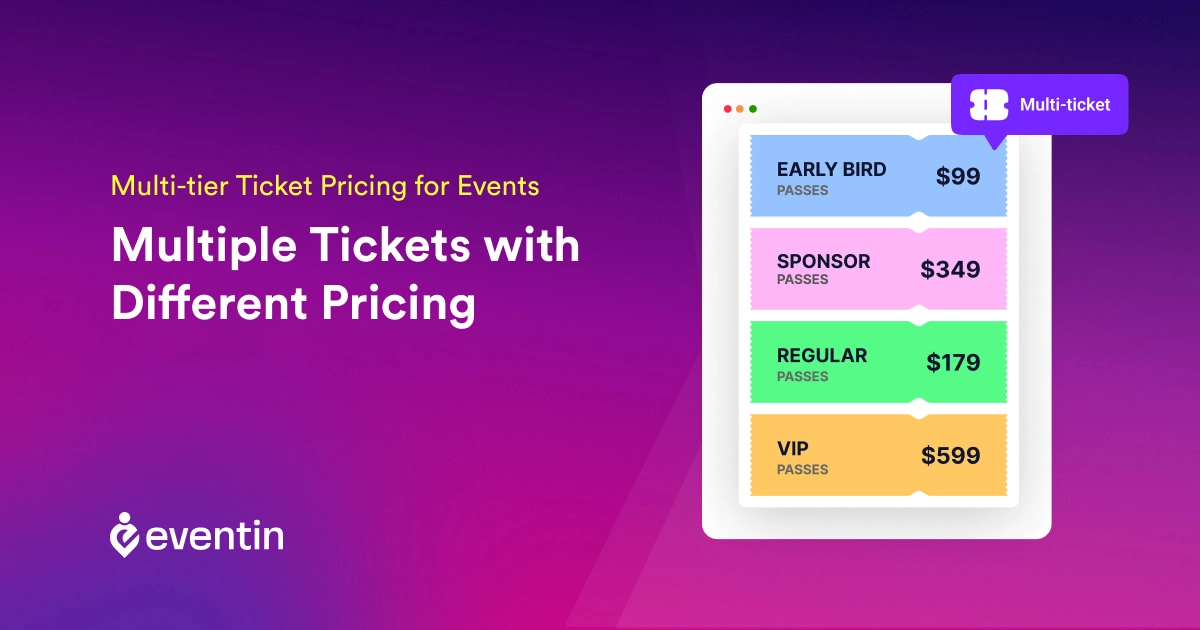
Table of Contents
Multi-tier ticket pricing for events is a pricing model that offers several ticket levels at different prices, with each tier providing a defined level of access, benefits, or services.
Common tiers include Early Bird, General Admission, VIP, and Group tickets. Each option should have a clear price, list of benefits, quantity limit, and sales period so attendees can compare their choices and select the right ticket.
This guide explains how to structure ticket tiers, price each ticket type, create upgrades people actually want, and use tiered ticket pricing for in-person, virtual and hybrid events. If you sell from your own website, you’ll also see how to set it up with a WordPress event ticketing plugin.
Quick Overview
Multi-tier ticket pricing means selling the same event at several price levels, such as early bird, general admission, VIP and group tickets, each with its own benefits, quantity and sales dates. It helps you reach different budgets, reward early buyers and earn more from attendees who want extra value.
Most events work well with three to five clearly different ticket tiers.
- What ticket tiers are, with common ticket types
- How to structure and price each tier
- Pricing strategies for in-person, virtual and hybrid events
- How to set up multiple ticket types in WordPress with Eventin

What Is Multi-Tier Ticket Pricing for Events?
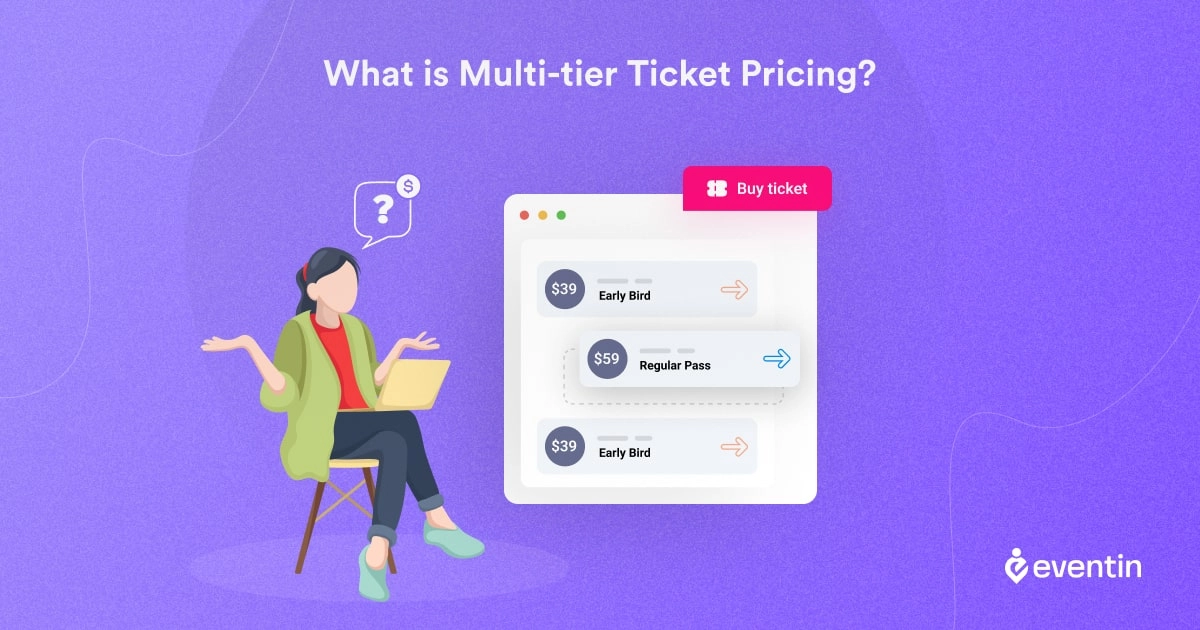
Multi-tier ticket pricing for events, also called tiered event ticket pricing, means selling two or more ticket levels at different prices. Each level includes a defined combination of event access, benefits, or services.
For example, an event might offer Early Bird tickets at a lower price, General Admission for standard access, VIP tickets with premium benefits, and Group tickets for bulk bookings. The goal is to serve attendees with different budgets while making each upgrade easy to understand.
Common ticket tiers at a glance
| Ticket tier | Who it’s for | What it usually includes | When to sell it |
|---|---|---|---|
| Early Bird | People who decide early | Standard access at a lower price | First weeks of sales, with a fixed deadline |
| General Admission | Most attendees | Standard access | Main sales period |
| VIP | Attendees who want extra value | Premium seating, priority entry, meet-and-greet, recordings | Whole sales period, limited quantity |
| Group | Teams, families, clubs | Discount for buying several tickets together | Whole sales period, with a minimum quantity |
| Student or concession | Students, seniors, nonprofits | Standard access at a reduced price | Whole sales period, with eligibility rules |
| Last chance | Late deciders | Standard access at the highest price | Final days before the event |
How Do You Structure Multi-Tier Ticket Pricing?
Start by grouping attendees according to their budget, access needs, and desired benefits. Then give each tier a distinct name, price, benefit list, quantity limit, and sales period.
1. Identify Your Attendee Segments
Decide which attendee groups your pricing tiers should serve. Common segments include early buyers, standard attendees, students, families, VIP guests, and groups.
2. Match Benefits to Each Ticket Tier
Every higher-priced tier should offer a clear reason to upgrade. Benefits may include priority access, premium seating, event recordings, certificates, meals, merchandise, or one-to-one sessions.
3. Calculate Costs and Set Prices
Review the cost of delivering each benefit before setting the price. Make sure the price difference between ticket tiers is easy to understand and that each option supports your event budget. Our guide to event pricing psychology explains how buyers compare prices.
4. Set Availability and Deadlines
Define how many tickets are available for each tier and when sales will start or end. Early Bird pricing should have a clear deadline so attendees understand when the price will change.
What Are the Benefits of Multi-Tier Ticket Pricing?
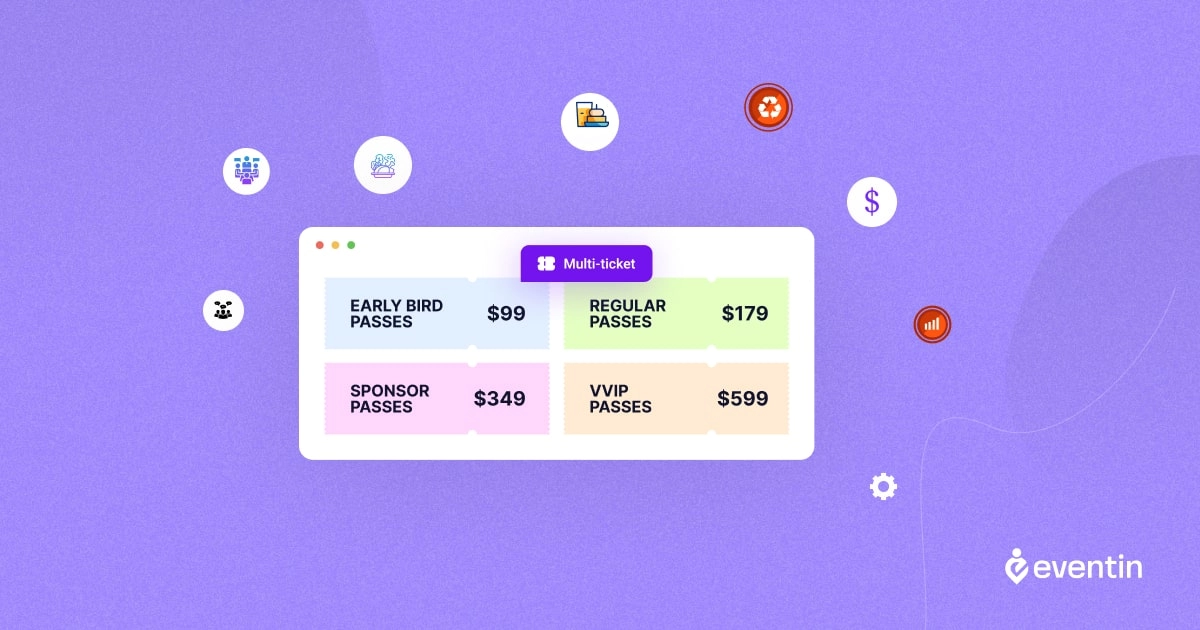
The main benefits of multi-tier ticket pricing are that it reaches more budgets, sells tickets earlier, earns more per attendee and makes planning easier. Here’s what each one means in practice:
- Reach more budgets. Price-sensitive attendees buy a lower tier instead of skipping the event.
- Sell earlier. An early bird tier with a deadline gives people a reason to buy now, which gives you cash flow and a clearer headcount.
- Earn more per attendee. Attendees who want extras, such as certificates, one-to-one meetings, meals or premium seating, can pay for them in a higher tier.
- Plan better. Separate ticket types show you exactly who is coming and what they expect.
How you use these benefits depends on the type of event, so here’s how multi-tier pricing works for each.
Multi-Tier Ticket Pricing Strategies by Event Type
The right tiered ticket pricing strategy depends on the event format. In-person events usually tier by seating and access, virtual events by interaction and content, and hybrid events by offering separate ticket types for on-site and online attendees.
Event Ticket Pricing Strategy for In-person Events
For in-person events, ticket tiers usually follow seating and access. Offer an early bird tier with a discount, a general admission tier, and a VIP tier that bundles premium seating with extra services.
Let’s see the possible extra service for in-person events.
- Seating Area: Adding different seating areas for different ticket holders. Like the VIP, VVIP area and the student areas.
- 1-to-1 Meetings: After the events, users may talk personally with the selected speakers.
- Certification and meals: Participants may get a certificate as an acknowledgment. Food and snacks may be provided during the break time of the events.
Event Ticket Pricing Strategy for Virtual Events
Virtual events can use tiered ticketing too, but the benefits look different: instead of seats and meals, higher tiers unlock interaction and content.
- VIP Access: For virtual events, VIP attendees may get the chance to ask questions during Q&A sessions, join from a hassle-free gate, etc.
- Meetings: A higher tier can include one-to-one meetings with speakers. A scheduling tool like Timetics AI makes booking those slots easier.
- Certification: PDF certification can be added to online events.
Event Ticket Pricing Strategy for Hybrid Events
Hybrid events combine both audiences, so the simplest setup is two ticket types, one for in-person and one for online, each with its own tiers if needed.
Maximize Profit for Ticket Pricing Strategies
Understanding the needs of participants is the key to making a profit from events. No matter whether it’s an online event, offline, or hybrid, you just need to know the demands of the users.
Once you know it, make add-ons as extra services and bring them under tier ticketing. You are ready to go because participants will move to the top tier to unlock the extra services.
Bonus: 3 More Multi-tier Ticket Pricing Strategy Tips!
1) Avoid creating too many tier prices: Multi-tier ticket pricing is one of the best ways to earn more from an event, but offering too many ticket tiers creates confusion. Three to five clearly different tiers work for most events; see why pricing without a plan is one of the common ticketing mistakes.
2) Add a small note for upgrade: While tier pricing is better, you must explain what more participants will get for upgrading the tier.
3) Set up easy payment gateways: Make the ticket payments easy so that potential participants can pay very easily. Multiple payment options are better for the events. With Eventin, you can take payments through Stripe and PayPal (Pro), Razorpay, SureCart, FluentCart, WooCommerce or local payment. See all supported payment methods.
How to Create Multiple Ticket Types for a Tiered Event Pricing Plan
Once your pricing structure is defined, create one ticket type for each tier. Every ticket type should have a distinct name, price, benefit list, quantity limit, and sales period.
Use this workflow:
- Create the ticket tiers, such as Early Bird, General Admission, VIP, or Group.
- Set a separate price for each ticket type based on its benefits and access level.
- Add quantity limits and purchase limits to control availability.
- Define the start and end dates for each ticket tier.
- Explain the included benefits clearly so attendees can compare their options.
In Eventin, each tier is a ticket variation with its own price, quantity, sales start and end date and time, and minimum and maximum per booking. For a full walkthrough with screenshots, follow our tutorial on creating multiple pricing options in Eventin.
Still choosing a tool? This comparison of the best WordPress event ticket plugins shows which ones support ticket tiers, capacity limits and check-in.
undefinedHow to Sell More Tickets Across Every Tier
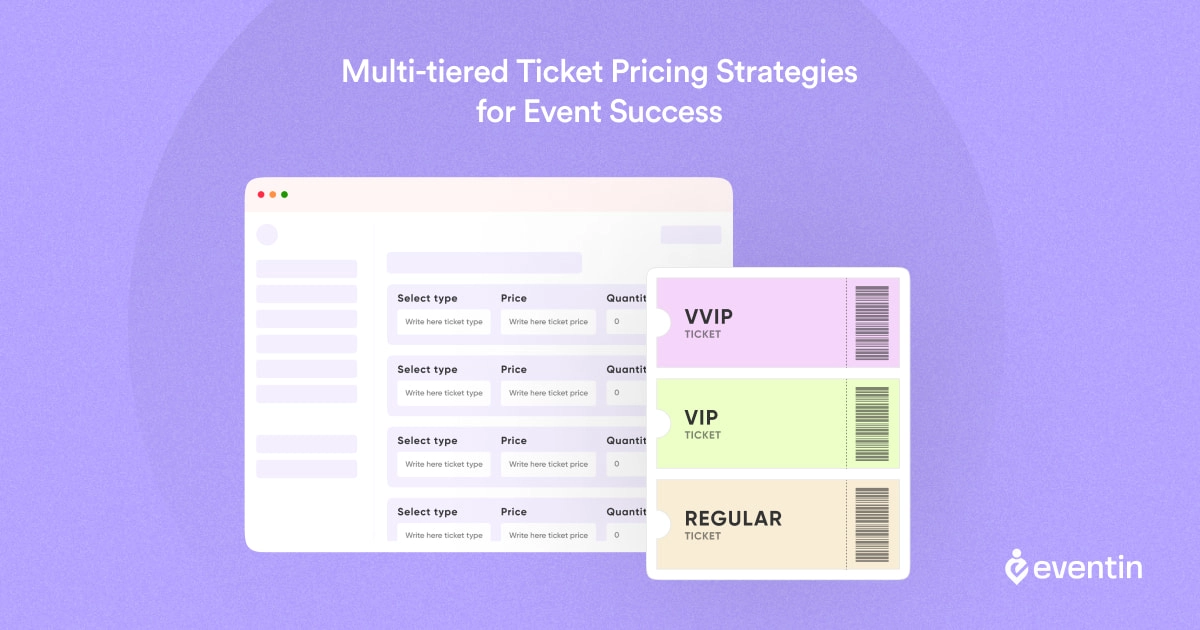
To sell more tickets across every tier, show the value of each tier clearly, make each upgrade easy to understand, remove friction at checkout, and promote in the places your audience already follows. Once your ticket tiers are set, the next job is getting each one in front of the right buyers.
So, here’s what you need to do step by step:
1. Determine Your Event’s Value
Know the actual value of your event. What insights can be expected? Who are the participants and speakers, and where will the events be hosted? Calculate everything together to understand the value of your events.
2. Show What Each Tier Adds
Once you have the value and key options, turn add-ons into clear tier benefits and show them on the event page, so buyers see exactly what each upgrade adds.
3. Make Buying Easy and Add Limited-Time Offers
To sell tickets easily, make the payment easier and less tiring for different types of people. Limited-time offers such as buy-one-get-one or group discounts also help. For more ideas, see these tips to increase ticket sales.
4. Where to Promote and Sell Your Tickets
For the virtual events, marketing should focus on influencers and industry leaders. People follow and join those events that have influencer participation. If you sell from your own site, you also keep the per-ticket platform fee; here’s how to sell event tickets online on WordPress.
How Eventin Helps You Manage Multi-Tier Pricing
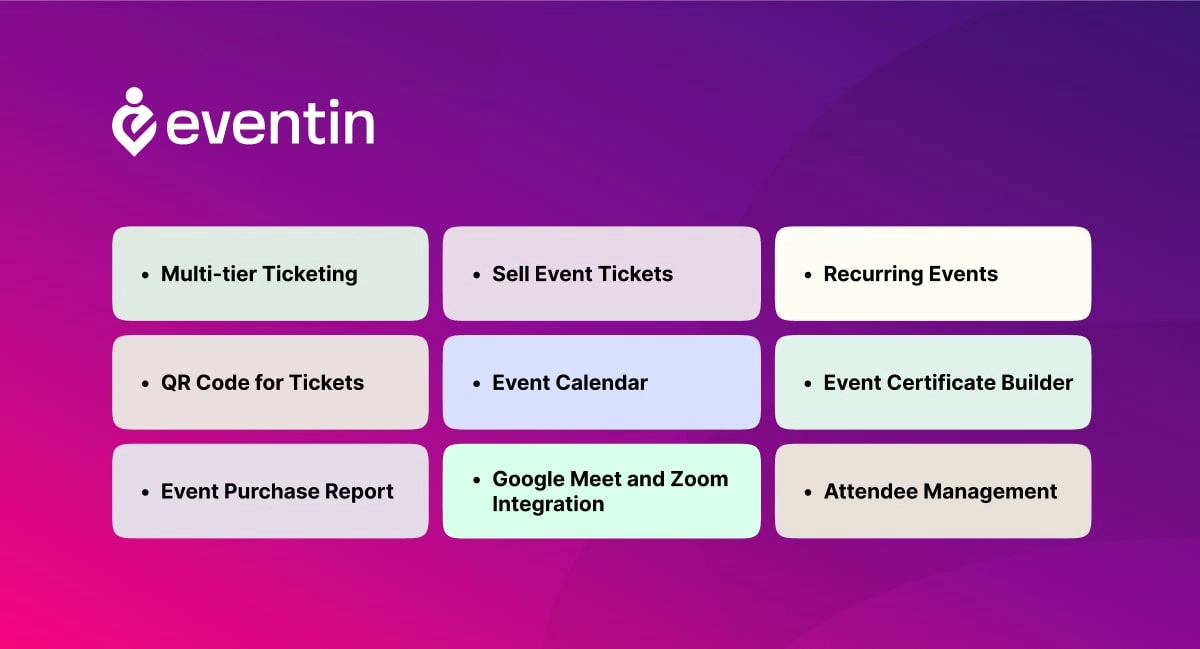
Eventin lets you create a ticket variation for each tier, schedule when each tier is on sale, cap total capacity and take payments, all inside WordPress. If you want to use multi-tier ticket pricing properly, you need more than just adding different prices. You need control, flexibility, and a system that actually saves your time. That’s where Eventin stands out.
Here’s why it works better:
- Create multiple ticket types
Set up early bird, regular, VIP or group tickets, each with its own price and quantity. - Control pricing and availability
Assign different prices, limit ticket quantities, and control when each ticket is available. - Schedule each tier
Set a sales start and end date and time for every ticket type, so early bird closes and the next tier opens on schedule. - Manage everything from one dashboard
Handle ticket sales, registrations, and attendee data in one place, with no need for multiple tools. - Flexible payments
Take payments through Stripe and PayPal (Pro), Razorpay, SureCart, FluentCart, WooCommerce or local payment. - Group tickets that stay real groups
Set a minimum and maximum per booking for each ticket type. - One shared capacity
Global capacity lets all tiers draw from one venue limit, so you never oversell. - Better attendee management and check-in
Keep track of attendees and manage event check-ins without extra plugins. - Designed for real event workflows
From ticket creation to final check-in, everything is connected and easy to manage.
See every option on the Eventin features page, or compare Eventin plans and pricing to pick the right license for your events.
undefinedFAQs About Multi-Tier Ticket Pricing
What is multi-tier ticket pricing for events?
Multi-tier ticket pricing means selling the same event at several price levels, such as early bird, general admission, VIP and group, each with different benefits, quantities or sales dates.
How do I create multiple ticket types in WordPress?
You can create multiple ticket types using a WordPress event ticketing plugin like Eventin. It lets you add different ticket categories, set pricing, control availability, and manage everything from one dashboard. Here’s a step-by-step tutorial for Eventin.
What are the most common ticket types for events?
The most popular ticket types include:
- Early Bird tickets (discounted price for early buyers)
- VIP tickets (premium access and benefits)
- General Admission tickets (standard entry)
- Group tickets (discount for bulk booking)
These help you target different audience segments.
Can I sell different ticket types using WooCommerce?
Yes. Eventin works with WooCommerce, and it also supports Stripe, PayPal, Razorpay, SureCart, FluentCart and local payment, so you can sell each ticket type through the checkout you prefer.
How many ticket tiers should an event have?
Most events work well with three to five clearly different ticket tiers, such as early bird, general admission, VIP and group. More than that usually confuses buyers. If you can’t explain the difference between two tiers in one sentence, merge them.
How do you price VIP tickets?
Start from the cost of the extra benefits (premium seating, meals, recordings, meet-and-greet), add a clear premium above general admission, and limit the quantity. VIP should feel noticeably better, not just more expensive.
Final Thoughts on Multi-Tier Ticket Pricing
If you’re still using a single ticket price, you’re limiting your event’s potential. Multiple ticket types for events help you reach more people, create urgency, and increase overall revenue without adding extra effort.
By offering options like early bird, regular, and VIP tickets, you give attendees the flexibility to choose what fits them best while maximizing your ticket sales.
The good news is that you don’t need a complex setup to manage all this.
With Eventin, you can schedule each ticket tier, cap capacity and track sales by ticket type from your WordPress dashboard.
👉 Want to simplify your event ticketing and boost your sales? Start using Eventin and manage your events the smart way