How WooCommerce Subscription Plugins Help Service Businesses Generate Recurring Revenue


Table of Contents
A service business charging $150 for a one-time job needs a brand-new customer every single time to hit that $150. A service business charging $50 a month for the same kind of work pulls in $600 in year one, from the exact same customer, with no extra cost spent chasing the next sale.
Same service. Same customer relationship. Three times the first-year revenue, just from changing how the bill gets sent.
That math is why so many lawn care companies, cleaning services, pest control operators, tutoring businesses, and gym studios have moved their WooCommerce stores off one-time payments and onto recurring billing. A WooCommerce subscription plugin is the tool that actually makes this shift possible, but which one you pick affects your revenue more than most business owners expect going in.
The math that makes recurring revenue worth chasing
Here’s a real example. A residential cleaning service charges $120 a visit and books the average customer once every two months without a subscription. That’s about $720 a year, six visits, six separate sales conversations, and six chances for the customer to simply not call back.
Move that same customer onto a $99-a-month plan for biweekly cleaning, and the relationship now brings in $1,188 a year. No sixth sales conversation needed, because the subscription just renews on its own.
The business isn’t charging more per visit, it’s charging for an ongoing relationship instead of a one-off transaction. The subscription plugin is what turns that relationship into an automatic charge instead of a monthly reminder to call the customer.
That’s the pattern behind most service-business subscription math: fewer sales conversations, steadier monthly income, and a much easier forecast. A gym charging $40 a month for unlimited classes knows its recurring revenue before the month even starts. A lawn care company billing $80 a month for a mowing season doesn’t lose a customer to “forgot to call” the way a per-job model does.
None of that works, though, if the plugin can’t handle billing properly. Cards fail. Customers want to pause instead of cancel outright. Some want to pay quarterly instead of monthly. The plugin you pick has to handle all of that without turning into a support headache.
Quick comparison of the best WooCommerce subscription plugins
| Plugin | Best For | Free Plan | Self-Service Portal |
|---|---|---|---|
| WPSubscription | Best all-round pick for service businesses starting out | ✅ | ✅ |
| WooCommerce Subscriptions (Official) | Large stores already deep in the WooCommerce.com ecosystem | ❌ | ✅ |
| WP Swings Subscriptions Pro | Businesses that also want loyalty points or a wallet system | ✅ | ❌ |
| YITH WooCommerce Subscription | Shops already running other YITH plugins | ❌ | ❌ |
| WebToffee Subscriptions | Renewal discounts and coupon-driven retention | ❌ | ✅ |
| SUMO Subscriptions | Businesses that want to avoid recurring plugin fees entirely | ❌ | ❌ |
Pricing note: vendors adjust these numbers fairly often, so check each one’s own pricing page before you buy.
What to look for in a WooCommerce subscription plugin
Before picking one, think through how your business actually bills customers day to day:
- Billing flexibility: Can customers get billed weekly, monthly, quarterly, or yearly, whatever matches how your service actually gets delivered?
- Failed payment handling: Cards expire and get declined constantly. A plugin needs automatic retries, or you’ll be manually chasing declined payments every week.
- Self-service for customers: Letting a customer pause, cancel, or update their own card without emailing you saves real support time as your subscriber count grows.
- Split or trial payments: Free trials and installment-style split payments help convert hesitant one-time buyers into subscribers.
- Reporting on churn and revenue: Knowing your monthly recurring revenue and churn rate at a glance matters more once you have real subscriber numbers to track.
- Existing plugin ecosystem: If your store already runs on YITH, WooCommerce.com extensions, or WP Swings tools, a matching subscription plugin usually integrates more smoothly than a completely separate one.
How we picked and reviewed these plugins
Each plugin here was checked against its own official page, pricing details, and WordPress.org listing where one exists.
Here’s what we weighed:
- Billing reliability: How well each plugin handles renewals, failed payments, and retries.
- Customer self-service: Whether subscribers can manage their own plan without emailing support.
- Pricing structure: Flat annual fee vs. one-time cost vs. tiered plans, and how that scales as a business grows.
- Ecosystem fit: How well each plugin plays with other tools a store might already be running, like YITH extensions or WooCommerce.com add-ons.
- Value for a service business specifically: Not a large multi-vendor marketplace running hundreds of SKUs.
The 6 best WooCommerce subscription plugins for service businesses
1. WPSubscription — best all-round pick for getting started
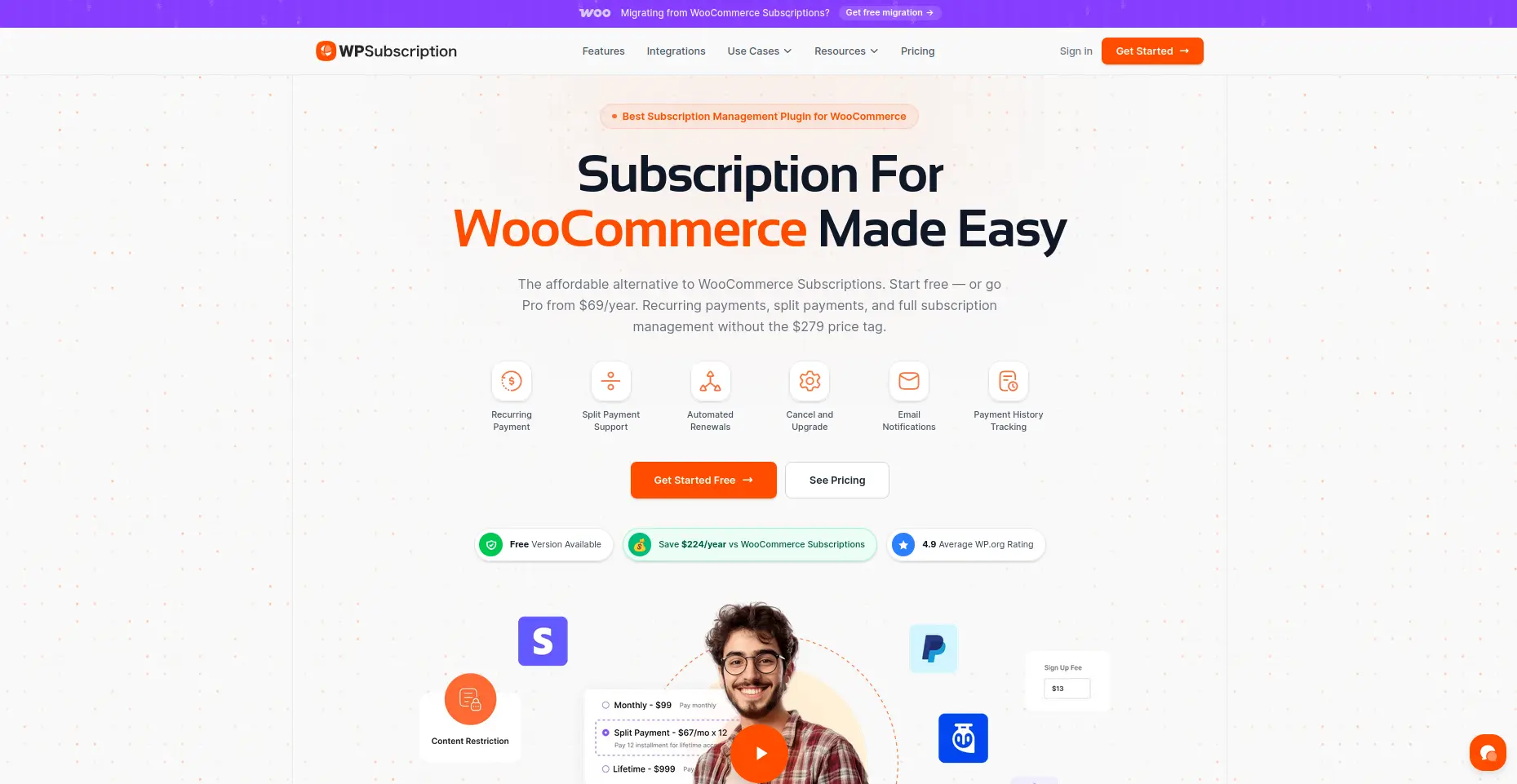
WPSubscription is built to be the affordable, easy-to-run WooCommerce subscription plugin for a service business just getting started with recurring billing. It doesn’t try to be everything; it just handles the core billing job well, without a steep learning curve.
Key features
- Recurring billing on daily, weekly, monthly, or yearly cycles
- Free trial periods on any subscription product
- Customer account page for self-serve pause, cancel, and payment updates
- Split payments — turn a $600 annual contract into 12 payments of $50
- Subscription Health dashboard showing MRR, churn rate, and revenue at risk
- Works with Stripe, PayPal, Paddle, Razorpay, Mollie, and WooEpay
What we liked most
- Free core plugin makes it low-risk to test
- Subscription Health dashboard gives real numbers, not guesswork
- Split payments help convert customers hesitant about a big annual bill
What could be better
- Pro features require the $89/year upgrade
- Smaller ecosystem than the official WooCommerce.com extension
Pricing Free core plugin on WordPress.org. Pro starts at $89/year for one site.
Pick this if: price, features, and easy setup all matter, and there’s no reason to overpay before the subscription model proves itself.
Skip it if: the store already runs entirely on WooCommerce.com’s own extension catalogue and wants to stay in that one ecosystem.
2. WooCommerce Subscriptions — best for stores already in the WooCommerce ecosystem
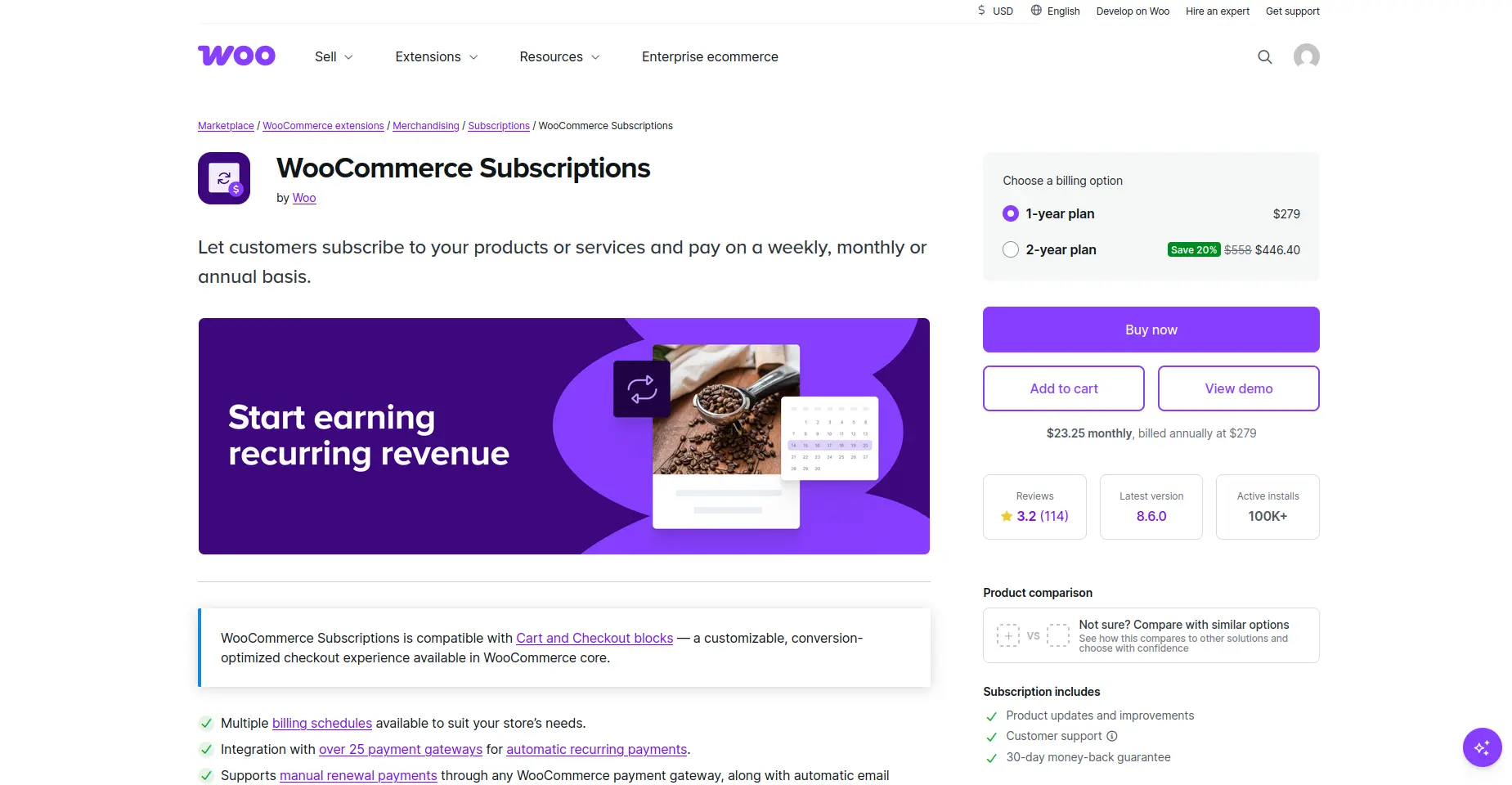
This is the official recurring-billing extension from WooCommerce itself, built for stores that want native, first-party integration above everything else.
Key features
- Multiple billing schedules, from daily to yearly
- Support for 25+ payment gateways, including Stripe and PayPal
- Self-service plan upgrades and downgrades for subscribers
- Renewal notifications for both the store and the customer
- Deep, native integration with other WooCommerce.com extensions
What we liked most
- Official support backed directly by WooCommerce
- 25+ gateways gives customers real payment flexibility
- Rock-solid compatibility with other WooCommerce.com extensions
What could be better
- No free plan or trial to test first
- $279/year is steep for a business still validating the subscription model
Pricing $279/year for a single site.
Pick this if: the business already runs deep in the WooCommerce.com ecosystem and values official support and rock-solid compatibility over saving money.
Skip it if: the subscription model is new and the budget needs to stay lean while it proves itself.
3. WP Swings Subscriptions Pro — best for pairing billing with loyalty and wallet features
WP Swings built this plugin to pair recurring billing directly with its own loyalty and wallet tools, so a store running those add-ons gets one connected checkout flow instead of stitching plugins together.
Key features
- Recurring payments with automatic retry on failed cards
- Free trial periods and initial setup fees
- Subscription boxes with customer-driven customization
- Native compatibility with WP Swing’s Loyalty Points and Wallet System plugins
- Simple and variable product subscription support
What we liked most
- Automatic retry on failed cards cuts down manual follow-up
- Loyalty and wallet integration is a genuine differentiator
- Free core plugin to start testing at no cost
What could be better
- Best value only shows up if you’re already using WP Swing’s other tools
- Pro tier needed for the full loyalty/wallet pairing
Pricing Free core plugin. Pro starts at $129/year.
Pick this if: the business already uses, or plans to use, WP Swing’s loyalty points or wallet plugins and wants everything under one checkout.
Skip it if: a simple, standalone billing engine is all that’s needed.
4. ARMember — best all-round membership pick for getting started
ARMember is built to be a flexible, all-in-one WordPress membership plugin for businesses that want to sell memberships, subscriptions, and restricted content without piecing together multiple plugins. It handles the core membership work while giving you plenty of room to expand as your site grows.
Key features
- Membership plans with one-time or recurring payments
- Content restriction and drip content
- 62+ built-in addons for extending membership functionality
- 22+ payment gateways with recurring payment support
- WooCommerce integration for selling membership-based products
- Custom registration, login, and member profile forms
- Coupons and discounts for membership plans
What we liked most
- Large collection of built-in addons reduces the need for multiple plugins
- Flexible payment options make it easier to support different customer preferences
- Content restriction and drip content are useful for courses, communities, and premium content
What could be better
- The large feature set can take some time for beginners to explore
- Some advanced features and integrations require the premium version
Pricing
Free core plugin is available. The premium plans start at $89/year.
Pick this if: you want an all-in-one membership solution with flexible payments, content restriction, and plenty of room to expand.
Skip it if: you only need a simple one-time payment or basic content restriction without membership features.
5. YITH WooCommerce Subscription — best for stores already running YITH plugins
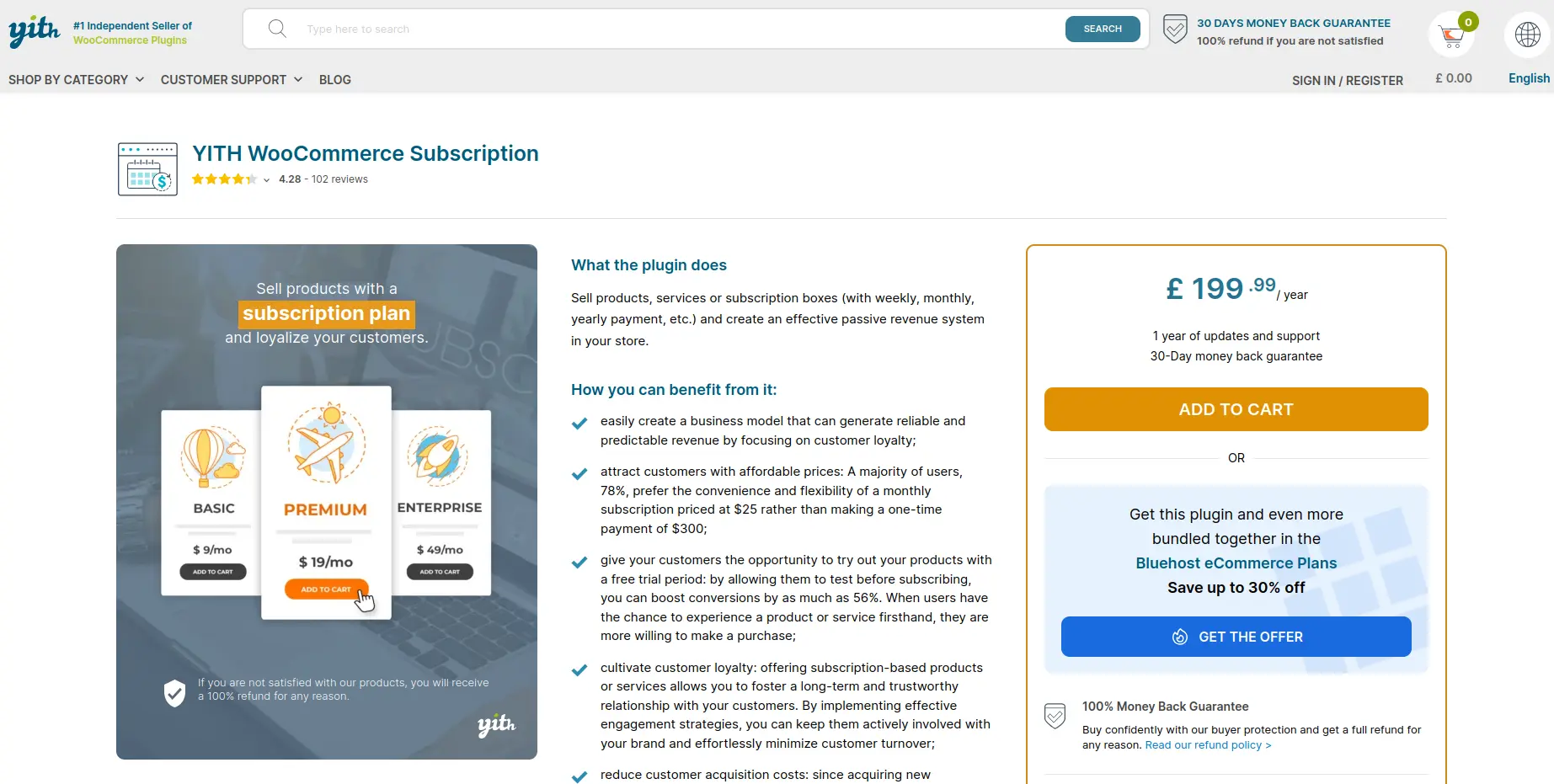
YITH is a long-running name in the WooCommerce plugin space, and this subscription tool is built to slot in naturally alongside other YITH plugins a store might already be using.
Key features
- Recurring billing for both physical and digital products
- Automatic and manual renewal options
- Built-in coupon system for subscription products
- Subscription analytics and reporting
- Strong WPML compatibility for multi-language stores
What we liked most
- Coupon system built in, no separate plugin needed
- Strong WPML support for multi-language stores
- Fits naturally into an existing YITH plugin setup
What could be better
- No free plan to test before buying
- Less value if the store has no other YITH plugins already
Pricing Around €199.99/year.
Pick this if: the store already runs on other YITH plugins, or needs solid multi-language support.
Skip it if: there’s no existing YITH investment to build on; a purpose-built alternative is usually cheaper.
6. WebToffee Subscriptions — best for renewal discounts and retention
WebToffee is best known for its renewal discount and coupon system, aimed at stores that see churn spike right around renewal time.
Key features
- Multiple billing intervals with automatic renewals
- Automated renewal discounts and coupons
- Customer account dashboard for self-managed subscriptions
- 4.7 out of 5 average rating
What we liked most
- Renewal discounts directly target the churn moment that hurts most
- Solid 4.7/5 rating suggests few surprises after purchase
- Self-service dashboard cuts down on support requests
What could be better
- No free plan or trial mentioned
- Feature set is narrower than bigger all-in-one competitors
Pricing Around $99/year for a single site.
Pick this if: renewal discounts and coupon-driven retention matter more than any single billing feature.
Skip it if: discounting renewals isn’t part of the retention strategy.
7. SUMO Subscriptions — best for avoiding a recurring plugin fee
SUMO takes a different approach entirely: a one-time licence fee instead of an annual subscription, aimed at businesses that don’t want to stack a second recurring bill on top of the recurring revenue they’re trying to build.
Key features
- Simple, variable, and grouped product subscriptions
- Automatic drip-feed of downloadable content on a schedule
- One-time licence fee instead of an annual subscription
- Basic renewal and cancellation management
What we liked most
- One-time $49 fee, no recurring plugin cost ever
- Drip-feed feature is handy for downloadable content businesses
- Covers the billing basics without extra complexity
What could be better
- PayPal support and customer support have had mixed reviews
- Fewer advanced features than subscription-fee competitors
Pricing $49 one-time.
Pick this if: avoiding a recurring plugin fee matters, and Stripe is the primary payment gateway.
Skip it if: PayPal is the main gateway, or consistently responsive support is a priority; both have had mixed reviews.
Choosing the right WooCommerce subscription plugin
A service business doesn’t need the fanciest WooCommerce subscription plugin on the market. It needs one that bills reliably, lets customers manage their own plans, and doesn’t eat into the margin recurring revenue is supposed to create in the first place.
If you’re looking for a free subscription plugin for WooCommerce, WPSubscription is a great place to start. It offers a generous free version, allowing you to test recurring billing with real customers before investing in premium features. As your business grows, you can upgrade for advanced subscription management, payment recovery, analytics, and automation.
The official WooCommerce Subscriptions plugin earns its higher price for larger stores already deep in that ecosystem. WP Swings, YITH, WebToffee, and SUMO each solve a narrower problem well: loyalty stacking, multi-language support, renewal discounting, and one-time pricing, respectively.
Whichever plugin you pick, the underlying shift matters more than the tool itself. Moving a customer from a one-time job to a standing subscription turns every renewal into revenue that doesn’t need a new sales conversation to earn. That’s the entire point of building a service business around recurring billing in the first place.
FAQ
What is a WooCommerce subscription plugin?
The plugin enables WooCommerce stores to establish automatic payment schedules which replace the need for customers to make repeat purchases. You can transform a single $150 transaction into a $50 monthly payment, which the plugin will manage by processing payments, issuing receipts, and performing card failure retries. The system transforms your retail space into a service-oriented business which maintains regular customer relationships.
Does WooCommerce support recurring payments?
Not out of the box. The default WooCommerce system allows customers to make single purchases so you must install a subscription plugin that enables WooCommerce recurring payment functionality. Once installed, a plugin like WPSubscription or WooCommerce Subscriptions handles the actual billing cycles — daily, weekly, monthly, or yearly — and connects to your payment gateway to charge cards automatically.
Can I sell memberships with WooCommerce?
Yes. You can use a WooCommerce membership plugin together with a subscription plugin to restrict access to content, classes, and services through paid membership subscriptions. The business model that gyms and tutoring centers follow involves customers paying monthly fees to use the facilities while the membership system verifies their subscription status to grant them facility access.
Which payment gateways support subscriptions?
Most subscription plugin for WooCommerce options connect with Stripe and PayPal at minimum. WPSubscription also works with Razorpay, Mollie, Paddle, and WooEpay. The official WooCommerce Subscriptions plugin goes further, supporting 25+ gateways. You need to verify gateway compatibility before purchasing because different plugins maintain their own set of supported payment processors.
What happens if a payment fails?
The WooCommerce recurring billing plugin that performs well will attempt to process a failed card three times before it stops, but it will send an email to customers about payment information updates. Your system will require you to manually track declined payments because the automatic retry function does not exist, which removes the main benefit of automated billing systems.
Can customers pause subscriptions?
Depends on the plugin. The self-service portal solution WPSubscription and WooCommerce Subscriptions enable customers to manage their subscriptions by allowing them to pause or cancel their service and update their payment information without needing to contact support. All pause requests will reach your inbox directly when you do not enable this feature. The WordPress subscription plugin selection process requires you to evaluate this feature because it enables your team to handle more customer inquiries during the subscriber base expansion period.