10 Best Event Registration Plugins for WordPress


Table of Contents
Do you struggle to collect event registrations on your WordPress site?
Maybe you are using forms, emails, or manual spreadsheets. That works at first. But as your events grow, it quickly becomes messy. You miss sign-ups. Payments get confusing. Attendee details stay scattered.
That is where an event registration plugin helps.
A good WordPress event registration plugin lets people sign up in minutes. It keeps registrations organized, handles payments, and saves you from manual work.
Whether you run webinars, workshops, meetups, or conferences, the right plugin makes a big difference.
In this guide, we have handpicked the 10 best event registration plugins for WordPress. You will see what each plugin does best, who it is for, and how to choose the right one for your event needs.
Ready to run smoother events?
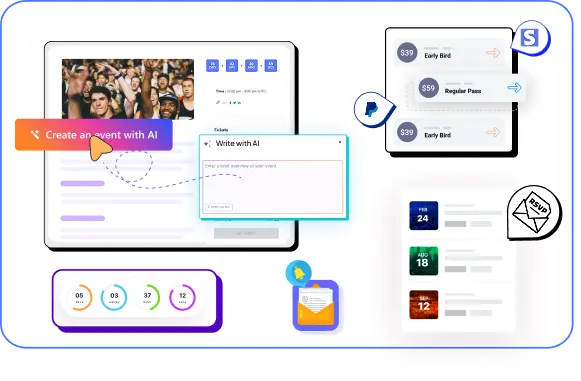
Create & manage events easily with Eventin event manager.
- ✅ Sell tickets
- ✅ Track attendees
- ✅ Automate reminders

WordPress event registration plugins (quick comparison)- Table
| Plugin Name | Best For | Registration Type | Payment Support | Free Version |
| Eventin | Events, conferences, and webinars | RSVP, Registration + ticketing | Yes | Yes |
| The Events Calendar | General event listing and registration | RSVP + ticket add-ons | Yes (add-on) | Yes |
| Events Manager | Flexible event registrations | RSVP + booking forms | Yes | Yes |
| LatePoint | Appointment-style event bookings | Time-slot based booking | Yes | No |
| Events Calendar by Timely | Simple events and calendars | Basic event registration | Yes | Limited |
| Booking Calendar | Date-based event bookings | Calendar-based booking | Yes (pro+) | Yes |
| WP Amelia | Paid events and group bookings | Registration + payments | Yes | No |
| Modern Events Calendar | Advanced event management | RSVP + ticketing | Yes | Yes |
| Event Organiser | Developer-friendly event setup | RSVP-based registration | Yes | Yes |
| WP Event Manager | Job-board style event listings | Registration via add-ons | Yes (add-on) | Yes |
How we tested and reviewed all event registration plugins for WordPress
We did not pick these plugins at random.
We tested each event registration plugin on real WordPress sites. Our goal was simple. See how they perform in everyday use, not just on demo pages.
Here is how we reviewed them.
- Real setup, not demos: We installed each plugin on a fresh WordPress site. We created sample events and tried the full registration flow from start to finish.
- Ease of use: We checked how easy it is to set up an event. This includes creating registration forms, adding tickets, and managing attendees. If a plugin felt confusing for beginners, it scored lower.
- Registration experience: We tested the signup process from a visitor’s view. We looked at how fast the form loads, how clear the steps are, and how smooth the checkout feels.
- Payment and ticket options: We reviewed payment support, ticket types, and free vs paid events. Plugins that handled payments clearly and reliably ranked higher.
- Performance and compatibility: We checked site speed, theme compatibility, and conflicts with common plugins like WooCommerce and page builders.
- Support and updates: We reviewed documentation, support response, and update history. Active development and helpful support mattered a lot.
Every plugin on this list passed these checks. The order is based on overall usability, features, and value, not popularity alone.
📚 Related reading: How to Build an Event Marketing Funnel That Actually Works 👉 Read more
Top WordPress event registration plugins to manage events and bookings

Not every event registration plugin works the same way.
Some plugins focus on simple RSVPs. Others handle full ticket sales, payments, and attendee management. A few are better for conferences and webinars, while others work best for appointments or small events.
In this section, we review the top WordPress event registration plugins one by one. For each plugin, you will see what it does, its main features, what stands out the most, and how pricing works.
This makes it easier for you to compare options and choose the right plugin based on how you run your events.
Let’s start with the first plugin on the list.
1. Eventin Event Management Plugin
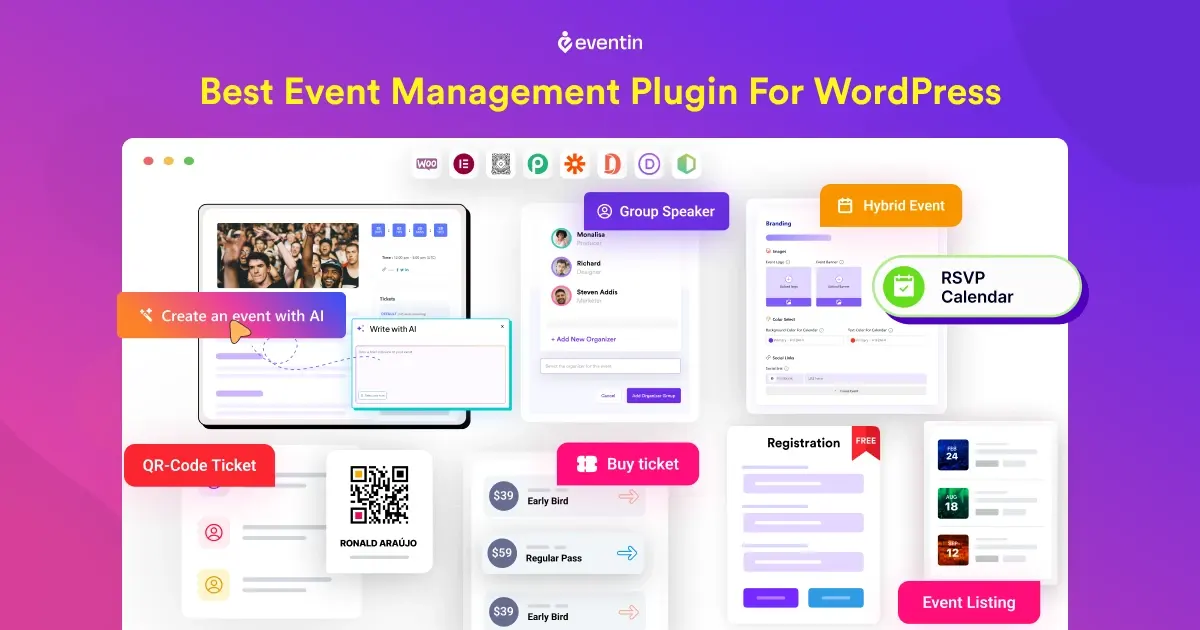
Eventin event manager is a full-featured event registration and AI-powered event management plugin for WordPress, built for people who want real control over how events are created, promoted, and managed.
It helps you handle the entire event flow from one dashboard. You can create events, collect registrations, sell tickets, manage attendees, and track orders without relying on multiple plugins or third-party tools. Everything stays inside WordPress.
Eventin works well for online events, in-person events, and hybrid setups. You can use it for webinars, workshops, conferences, meetups, training sessions, or hybrid events. It supports both free and paid events, so you can start small and scale when needed.
Key Features
- 🤖 AI-powered event creation and content generation
- Create unlimited events with schedules and speaker profiles
- Sell event tickets online with multi-tier pricing options
- Enable events RSVP (for wedding, birthday party)
- Events attendee tracking, and QR codes
- Help to create recurring events (daily, weekly, monthly)
- Sync event booking with Google Calendar, iCal, Outlook
- Create custom event landing, ticket and certificates with template builder
- Compatible with Elementor, Divi, Gutenberg, and Bricks builder.
What We Like Most
Eventin strikes a strong balance between power and ease of use.
You can start with simple event registration. As your needs grow, you can add ticketing, payments, and advanced event features without switching plugins. The interface is clean, and setting up an event does not feel overwhelming, even for first-time users.
Pricing
- Free version: Available on WordPress.org with core event registration features
- Pro version: Start from $84/year, lifetime $149.
Eventin offers good value if you need a full event registration system, not just a signup form.

2. The Events Calendar

The Events Calendar is a popular WordPress plugin for creating and displaying events on your website. It is mainly built for event listing and calendar management.
You can add events, show them in a clean calendar layout, and manage basic event details like date, time, and location.
For event registration and ticketing, it relies on add-ons.
If your main goal is to show events clearly on your site, this plugin does that well.
Key Features
- Clean and easy-to-use event calendar
- Event listing with date, time, and location
- Multiple calendar views (month, list, day)
- Event categories and tags
- Works with most WordPress themes
- RSVP and ticketing via add-ons
- WooCommerce support through extensions
What We Like Most
The calendar display is the strongest part. Events look organized and professional without extra setup. It is easy to add events and keep them updated. For websites that focus more on event visibility than complex registration flows, this plugin fits well.
Pricing
- Free version: Available with core event calendar features
- Pro version: Start from $149/year.
- Paid add-ons at $149/year (Required for event registration, ticket sales, and advanced tools).
📚 Related reading: How to Create Recurring Events in WordPress (Step-by-Step Guide) 👉 Read more
3. Events Manager

Events Manager is a flexible WordPress plugin that lets you manage events, schedules, calendars, bookings, and registrations from your site. It works for small meetups, workshops, or larger events like festivals.
You can set up events, accept registrations, handle tickets, and manage venues with ease.
Key Features
- Event creation and calendar display.
- Manage registrations, bookings, and RSVP options.
- Recurring events support.
- Schedule appointments and multiple event locations.
- Ticketing and payment support.
What we like most:
Events Manager gives you a lot of control without messy setup. It handles everything from event calendars to bookings and ticketing. The plugin is reliable and used on many WordPress sites, with a strong mix of free and advanced tools.
Pricing
- Free version: The basic plugin is free
- Pro version: Start from $129/year.
4. LatePoint
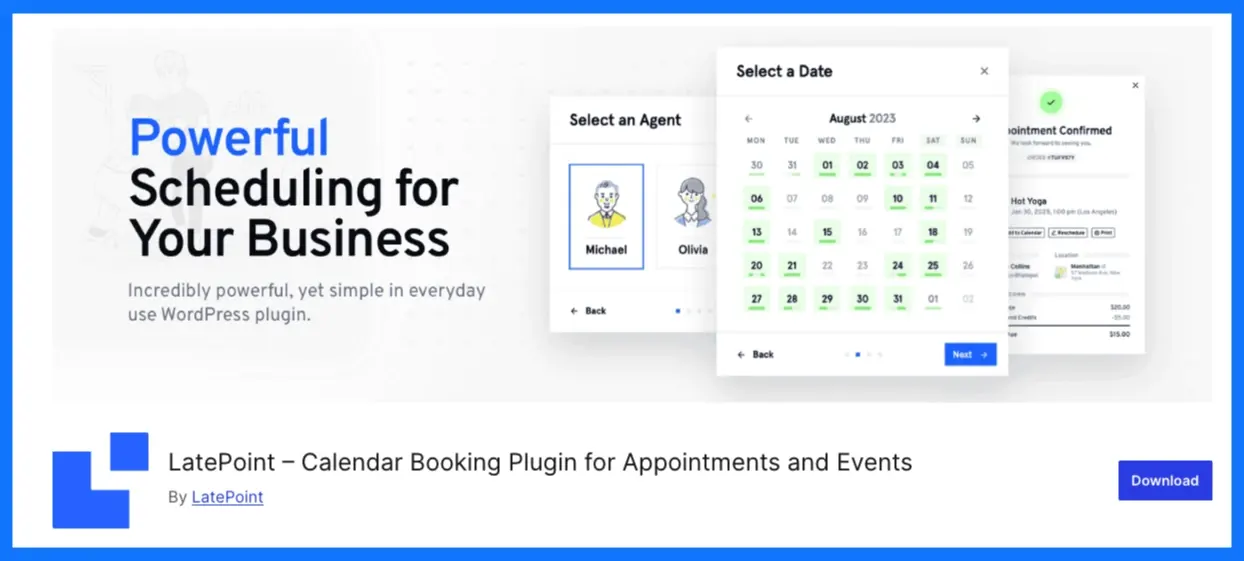
LatePoint is a WordPress booking and scheduling plugin designed for appointment-style events and time-based bookings. If your events are more about booking a time than selling tickets, LatePoint fits that use case well.
Instead of focusing on large event listings or calendars, LatePoint is built around time slots. Visitors choose a service, pick a date and time, and complete the booking in a few steps.
This makes it a good fit for workshops, training sessions, classes, coaching, and small group events. The plugin keeps everything simple. You manage services, agents, locations, and schedules from one dashboard.
Key Features
- Time-slot based booking system
- Clean and guided booking flow
- Manage services, agents, and locations
- Custom booking form fields
- Email and SMS notifications
- Stripe payment support
- Recurring bookings and group slots
- Works well with most WordPress themes
What We Like Most
LatePoint focuses on one thing and does it well.
The booking experience is smooth for users and simple to manage for site owners. There are no unnecessary steps, and the interface feels modern. It is especially useful when you want visitors to book sessions quickly without dealing with complex event setups.
Pricing
- Free version: The basic plugin is free
- Pro version: Starts from $99/year
📚 Related reading: How to Write Event Announcements That Actually Get Registrations (With Examples) 👉 Read more
5. Timely Events Calendar
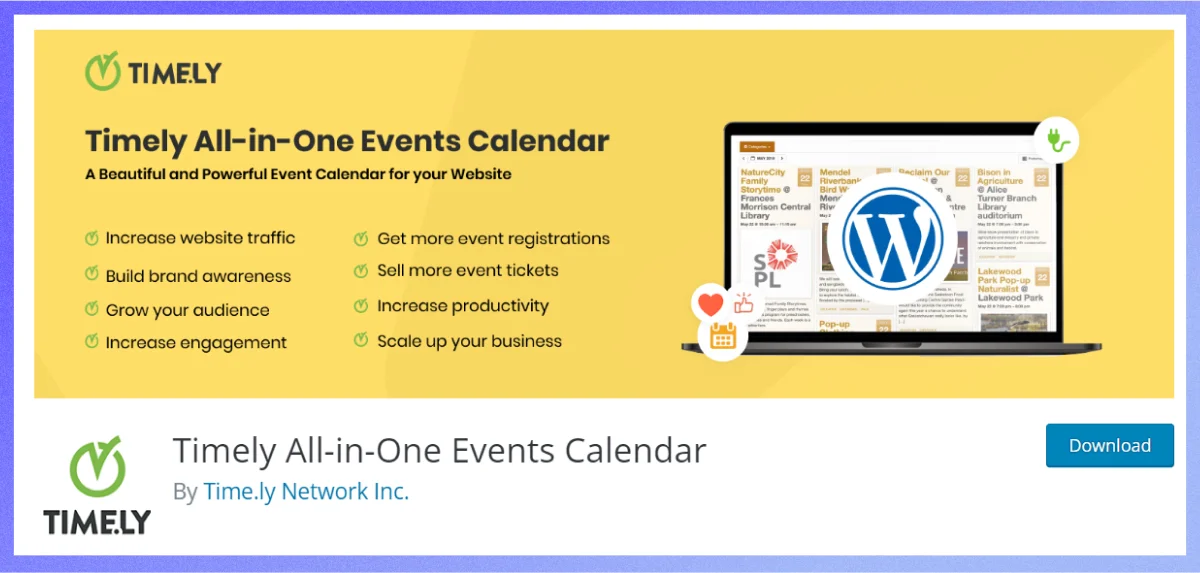
Events Calendar by Timely is another WordPress event calendar plugin. It helps you create, manage, and display your events on your website without coding. You can share in-person, virtual, or hybrid events in a clean, modern calendar layout that fits your site design.
Key Features
- Easy event creation and publishing right from WordPress.
- Multiple calendar views like month, week, list, and agenda.
- Custom themes, colors, and fonts for branding.
- SEO-friendly design for better visibility.
- Events searchable by keyword, date range, and filters.
- Language support for many global languages.
What we like most:
Timely makes it easy to add a professional calendar to WordPress fast. You don’t need design skills or extra plugins to get a functioning calendar on your site. The free version is strong on basic event display, and you can connect to Timely’s cloud tools for more options. 
Pricing:
- Free version: The plugin is free to use and install.
- Pro version: Paid plans start from around £9/month (billed annually).
6. WP Event Manager
WP Event Manager is a flexible and lightweight event registration and event listing plugin for WordPress. It is built to help you create event listings, collect registrations, and manage events without adding too much load to your site.
The core idea behind WP Event Manager is simplicity with flexibility. You start with a free base plugin that handles event listings and basic event details. Then, you extend it using add-ons based on what you need, such as event registration, ticketing, calendars, or frontend submissions.
This plugin works well for community events, job-board-style event listings, meetups, workshops, and business events.
Key Features
- Event listing and event detail pages
- Frontend event submission for organizers
- Event registration and attendee management via add-ons
- Ticket selling through WooCommerce integration
- Event search and filtering by date, category, and location
- Calendar and list view options
- Email notifications for registrations
- Works with popular page builders and themes
- Developer-friendly structure with hooks and extensions
What We Like Most
WP Event Manager gives you control without forcing everything at once. You can start with simple event listings and add registration, tickets, or paid features only when your site needs them. This makes it a good choice for growing websites or projects that want flexibility without hurting performance.
Pricing
- Free version: The core plugin is free and includes basic event listing features
- Pro version: Start from $199 /year.
7. EventPrime

EventPrime is a modern WordPress events calendar and registration plugin that helps you create, manage, and display events easily from your WordPress dashboard.
It supports free and paid bookings, event tickets, calendars, performer lists, venues, and attendee tracking without extra tools.
You can add single-day or multi-day events and control every part of the booking process.
Key Features
- User-friendly events calendar you can edit right from WordPress.
- Free and paid event bookings with ticketing options.
- Multiple ticket categories and tiered pricing structure.
- Built-in payments and checkout system.
- Repeat and recurring events support.
- Attendee management and attendee lists.
- Custom event types, venues, and performers.
- Optional premium extensions for advanced tools.
What we like most:
EventPrime combines a modern event calendar with booking and ticketing, so you only need one plugin for core event tasks. The interface is clean, and even beginners can set up events quickly. It’s flexible for free meetup listings or paid ticket events.
Pricing:
- Free version: The core plugin is free and includes basic event and booking tools.
- Pro version: Start from 99$/year.
8. WP Amelia
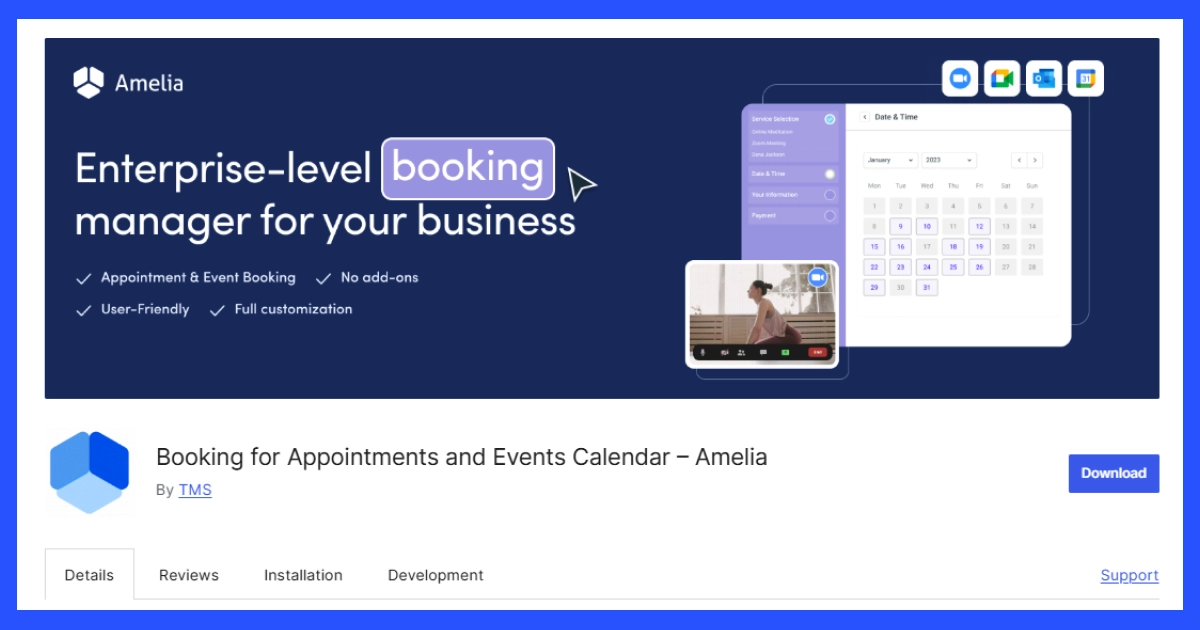
WP Amelia is basically WordPress booking plugin that handles appointment scheduling as well as event registrations. It gives you a modern booking system right in WordPress.
You can setup single or recurring events, let visitors book spots online, send automated email/SMS reminders, and accept payments without extra tools.
It’s built to work for event organizers, coaches, schools, agencies, and service-based businesses that need smooth event booking and scheduling.
Key Features
- Step-by-step booking wizard that guides users through event signup.
- Create one-off, multi-day, or recurring events.
- Event calendars and booking views your visitors can browse.
- Custom booking forms and fields to collect attendee details.
- Automated notifications via email and SMS to reduce no-shows.
- Accept payments online via Stripe, PayPal, WooCommerce, and more.
- Google Calendar and Apple Calendar sync.
- Event ticketing with QR codes and waiting list options.
What we like most:
Amelia feels polished and easy to use even for beginners. It combines event calendars, booking forms, payment options, and automated reminders in one place. The admin interface keeps everything tidy, and the booking flow feels modern and fast for users.
Pricing:
- Free version: The basic plugin is free with standard booking tools.
- Pro version: Start from $99/year.
9. Event Organiser
Event Organiser focuses on structured event creation and calendar management inside WordPress. It adds full event and calendar management into your WordPress dashboard so you can set up one-time or repeating events, assign venues, and show calendars or lists on your site. It’s simple for beginners but flexible enough for developers too.
Key Features
- Create one-time events or recurring events with complex schedules.
- Manage events using WordPress custom post types.
- Add venues and link events to places (with map support).
- Display events in calendars, lists, or agenda views via widgets and shortcodes.
- Assign categories and tags to events for better filtering.
- Developer-friendly hooks and templates for customization.
What we like most:
Event Organiser keeps event setup clear without too many menus or confusing settings. Its support for recurring patterns is strong, and you can shape how events show up on your site with shortcodes and widgets. It’s great for sites that want clean calendars and event displays without heavy extras.
Pricing:
- Free version: The core plugin is free from the WordPress plugin directory.
- Pro version: Start from £50/year
10. Modern Events Calendar

Modern Events Calendar (MEC) is a well-designed WordPress event calendar and registration plugin. It blends easy event creation and flexible display options with tools to manage bookings and ticket sales. Whether you’re running meetups, workshops, concerts, or online webinars, MEC gives you a professional events system built right into your WordPress dashboard.
Key Features
- Multiple calendar and event views (monthly, weekly, list, agenda).
- Over 50 layout styles to match your site’s design.
- Recurring events support for ongoing schedules.
- Booking and ticketing tools (ticket sales, seat limits, coupons).
- Integration with WooCommerce, PayPal, Stripe, Google Calendar.
- Custom colors, countdown timers, and event images.
- SEO-ready and responsive design for all devices.
What we like most:
What stands out about Modern Events Calendar is how many ways you can show your events and bookings. It’s not just a basic calendar—it’s flexible, looks modern, and adapts to different event types, from small classes to large conferences. The tools for selling tickets and managing attendee lists make it a solid choice for sites that need more than just a simple event list.
Pricing:
Free version: The basic plugin is free to use with essential calendar and event features.
Pro version:
- Single site — $99/year (advanced booking, ticketing, extra layouts).
- Multi-site plans or additional bundles often cost more depending on licenses and add-ons you choose.
Choose the best WordPress event registration plugin for your events
🏆 1. Best event registration plugin overall — Eventin
If you want a complete event system without juggling add-ons, the Eventin event management plugin is the best choice for WordPress. It combines events calendar, ticketing, bookings, payments, and attendee management all in one place. You get:
- Simple event creation and checkout
- Built-in payment options
- Flexible display layouts
- Great balance of features and ease of use
Best for: Event businesses, professional event sites, organizers who want one tool for everything.
2. Best event plugin for simple calendars and listings
These plugins shine when your focus is showing events and basic registrations — not complex ticketing.
Best Picks:
- The Events Calendar – Clean calendar and easy event display.
- WP Event Manager – Lightweight event listing with filters and front-end submissions.
- Events Manager – Deep event and booking controls with recurring events.
Best for: Bloggers, community groups, small clubs, schools, and local meetups that need clear event pages and calendars.
3. Best for paid events and ticket sales
These plugins help you sell tickets, manage bookings, and accept payments online.
Best Picks:
- Modern Events Calendar – Powerful ticketing tools with flexible layouts and payment support.
- EventPrime – Built-in bookings and paid event options with attendee tracking.
Best for: Ticketed events, workshops, concerts, virtual conferences, and paid classes.
4. Best for booking + registration + scheduling
If your events blend with appointment booking or scheduling, these are strong choices.
Best Picks:
- WP Amelia – Great mix of event registration, booking, reminders, and payments.
- LatePoint – Focuses on smooth booking flows with reminders and scheduling features.
Best for: Trainers, coaches, consultants, and service-based businesses that need bookings and event registrations in one tool.
5. Best flexible and developer-friendly plugins
These give you control and customization if you want tailor-made workflows.
Best Picks:
- Event Organiser – Developer hooks and templates for custom calendars.
- Timely Events Calendar – Modular with add-ons for custom tools.
Best for: Developers, advanced users, and site builders who want full customization.
FAQ
Which is the best event registration plugins for WordPress?
-If you want an all-in-one solution, Eventin is a strong choice. It supports event creation, registrations, ticketing, payments, and attendee management from one dashboard.
Do I need an event registration plugin if I already use contact forms?
-Yes. Contact forms only collect basic details. Event registration plugins handle limits, attendee lists, confirmations, payments, and event-specific workflows that forms cannot manage properly.
Can I sell tickets using WordPress event registration plugins?
-Yes. Many plugins support paid events and ticket sales. Some use built-in payment systems, while others connect with WooCommerce or payment gateways like Stripe and PayPal.
Are there free event registration plugins for WordPress?
-Yes. Plugins like Eventin, WP Event Manager, and Timely Events Calendar offer free versions. Free plans usually cover basic registrations, while advanced features require paid upgrades.
Which is the best event plugin for recurring events?
-Plugins such as Eventin, Events Manager, Modern Events Calendar, and Event Organiser handle recurring events well. They let you repeat events daily, weekly, or on custom schedules.