7 Best WordPress Helpdesk Plugins for Your Small Business


Table of Contents
A small business running on WordPress hits the same wall around the same size, every time. Customer emails stop fitting in one inbox. Someone asks a question twice because nobody remembers who answered the first one. A refund request sits unread for four days, buried under three hundred newsletter signups.
None of that means anyone’s doing anything wrong. The website requires a dedicated WordPress helpdesk plugin because it has moved past using personal inboxes for message management. The WordPress helpdesk plugin needs to transform incoming messages into tickets, which it should allocate to team members while tracking all ticket activities from start to finish.
Users encounter the most difficulty when they attempt to find the ideal WordPress helpdesk plugin. Some live entirely inside WordPress and charge one flat yearly fee. The platforms function as independent SaaS systems that users can connect to their WordPress websites.
The guide presents seven WordPress helpdesk plugins through a direct checklist system that enables users to select plugins based on their team operations rather than their feature quantity.
All pricing numbers shown here come from the official vendor price listings which were active at the time this document was created. Helpdesk vendors modify their service options at a fast speed, so customers need to verify their current pricing before making their selection.
Quick Comparison
To keep this comparison accurate, we reviewed each plugin’s official website, pricing page, documentation, supported integrations, and WordPress.org listing (where available). We also considered deployment model, ease of use, scalability, and overall value for small businesses.
| Plugin | Starting Price | Best For |
|---|---|---|
| ThriveDesk | $29/month | Small teams wanting chat + tickets + help center in one tool |
| Fluent Support | $129/year | Staying fully inside WordPress with unlimited agents |
| Heroic Inbox | $103.60/year | Teams that already run support through Gmail or Outlook |
| SupportCandy | Free | Zero budget, basic ticketing needs |
| Awesome Support | Free core / $149/year bundle | Deep customization, add-on-by-add-on control |
| Freshdesk | Free (2 agents, 6 months) | Businesses wanting a mature SaaS platform, not a plugin |
| Zoho Desk | Free (3 agents) | Multi-channel support across email, chat, and social |
Pick ThriveDesk If the Business Wants One Tool for Chat, Tickets, and a Help Center
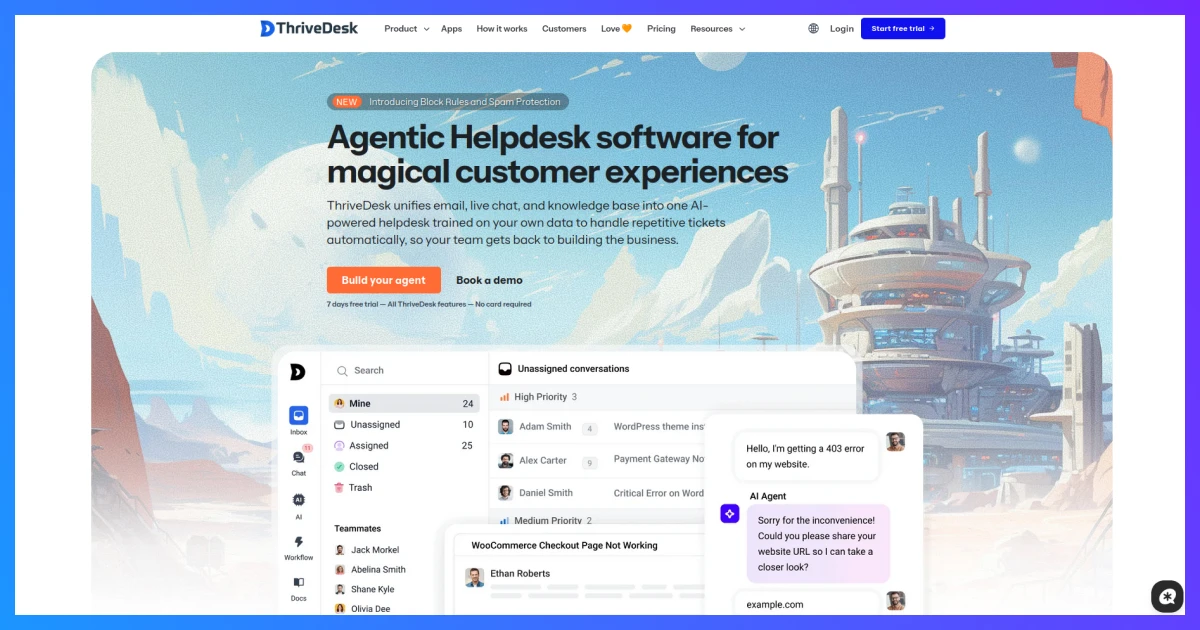
ThriveDesk stands as a contemporary WordPress helpdesk plugin which enables small teams to manage customer support through a single subscription instead of needing three separate ones. The platform offers users a single dashboard that combines shared inbox functionality with live chat support and self-service help resources to serve teams that lack a dedicated support team and do not require one.
Pricing: Basic starts at $29/month for up to 2 teammates, with a shared inbox, ticketing, and live chat included. Standard runs $69/month and adds a public help center and workflow automation.
The Unlimited plan costs $129 per month and allows you to remove team member restrictions while providing access to multiple help centers and visitor tracking features.
What stands out: live chat and ticketing share the same inbox, so a question that starts as a chat and needs follow-up later doesn’t turn into a separate, disconnected email thread.
The platform integrates with WooCommerce and SureCart and FluentCRM to help businesses display their order information during customer support interactions.
What to watch for: no free plan, only a 7-day trial, and no native mobile app yet, so answering from a phone means using a browser.
Pick this if: the business wants a single modern dashboard and doesn’t mind a monthly SaaS-style bill. Skip it if: a one-time or flat annual cost matters more than convenience.
Pick Fluent Support If Everything Should Stay Inside WordPress
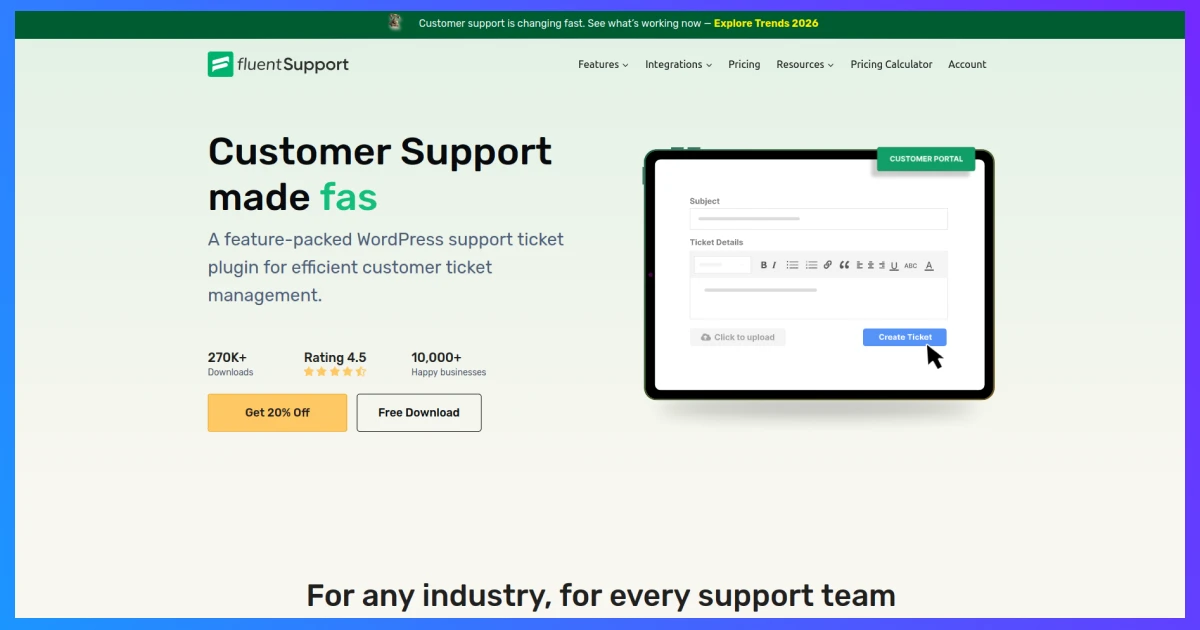
WPManageNinja created Fluent Support as a WordPress helpdesk plugin that users can host themselves. The system operates independently because it does not need any outside servers to function. All business data, including tickets, customer information, and agent operations, exists within the WordPress database, which the company manages directly.
Pricing: the Single Site license costs $129/year, covers one domain, and includes unlimited agents with no per-seat charges. The Agency license provides access to five domains through its $249 annual subscription fee. The platform offers AI-based reply creation through OpenAI, and users can save replies and apply tags while customers access their tickets through a dedicated portal, which comes with every plan.
What stands out: the flat, unlimited-agent pricing is the real draw. The expenses of running a five-member support team match the costs of operating a two-member team, which creates an opposite effect from the standard SaaS pricing model that charges for each additional user. The Fluent Forms integration lets users generate tickets through contact form submissions, which bypass the standard email notification process.
What to watch for: no built-in live chat widget as of now, so real-time chat means adding a separate tool. Multi-site businesses need the pricier Agency license.
Pick this if: keeping customer data on the site itself and avoiding recurring per-agent fees both matter.
Skip it if: live chat during business hours is a must-have from day one.
Pick Heroic Inbox If the Team Already Lives in Gmail or Outlook
Some teams decide to maintain their existing workflow without considering any modifications. The team members verify their shared support@ inbox through Gmail and Outlook every morning, which they find acceptable.
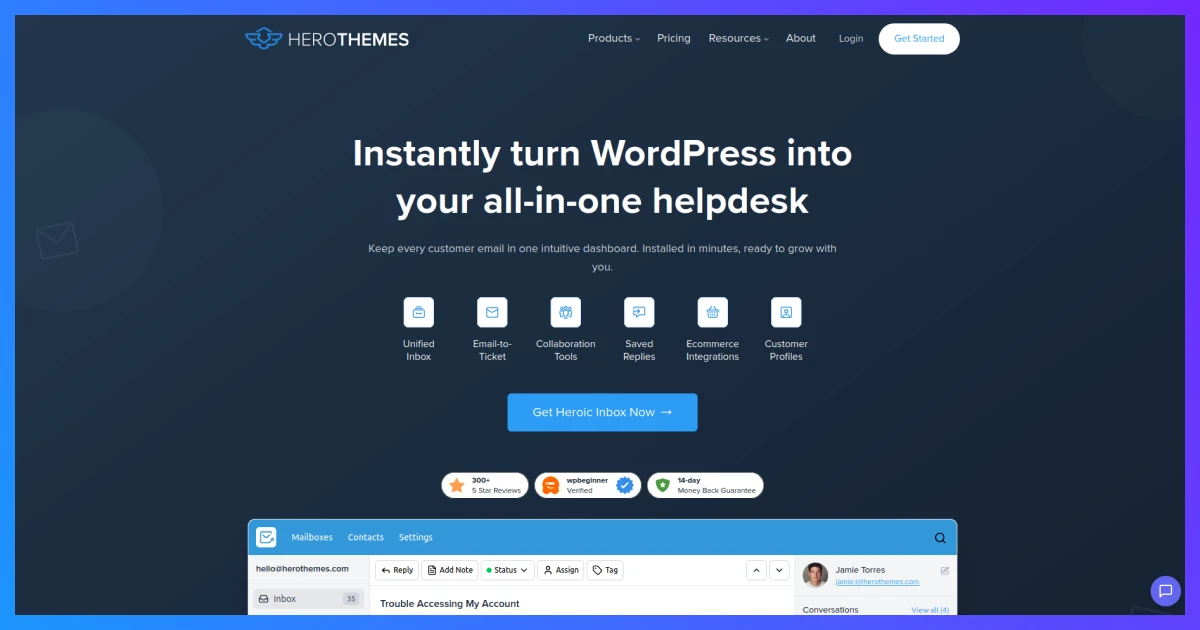
Heroic Inbox functions as a WordPress helpdesk plugin that works directly with email systems to provide users with an organized experience through their existing setup without requiring them to master a new interface.
Pricing: plans start at $103.60 /year for the entry tier. Pricing is per site, not per agent, so adding more teammates doesn’t raise the bill. Every plan includes unlimited agents and unlimited conversations.
What stands out: collision detection stops two agents from replying to the same email at once, and internal notes let the team discuss a ticket without the customer seeing it, all while the customer keeps emailing the same address they always have.
Users can access their Gmail and Outlook accounts through IMAP/SMTP and standard IMAP/SMTP by using either secure OAuth authentication or by entering their credentials.
Users can connect their Gmail and Outlook accounts through secure OAuth authentication or by entering their credentials for standard IMAP/SMTP access.
What to watch for: initial mailbox setup takes a bit more configuration than plugins built purely for on-site ticket forms. The platform does not offer any live chat widget for users to access.
Pick this if: the team’s existing email habits shouldn’t have to change.
Skip it if: a dedicated ticket portal separate from email is the goal.
Pick SupportCandy If the Budget Is Genuinely Zero
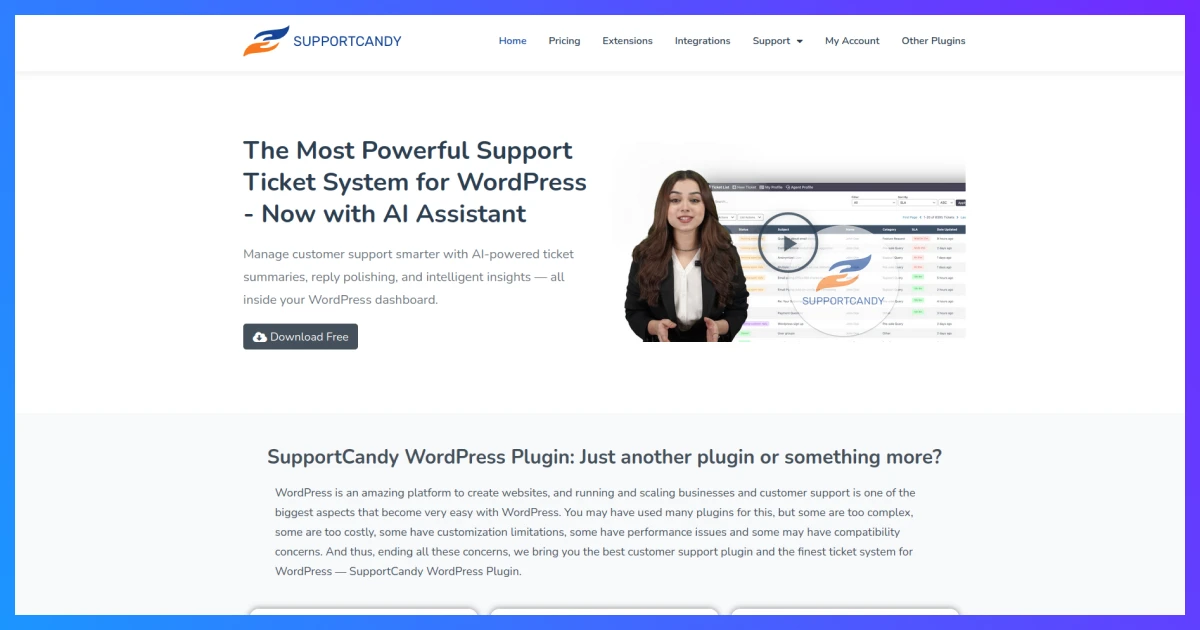
Plenty of small businesses need a working ticket system before they’ve got real revenue to spend on one. SupportCandy’s core plugin, free on WordPress.org, covers real ground: agents, ticket statuses, custom fields, a customer-facing portal, email notifications. Of the free options out there, it’s one of the most complete.
Pricing: the core plugin costs nothing. The Personal plan, $79/year for one site, unlocks the entire extension bundle at once, including email piping, workflow automation, and SLA tracking. Professional, at $149/year, covers five sites.
What stands out: paying once unlocks every extension, rather than buying each one separately, which is a real difference from plugins that charge per add-on. Custom fields on the ticket form let a business capture an order number or product name up front, so agents aren’t asking “which order is this about” on every single ticket.
What to watch for: the free version alone lacks email piping and automation, both useful once ticket volume climbs past a handful per week. No live chat is included in the core product.
Pick this if: starting at zero cost and upgrading later fits the budget. Skip it if: live chat matters as much as ticketing.
Pick Awesome Support If Deep Customization Matters More Than a Clean Bundle
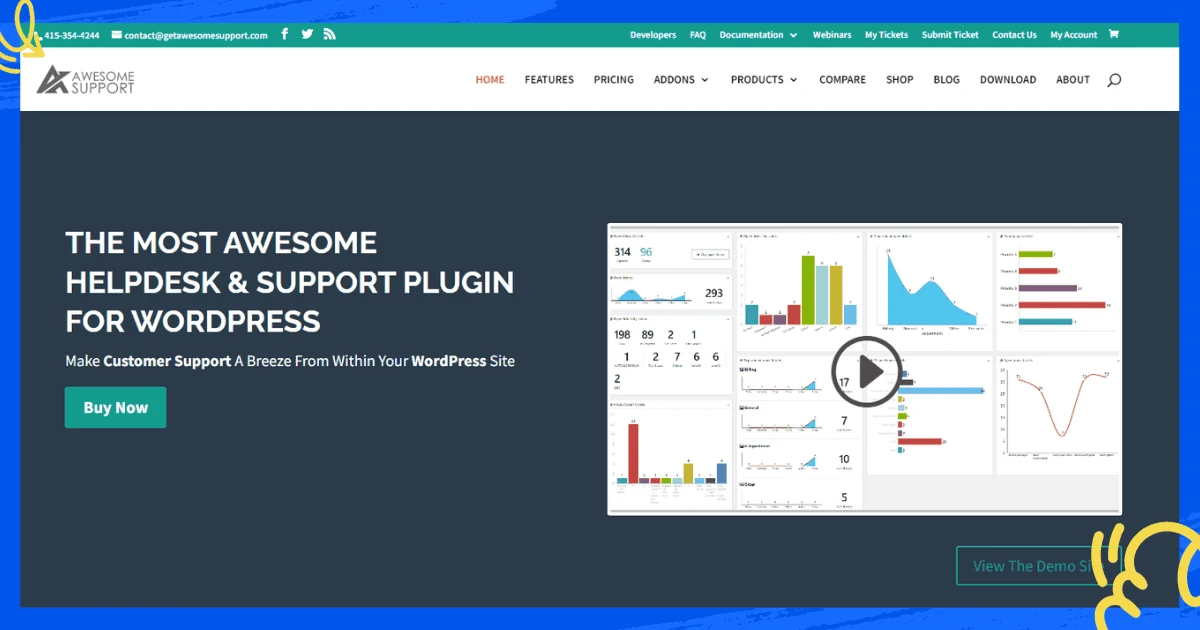
Awesome Support has existed longer than most WordPress helpdesk plugins, which has resulted in its extensive collection of 30 separate add-ons and 13 unique custom field types and a startup wizard that establishes a functional ticket system during the first few minutes.
The business selection depends on companies that have determined their required features but refuse to spend money on additional functionalities.
Pricing: users can obtain the core plugin at no cost for an indefinite period. Individual add-ons run $29 to $495 each. The pre-configured bundles cost $149 per year for Standard users, while Pro users pay $229 per year, Enterprise users pay $289 per year, and Agency users pay $409 per year.
What stands out: unlimited tickets and agents on every tier, no per-seat fees anywhere, and integration with Google’s Dialogflow for basic conversational AI. WooCommerce and Easy Digital Downloads both sync product lists directly.
What to watch for: buying add-ons one at a time can add up fast if the business needs several, and the pricing structure takes more research than a simple three-tier plan. The plugin interface appears outdated when users compare it to modern plugins, according to some reviewers.
Pick this if: the small business wants to pick and choose exactly which features it pays for.
Skip it if: a simpler, all-in-one bundle is preferred over an add-on marketplace.
Pick Freshdesk If a Mature SaaS Platform Beats a WordPress-Native Plugin
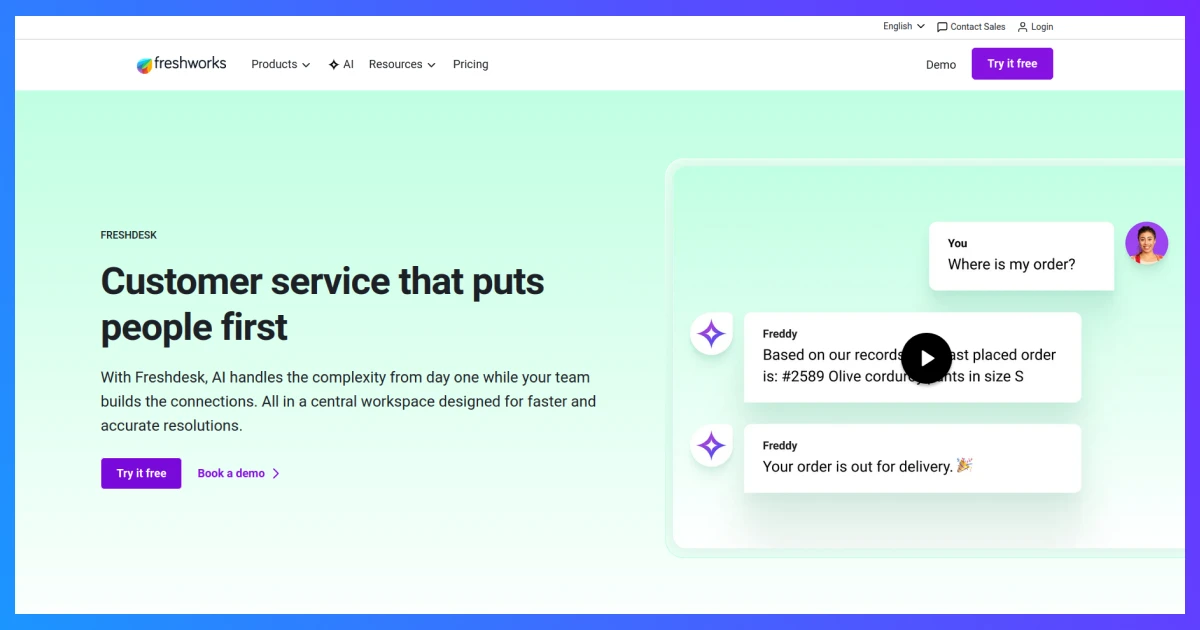
Freshdesk functions outside of WordPress as a separate service, but it has earned its position on this list. Freshdesk provides a solution for teams that expand beyond the capabilities of single-site WordPress helpdesk plugins because it supports advanced automation systems and produces detailed reports. Freshdesk remains an easy-to-use SaaS solution that businesses can adopt for their needs.
Pricing: a Free Program covers 1-2 agents for six months with core ticketing, a knowledge base, and pre-built reports; no credit card required. The annual billing system provides three paid options, which include Growth at $19/agent/month, Pro at $55/agent/month, and Enterprise at $89/agent/month.
What stands out: the free tier is genuinely usable for testing, not a crippled demo, and Growth covers automation and a marketplace of integrations at a fairly approachable price for a small team of two or three agents.
What to watch for: The Pro plan contains three important features, which include custom roles and round-robin routing, and CSAT surveys. The AI system Freddy AI, which operates within Freshdesk, requires an additional payment of about $29 per agent each month because it does not come as part of the basic package. The price increase happens at a faster rate when the number of agents grows than the constant cost structure that WordPress plugins maintain.
Pick this if: the business is ready to manage support outside WordPress entirely and wants room to grow into a bigger platform.
Skip it if: keeping everything inside the WordPress dashboard is a priority.
Pick Zoho Desk If Support Spans Email, Chat, and Social in One View
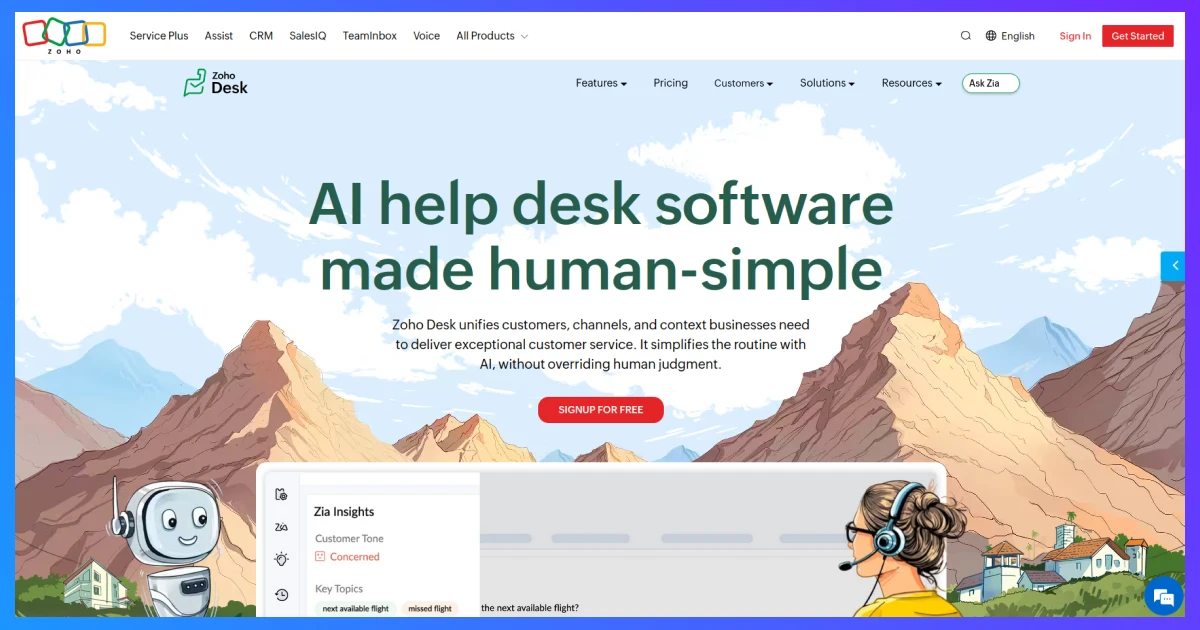
Zoho Desk functions as a cloud platform that operates independently from plugins, so users can access its free version to evaluate helpdesk performance against shared inbox systems.
Pricing: the Free plan covers 3 agents with email ticketing, a private knowledge base, and a customer portal, with no time limit. Paid tiers, billed annually, run Standard at $9/agent/month, Professional at $16/agent/month, and Enterprise at $27/agent/month.
What stands out: Enterprise customers receive Zia AI integration as a free feature, which Freshdesk requires users to purchase separately. Instant messaging channels (WhatsApp, Instagram, Facebook Messenger) plug into the same agent view as email, useful for a business fielding questions across several channels at once.
What to watch for: it’s a separate platform from WordPress, so booking or order data from the site doesn’t appear natively unless connected through Zoho’s broader suite. The Enterprise tier requires users to advance their skills from Professional because they must understand both advanced automation and AI technology to use this level effectively.
Pick this if: the business already talks to customers across more than just email and wants one dashboard for all of it.
Skip it if: a self-hosted, WordPress-only setup is the requirement.
Decision Checklist
Run through these questions before any small business commits to one:
- Does support data need to stay on the WordPress server? Choose Fluent Support, Heroic Inbox, SupportCandy, or Awesome Support.
- Is the budget currently zero? Start with SupportCandy’s free core plugin or Zoho Desk’s free 3-agent tier.
- Does the team already work out of Gmail or Outlook? Heroic Inbox adds structure without changing that habit.
- Is live chat as important as ticketing? ThriveDesk covers both in one dashboard; the fully free WordPress-native plugins above don’t include chat out of the box.
- Is the business ready to manage support outside WordPress for more automation and reporting? Freshdesk or Zoho Desk both offer that room to grow.
- Does the team want to pick individual features rather than a fixed bundle? Awesome Support’s add-on model fits that better than any flat-tier competitor here.
Frequently Asked Questions
Is a free WordPress helpdesk plugin actually good enough, or just a stripped-down trial?
What’s missing at the WordPress helpdesk plugin free level is usually automation, reporting depth, and channel support, not basic ticket management, so it’s rarely a dealbreaker early on.
What’s the real difference between a WordPress helpdesk plugin and a SaaS platform like Freshdesk or Zoho Desk?
A WordPress helpdesk plugin like Fluent Support or Heroic Inbox runs entirely on the site’s own server, usually for one flat annual fee no matter how many agents log in. A SaaS platform runs on the vendor’s servers instead, charges per agent per month, and usually offers more built-in automation and multi-channel support in exchange for a bill that keeps climbing as the team grows.
How many agents does a small team actually need?
Most run fine with 2 to 5 agents. Flat-fee plugins like Fluent Support and Heroic Inbox get noticeably cheaper than per-agent SaaS pricing once a team passes 3 or 4 people answering support messages regularly, so that’s usually the tipping point worth watching for.
Does live chat matter, or is ticketing enough on its own?
Depends entirely on how customers already reach out. If most questions arrive by email or a contact form, ticketing alone covers it. If people are already messaging through a chat widget, or there’s a real chance of catching a visitor before they bounce off the page, a plugin with chat built in, like ThriveDesk, saves bolting on a second tool down the road.
Can these plugins handle WooCommerce order questions specifically?
ThriveDesk, Fluent Support, and Awesome Support all hook directly into WooCommerce, surfacing order history right next to the conversation. That little bit of context matters a lot for stores fielding “where’s my order” messages and refund questions on a near-daily basis.

