Restaurant Automation System: 10 Ways to Automate Your Restaurant in 2026


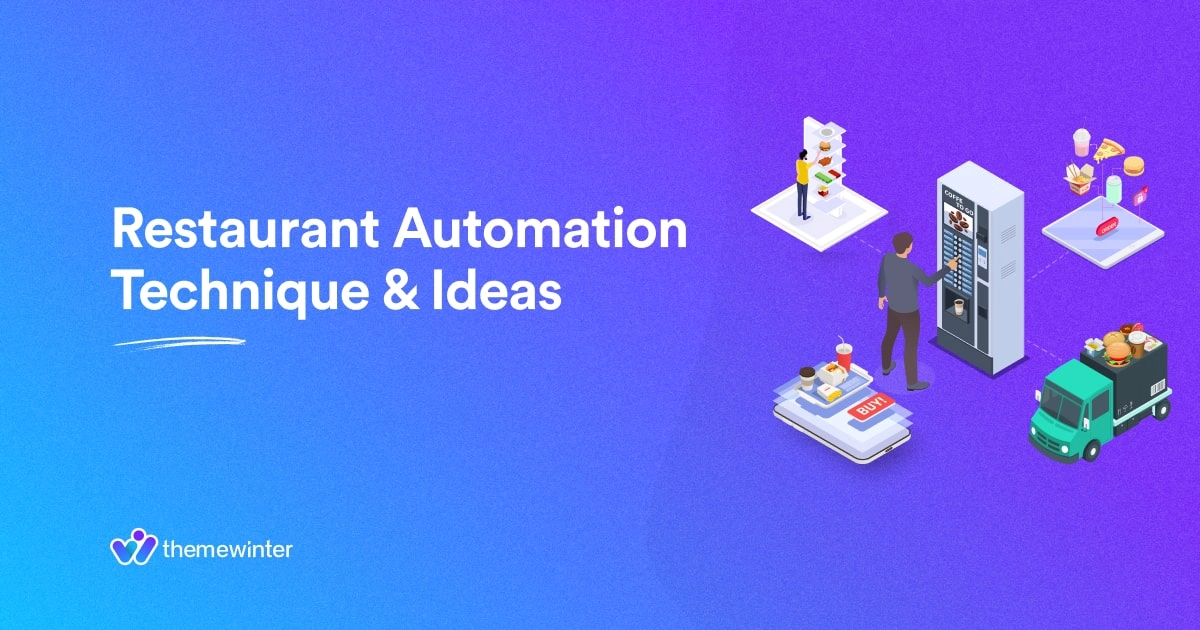
Table of Contents
Restaurant automation means using software, digital menus, online ordering, table reservations, POS systems, QR code ordering, and inventory tools to reduce manual work in a restaurant.
For WordPress restaurant websites, automation helps owners accept food orders, manage reservations, update menus, and improve guest experience from one place.
In this guide, you’ll learn what restaurant automation means, the best restaurant automation systems to use in 2026, and how WordPress restaurant plugins like WPCafe can help you automate key parts of your restaurant website.
Let’s dive in!
What Is Restaurant Automation? 🤔
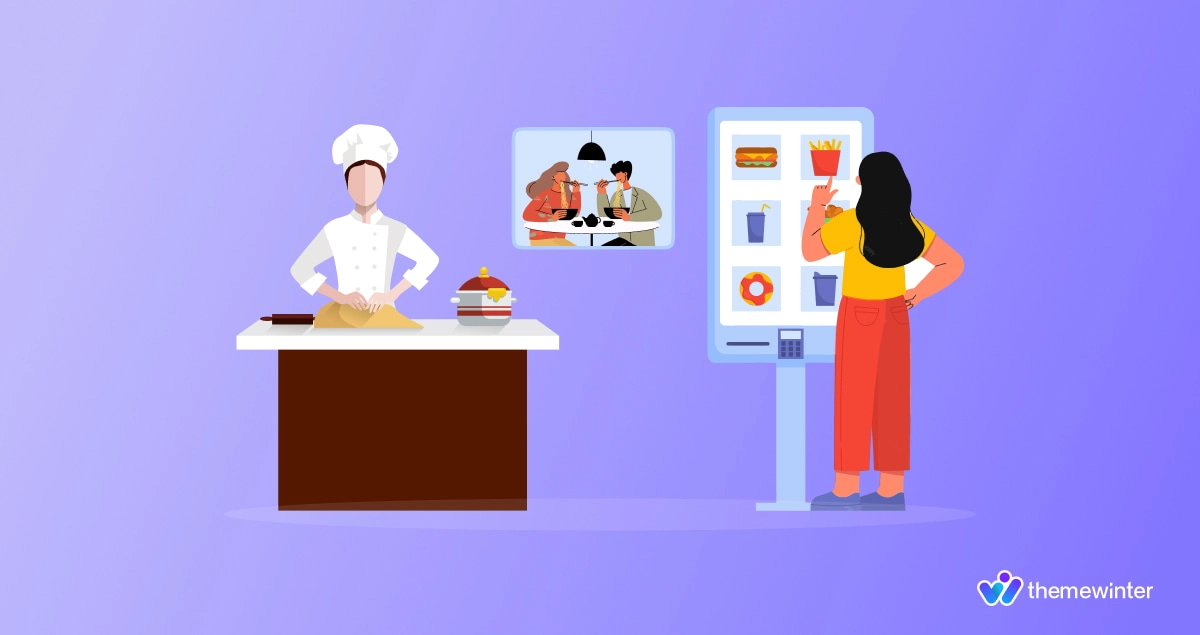
When you hear the phrase “Restaurant Automation,” you may think of robots making food or delivering meals to customers in a futuristic manner. Well, this is not wrong, but there are also several techniques that restaurants can adopt to optimize operations to save both time and money.
Restaurant automation refers to the use of technology and equipment to streamline processes, reduce human labour, and enhance overall efficiency in restaurant management. It involves the integration of software, hardware, and other tools to automate various tasks that were previously performed manually.
The concept of automation in restaurants is not entirely new, as it has been around for several years. However, with advancements in technology and the increasing demand for faster service and convenience by customers, restaurant owners are now embracing automation techniques more than ever before.
There are various types of restaurant automation strategies that can be implemented depending on the specific needs and goals of a particular establishment. These include:
- Ordering Automation
- Payment Automation
- Self-Service Kiosks
- Reservation Automation
- Digital Menu Boards
- Kitchen Automation
- Inventory Management Automation

Why Restaurant Automation Matters in 2026
Restaurant automation matters in 2026 because customers now expect faster service, easier food ordering, and a smoother dining experience from the moment they visit your website or scan a QR code at the table. If your restaurant still depends on phone calls, paper menus, manual reservations, and disconnected tools, it becomes harder to manage orders, reduce mistakes, and serve guests on time.
A modern restaurant automation system helps you handle daily tasks like online food ordering, table reservations, pickup and delivery scheduling, digital menu updates, order notifications, and customer communication with less manual work. This gives your staff more time to focus on food quality, service, and guest satisfaction.
For restaurant owners, automation also improves control. You can manage orders, track reservations, update menus, and organize customer data from one place. For freelancers building restaurant websites, adding restaurant automation features makes the website more useful for clients because it becomes a working business tool, not just an online brochure.
Here’s why restaurant automation is becoming more important:
- Customers want quick online ordering, easy payment, and clear pickup or delivery options.
- Restaurants need better ways to manage table reservations and avoid booking confusion.
- Digital menus and QR code ordering help reduce printing costs and make menu updates faster.
- Automated order notifications help staff respond to new orders without missing them.
- A connected restaurant management system helps reduce manual errors and improve daily workflow.
Manual vs Automated Restaurant Workflow
| Task | Manual Process | Automated Process |
|---|---|---|
| Food ordering | Phone calls and manual notes | Online ordering with instant order details |
| Menu updates | Printed menus or manual edits | Digital menu updates from the website |
| Reservations | Phone calls and notebooks | Online table booking and confirmations |
| Dine-in ordering | Waiter takes every order | Guests scan QR code and order from the table |
10 Best Restaurant Automation Systems
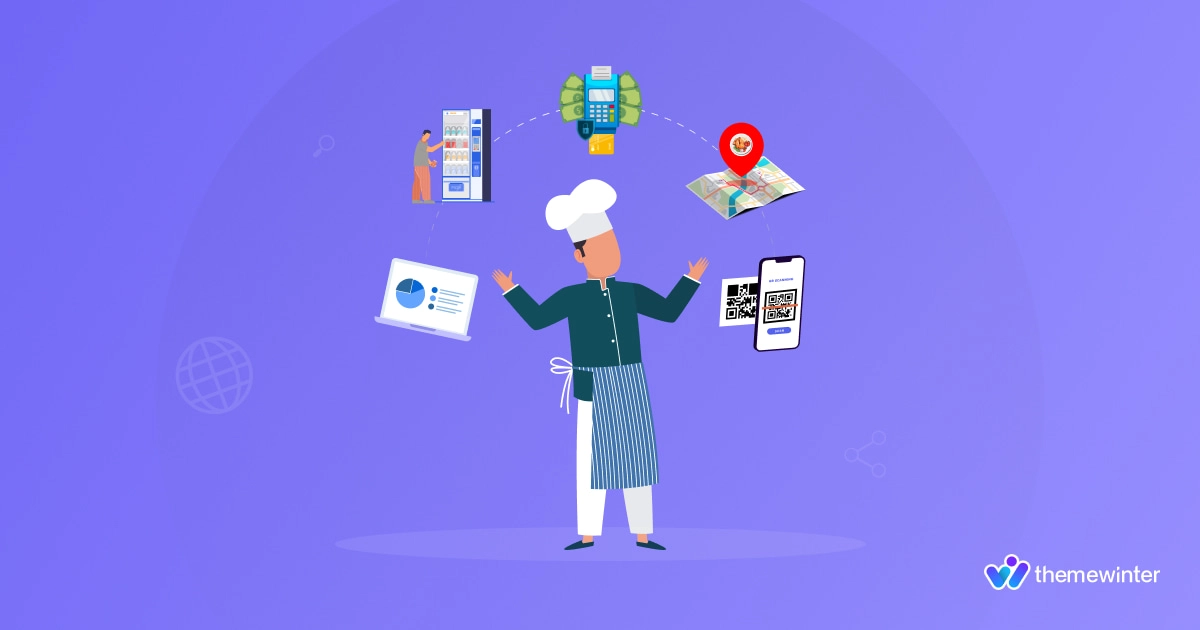
A restaurant automation system helps you run daily operations with less manual work. It can reduce staff pressure, lower mistakes, speed up service, and help you accept more orders from your website, app, or in-store setup.
Here are the best restaurant automation systems every modern restaurant should consider.
1. Online Food Ordering System
An online food ordering system lets customers place orders directly from your restaurant website. They can choose food items, add extras, select pickup or delivery, and pay online without calling your staff.
This helps your business because your team spends less time taking phone orders and repeating menu details. It also reduces order mistakes because customers select items themselves. For restaurants, cafes, cloud kitchens, and takeaway businesses, online ordering can increase direct sales and reduce dependence on third-party delivery platforms.
With a WordPress restaurant plugin like WPCafe, you can add online food ordering to your website and manage orders from one place.
2. Digital Food Menu System
A digital food menu system helps you show your food items, prices, categories, images, ingredients, and availability online. Instead of printing new menus every time your price or item changes, you can update the menu from your website dashboard.
This saves printing costs and keeps your menu accurate. It also helps customers make faster buying decisions because they can see food images, descriptions, prices, and available options before ordering.
For restaurants, a well-designed digital menu can improve average order value by highlighting popular items, combo meals, add-ons, and special offers.
3. QR Code Menu and Ordering System
A QR code menu system lets dine-in customers scan a code from the table and view your menu on their phone. With QR code ordering, guests can also place orders directly without waiting for staff to bring a printed menu or take the first order.
This helps reduce pressure on waiters, especially during busy hours. Your staff can focus more on serving food, handling customer requests, and improving table service.
For business growth, QR code ordering can also increase sales because customers can browse the menu longer, add more items, and reorder from the table without waiting.
4. Automated Table Reservation System
An automated restaurant reservation system lets guests book tables online based on available dates, times, and seating options. Instead of handling every booking through phone calls or messages, your website can collect reservation details automatically.
This reduces booking confusion, missed calls, and double-booking issues. It also helps restaurant managers plan staff, seating, and kitchen preparation before guests arrive.
If you use a visual table reservation system, customers can choose their preferred table from a layout. This creates a better booking experience and helps your team manage dine-in traffic more clearly.
5. Pickup and Delivery Scheduling System
A pickup and delivery scheduling system lets customers choose when they want to receive or collect their food. This is important for restaurants that handle many online orders during lunch, dinner, weekends, or special campaigns.
Automation helps control order flow. Instead of receiving too many orders at the same time, you can set time slots, preparation time, delivery availability, and cutoff times.
This helps reduce kitchen pressure, late deliveries, and customer complaints. It also helps your restaurant accept more orders in an organized way without hiring extra staff just to manage timing.
6. Restaurant POS System
A restaurant POS system helps you manage payments, bills, sales reports, table orders, and customer transactions. A modern POS system can connect front-desk orders, kitchen operations, and payment processing.
This helps staff complete orders faster and reduces manual billing errors. It also gives owners better sales data, such as best-selling items, peak order hours, and daily revenue.
For business owners, POS automation makes decision-making easier because you can see what is selling, when customers order most, and which items need better pricing or promotion.
7. Kitchen Display System
A kitchen display system shows incoming orders on a screen inside the kitchen. Instead of printing tickets or passing handwritten notes, the kitchen team can see each order clearly with item details, order time, and status.
This improves order accuracy and reduces communication gaps between waiters, cashiers, and kitchen staff. It also helps your team prepare orders faster because everything is visible in one place.
For busy restaurants, a kitchen display system can reduce delays, improve table turnover, and help serve more customers during peak hours.
8. Inventory Management System
An inventory management system helps track ingredients, stock levels, low-stock items, and product usage. Instead of checking stock manually every day, restaurant owners can monitor what is available and what needs to be reordered.
This helps reduce food waste, overbuying, and sudden stock shortages. It also protects sales because customers will not order items that your kitchen cannot prepare.
For restaurants with many menu items, inventory automation can lower operational costs and improve profit margins by giving better control over ingredients and purchasing.
9. Customer Relationship and Feedback System
A customer relationship system helps restaurants collect customer data, order history, reviews, feedback, and repeat purchase behavior. You can use this data to send offers, collect reviews, promote special menus, and bring customers back.
This is useful because selling to existing customers is often easier than getting new ones every time. Automated emails, review requests, birthday offers, and loyalty messages can help increase repeat orders.
For restaurants, customer feedback automation also shows what guests like, what they complain about, and what needs improvement.
10. Multi-Location Restaurant Management System
A multi-location restaurant management system helps restaurants manage different branches from one place. Each branch can have its own menu, pricing, pickup time, delivery area, opening hours, and reservation settings.
This is useful for growing restaurants, cloud kitchen brands, franchises, and food businesses with multiple outlets. Instead of managing each location manually, owners can keep everything organized from a central system.
A multi-location restaurant automation system helps reduce admin work, keep branch information accurate, and create a better ordering experience for customers based on their selected location.
Best WordPress Restaurant Automation Plugin: Why WPCafe Fits Restaurants
If your restaurant website runs on WordPress, WPCafe is one of the easiest ways to add restaurant automation without building a custom system from scratch. It works as a WordPress restaurant plugin that helps you manage your food menu, online food ordering, pickup, delivery, and table reservations from your website.
Many restaurant owners use separate tools for menus, orders, reservations, and delivery timing. This can make daily work harder. Staff need to check different dashboards, update the same information in multiple places, and manually confirm orders or bookings.
WPCafe helps solve this by bringing the most important restaurant automation features into one place.
With WPCafe, you can:
- Create and manage a digital food menu
- Accept online food orders from your WordPress website
- Set pickup and delivery options
- Manage dine-in and takeaway orders
- Add QR code menu ordering for customers
- Take online table reservations
- Use visual table reservation for a better booking experience
- Manage restaurant branches and location-based menus
- Show food items using flexible menu layouts
- Use WooCommerce payment options for order checkout
This helps restaurant owners reduce manual work, avoid missed orders, and create a smoother ordering experience for customers. Instead of depending only on phone calls or manual booking notes, your website can handle food orders and reservations automatically.
🍔 For small restaurants, cafes, cloud kitchens, and takeaway businesses, WPCafe can reduce staff pressure during busy hours. Customers can browse the menu, place orders, choose pickup or delivery, and book tables without waiting for someone to respond manually.
👨💻 For freelancers and agencies, WPCafe also makes restaurant website projects more valuable. Instead of building a simple brochure website, you can deliver a complete restaurant automation system with online ordering, food menu management, QR code ordering, and table reservation features.
Overall, WPCafe fits restaurants because it connects the features restaurant owners need most: menu management, online ordering, delivery, pickup, QR code ordering, and reservations.
If you want to automate your WordPress restaurant website and make daily operations easier, WPCafe is a practical choice.
Want to Automate Your Restaurant Website?
Use WPCafe to manage your food menu, online ordering, delivery, pickup, QR code ordering, and table reservations directly from WordPress. 🍜 🍕
Explore WPCafeFAQs
1: What is a restaurant automation system?
A restaurant automation system helps restaurants manage daily tasks like online ordering, table reservations, payments, menu updates, delivery, and inventory using digital tools. It reduces manual work, improves order accuracy, and helps staff serve customers faster.
2: What restaurant tasks should I automate first?
Restaurants should first automate online ordering, food menu updates, table reservations, pickup and delivery schedules, and customer notifications. These tasks directly affect customer experience, order flow, and daily sales.
3: Can I automate restaurant ordering on WordPress?
Yes. You can automate restaurant ordering on WordPress using a restaurant plugin like WPCafe. It helps you create food menus, accept online orders, manage pickup and delivery, and handle reservations from your WordPress dashboard.
4: Is restaurant automation only for large restaurants?
No. Small restaurants, cafes, cloud kitchens, and takeaway businesses can also use automation. Simple tools like QR code menus, online ordering, and automated table reservations can save time and reduce manual work.
5: What is the best WordPress restaurant automation plugin?
WPCafe is a strong WordPress restaurant automation plugin because it combines food menu management, online ordering, pickup, delivery, QR code ordering, and table reservation features in one system built for restaurant websites.
Final Words
A restaurant automation system helps you reduce manual work, speed up service, and create a better guest experience. Start with the areas that affect your daily sales most: online ordering, food menu updates, QR code ordering, table reservations, pickup, and delivery.
If your restaurant website runs on WordPress, WPCafe is a practical way to bring these automation features into one place. You can manage your menu, accept food orders, handle reservations, and improve the ordering experience without using separate tools.
Ready to automate your restaurant website? Explore WPCafe and start building a smoother online ordering and reservation system for your restaurant.
Hopefully, you have found this post useful and if you wish to learn more about WordPress, you can subscribe to our blog or join our Facebook community for all the latest WordPress-related news and tips.🚀