8 Best WordPress Cache Plugins to Boost Your Website Speed



The study says visitors take only 3 seconds to decide whether to stay on your site. But what if it takes more time than your site to lose patients to load your site?
Here comes the usability of powerful caching plugins that reduce your page load time and allow visitors to access your content as quickly as possible.
So, check out the best WordPress cache plugins that match your needs and let your site offer a seamless visiting experience—
Discover the Best Cache Plugin for WordPress Sites
Table Comparison
| Plugin Names | Starting Price (per month) | Free Plan | Rating (out of 5) | Active installation |
| WP Rocket | $4.9 | ❌ | 4.8 | – |
| Litespeed cache | $10 | ✅ | 5 | 5+ million |
| WP-Optimize | $49 | N/A | 5 | 1+ million |
| WP Rest Cache | – | ✅ | 5 | 10,000+ |
| Hummingbird | $15 | ✅ | 5 | 100,000+ |
| WP Super Cache | Free of charge | ✅ | 4.4 | 1+ million |
| Cache Enabler | Free of charge | ✅ | 4.4 | 100,000+ |
| W3 Total Cache | $99 | ✅ | 4.4 | 1+ million |
1. WP Rocket

WP Rocket is one of the highest-performing WordPress cache plugins. The platform is beginner-friendly, so you won’t be in a maze while trying out your first wp-cache plugin!
WP Rocket offers a user-friendly interface with powerful optimization features unlike many other caching plugins. Once the plugin is activated, it automatically starts fetching your site. Besides, you can speed up your site with advanced features like lazy loading, database optimization, and even font preloading without breaking your site!
Key features
- Offers webpage and browser caching.
- Frequently cleanses databases.
- Allows communication with third-party services through Add-ons
- Excludes sensitive pages for eCommerce sites.
- Enables web page compression on the server and decompression on the browser with GZIP Compression.
- Allows CDN integrations.
Pricing
- Single- Starts from $4.9 per month
- Plus- Starts from $9.9 per month.
- Infinite- Starts from $24.9 per month.
2. LiteSpeed Cache

The LiteSpeed cache plugin is a reliable, user-friendly WordPress cache plugin designed especially for working with the LiteSpeed server. However, the platform also flawlessly performs if you are using any other servers.
Besides clearing your site’s cache, it offers other helpful features to increase its speed! It also provides cache-management tools to translate more page requests to your platform than before!
Key features
- Offers free QUIC.cloud CDN Cache
- Performs lazy loading for images and iframes.
- Minifies inline and external CSS, JavaScript, and HTML
- Offers database cleaner and optimization solutions.
- Generates clinical CSS automatically.
- Allows Cloudflare API integration
Pricing
- Free starter- free forever.
- Site owner- Starts from $10 per month.
- Site owner plus- Starts from $16 per month.
3. WP-Optimize
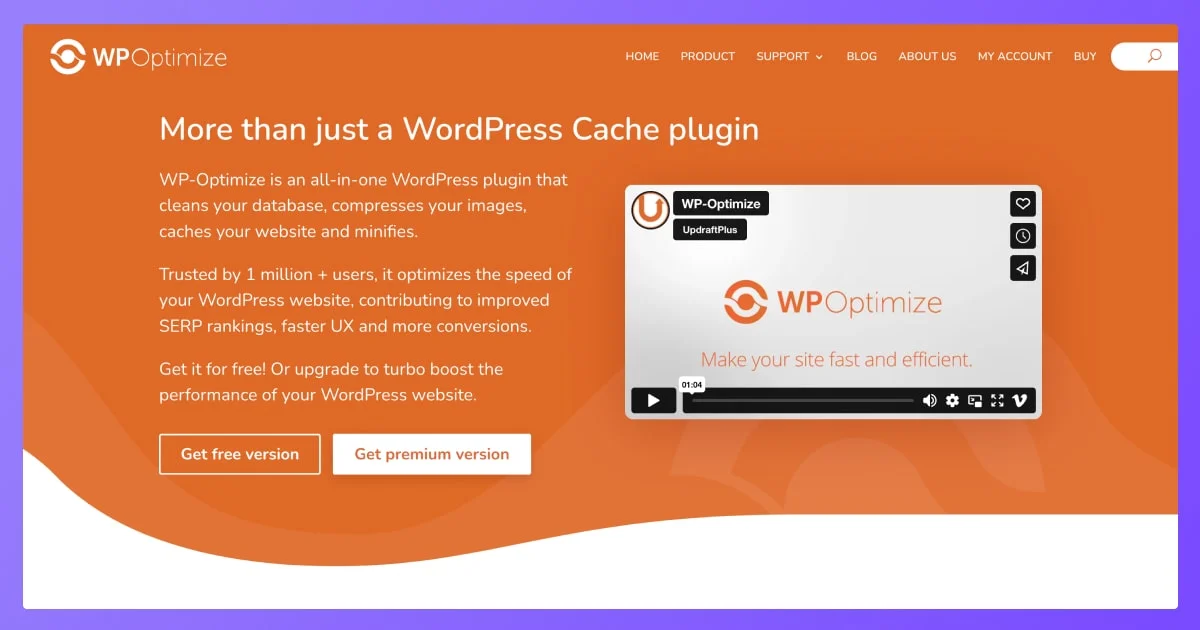
Wp-optimize is an essential WordPress caching plugin. With a 97% 5-star review, this plugin serves beyond what an average caching plugin offers. From compressing images to optimizing databases, it provides users with comprehensive solutions.
It also allows you to clean up unnecessary data from the database and even schedule automatic cleanups without errors.
Key features
- Compresses image to keep load time low.
- Minifies websites by compressing the codes.
- Offers database statistics.
- Allows to store backups before clean-ups.
- Retains data before cleanups.
- 24/7 customer support.
- Enables Cloudflare integrations.
Pricing
- Starter- Starts from $49 per year.
- Business- Starts from $99 per year.
- Unlimited- Starts from $199 per year.
4. WP Rest Cache
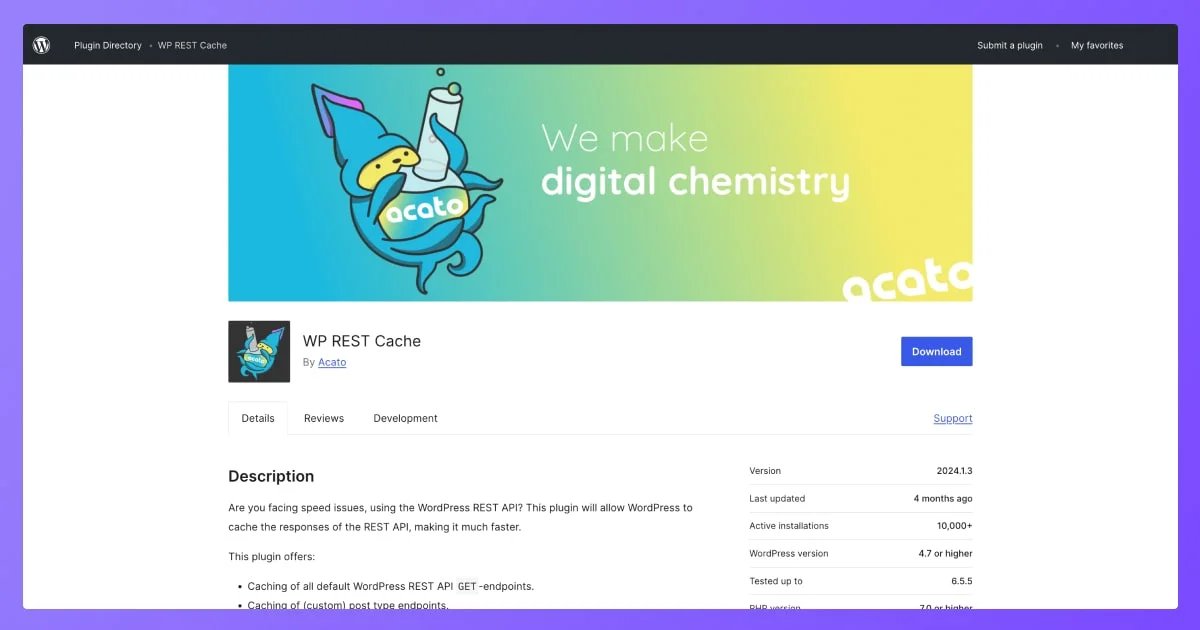
WP Rest Cache is a free WordPress plugin for users working with the REST API.
With this ideal cache plugin, you can eliminate all the site speed issues due to the Rest API. The WP Rest Cache plugin allows WordPress to cache the responses of REST API to make your site work faster.
Key features
- Caches all WordPress’s REST API’s get-end points.
- Automatically flushes caches if the content is edited.
- Allows to flush all and even specific caches manually.
- Regenerates caches automatically.
Pricing- Free.
5. Hummingbird
Hummingbird is a free WordPress cache plugin that is compatible with all popular themes. From file compression to code modification, it gives you a complete suite to speed up your site without relying on other plugins!
If you are one of the beginners starting to clear up your site caches, this plugin is fun and has an easy-to-use user interface design. It offers in-app user navigation so you can find what you need and lose anything important.
Key features
- It allows working for multiple sites with 1 license.
- Preloads fonts and enables fallbacks.
- Offers speed improvement recommendations.
- Sends notifications for down and slow speeds.
- Allows to optimize WooCommerce cart Fragments.
Pricing
- Basic – Starts from $15 per month.
- Standard- Starts from $25 per month.
- Freelancer- Starts from $50 per month.
- Unlimited sites- Starts from $100 per month.
6. WP Super Cache
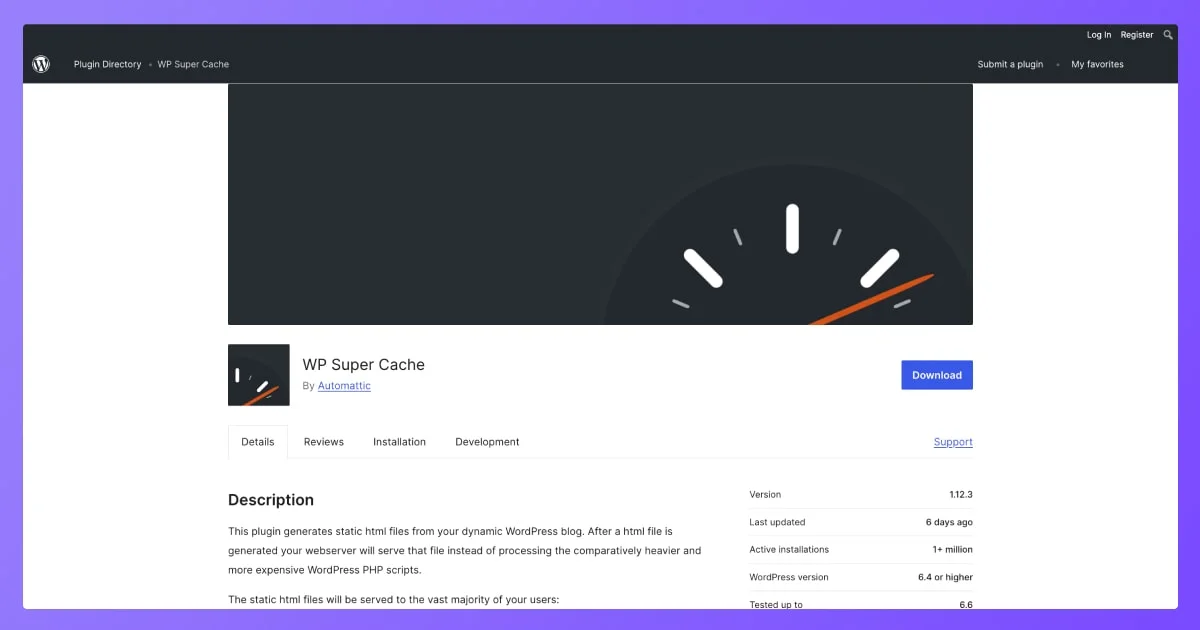
WP Super Cache is a popular WordPress cache plugin that is significantly designed to enhance website speed and performance. It generates static HTML files from your WordPress content instead of executing PHP scripts for every loaded page.
Wp super cache offers an intuitive solution for caching. Both experts and beginners can cache their sites in different ways- simple & expert caching.
Key features
- Manifies HTML, CSS, Javascript.
- Compresses files through Gzip compression.
- Highly compatible content delivery networks (CDNs).
- Offers a user-friendly interface.
Pricing – free
7. Cache Enabler
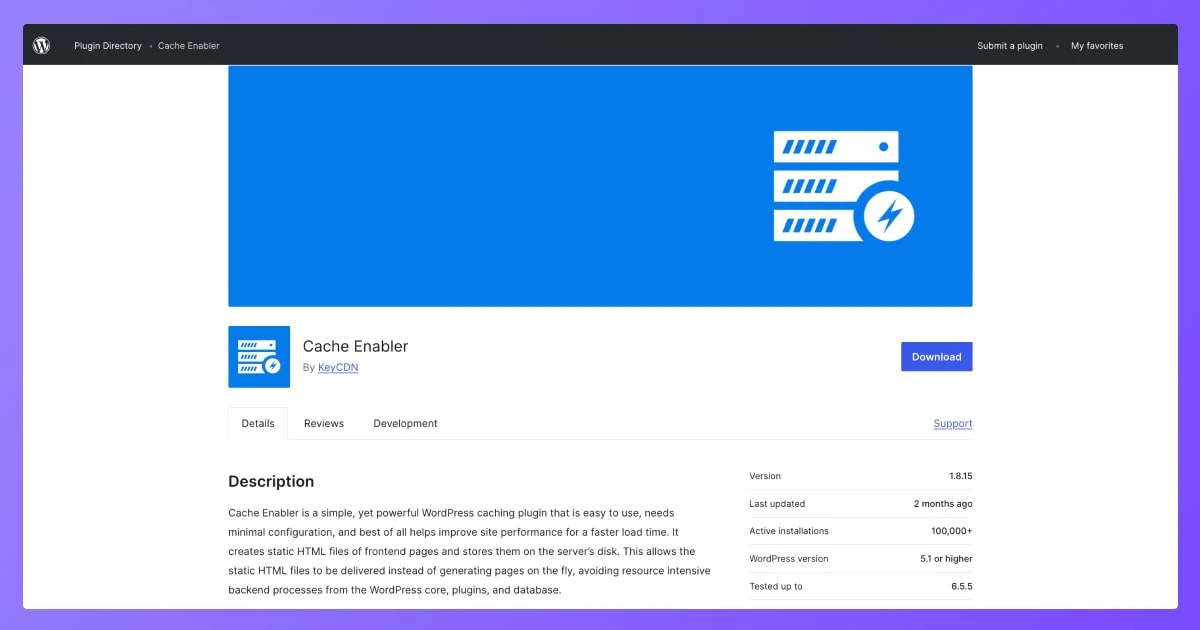
Cache Enabler is a lightweight, high-performing, best WP cache plugin for sites of all types! It generates static HTML files in order to boost site speed.
With this best caching plugin for wordpress, the open source community can work on fixing their site speed without making their site heavy.
Key features
- Contains automatic smart cache clearing.
- Allows manual clearing cache.
- Manifies HTML, excluding or including CSS and JS.
- Provides custom post-type support.
- Converts images to Webp.
Pricing
- North America, Europe- Starts from $0.04/GigaBYTE per month.
- Asia, Oceania- Starts from $0.08/GigaBYTE per month.
- Africa, Latin America- Starts from $0.10/GigaBYTE per month.
8. W3 Total Cache
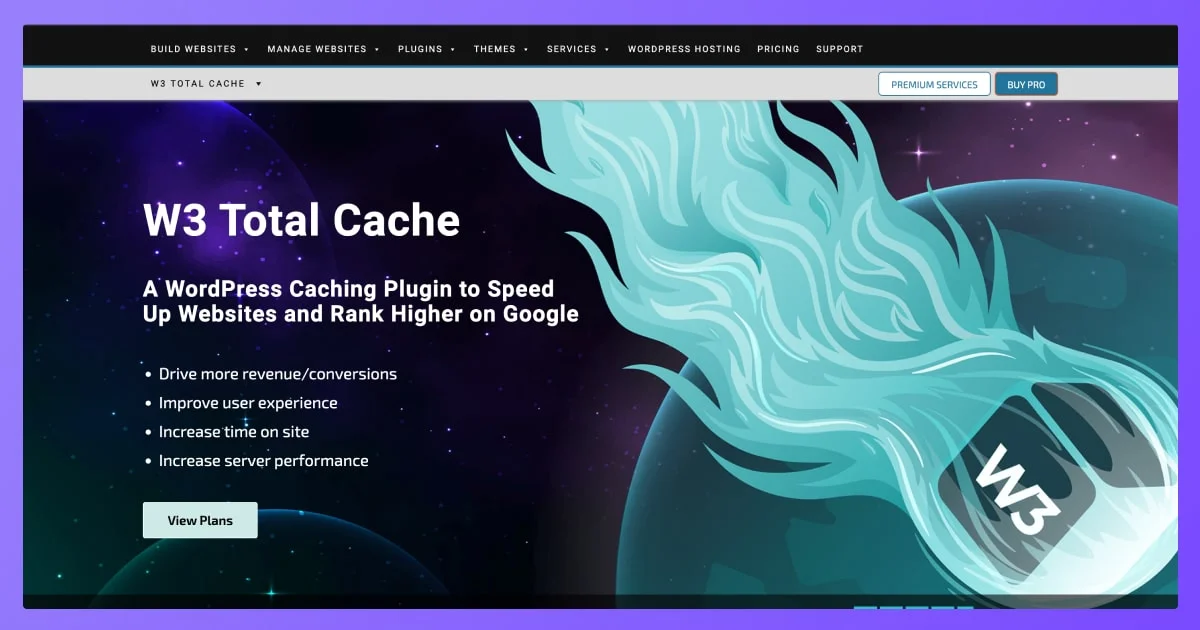
W3 Total Cache, also known as W3TC, is one of the best cache plugins for WordPress. This super-efficient plugin increases page speed by storing static versions of users’ pages in the server’s memory.
This WordPress cache plugin also offers various layers of caching. Thus, it reduces the number of server requests and file sizes, so your site speed boosts faster than before.
Key features
- It offers various caching options, including page caching, posts, feeds, and search results.
- Stores frequently accessed data in memory to speed up retrieval.
- Offers specialized caching for eCommerce, membership, and news through fragment caching.
- Optimizes resource sizes.
- Converts JPG, PNG to WEBP.
- Allows to select different caching options.
Pricing
- 1 Site License- Starts from $99 per month.
- 5 Site Licenses- Starts from $350 per month.
- 10 Site Licenses- Starts from $500 per month.
5 Key Factors in Choosing a WP-Cache Plugin
We all know there’s a pack of the best cache plugin for WordPress available in the market. All these plugins are dedicated to solving particular issues for various types of WordPress websites. However, from all these options out there, choosing the most suitable one can be a confusing task.
Here are 5 key factors you can look for while choosing a WordPress cache plugin-
- Caching methods—Different plugins offer different methods to cache, such as page speed caching, browser caching, and object caching. Choose a WordPress caching plugin that offers the caching methods you need.
- Compatibility—Make sure the plugin you choose is seamlessly compatible with your site’s WordPress theme and plugins.
- Ease of use– having a plugin with a lower learning curve helps to speed up your workflows with complex systems like fixing site speed. Prefer one that is easy to use for your team.
- Budget—As the services offered vary, not all the best WordPress cache plugins are free or cheaper. Measure your budget and look for only those solutions that are within it.
- User reviews– identifying user reviews are the most effective way of choosing a wp cache plugin. Look for reviews and testimonials on the plugin’s website and on other rating platforms to see what other users say.
Speed up Your Site Performance Using the Best WP Cache Plugin
Using Caching plugins allows you to minimize your site’s weight on the cloud and help clients reach your business fastest way possible. However, while it is a lifesaver for medium and large businesses that rely on dynamic contents and high traffics, all types of businesses should be aware of the basic practice to keep a site lightweight.
So, before you start trying any wordpress caching plugins, make sure you are following the basic guidelines like content optimization, technical adjustment like database adjustment etc.
Once you can ensure these, you are all set up for boosting your site speed with the power of the best wordpress cache plugins.