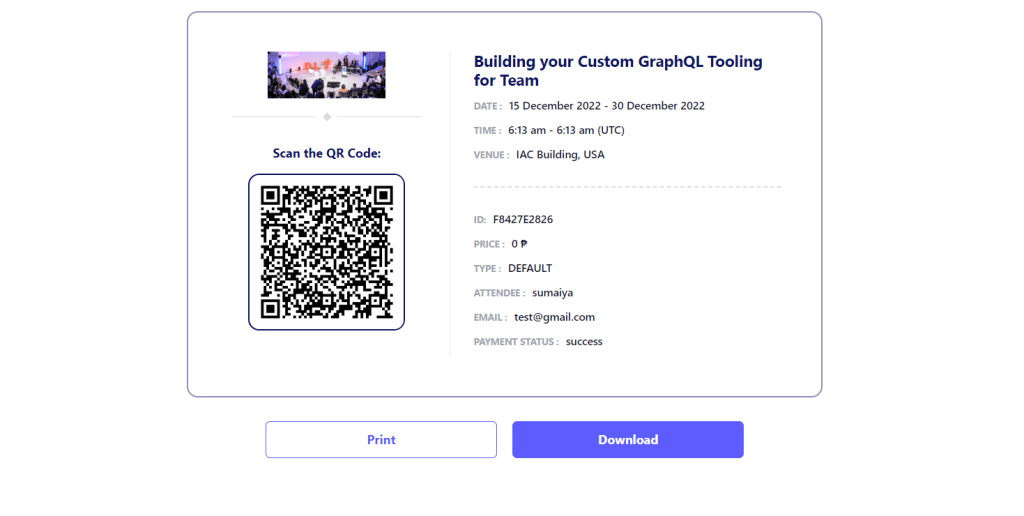
Eventin offers two variations of templates for event tickets, letting you change their design and style.
There are two settings for templates: global and individual. The global settings apply to all event tickets, ensuring a consistent look and feel. However, if you want to use a different template for a specific event ticket, you can easily change it to suit your needs.
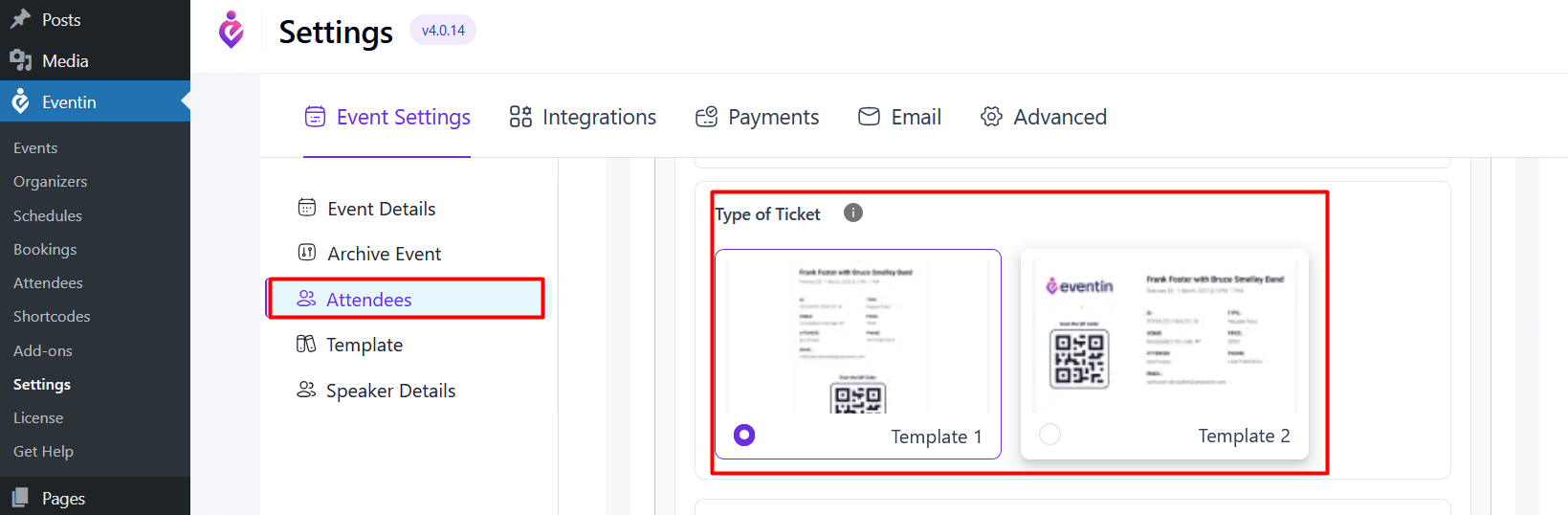
For global settings, go to Eventin -> Settings ->Event Settings -> Attendees and select any template you want.
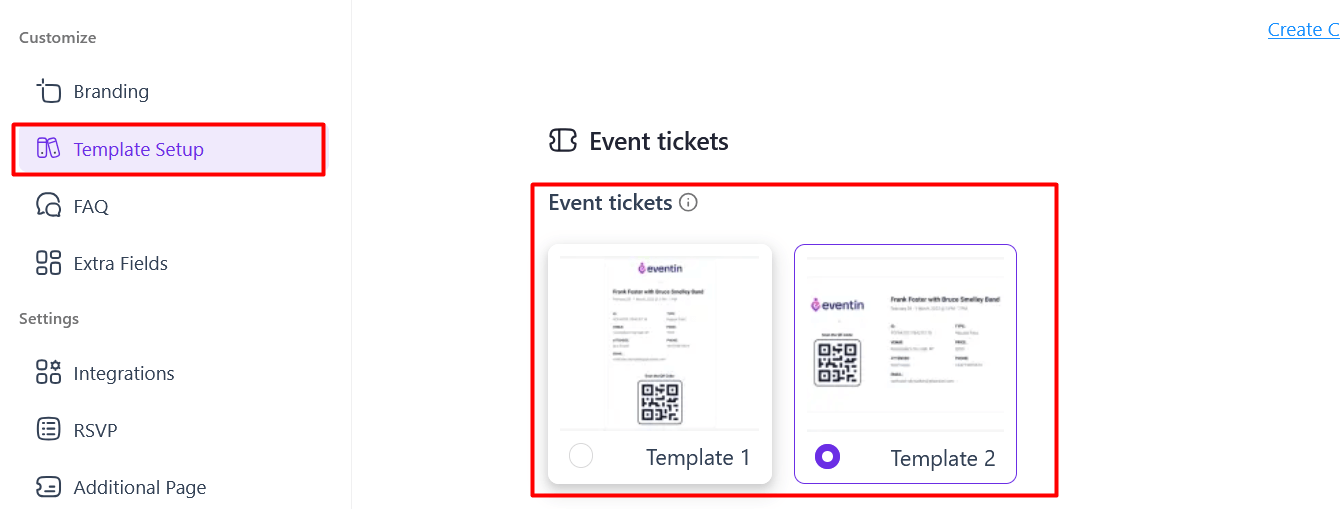
For individual settings, Create or edit the event -> Template Setup and choose any template you prefer.
See the front-end view for ticket style 1:
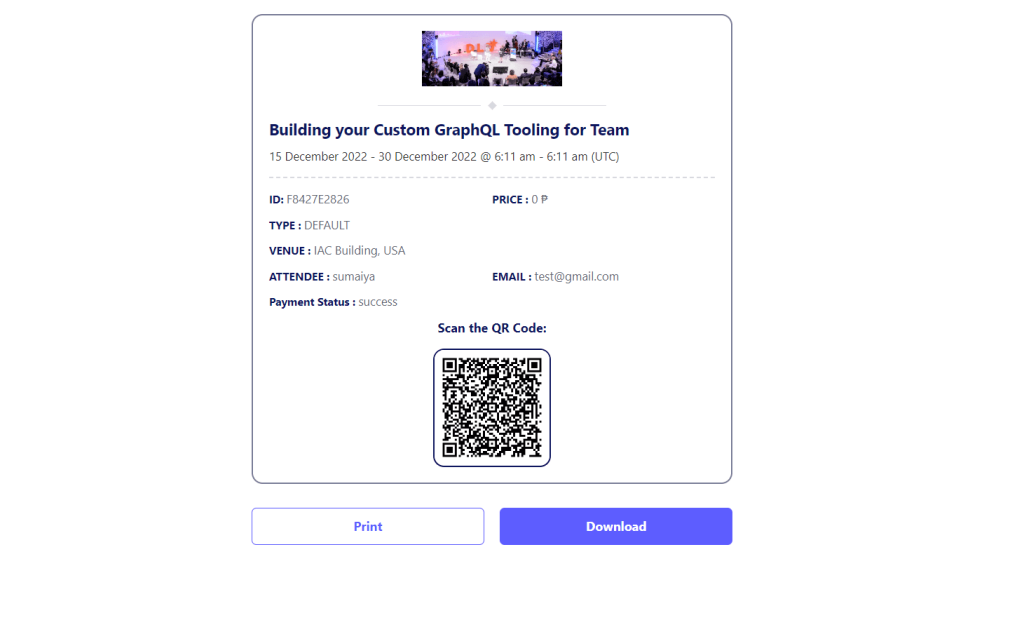
See the front-end view for ticket style 2: